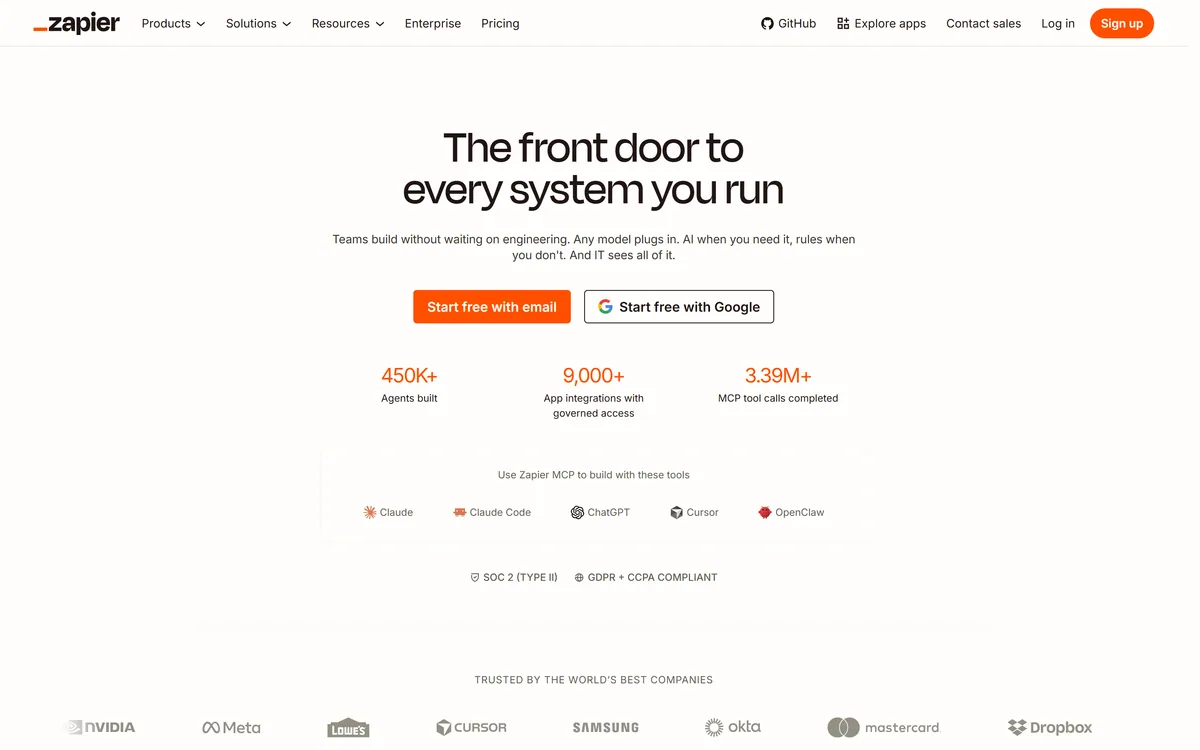

Zapier's AI layer adds agents and MCP tool access on top of its automation platform, connecting more than 9,000 apps with governed access so teams can mix AI decisions with deterministic rules under central oversight.
Productivity & Automation Review
GPT for Work review on AInexfinder — freemium AI tool for Productivity & Automation. Features, pricing notes, and alternatives.
Provisional score · full review pending
GPT for Work has an AInexfinder Editor Score of 4.5/5.
Best for: Teams that need custom GPT spreadsheet functions for bulk processing; Users focused on side panel that reads and writes cell ranges
The visit link goes to gptforwork.com, the official site. Paid placements on AInexfinder are always labelled. How we make money
GPT for Work is a family of spreadsheet add-ins built by Talarian, comprising GPT for Sheets for Google Sheets and GPT for Excel for Microsoft Excel.
It lets analysts, marketers and operations teams call large language models such as ChatGPT, Claude and Gemini straight from spreadsheet cells using custom functions like GPT and GPT_LIST, or through a side panel that reads selected data and writes results back into the grid.
The core idea is bulk AI processing: instead of copying one cell at a time into a chatbot, users can fill or clean a large number of rows at once, classify text, extract entities, translate content, summarize feedback, draft outreach copy and standardize messy data.
It supports prompt templates, batch runs and the ability to bring your own API key, which gives finer control over model choice and cost. Typical use cases include enriching lead lists, categorizing survey responses, generating product descriptions and reformatting exported data.
Strengths are that it lives inside tools people already use, scales to many rows and supports multiple model providers. Drawbacks are that large batches can consume significant API tokens, outputs still need human review for accuracy, and heavy use can be slower than native spreadsheet formulas.
It is popular with solo operators and small teams who want AI without leaving the spreadsheet. Pricing changes often, so check the official site for current plans.
GPT for Work's core capabilities include Custom GPT spreadsheet functions for bulk processing, Side panel that reads and writes cell ranges, Support for ChatGPT, Claude, Gemini and other models, Bring-your-own-API-key option for cost control and Prompt templates and batch row operations.
Custom GPT spreadsheet functions for bulk processing is built in, Side panel that reads and writes cell ranges is built in, Support for ChatGPT, Claude, Gemini and other models is built in, Bring-your-own-API-key option for cost control is built in, so you get a rounded toolkit rather than a single trick.
Each feature is designed to take the manual effort out of the task and help you reach a usable result faster, which is what makes GPT for Work worth a place on your shortlist.
As with any AI tool, the output still benefits from a quick human review, but GPT for Work gets you most of the way there with far less effort.
GPT for Work runs on a freemium pricing model, so you can start for free and only pay once you outgrow the free tier — handy for testing it on a real task before spending anything.
AI-tool pricing changes often, so always check the current plans, seats and add-ons on the official site for the latest details before you buy. Who is GPT for Work for? It's best suited for bring ai into google sheets and excel.
Whether you're a beginner trying this kind of AI tool for the first time or a professional who'll use it every day, it's a credible option to consider.
GPT for Work is best suited for bring ai into google sheets and excel. Whether you are trying this kind of productivity & automation tool for the first time or use one every day, it is a credible option to shortlist — compare it with the alternatives and head-to-head comparisons linked on this page to find the best fit for your workflow and budget.
Custom GPT spreadsheet functions for bulk processing
Side panel that reads and writes cell ranges
Support for ChatGPT, Claude, Gemini and other models
Bring-your-own-API-key option for cost control
Prompt templates and batch row operations
AInexfinder does not list plan prices or billing details. For current pricing, plans, and trials, visit the official GPT for Work website.
Visit official website for pricingVendor pricing, credits, and billing policies change over time. Always confirm on the official site before you buy.
GPT for Work has a provisional score of 4.5/5: a formula estimate from this listing’s details, not yet an Editor Score. It is replaced once GPT for Work gets its full research-based review. Best for: Teams that need custom GPT spreadsheet functions for bulk processing; Users focused on side panel that reads and writes cell ranges; Support for ChatGPT, Claude, Gemini and other models.
Visit GPT for WorkLog in to write a review.
No reviews yet. Be the first to share your experience with GPT for Work.
Assigned to
Daniel ReedSenior AI Tools Reviewer
Daniel leads AInexfinder's tool reviews. He researches each tool from its own pricing, documentation and policies, checks its claims against independent sources, and writes up what it does well, where it falls short and who it genuinely suits.
This page is a summary of GPT for Work built from its own website and listing details. It has not had its full research-based review yet, so its score is a provisional formula estimate, not an Editor Score. Daniel will research and re-score it; payment never changes a score.
Similar Tools
Zapier's AI layer adds agents and MCP tool access on top of its automation platform, connecting more than 9,000 apps with governed access so teams can mix AI decisions with deterministic rules under central oversight.

Lokalise is a translation management platform built for continuous localisation: strings flow from your repository, design files and CMS into an AI translation pipeline that applies your approved terminology and tone, with role-based human approval before anything ships.

CrewAI is an enterprise platform to build and run AI agents: a Discovery layer that finds automation opportunities, a no-code canvas and code-first Python API for building role-based multi-agent workflows, and a control plane that adds tracing, RBAC, audit and human-in-the-loop approvals.

Make (formerly Integromat, now part of Celonis) is a visual workflow-automation and AI-agent platform that connects 3,500+ apps and the latest AI models via drag-and-drop, prompts or MCP, with custom code, observability and enterprise governance. It offers a free plan and scales to enterprise.
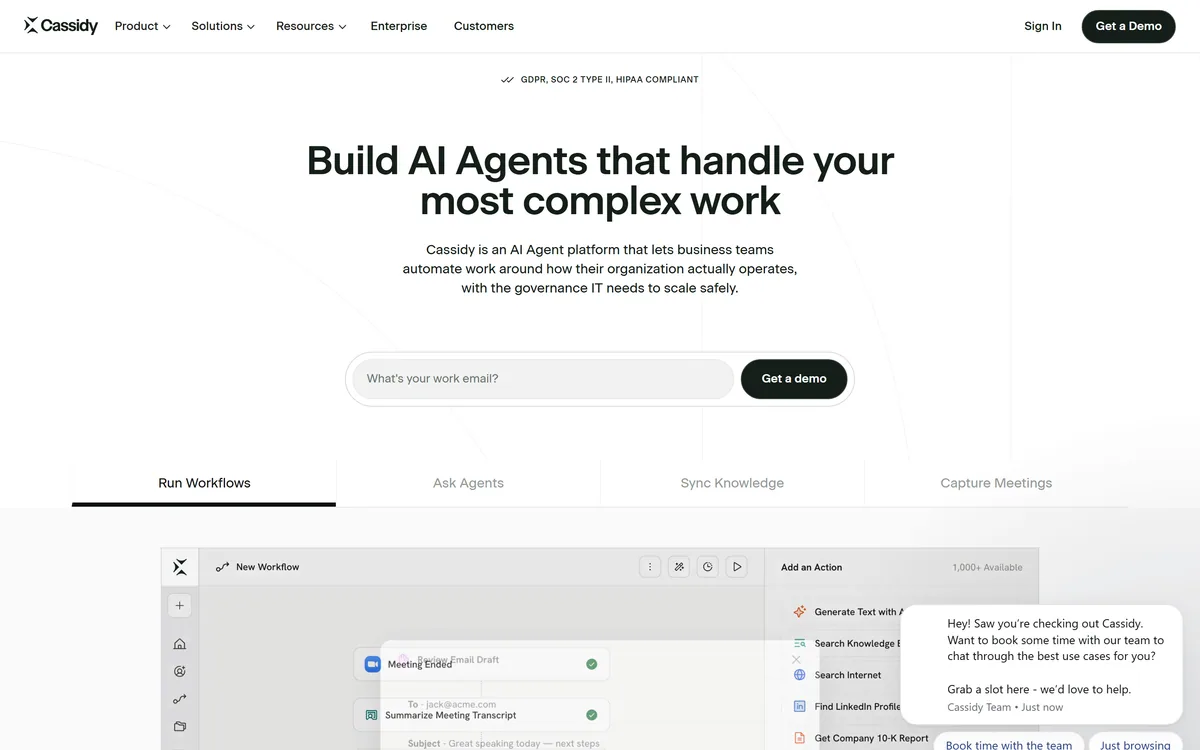
Cassidy AI is a no-code AI-agent and workflow platform that lets business teams build agents grounded in a company knowledge base, deploy them inside Teams, Slack, Chrome and Office, and keep IT in control with permissions, model-agnostic routing and SOC 2, GDPR and HIPAA compliance.
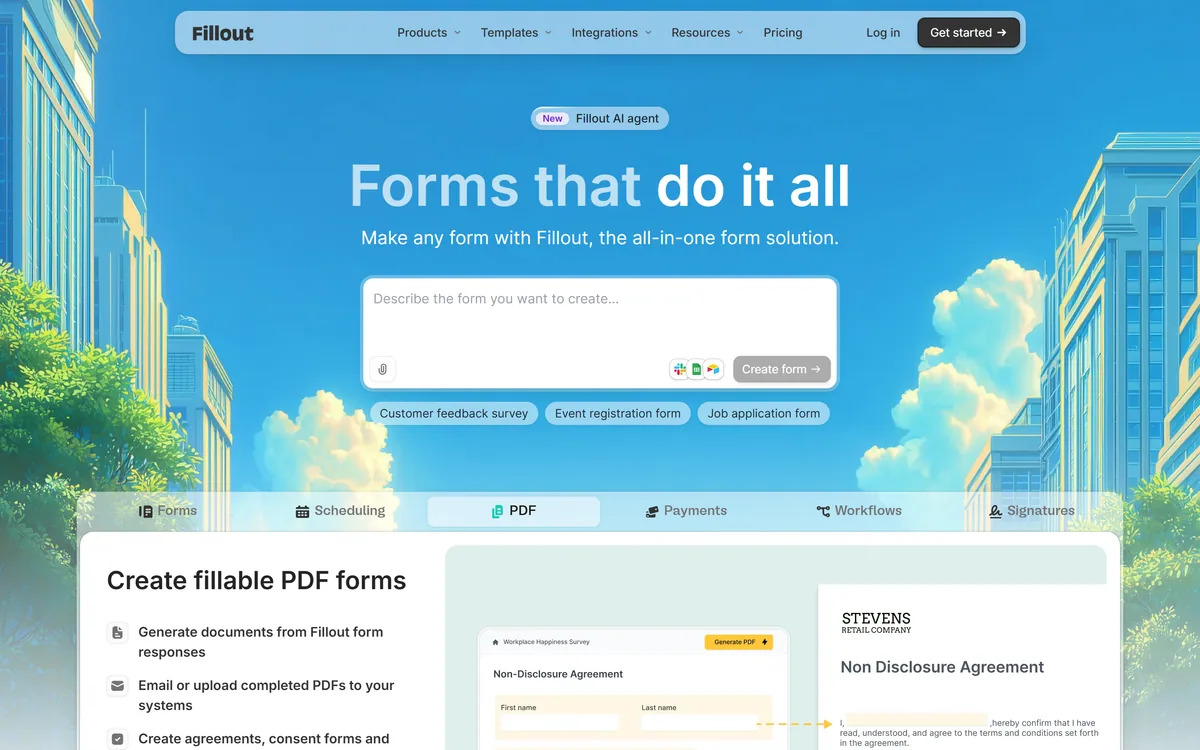
Fillout is a form builder that also handles scheduling, payment collection, PDF generation, e-signatures and workflow routing. Forms can be fully white-labelled down to the favicon, served from your own domain, embedded four ways, and made editable by respondents through login forms.
Related Pages