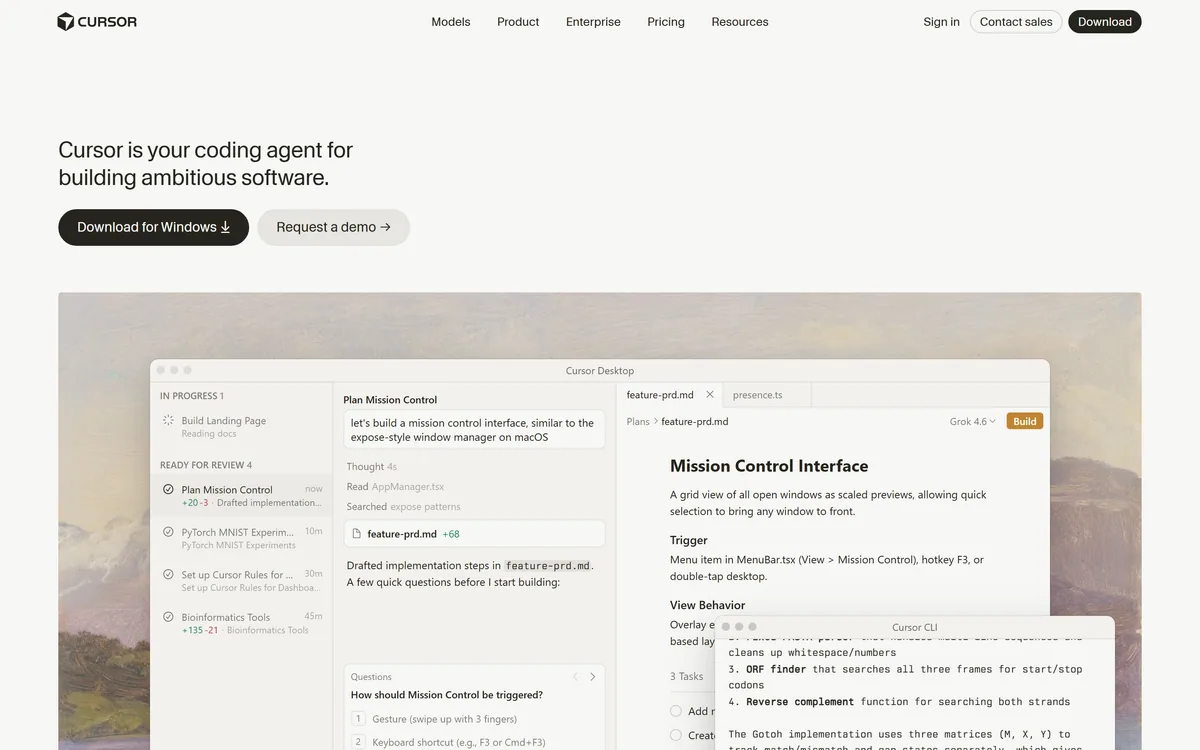

Cursor is an AI-first code editor and agent platform from Anysphere — now a SpaceX subsidiary — that plans, writes, tests, and reviews code across your repository from the desktop editor, a CLI, the web, and Slack.
Coding & Development Review

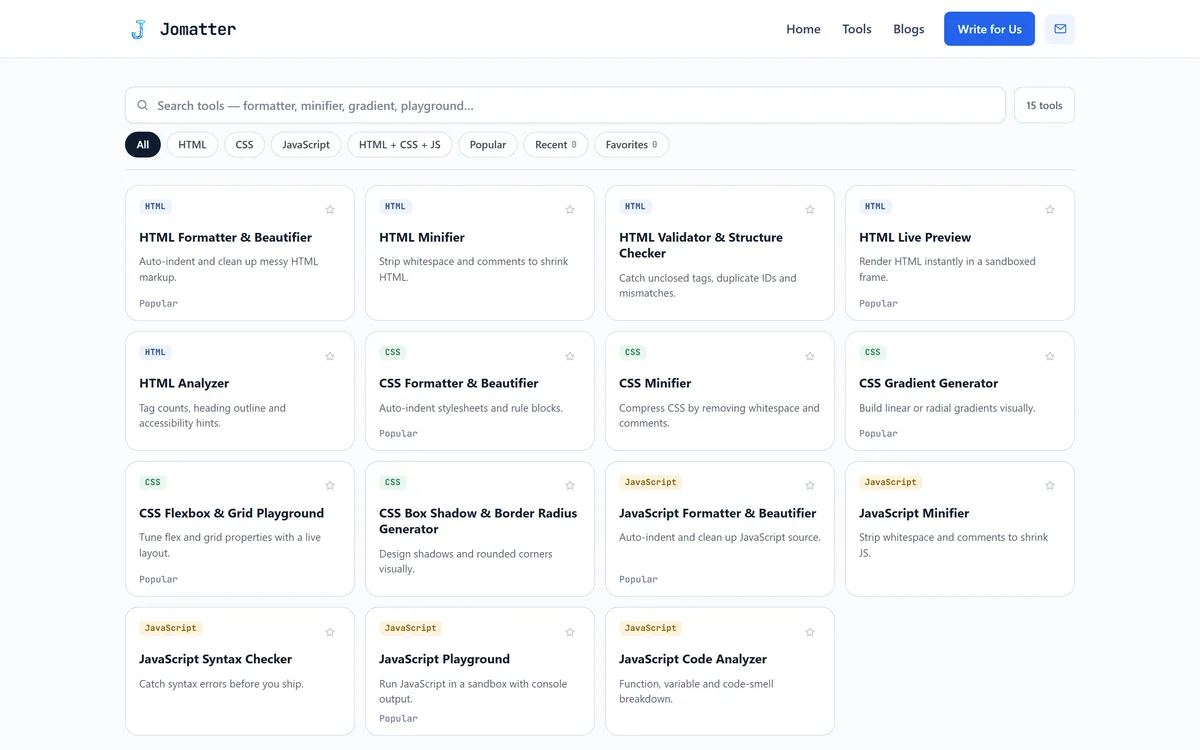
Jomatter is a free, no-sign-up set of 15 browser-based HTML, CSS and JavaScript utilities: formatters, minifiers, a markup checker, CSS gradient, shadow and flexbox playgrounds, and sandboxed HTML and JavaScript playgrounds. It is a developer utility, not an AI tool.
Fair
Jomatter earns 3.3 as a tidy, free browser toolbox: 15 single-purpose HTML, CSS and JavaScript utilities with useful visual CSS playgrounds, sandboxed previews and tool code that sends nothing over the network. It is not an AI tool, its minifiers are lighter than a build step, and the site is weeks old with no privacy policy or named operator. Bookmark it for quick fixes and learning, not for production work. AInexfinder Editor Score: 3.3/5.
Best for: Quick code formatting; CSS gradients and shadows
The visit link goes to jomatter.online, the official site. Paid placements on AInexfinder are always labelled. How we make money
An honest note on what this is: Jomatter is a set of free, browser-based HTML, CSS and JavaScript utilities, not an AI tool. It is listed in this directory, so we review it as a utility and judge it on that job, not on AI capability it does not claim.
Jomatter is a small web toolbox for front-end developers: paste some HTML, CSS or JavaScript, open a tool, copy the result. Its homepage lists 15 utilities, filterable by language, with a search box, a Favorites list and a Recent list.
It is not an AI product, and it does not pretend to be one. The comparison worth making is with the editor you already use: an AI-assisted editor such as Cursor formats on save and explains errors in context, while Jomatter is for moments away from your setup or for a quick visual playground.
This review covers what each group of tools does, what the page source shows about where your code goes, how the site is run, and where a browser toolbox stops being enough.
| What it is | 15 free HTML, CSS and JavaScript browser utilities |
|---|---|
| AI features | None claimed or found |
| Account | Not required |
| Tool groups | 5 HTML, 5 CSS, 5 JavaScript |
| Playgrounds | HTML preview and JavaScript sandbox in a sandboxed frame |
| Data handling | No network requests in the tool code we read |
| Ads and analytics | None found in the homepage source |
| Also on the site | An HTML how-to blog and a Write for Us page |
| Site age | Homepage first published 25 September 2026 |
| Operator and privacy policy | Neither named nor published |
No. Jomatter is a collection of conventional developer utilities: code formatters, minifiers, a markup checker, CSS generators and two sandboxed playgrounds. Nothing on the site claims machine learning, and the tool code in the page is ordinary JavaScript that reformats, strips or inspects the text you paste.
That is not a criticism. Formatting and minifying are deterministic jobs, and a deterministic tool is often the right one: the same input gives the same output every time, with no model to second-guess. It does mean Jomatter should be judged as a utility, against other utilities and against your own editor.
The site itself is very new. WordPress page dates show the homepage went up on 25 September 2026, followed by a blog of 45 HTML how-to articles published at the end of that month and a Write for Us page inviting guest posts. A long row of launch-directory badges sits above the footer.
What the site does not publish matters for trust. Its footer and published pages carry no privacy policy, no about page and no operator name, only social links and an email link. Because the tools appear to run in your browser that risk is limited, but you are still trusting an unnamed publisher with the page you paste into.
Jomatter is a deterministic utility kit, not AI: judge it against your editor, not against coding assistants.
The 15 tools split evenly across three languages, and each opens as a single-purpose panel.
For HTML there is a formatter and beautifier, a minifier that strips whitespace and comments, a validator and structure checker that flags unclosed tags, duplicate IDs and mismatches, a live preview, and an analyzer that reports tag counts, a heading outline and accessibility hints. JavaScript gets a matching formatter, minifier and syntax checker, plus a code analyzer that breaks down functions, variables and code smells.
These are first-pass checks. A syntax checker catches code that will not parse, not logic bugs; the structure checker is not the W3C's full validator; and the analyzer's hints are prompts to look, not an accessibility audit. For understanding why code fails, an assistant like GitHub Copilot works in the context of your project in a way a static checker cannot.
The CSS side is more visual: a formatter and minifier, a gradient generator for linear and radial gradients, a box-shadow and border-radius designer, and a flexbox and grid playground that shows a live layout as you change properties. These are the tools most likely to earn a bookmark, because tuning a shadow or a grid by eye is faster than editing values blind.
The JavaScript playground runs code with console output, and the HTML live preview renders markup instantly. In the page source both use a sandboxed iframe, which keeps your test code isolated from the Jomatter page around it.
Jomatter is most useful away from a configured setup: on a borrowed machine, while answering a quick question, while following a tutorial, or for a learner who has not installed an editor yet. Students can paste an exercise, format it and see its structure at a glance.
It is also handy for visual CSS work. Designing a gradient or a shadow and copying the CSS out is the kind of task where a focused generator beats typing values, and nothing needs installing.
It is weaker for professional work. Modern editors format on save with tools like Prettier, and production builds minify with dedicated tools that also shorten names, remove unused code and emit source maps. A whitespace-and-comments minifier is a convenience, not a replacement for that pipeline.
Jomatter also does not generate anything. If you want a working interface from a description rather than tools for code you already have, an AI design tool such as Magic Patterns is a different category of help.
Every tool is free and none needs an account; there are no plans, credits or paid upgrades anywhere on the site. Favorites and Recent lists are kept in your browser's local storage rather than in an account.
The site does not explain how it is funded. Beyond the tools, its visible activity is the blog and the Write for Us page, and we found no ad or analytics scripts in the homepage source during this check.
Free with no sign-up is the right model for utilities like these. The trade-off is the usual one: no support commitment, no stated uptime and no promise that the tools will stay as they are.
Before trusting any browser minifier or formatter with real work, test it on code you can verify.
HTML formatter, minifier, checker, preview and analyzer
CSS formatter, minifier and gradient generator
Box-shadow and border-radius designer
Flexbox and grid playground
JavaScript formatter, minifier and syntax checker
Sandboxed JavaScript playground with console
Tool search and language filters
Favorites and Recent lists
Jomatter competes with tools developers already have, more than with AI products.
| Tool | Option | What it is | Where it runs | Best for |
|---|---|---|---|---|
| Jomatter | 15 free single-purpose utilities | In the browser, no account | Quick one-off fixes and CSS playgrounds | |
| Cursor | AI code editor and coding agent | Desktop editor, CLI and web | Daily development with formatting on save | |
| GitHub Copilot | AI pair programmer and coding agent | Inside your IDE and on GitHub | Explaining and fixing code in context | |
| Magic Patterns | AI design and prototyping tool | Web app | Generating UI from a description |
Last checked . Read from jomatter.online during this check, with the screenshot above captured at the same time. We also read the page source, which lists the 15 tools, and used the site's public WordPress page list to confirm which pages it publishes.
This is a research-based review of the live page and its source code on 8 October 2026; we did not run the tools against a test suite. Page code can change at any time, so recheck the network tab before pasting anything sensitive.
An AI editor, an AI pair programmer and an AI design tool, for when a utility kit is not enough.
AInexfinder does not list plan prices or billing details. For current pricing, plans, and trials, visit the official Jomatter website.
Visit official website for pricingVendor pricing, credits, and billing policies change over time. Always confirm on the official site before you buy.
Jomatter earns an AInexfinder Editor Score of 3.3/5 (fair). Best for: Quick code formatting; CSS gradients and shadows; Learning HTML and CSS.
Visit JomatterLog in to write a review.
No reviews yet. Be the first to share your experience with Jomatter.
Assigned reviewer
Daniel ReedSenior AI Tools Reviewer
Daniel leads AInexfinder's tool reviews. He researches each tool from its own pricing, documentation and policies, checks its claims against independent sources, and writes up what it does well, where it falls short and who it genuinely suits.
Daniel and the AInexfinder editorial team research Jomatter from its own website, pricing, documentation and policies, checked against independent sources. This review is research-based: unless its method note says otherwise, we have not bought a plan or run hands-on tests. The Editor Score is our editorial judgement, and payment never changes it.
Similar Tools
Cursor is an AI-first code editor and agent platform from Anysphere — now a SpaceX subsidiary — that plans, writes, tests, and reviews code across your repository from the desktop editor, a CLI, the web, and Slack.
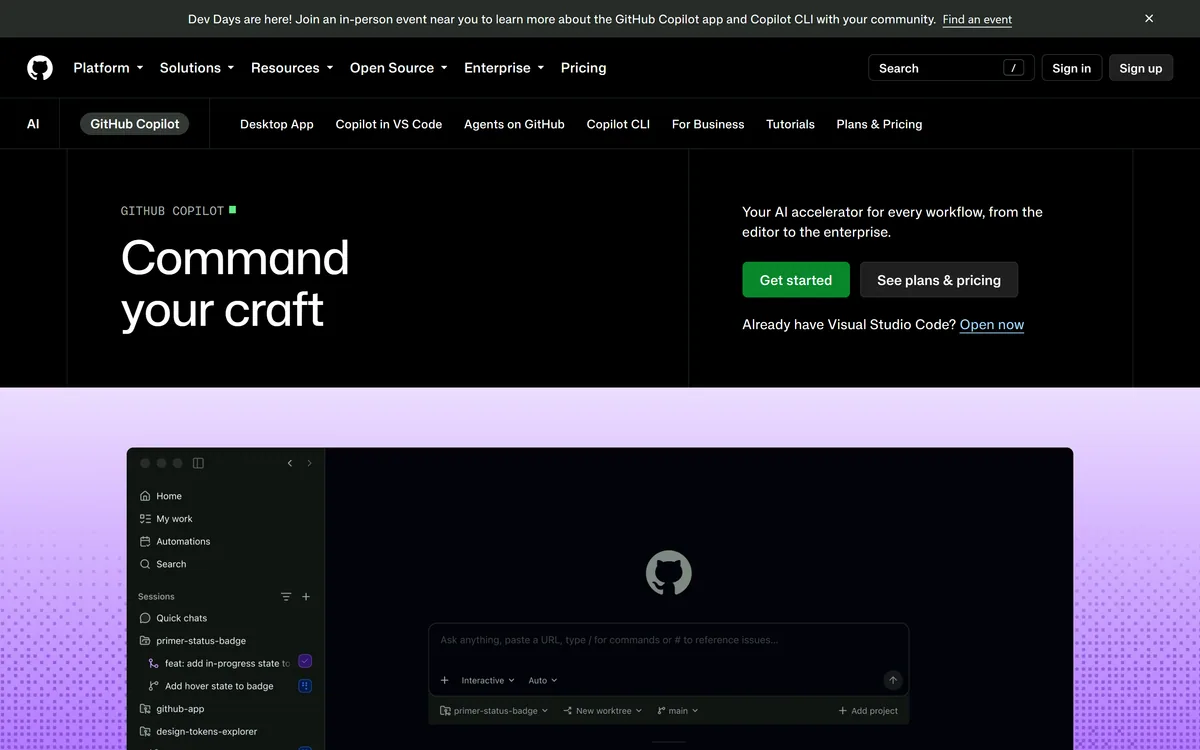

GitHub Copilot is an AI coding assistant that spans completion, chat, agent mode, automated code review, and a cloud agent that opens pull requests, working across VS Code, Visual Studio, JetBrains, Xcode, Neovim, Eclipse, the CLI, and github.com.
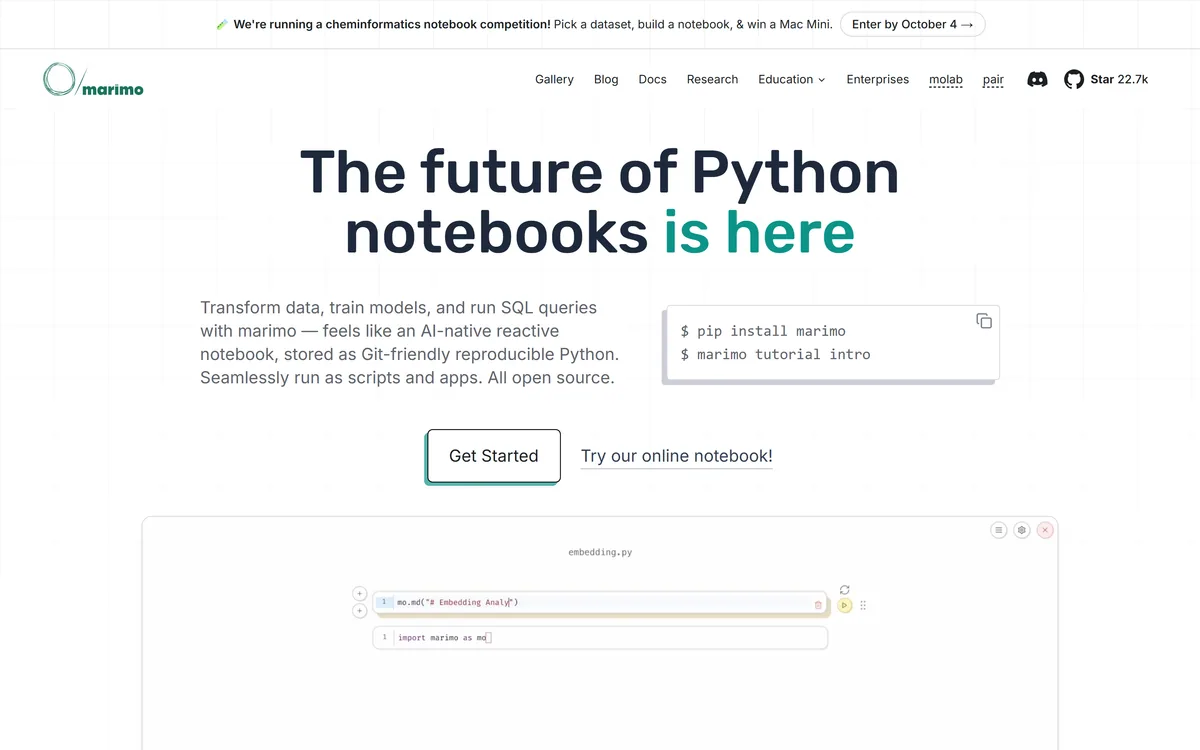
marimo is an open-source reactive Python notebook. Cells re-run automatically when their dependencies change, notebooks are stored as ordinary Python files that diff cleanly in git, and the same file runs as a script or serves as a web app. SQL cells, WASM export and AI agent pairing are built in.

Developer-first AI security from code to runtime Category: Coding & Development.
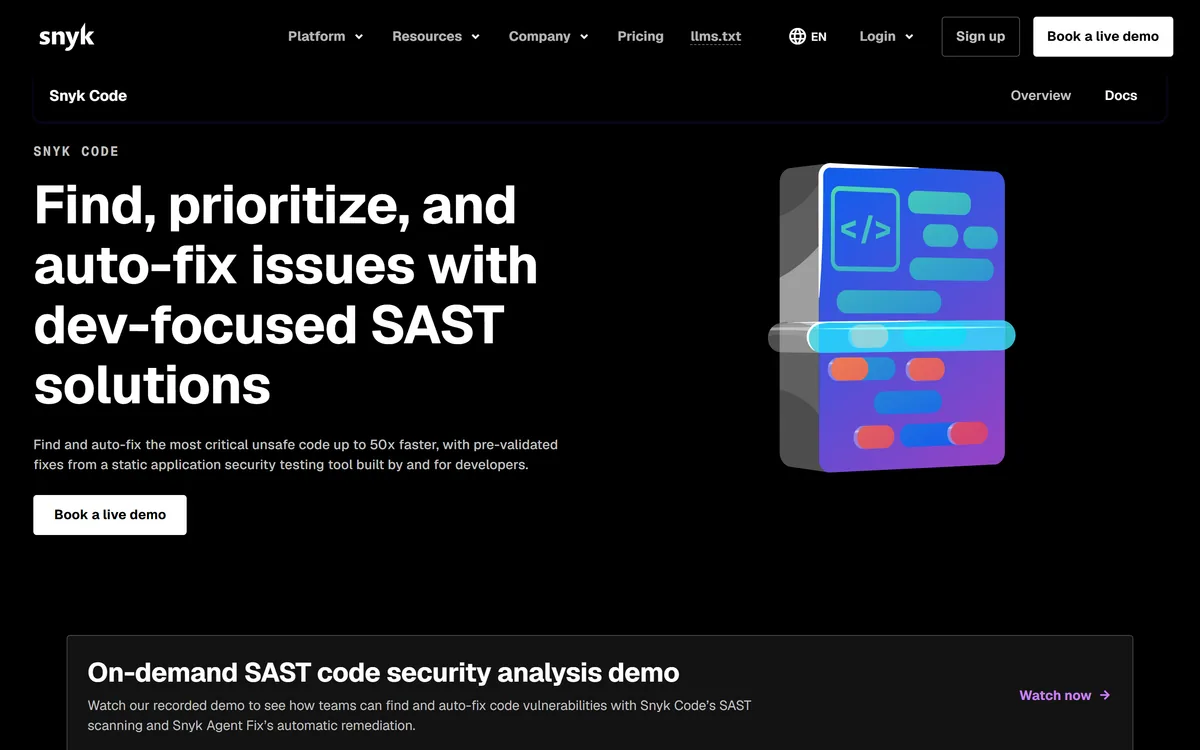
Snyk Code is a static application security testing tool built for developers, using DeepCode AI to find vulnerabilities in the IDE in real time and Snyk Agent Fix to propose pre-validated fixes, including coverage for AI-generated code.
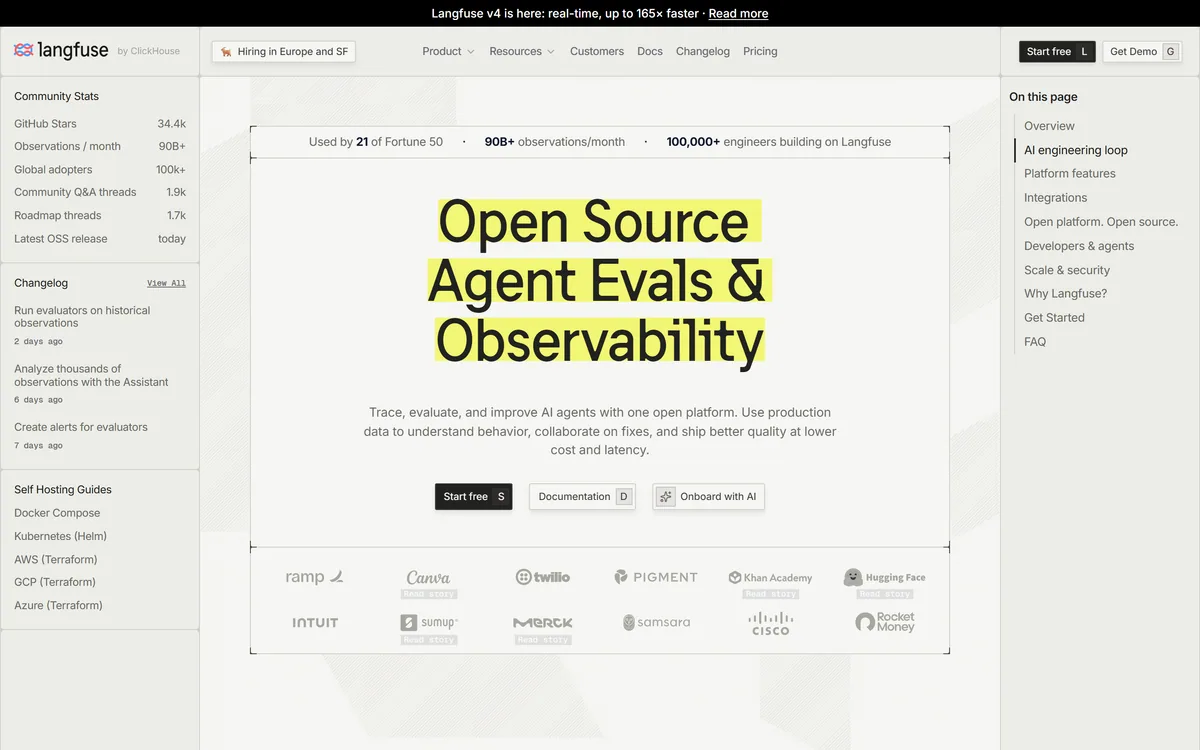
Langfuse is an open-source LLM engineering platform covering tracing, evaluation, prompt management, experiments and human annotation. Every product feature is MIT licensed, with self-hosting via Docker Compose, Kubernetes or Terraform alongside a managed cloud in US and EU regions.
Related Pages