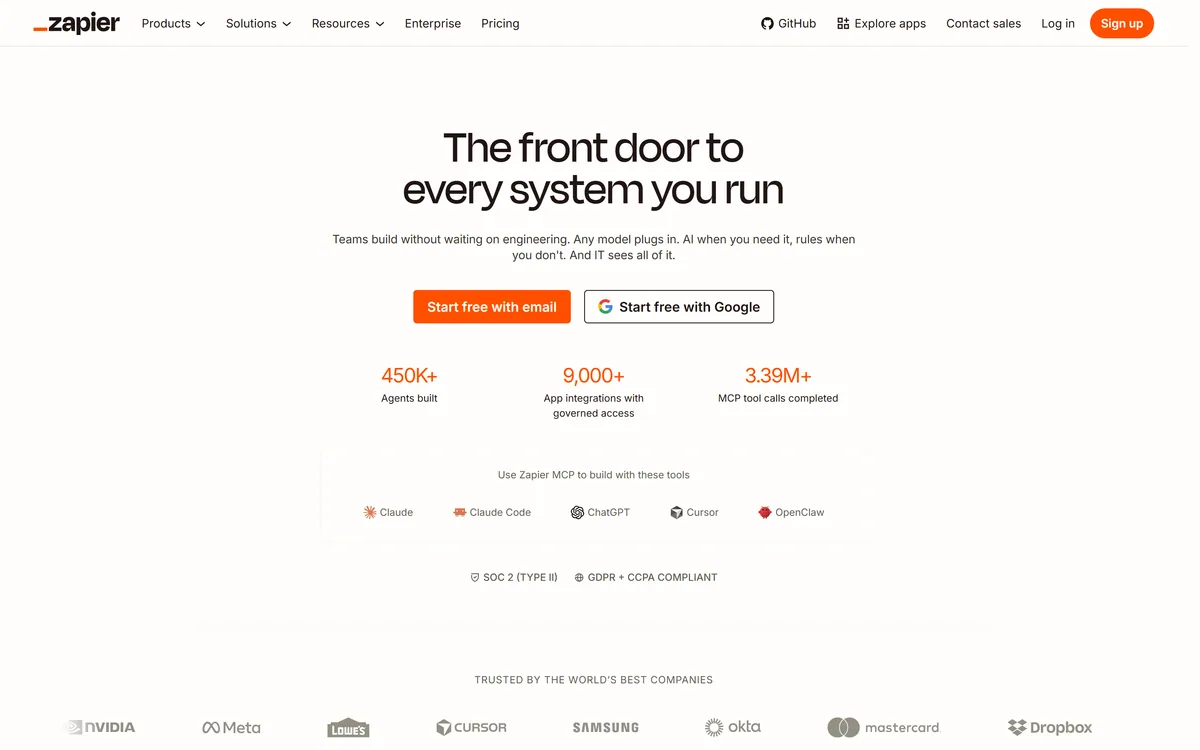

Zapier's AI layer adds agents and MCP tool access on top of its automation platform, connecting more than 9,000 apps with governed access so teams can mix AI decisions with deterministic rules under central oversight.
Productivity & Automation Review
AI agent that runs workflows across your apps Category: Productivity & Automation.

Provisional score · full review pending
Lutra has an AInexfinder Editor Score of 4.5/5.
Best for: Users who need AI agent that executes real code; Users who need native integration with Gmail, Sheets, CRMs, and more
The visit link goes to lutra.ai, the official site. Paid placements on AInexfinder are always labelled. How we make money
Lutra is an AI agent for workflow automation and web research that distinguishes itself by writing and executing real code to complete tasks rather than returning conversational answers.
It connects natively to the apps professionals already use, including Gmail, Outlook, Google Sheets, Docs, Slack, GitHub, HubSpot, Airtable, and LinkedIn, and can orchestrate multi-step tasks across them, processing data with AI along the way.
Typical jobs include contact enrichment, extracting structured data from PDFs, assisting with email campaigns, and running data analysis.
A core concept is Playbooks, reusable and shareable workflows that can be scheduled and rolled out organization-wide, and Lutra also supports custom connectors through MCP, REST APIs, and OpenAPI for teams with bespoke stacks.
It targets sales, finance, marketing, and operations professionals who want to cut manual data entry, while remaining accessible to non-technical users, and it is SOC 2 certified with OAuth integrations and full visibility into the actions it takes.
Pros include genuine cross-app orchestration through code execution, reusable Playbooks for scaling automations, and transparency and security around agent actions. Cons are that the credit-based model means heavy data enrichment and web searches consume credits quickly, and complex custom integrations may still require technical setup.
Lutra offers a free tier with credit-based subscription plans and enterprise options. Pricing changes often, so check the official site for current plans.
Lutra's core capabilities include AI agent that executes real code, Native integration with Gmail, Sheets, CRMs, and more, Contact enrichment and PDF data extraction, Reusable, schedulable Playbooks, Custom connectors via MCP, REST, and OpenAPI and SOC 2 compliance with action visibility.
AI agent that executes real code is built in, Native integration with Gmail, Sheets, CRMs, and more is built in, Contact enrichment and PDF data extraction is built in, Reusable, schedulable Playbooks is built in, so you get a rounded toolkit rather than a single trick.
Each feature is designed to take the manual effort out of the task and help you reach a usable result faster, which is what makes Lutra worth a place on your shortlist.
As with any AI tool, the output still benefits from a quick human review, but Lutra gets you most of the way there with far less effort.
Lutra runs on a freemium pricing model, so you can start for free and only pay once you outgrow the free tier — handy for testing it on a real task before spending anything.
AI-tool pricing changes often, so always check the current plans, seats and add-ons on the official site for the latest details before you buy. Who is Lutra for? It's best suited for ai agent that runs workflows across your apps.
Whether you're a beginner trying this kind of AI tool for the first time or a professional who'll use it every day, it's a credible option to consider.
Lutra is best suited for ai agent that runs workflows across your apps. Whether you are trying this kind of productivity & automation tool for the first time or use one every day, it is a credible option to shortlist — compare it with the alternatives and head-to-head comparisons linked on this page to find the best fit for your workflow and budget.
AI agent that executes real code
Native integration with Gmail, Sheets, CRMs, and more
Contact enrichment and PDF data extraction
Reusable, schedulable Playbooks
Custom connectors via MCP, REST, and OpenAPI
SOC 2 compliance with action visibility
AInexfinder does not list plan prices or billing details. For current pricing, plans, and trials, visit the official Lutra website.
Visit official website for pricingVendor pricing, credits, and billing policies change over time. Always confirm on the official site before you buy.
Lutra has a provisional score of 4.5/5: a formula estimate from this listing’s details, not yet an Editor Score. It is replaced once Lutra gets its full research-based review. Best for: Users who need AI agent that executes real code; Users who need native integration with Gmail, Sheets, CRMs, and more; Teams that need contact enrichment and PDF data extraction.
Visit LutraLog in to write a review.
No reviews yet. Be the first to share your experience with Lutra.
Assigned to
Daniel ReedSenior AI Tools Reviewer
Daniel leads AInexfinder's tool reviews. He researches each tool from its own pricing, documentation and policies, checks its claims against independent sources, and writes up what it does well, where it falls short and who it genuinely suits.
This page is a summary of Lutra built from its own website and listing details. It has not had its full research-based review yet, so its score is a provisional formula estimate, not an Editor Score. Daniel will research and re-score it; payment never changes a score.
Similar Tools
Zapier's AI layer adds agents and MCP tool access on top of its automation platform, connecting more than 9,000 apps with governed access so teams can mix AI decisions with deterministic rules under central oversight.
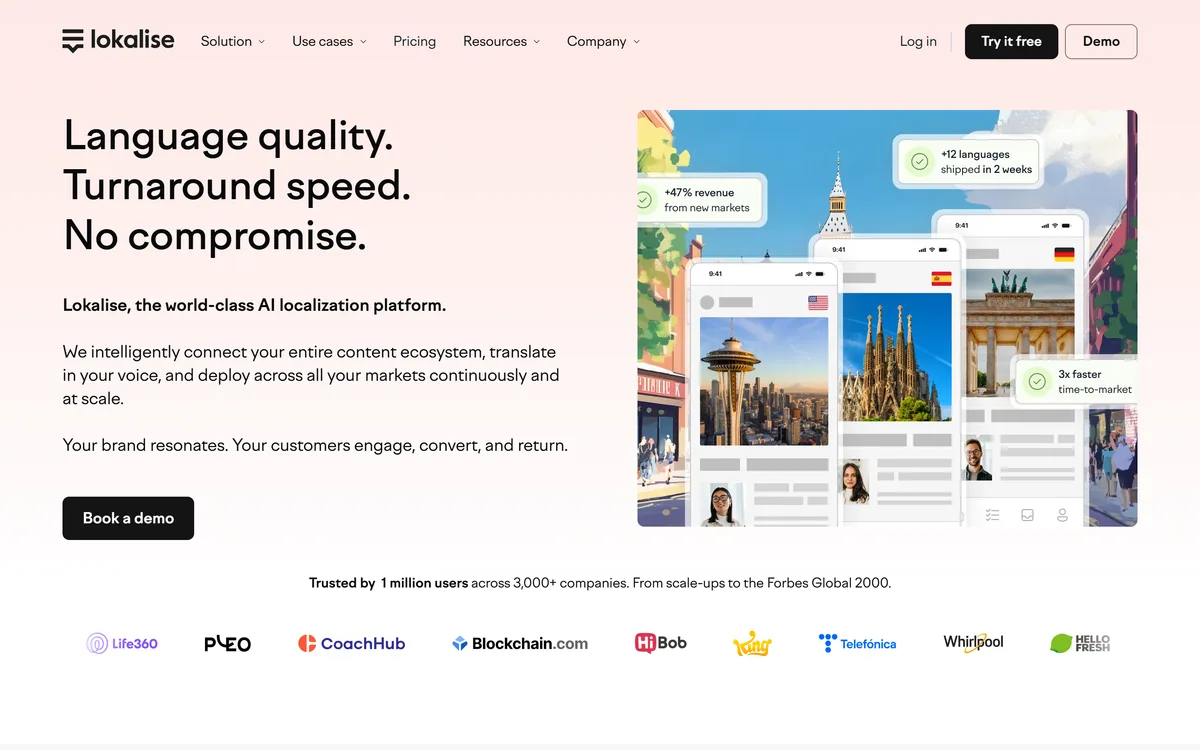
Lokalise is a translation management platform built for continuous localisation: strings flow from your repository, design files and CMS into an AI translation pipeline that applies your approved terminology and tone, with role-based human approval before anything ships.
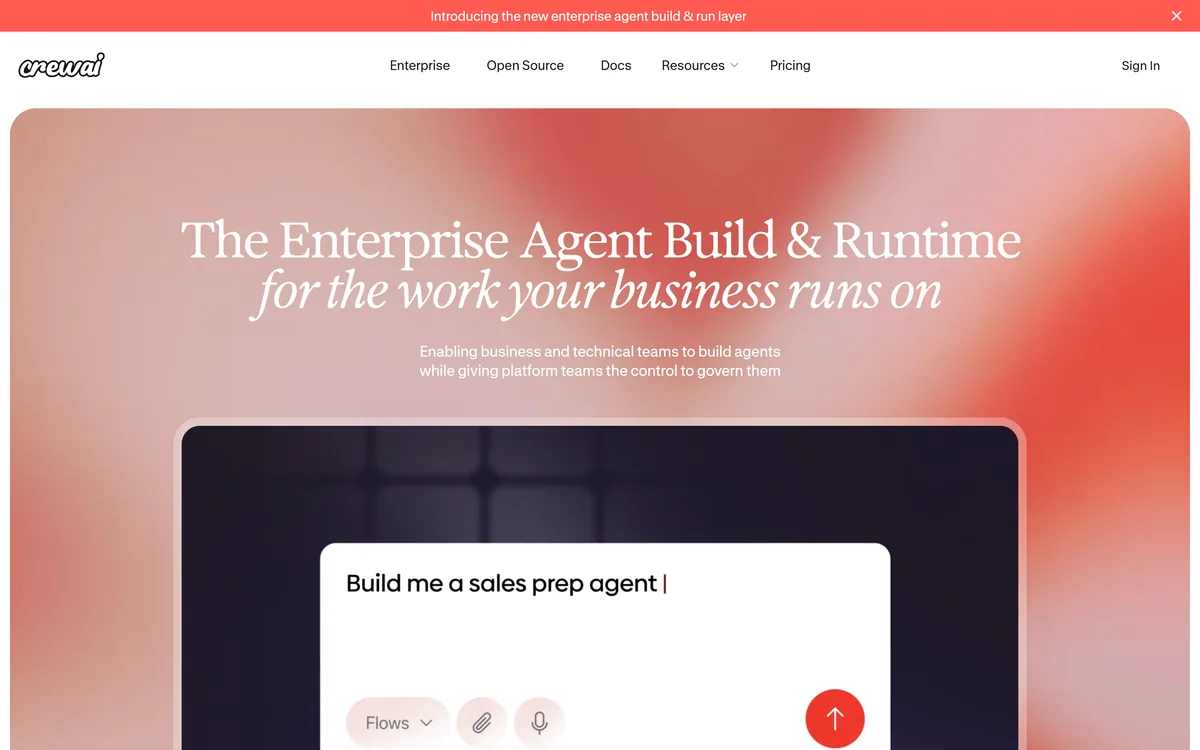
CrewAI is an enterprise platform to build and run AI agents: a Discovery layer that finds automation opportunities, a no-code canvas and code-first Python API for building role-based multi-agent workflows, and a control plane that adds tracing, RBAC, audit and human-in-the-loop approvals.
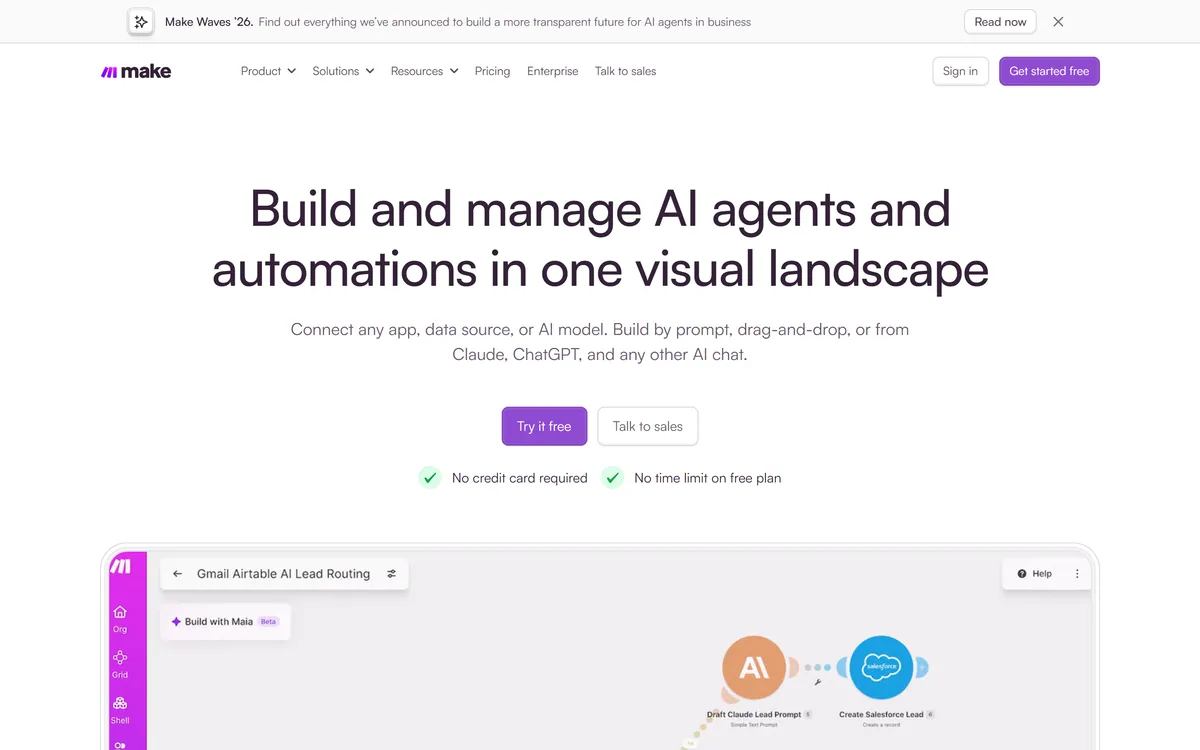
Make (formerly Integromat, now part of Celonis) is a visual workflow-automation and AI-agent platform that connects 3,500+ apps and the latest AI models via drag-and-drop, prompts or MCP, with custom code, observability and enterprise governance. It offers a free plan and scales to enterprise.
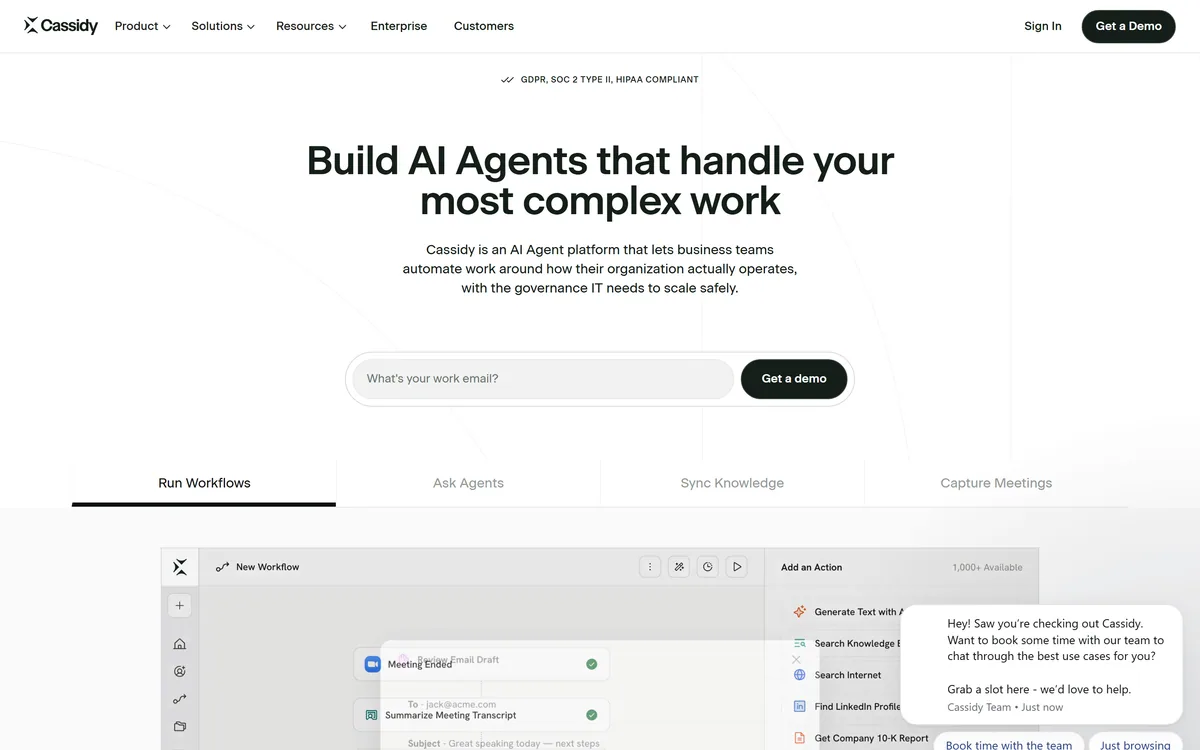
Cassidy AI is a no-code AI-agent and workflow platform that lets business teams build agents grounded in a company knowledge base, deploy them inside Teams, Slack, Chrome and Office, and keep IT in control with permissions, model-agnostic routing and SOC 2, GDPR and HIPAA compliance.
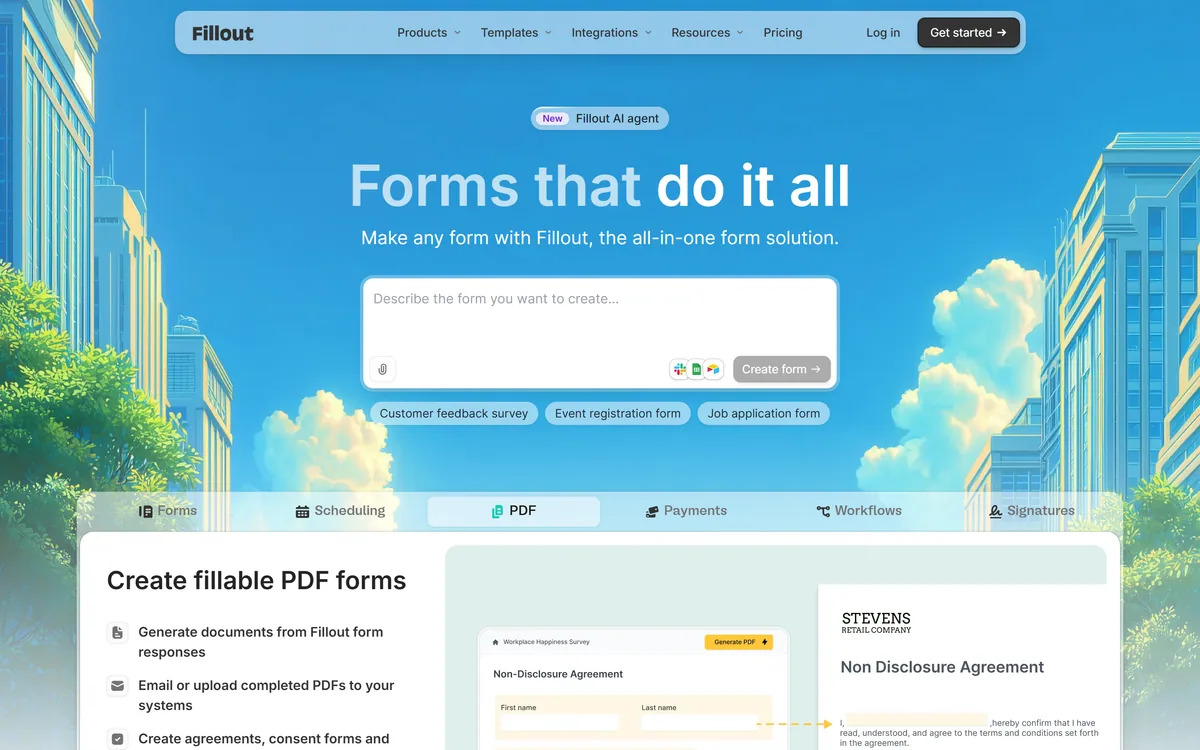
Fillout is a form builder that also handles scheduling, payment collection, PDF generation, e-signatures and workflow routing. Forms can be fully white-labelled down to the favicon, served from your own domain, embedded four ways, and made editable by respondents through login forms.
Related Pages