
AI and human transcription and subtitles in 150+ languages
Video & Audio Review
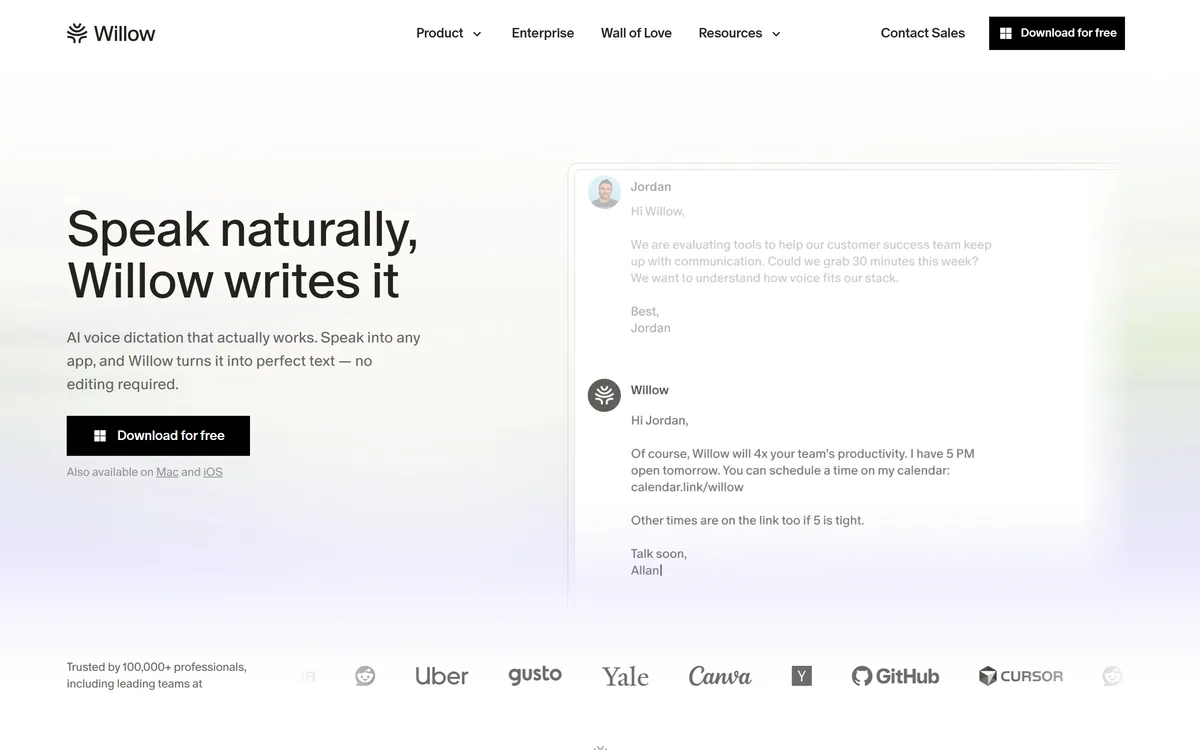
Willow Voice is AI dictation that works in any application on Mac and iOS. You place a cursor, hold a hotkey and speak; formatted text appears in place. Willow Scribe extends it, turning rough spoken intent into polished writing, and the site states 100,000+ professionals.
Very good
Willow Voice's design decision is the right one: work in every application rather than being one. Dictation has failed for decades not because transcription was bad but because it lived somewhere you then had to copy from, and a two-step process loses to typing every time. Placing formatted text at the cursor removes the step entirely. Handling punctuation and filler words automatically is the second half of the same insight — nobody speaks in punctuation. It sits below the top because dictation only suits some kinds of writing, and speaking your thoughts aloud is not always available in the room you are in. AInexfinder Editor Score: 4.1/5.
Best for: People who write long prose they have already thought through; Anyone typing extensive prompts into AI tools
The visit link goes to willowvoice.com, the official site. Paid placements on AInexfinder are always labelled. How we make money
Dictation has been almost good enough for about thirty years, and the reason it never stuck is not the transcription.
It is that the text always appeared somewhere else. You spoke into an application, corrected the punctuation, then copied the result into the place you actually needed it — and a three-step process loses to typing, every time, no matter how fast the middle step gets.
Willow Voice's answer removes the steps rather than speeding them up. Put your cursor where you want the words, hold a key, speak, and the formatted text is already there.
Willow describes a three-step interaction: place your cursor in any text field, press a hotkey and speak naturally, and perfectly formatted text appears where the cursor is.
The important word is *any*. Slack, Gmail, Cursor, Notion, iMessage — anywhere you would normally type, which means dictation stops being a destination and becomes an input method.
That is the difference from every previous generation. A dictation application is somewhere you go; an input method is something you use without thinking about it, and only the second becomes a habit.
The second half is the formatting. Speaking naturally means speaking without punctuation, with restarts and hesitations and the occasional abandoned sentence, and older dictation faithfully transcribed all of it — leaving you to clean up text you could have typed correctly in the first place.
Handling that automatically is what makes the output usable without editing, and it is the claim to test hardest. The gap between raw transcription and something you would actually send is where every previous attempt at this failed.
The contrast with a meeting notetaker is worth drawing. Wave captures what other people said; this produces what you meant to write, which is a different product entirely.
Dictation applications are somewhere you go. An input method is something you use without thinking. Only the second ever becomes a habit.
Willow Scribe is described as AI writing from your intent: describe roughly what you want to say, and it produces polished writing in your voice, in place.
That is a meaningfully different product from dictation, and worth separating. Dictation writes down what you said; Scribe writes what you meant, which is a much larger claim and a much larger risk.
The case for it is real. Most people know what they want a message to convey and lose ten minutes constructing sentences, and the constructing is not where the value is. Describing the intent in twenty rough seconds and getting a draft is a genuine reallocation of effort.
The risk is equally real and specific: the output is your writing with your name on it, sent to someone who will hold you to it. A dictated message you spoke is yours by definition; a generated one from a rough description is yours only if you read it.
The practical rule follows. Use Scribe for the messages where the words do not matter much and read every one before sending, and dictate the messages where the words do. That division is easy to make in the moment and easy to forget.
Willow states it works in every app on Mac and iOS, and the practical significance of that is worth spelling out with examples.
The applications listed are a fair sample of a working day: Slack for internal conversation, Gmail for external, Cursor for code, Notion for documents, iMessage for personal. A dictation tool that covered three of those and not the others would be useless, because the habit never forms if it sometimes does not work.
Cursor is the interesting inclusion, because prompting an AI is a category the site names specifically. Prompts are long, conversational and awkward to type — you are describing what you want in prose — which makes them close to an ideal case for speaking.
That is arguably the strongest use of the tool and one nobody predicted three years ago. The volume of prose people now type into AI tools is enormous, and it is exactly the shape of writing that speaking suits.
The constraint is physical rather than technical. Dictation requires a room where you can speak, which rules out open-plan offices, shared spaces, trains and anywhere a colleague is on a call — and that is a substantial fraction of where work happens.
It is also the exact inverse of a narration tool. Narakeet turns your text into speech; this turns your speech into text, and only one of them removes work from a working day.
Willow's own framing is three seconds to start, a habit in a week, and the second half is the harder claim.
New input methods fail on muscle memory rather than on capability. Typing is automatic; reaching for a hotkey is a decision, and decisions lose to habits until they become one.
Being specific about this saves a fortnight of finding out, because the answer is not uniform across kinds of writing.
Speaking wins for anything conversational and long: messages, emails, AI prompts, first drafts, anything where you already know what you want to say and the typing is pure transcription of your own thoughts.
It also wins on volume. Speech runs at roughly three times typing speed for most people, which is why the four-times-faster claim on the site is plausible for the right kind of writing rather than obviously inflated.
Typing wins for anything structured or precise. Code, formulas, anything with symbols, anything where you are thinking as you write rather than transcribing a finished thought. Writing is also a thinking process, and speaking a paragraph you have not worked out produces a paragraph nobody has worked out.
The honest summary is that dictation is excellent at getting known thoughts out of your head and poor at helping you have them. Which is fine — most of what anyone types in a day is the first kind.
For messages where you would rather generate than dictate, a purpose-built writer such as WriteMail.ai sits in the same gap from the other side.
| Product type | AI voice dictation |
|---|---|
| Core interaction | Place cursor, hold hotkey, speak, formatted text appears in place |
| Coverage | Works in any app you would normally type in |
| Named applications | Slack, Gmail, Cursor, Notion, iMessage |
| Formatting | Punctuation, formatting and filler words handled automatically |
| Willow Scribe | AI writing from rough spoken intent, in your voice |
| Willow for iPhone | Voice typing on mobile |
| Platforms | Mac and iOS |
| Stated reach | 100,000+ professionals |
| Stated results | 4x faster writing across every app, 5 hours of productivity reclaimed weekly |
| Named endorsements | Alexis Ohanian, founder of Reddit; Kipp Bodnar, CMO at HubSpot |
| Site sections | Product, Solutions by role, Wall of Love, Pricing, Case studies, Use cases, Security |
Dictation into any text field in any application
Hotkey-triggered capture with text appearing at the cursor
Automatic punctuation, formatting and filler word removal
Willow Scribe for turning rough spoken intent into polished writing
Willow for iPhone for voice typing on mobile
Role-specific guidance for developers, sales, support, lawyers and healthcare
A dedicated Security page
Speech tools split by what they produce: text where you are, a transcript elsewhere, or a synthetic voice.
| Tool | What it produces | Where it appears | Best for |
|---|---|---|---|
| Willow Voice | Formatted text from your speech | At your cursor, in any app | Replacing typing for conversational writing |
| Wave | Transcripts and summaries of conversations | In its own app and exports | Capturing what other people said |
| Otter.ai | Meeting transcripts | Its own workspace | Meetings rather than composition |
| Narakeet | Synthetic speech from text | Audio and video files | The opposite direction entirely |
| Deepgram | Speech recognition via API | Your own application | Building rather than using |
Speech in, speech out and speech about other people are three different products.
Last checked . Read from willowvoice.com in a browser session, since the site returns 403 to automated fetchers. The screenshot above was captured alongside.
What we could not confirm: the operating company's legal name or location; pricing and plan structure; which underlying speech models are used; how many languages are supported, since none are stated; whether audio is processed on the device or in the cloud; retention and deletion policy for dictated audio; what the Security page commits to specifically; and the basis for the 4x and 5-hours figures. We did not use the product, so nothing here reflects tested accuracy.
AInexfinder does not list plan prices or billing details. For current pricing, plans, and trials, visit the official Willow Voice website.
Visit official website for pricingVendor pricing, credits, and billing policies change over time. Always confirm on the official site before you buy.
Willow Voice earns an AInexfinder Editor Score of 4.1/5 (very good). Best for: People who write long prose they have already thought through; Anyone typing extensive prompts into AI tools; Roles with high message volume — sales, support, leadership.
Visit Willow VoiceLog in to write a review.
No reviews yet. Be the first to share your experience with Willow Voice.
Assigned reviewer
Daniel ReedSenior AI Tools Reviewer
Daniel leads AInexfinder's tool reviews. He researches each tool from its own pricing, documentation and policies, checks its claims against independent sources, and writes up what it does well, where it falls short and who it genuinely suits.
Daniel and the AInexfinder editorial team research Willow Voice from its own website, pricing, documentation and policies, checked against independent sources. This review is research-based: unless its method note says otherwise, we have not bought a plan or run hands-on tests. The Editor Score is our editorial judgement, and payment never changes it.
Similar Tools
AI and human transcription and subtitles in 150+ languages
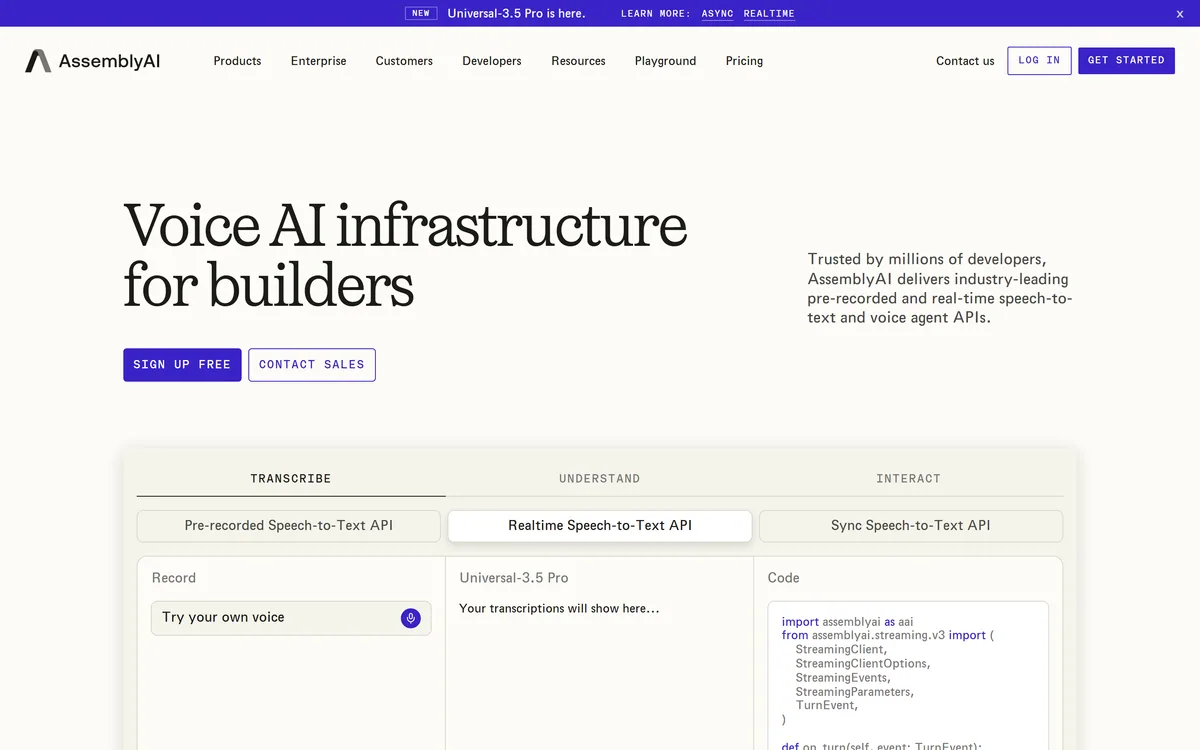
AssemblyAI sells voice AI infrastructure: production APIs for pre-recorded and real-time speech-to-text on its Universal models, a Speech Understanding API that turns transcripts into structured insight, a Voice Agent API over a single WebSocket, and guardrails including PII redaction and content moderation.
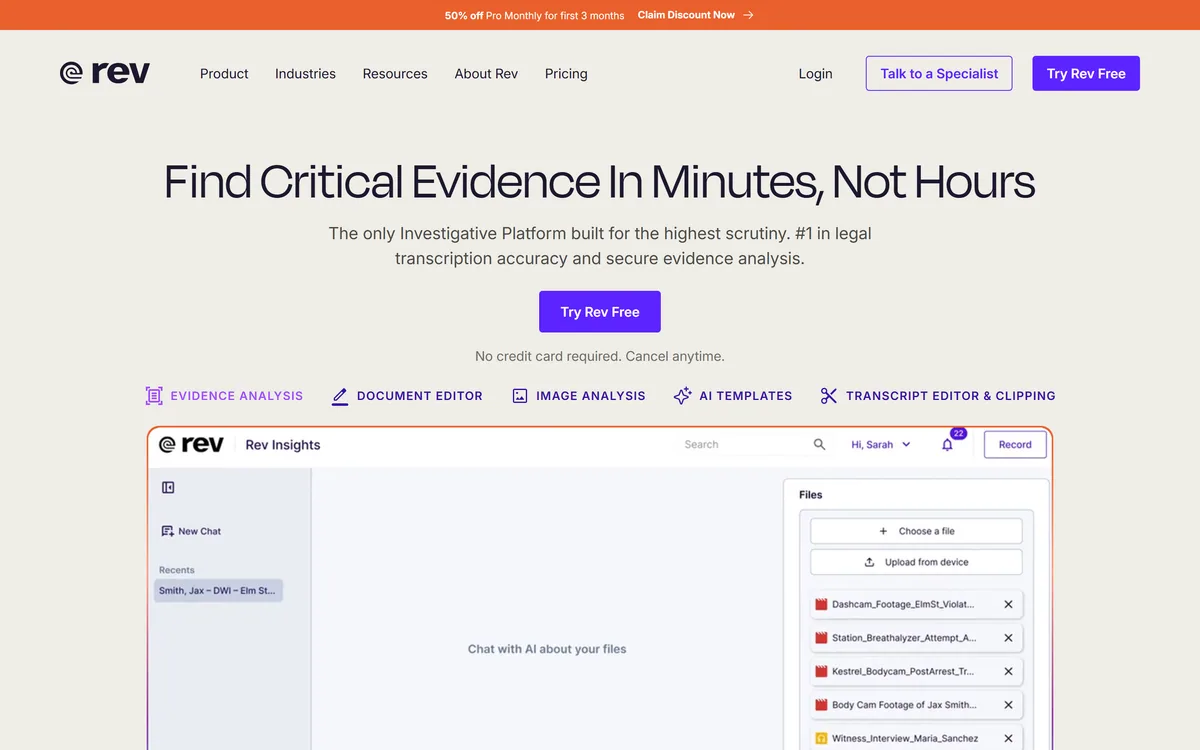
Rev has repositioned from transcription into an investigative intelligence platform for legal teams, combining AI evidence analysis with human-verified transcription guaranteed 99%+ accurate in 12 hours, plus court reporting, deposition summaries and a speech-to-text API.
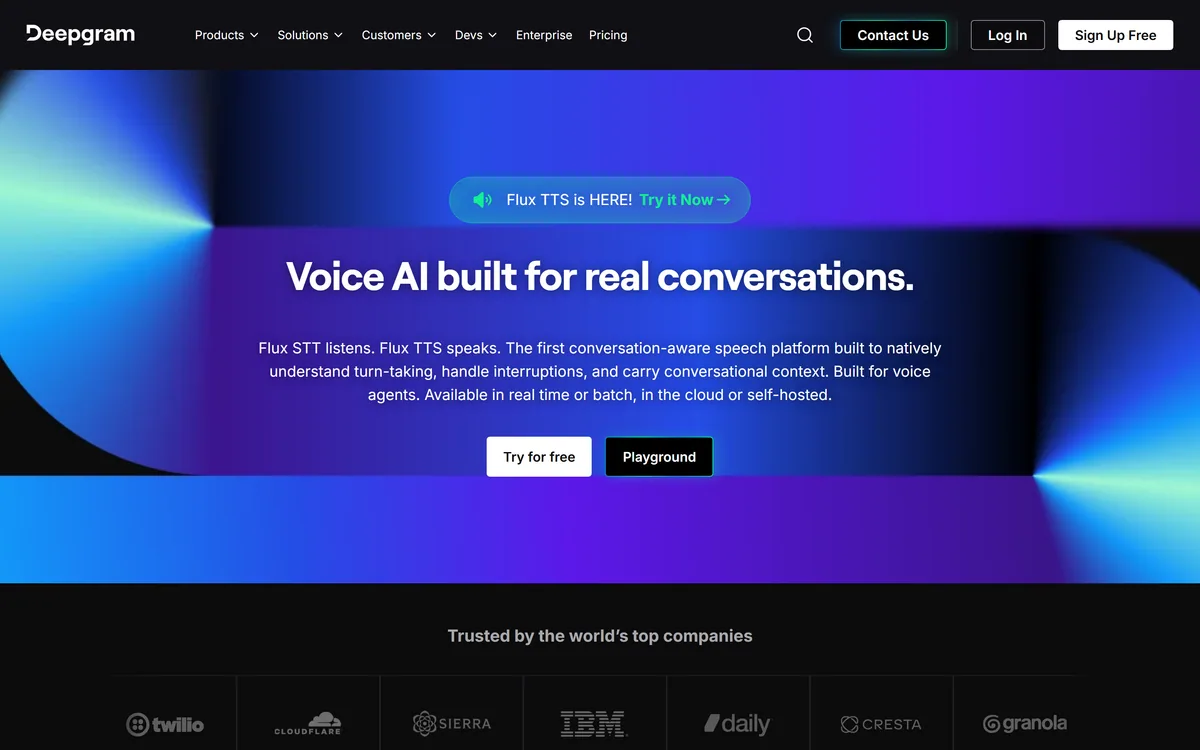
Deepgram provides speech-to-text and text-to-speech through its Flux models, plus a Voice Agent API that combines transcription, speech synthesis and LLM orchestration into a single interface. Everything runs in real time or batch, in the cloud or self-hosted, with text-to-speech latency stated as low as 80ms.
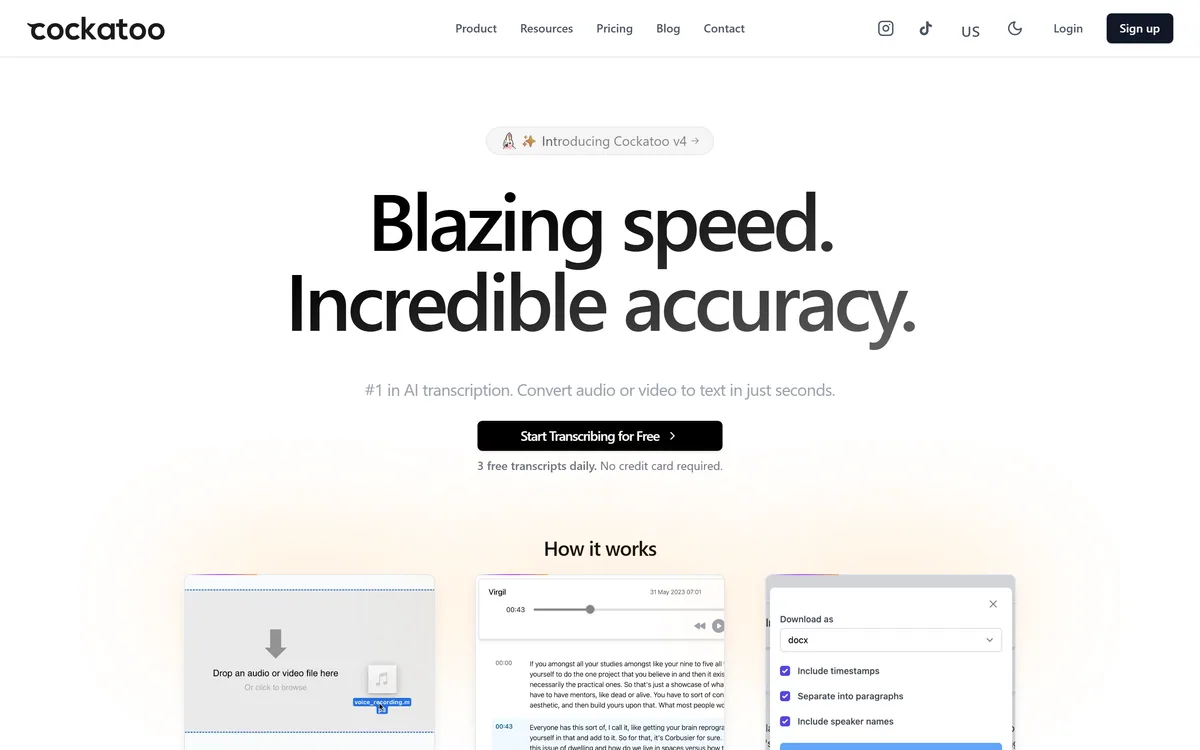
Cockatoo transcribes audio and video across 100+ languages with a stated accuracy of up to 99.8%, exports to SRT, DOCX, PDF and TXT, imports from Dropbox and YouTube, and offers three free transcripts daily with no card required.
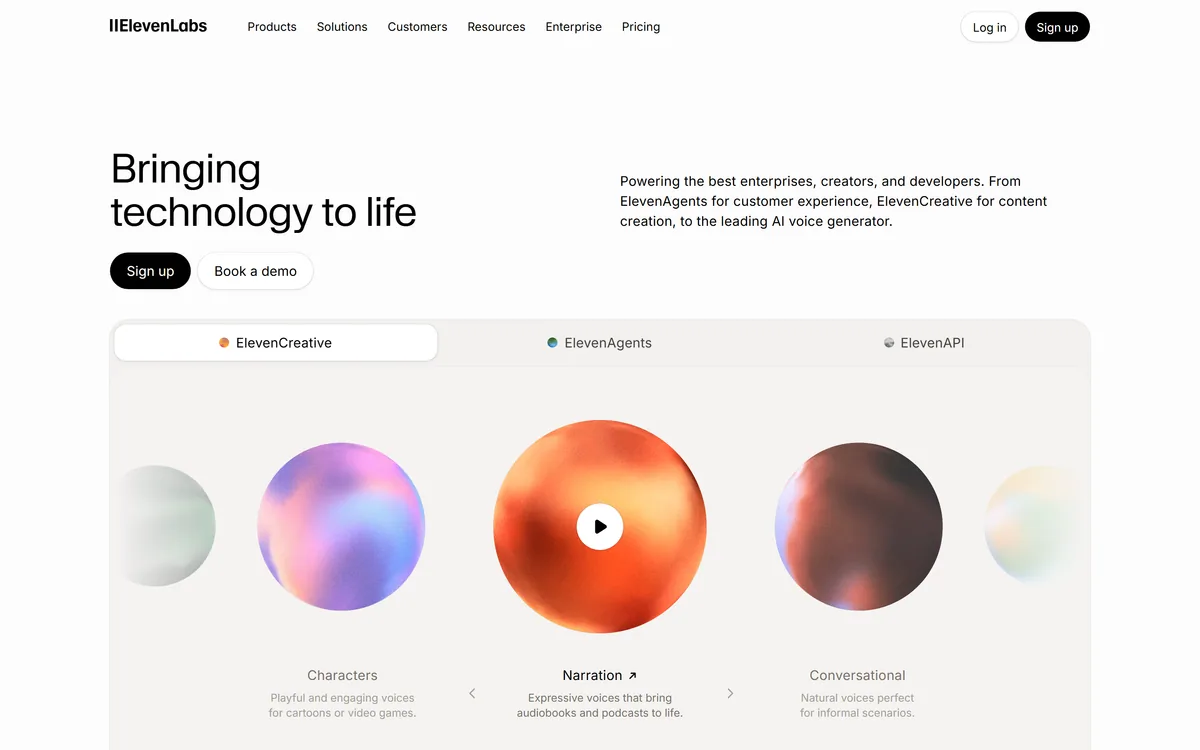

ElevenLabs is an AI audio platform covering text to speech, voice cloning, speech recognition, dubbing, music, and conversational voice agents, with a library of 5,000+ voices across more than 70 languages and an API behind every model.
Related Pages