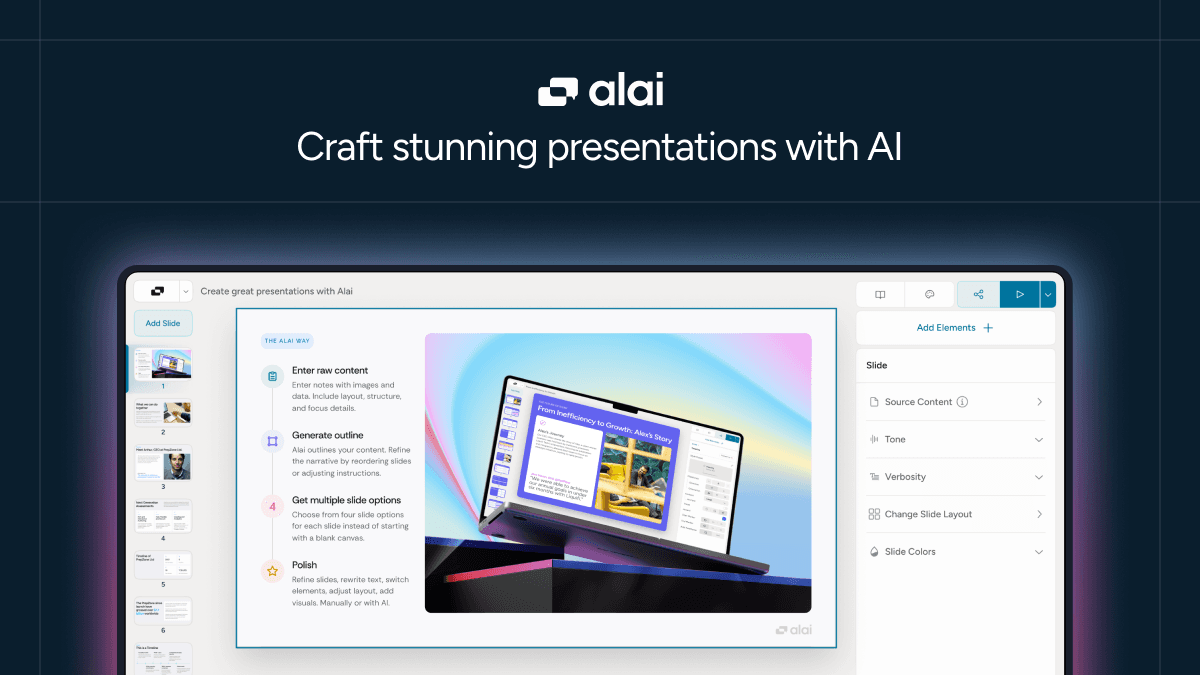
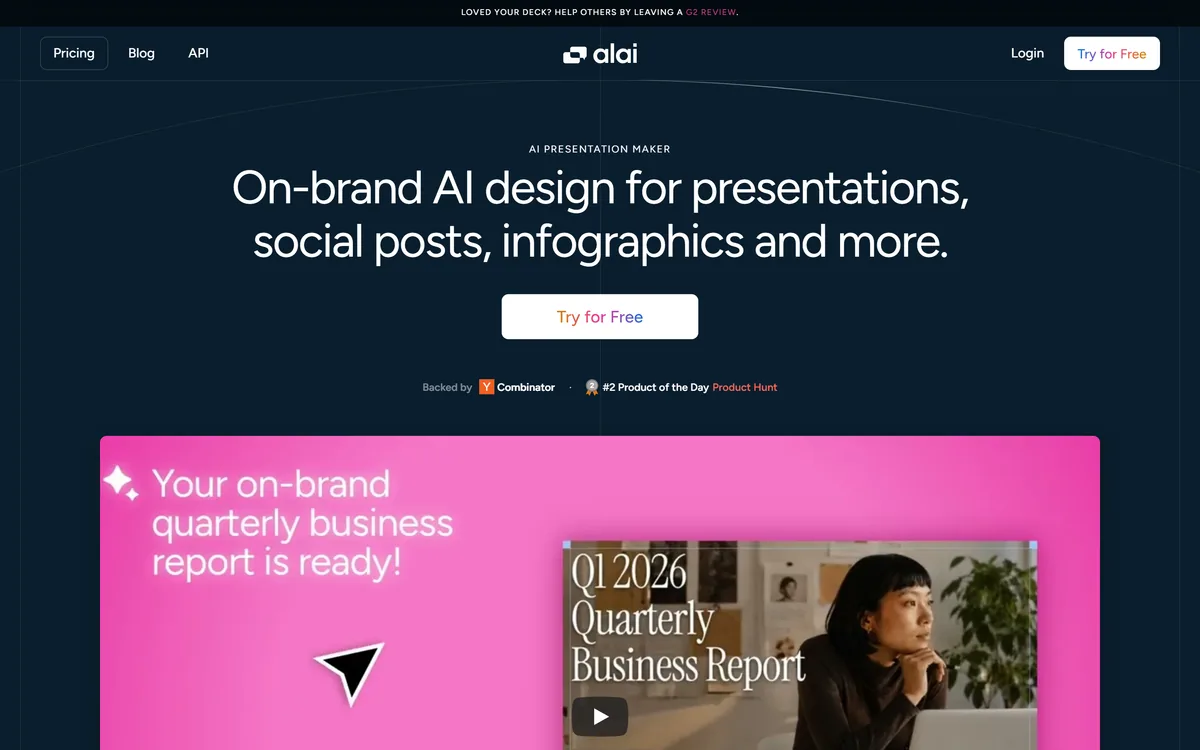
Alai is an AI presentation maker that generates on-brand decks, social posts and infographics from a design system built on your own brand assets, with an API, analytics and manual or instruction-based editing.
getalai.com8 viewsAdded February 2, 202628K visitors
AI deck makers are now a crowded field, and most of them have the same weakness: they produce a slick generic deck that looks nothing like your brand, so you spend the saved time restyling it. Alai's whole pitch is to fix that at the source.
Instead of a one-off generation, you build a design system from your brand assets — templates, existing presentations, your website, posters — or pick from a library of hand-crafted ones, and Alai keeps every deck, social post and infographic consistent with it. You can refine the result by editing manually or simply telling the AI what to change.
This review covers how the design-system approach changes the output, what Alai makes beyond slides, what its Y Combinator backing and relative youth mean for a buyer, how it is priced, and who it suits against the established players.
Alai leads on polish: professional slides without the design headache, kept on brand.
Alai In Four Crisp Points
Alai is an AI presentation maker that turns a prompt into polished, professional slide decks without the usual design work.
Its differentiator is a design system: you build one from your own brand assets, and everything Alai makes stays on brand.
It goes beyond slides to social posts, infographics and other formats, all drawing on the same design system.
It is Y Combinator-backed and young, with an API and analytics, and is best judged against established deck tools on polish and control.
Key features of Alai
AI generation of professional slide decks
A design system built from your own brand assets
On-brand social posts and infographics
Manual and instruction-based editing
Library of hand-crafted design systems
API for programmatic deck generation
Presentation analytics
PDF-to-PPT, link-to-PPT and slides-editor utilities
Pros & cons
Pros
5
Design system keeps output genuinely on brand from the first draft
Spans slides, social and infographics from one brand definition
Manual and instruction editing both supported for the final polish
Credible, Y Combinator-backed team with real traction
Import utilities ease bringing existing material in
Cons
5
Value depends on investing in the design system first
Young product with a shorter track record and fewer integrations
Less manual, pixel-level control than a full design suite
Overkill for a single one-off presentation
Feature set is likely to shift as the product evolves
Best For
Teams that need every deck on brand
Founders and marketers making presentations often
People tired of restyling generic AI decks
Brands wanting social and infographics to match their decks
Teams generating decks via an API
Alai Against Other AI Presentation Tools
Deck tools differ by how automatically they stay on brand and how much else they make.
Tool
Scope
Strength
Trade-off
Alai
On-brand decks from a design system, plus social and infographics
The design system is the heart of Alai and the reason to look at it over a generic generator. You feed it your brand — templates, past decks, your website, posters — and it learns the look, then applies it to everything it produces.
This directly targets the restyling tax. A tool like Gamma makes attractive decks quickly, but keeping them truly on-brand is still work; Alai's bet is that encoding the brand once means the first draft already looks like yours. For teams where brand consistency is non-negotiable, that is a meaningful difference.
It is also why Alai is more interesting to a company than to a one-off user. The value compounds the more decks you make from the same system, and barely registers if you only need a single presentation.
Most AI deck tools save you an hour of building and cost you an hour of restyling. Alai's design system is aimed squarely at that second hour.
What Can Alai Create Beyond A Single Slide Deck?
Alai positions itself as on-brand design rather than only slides, so the same system drives several output types.
Social Posts, Infographics And More
From one design system, Alai produces social posts and infographics alongside presentations, so a brand's visual language carries across formats rather than being rebuilt for each. That is a different scope from a pure deck tool and closer to a light, presentation-led design suite.
A broad design tool like Canva AI covers more formats with more manual control; Alai's angle is automation and brand consistency over breadth, so it suits people who want on-brand output fast more than those who want to art-direct every pixel.
Edit By Hand Or By Instruction
Alai lets you refine results either by editing manually or by telling the AI what to change, which matters because the last ten percent of a deck is usually hand-work. Where a rules-based tool like Beautiful.ai keeps slides tidy automatically, Alai's advantage is dropping to manual control on the one slide that needs it. Being able to drop to manual control rather than re-rolling the whole generation is the mark of a tool built for real use.
It also ships utilities around the edges — PDF to PPT, link to PPT, and a slides editor — that make it easier to bring existing material in rather than starting from a blank prompt every time.
The Y Combinator Backing And Where Alai Still Young
Alai is backed by Y Combinator and has had its moment on Product Hunt, which tells you it is a credible, venture-scale startup rather than a weekend project. The testimonials it features — including people switching from established tools and praising its underlying logic — are consistent with a product that has found real users.
The flip side of young is young. A startup deck tool will have fewer integrations, less battle-testing and a shorter track record than an incumbent, and features can change quickly. None of that is a flaw so much as a stage, but it is worth factoring in if you are standardising a team on it.
For an individual or a small team willing to move with a fast-evolving product, that youth is often a feature — more responsiveness and a sharper core idea than a mature, sprawling competitor. For a large, change-averse organisation, it is a reason to pilot before committing.
How Alai Prices Presentation Design
Alai runs on a subscription with an API for teams that want to generate decks programmatically, and the usual free entry point to try it. It publishes its privacy, terms and cookie pages, and provides a founder contact address.
AInexfinder does not publish plan prices, which change and are best read on the pricing page. Because Alai's value is the design system, the honest way to weigh cost is per-deck across a team: it pays off for people producing presentations regularly who need them on brand, and less so for a one-time user.
Check whether the formats you want beyond slides, and the API if you need it, sit on the tier you are considering before committing.
A Short Way To Test Alai On A Real Deck
Because the design system is the point, test Alai by giving it your real brand and judging whether the output needs restyling.
Build a design system from your actual brand assets — a past deck, your website, your templates.
Generate a real presentation you need and judge whether it genuinely looks like your brand out of the box.
Edit a slide both manually and by instruction, and confirm both routes work the way you would want.
Generate a second format, such as a social post, and check the brand carries across consistently.
Import an existing file via PDF-to-PPT or link-to-PPT and see how cleanly it comes in.
Pass/fail: Alai earns a subscription only if its first draft needs little or no restyling to be on brand.
Finally, confirm the formats and API you need are on the plan tier you would actually buy.
Is Alai The Deck Tool For You?
People Alai Serves Well
Teams for whom on-brand decks are non-negotiable
Founders and marketers producing presentations regularly
Anyone tired of restyling generic AI deck output
People who want social posts and infographics on the same brand
Teams that want to generate decks programmatically via an API
When Alai Is Not The Right Pick
Someone who needs a single one-off presentation
Designers who want to art-direct every pixel by hand
Large, change-averse organisations unwilling to pilot a young tool
Users who need deep integrations a startup may not have yet
Anyone who will not invest in building the design system first
Alai Presentation Maker Facts
What it is
AI presentation and on-brand design maker
Core idea
A design system built from your own brand assets
Outputs
Slide decks, social posts, infographics and more
Editing
Manual editing or natural-language instructions
Backing
Y Combinator; a Product Hunt Product of the Day runner-up
For developers
API available
Analytics
Presentation analytics supported
Utilities
PDF to PPT, link to PPT, NotebookLM slides editor
Policy pages
Privacy, terms and cookie pages in the footer
How We Tested Alai For This Review
Last checked . Read from getalai.com during this check, with the screenshot above captured at the same time.
AI presentation maker producing on-brand decks from a design system
Design system built from your own brand assets, or chosen from a library
Output beyond slides, including social posts and infographics
Manual and natural-language editing of results
Y Combinator backing and a Product Hunt Product of the Day placing, as cited
API and presentation analytics described on the site
Utilities including PDF-to-PPT, link-to-PPT and a slides editor
Privacy, terms and cookie pages present in the footer
No plan prices reproduced here, in line with this site's pricing policy
Backing and award claims are the vendor's own; as a young product, Alai's feature set and integrations are likely to change, so verify current specifics before standardising on it.
Other AI Deck And Design Tools
Fast generators, design-rules decks, and a broad design suite.
Beautiful.ai — presentations that stay polished through design rules
Canva AI — a broad design suite with manual control across formats
Editor's Verdict
4.0/5
Alai earns 4.0 for a genuinely smart core idea — a reusable design system that makes decks on brand from the first draft, extended to social and infographics — backed by a credible YC team; it is held back only by the shorter track record and thinner integrations that come with being a young product. AInexfinder Editor Score: 4.0/5.
Alai pricing
AInexfinder does not list plan prices or billing details. For current pricing, plans, and trials, visit the official Alai website.
Vendor pricing, credits, and billing policies change over time. Always confirm on the official site before you buy.
Frequently asked questions
What is Alai?
Alai is an AI presentation maker that generates polished, on-brand slide decks, plus social posts and infographics. Its differentiator is a design system you build from your own brand assets, so everything it produces stays consistent with your look rather than arriving generic.
What is a design system in Alai?
It is a reusable definition of your brand, built from your templates, past decks, website or posters, or chosen from Alai's library. Alai applies it to everything it makes, which is how it keeps decks, social posts and infographics on brand from the first draft.
What can Alai create besides presentations?
Beyond slide decks, Alai produces social posts and infographics from the same design system, so your brand carries across formats. That broader scope makes it closer to a presentation-led design tool than a pure deck generator.
Can I edit what Alai creates?
Yes. You can refine results by editing manually or by telling the AI what to change. Being able to drop to manual control for the final polish, rather than re-generating the whole deck, is what makes it workable for real presentations.
How does Alai compare with Gamma?
Gamma makes attractive AI decks and pages quickly, but keeping them truly on brand is still manual work. Alai encodes your brand in a design system so the first draft already looks like yours. Choose Gamma for speed and breadth, Alai for automatic brand consistency.
How does Alai compare with Beautiful.ai or Canva AI?
Beautiful.ai keeps slides polished through design rules, and Canva AI is a broad design suite with manual control. Alai's distinctive angle is a design system tied to your specific brand. If brand consistency across decks is your pain, Alai targets it most directly.
Is Alai free?
There is a free entry point to try it, with paid subscription plans for fuller use and an API for teams generating decks programmatically. Because the value is the design system, weigh the cost per deck across a team rather than as a one-off.
Is Alai a mature, reliable tool?
It is a credible, Y Combinator-backed startup with real users, but it is young, so expect fewer integrations and a shorter track record than incumbents, and features that change quickly. Pilot it before standardising a large team on it.
Can I generate presentations with Alai via an API?
Yes. Alai offers an API, so teams can generate on-brand decks programmatically rather than only through the interface. Confirm the API sits on the plan tier you are considering before relying on it.
Is Alai worth it for a single presentation?
Not really. Its value comes from building a design system once and reusing it across many decks and formats. For a single one-off presentation, a faster generic generator is enough; Alai pays off when you make presentations regularly and need them on brand.
Daniel reviews AI tools the slow way — by actually using them on real projects. His reviews cover what works, what breaks, and who each tool is genuinely a good fit for.
Daniel and the AInexfinder editorial team research Alai using public product information, listing evidence, and (when available) hands-on checks. Scores reflect listing completeness and transparency — not paid placement.
Listings may include affiliate or sponsored placements, which are labeled when present. Editorial scores and cons are not sold. See our affiliate disclosure and review methodology.
Pitch is a cloud presentation workspace built around collaboration rather than authorship: live co-editing, slide assignments, a shared brand library, bulk personalised decks from imported customer data, custom deal rooms and viewer analytics, used by a stated 4 million-plus teams.
Gamma is a visual communication platform with an AI agent that turns an idea into presentations, documents or websites. It brainstorms an outline, designs a look from a prompt or inspiration, refines freeform, and imports and exports PowerPoint and PDF with 25+ connectors.
Plus AI is a presentation assistant from Plus Docs, Inc. that runs as a native add-on in Google Slides and a native add-in in PowerPoint. It converts documents into decks, edits and reformats slides with AI, and ships a Presentation Agent API and MCP server.
axess is a free AI job-search tool that scans LinkedIn, Indeed and Glassdoor daily, scores each role against your profile on both relevance and likelihood, researches the employer, and prepares a tailored CV and cover letter for the matches worth pursuing.
Otter.ai transcribes meetings live, writes summaries and action items, and organises everything into searchable Channels — with OtterPilot joining Zoom, Teams, and Google Meet, plus role-specific agents for sales, recruiting, and SDR work.