What is Artistly?
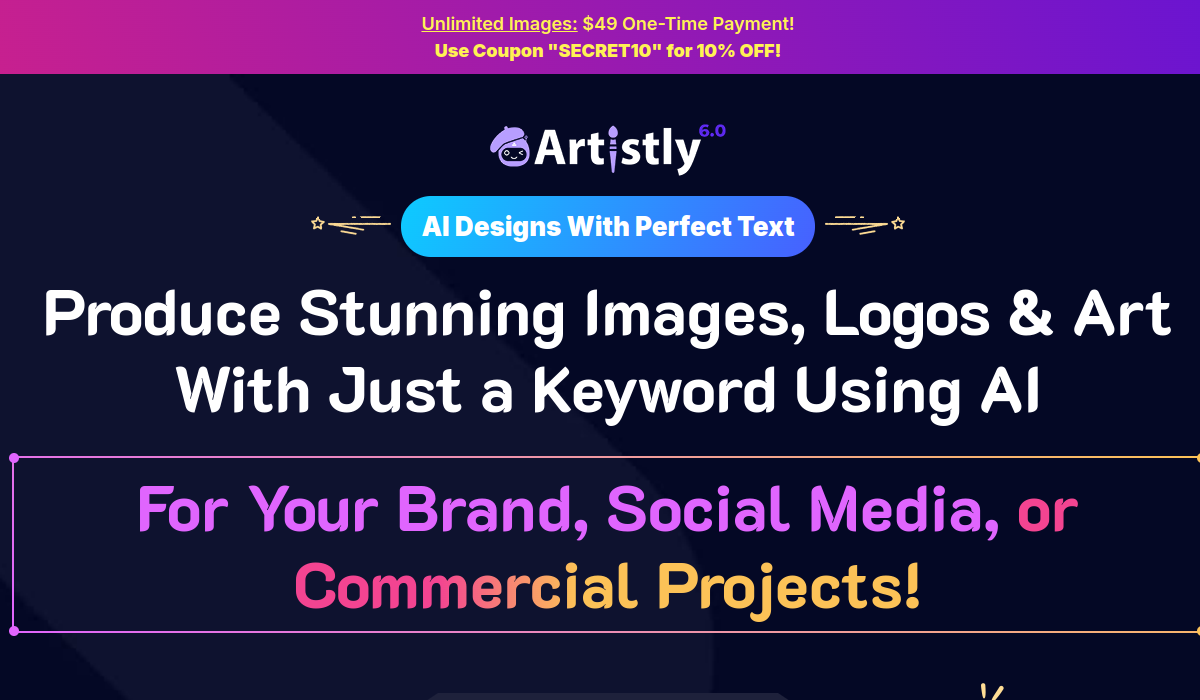
Artistly is an AI image generator and design platform that turns simple text prompts into logos, artwork, social media visuals, ad creatives, and other digital graphics. Positioned as a personal artist for users of any skill level, it pairs straightforward prompting with helper tools that improve results automatically.
The platform includes a smart prompt enhancer that refines instructions for better output, an instant scene editor for swapping backgrounds and adjusting lighting, an AI stylizer that converts photos into anime, oil painting, cartoon, or sketch styles, and an image upscaler that increases resolution up to three times without losing detail.
Over time it has grown from a single generator into a broader creative command center aimed at bloggers, marketers, educators, e-commerce sellers, indie authors, and digital artists who need eye-catching visuals on demand. Typical use cases include producing thumbnails, branding assets, product imagery, and illustrations quickly and affordably.
Strengths include the breadth of creative tools beyond plain generation, accessibility for beginners, and a notable pricing model built around lifetime plans rather than ongoing subscriptions, which can appeal to budget-conscious creators.
The main drawbacks are that the platform does not offer a free plan or free trial, so access requires an upfront purchase, and as with any generator, output quality and consistency can vary by prompt and style. Pricing changes often, so check the official site for current plans.
Artistly's core capabilities include Text-to-image generation for art and graphics, Smart prompt enhancer for better results, AI stylizer for anime, cartoon, and painting styles, Instant scene editor for backgrounds and lighting, Image upscaler up to three times resolution and Logo and ad creative generation.
Text-to-image generation for art and graphics is built in, Smart prompt enhancer for better results is built in, AI stylizer for anime, cartoon, and painting styles is built in, Instant scene editor for backgrounds and lighting is built in, so you get a rounded toolkit rather than a single trick.
Each feature is designed to take the manual effort out of the task and help you reach a usable result faster, which is what makes Artistly worth a place on your shortlist.
On the plus side, users consistently highlight Many creative tools beyond basic generation, Beginner-friendly with automatic prompt improvement and Lifetime plan option avoids recurring fees as the reasons they keep using Artistly.
It isn't perfect, though — No free plan or trial; purchase required upfront and Output consistency varies by prompt and style are the trade-offs people most often mention, so weigh those against your own priorities before you commit.
As with any AI tool, the output still benefits from a quick human review, but Artistly gets you most of the way there with far less effort. Artistly runs on a paid pricing model, aimed at users who want the full feature set without free-tier limits.
AI-tool pricing changes often, so always check the current plans, seats and add-ons on the official site for the latest details before you buy. Who is Artistly for? It's best suited for ai image generator for art, logos, and graphics.
Whether you're a beginner trying this kind of AI tool for the first time or a professional who'll use it every day, it's a credible option to consider.
If you're still deciding, compare Artistly against the alternatives and the head-to-head comparisons linked below — looking at features, pricing and real user ratings side by side is the fastest way to find the right fit for your workflow and budget.
Who is Artistly for?
Artistly is best suited for ai image generator for art, logos, and graphics. Whether you are trying this kind of image & design tool for the first time or use one every day, it is a credible option to shortlist — compare it with the alternatives and head-to-head comparisons linked on this page to find the best fit for your workflow and budget.