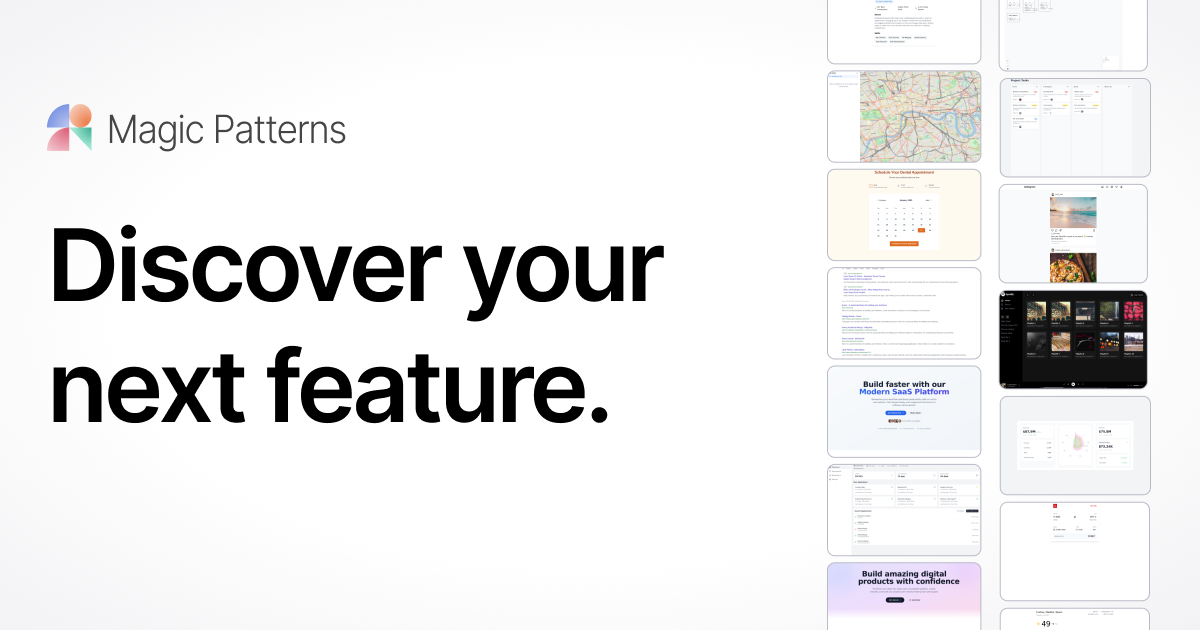
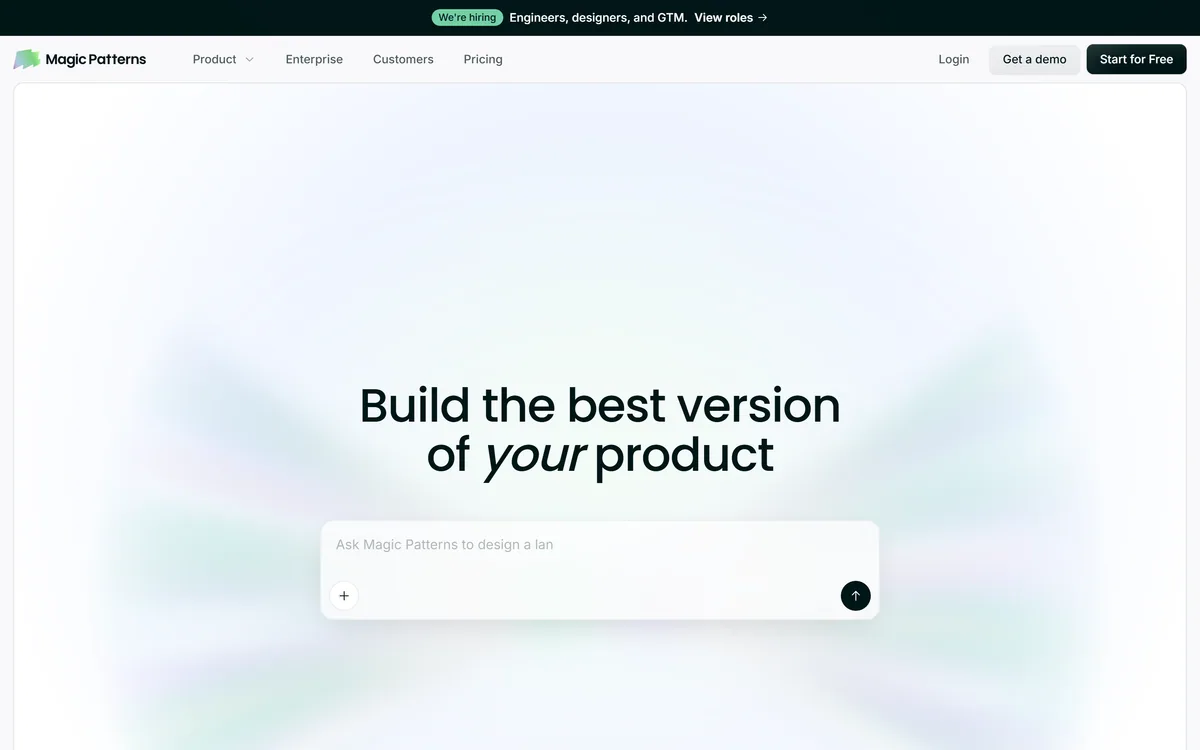
Magic Patterns is an AI design tool for product teams that turns prompts, requirements and ideas into high-fidelity UI, matching your existing design system so teams can prototype and test directions before committing engineering resources.
magicpatterns.com15 viewsAdded May 2, 20254K visitors
The expensive part of product design is not drawing a screen, it is committing engineering time to the wrong one. Deciding what to build by arguing over a written spec or a low-fidelity sketch is slow and lossy. Magic Patterns attacks that gap.
It turns a prompt, a product requirement, or a loose feature idea into high-fidelity UI in minutes, and crucially applies your existing visual language, so what comes out looks like your product rather than a generic template. Teams use it to explore several directions and test them with customers before any engineer writes code.
This review covers how the prompt-to-UI generation works, how it matches an existing design system, how teams collaborate and what the enterprise story is, how it is priced, and who it suits against other AI UI tools.
Magic Patterns: prompt in, high-fidelity UI out, matched to your design system.
Magic Patterns In Four Prototyping Points
Magic Patterns is an AI design tool for product teams that turns a prompt, requirement or idea into high-fidelity UI in minutes.
It matches your existing product: feed in screenshots, components and style rules, and it generates on your design system.
It is built for exploring before committing, so teams can test directions with customers before spending design and engineering time.
Collaboration and enterprise security are built in, with over a million designs created by its community.
From A Prompt To High-Fidelity UI In Minutes
The core move is prompt-to-prototype at high fidelity. Describe the feature, and Magic Patterns generates a polished UI you can actually react to, rather than a wireframe that still needs imagination to read.
That fidelity is the point. A realistic screen surfaces the disagreements a spec hides: the edge cases, the empty states, the flow that looked fine in prose and falls apart on screen. Getting there in minutes means a team can explore several directions in the time it used to take to mock up one.
It sits alongside the new wave of prompt-to-app tools like v0, but is pitched specifically at product teams exploring directions rather than at shipping production code straight away.
The expensive mistake in product design is committing engineers to the wrong screen. A high-fidelity prototype is how you find out cheaply.
How Does Magic Patterns Match Your Existing Product?
A generic AI mockup is easy; one that looks like your product is the hard, useful part, and it is where Magic Patterns puts its emphasis.
Feeding In Screenshots, Components And Styles
You bring your existing screenshots, components, styles and design-system rules, and the AI applies that established visual language when generating new feature concepts. The result is a prototype a stakeholder recognises as yours, not a template to be re-skinned later.
This is a different emphasis from a drawing-first tool like Uizard: Magic Patterns leans on consuming your real design system so output stays on-brand from the first generation.
Prototyping Before You Spend Engineering Time
The workflow is explicitly about exploring multiple directions and testing them with customers before design and engineering resources are committed. Case studies describe teams compressing delivery cycles from weeks to days by settling the direction in prototype first.
For teams who also need to produce supporting visuals and assets around a concept, a broad design tool like Canva AI covers that ground, while Magic Patterns focuses on the interactive UI itself.
Team Collaboration And The Enterprise Security Case
Magic Patterns is built for teams rather than a solo designer. You can edit, share and iterate live on designs together, which keeps design and engineering looking at the same artefact instead of trading files.
On the enterprise side, it emphasises keeping designs secure and compliant, with a Trust Center and security documentation, which is what lets a larger organisation adopt it for real product work rather than experiments.
The community scale, over a million designs created, is a reasonable signal that the generation quality holds up across a wide range of real use, though as always the honest test is your own product's UI.
How Magic Patterns Structures Its Plans
Magic Patterns offers a free start plus paid and enterprise plans, with a demo route for teams. The free tier is enough to judge whether the generation matches your product before committing.
AInexfinder does not publish plan prices, which change and are best read on the pricing page. The thing to weigh is team usage: this is a tool whose value compounds across a product team exploring many features, and is less compelling for a one-off mockup.
Check which collaboration and security features sit on the tier you are considering, since those are what make it viable for enterprise product work.
A Short Test Of Magic Patterns On A Feature Idea
Because its value is matching your product and speeding exploration, test it on a real feature your team is actually debating.
Feed in your existing design system: screenshots, components and style rules.
Describe a feature you are genuinely considering and generate a high-fidelity UI for it.
Judge whether the output looks like your product or needs heavy restyling to get there.
Generate two or three alternative directions for the same feature and compare them side by side.
Share one with a teammate or a customer and see whether the feedback loop is genuinely faster than your current process.
Pass/fail: Magic Patterns earns a plan only if it produces on-brand prototypes fast enough to change how you decide what to build.
Confirm the collaboration and security features you need are on the plan tier you would buy.
Magic Patterns Facts For Product Teams
What it is
AI design and prototyping tool for product teams
Input
A prompt, product requirement or feature idea
Output
High-fidelity UI, matched to your design system
Design system
Bring screenshots, components and style rules
Collaboration
Edit, share and iterate live with your team
Scale cited
1M+ designs; 500K+ people building with it
Enterprise
Security, compliance and a Trust Center
Company
North Park Labs, Inc.
Key features of Magic Patterns
Prompt, requirement or idea to high-fidelity UI
Design-system matching from your real assets
Multiple directions explored quickly
Live team editing and sharing
Customer testing of prototypes
Enterprise security and compliance
A large community design gallery
Free start with paid and enterprise plans
Pros & cons
Pros
5
High-fidelity output surfaces decisions a spec hides
Matches your existing design system from the first generation
Compresses the explore-and-decide loop from weeks to days
Built for team collaboration, not just solo use
Enterprise security makes real product adoption viable
Cons
5
Prototyping tool, not a producer of production code
Needs an existing design system to shine
Overkill for a single throwaway mockup
Value depends on team, not solo, use
Generation still needs design judgement on top
Best For
Product teams exploring directions before building
Teams with a design system to respect
Designers and PMs testing concepts with customers
Organisations needing collaboration and security
Teams replacing low-fidelity sketch decisions
Magic Patterns Versus Other AI UI Tools
AI UI tools differ by whether they draw, prototype on your system, or ship code.
Uizard — drawing-first and wireframe-to-design workflow
Canva AI — visuals and assets around a product concept
Editor's Verdict
4.0/5
Magic Patterns earns 4.0 for turning ideas into on-brand, high-fidelity UI fast enough to change how a product team decides what to build, with real collaboration and enterprise security; it is held back because it is a prototyping tool rather than a source of production code and needs an existing design system to shine. AInexfinder Editor Score: 4.0/5.
Magic Patterns pricing
AInexfinder does not list plan prices or billing details. For current pricing, plans, and trials, visit the official Magic Patterns website.
Vendor pricing, credits, and billing policies change over time. Always confirm on the official site before you buy.
Frequently asked questions
What is Magic Patterns?
Magic Patterns is an AI design tool for product teams. It turns a prompt, product requirement or feature idea into high-fidelity UI in minutes, matched to your existing design system, so teams can explore and test directions before committing design and engineering time.
How does Magic Patterns match my existing product?
You feed in your screenshots, components, styles and design-system rules, and the AI applies that visual language when generating new concepts. The aim is a prototype that already looks like your product rather than a generic template you have to re-skin.
Does Magic Patterns produce production code?
Its primary output is high-fidelity, interactive UI for exploring and testing directions, not production-ready code. If shippable components are your main goal, a prompt-to-code tool like v0 is aimed more directly at that.
Who is Magic Patterns for?
Product teams, designers and PMs who want to explore several directions and test them with customers before building. It is built for collaboration and enterprise use, so it suits teams more than someone needing a single throwaway mockup.
How does Magic Patterns compare with Uizard?
Uizard leans on a drawing-first, sketch-to-design workflow, while Magic Patterns emphasises consuming your real design system to generate on-brand, high-fidelity UI from a prompt. Choose based on whether you start from sketches or from an existing system.
Is Magic Patterns free?
There is a free start, plus paid and enterprise plans and a demo route for teams. The free tier is enough to judge whether the generation matches your product before committing. Collaboration and security features vary by plan.
Is Magic Patterns secure enough for enterprise use?
It emphasises keeping designs secure and compliant and provides a Trust Center and security documentation. Review those against your organisation's requirements, but enterprise adoption is an explicit design goal rather than an afterthought.
Can a whole team use Magic Patterns together?
Yes. You can edit, share and iterate on designs live with your team, keeping design and engineering looking at the same artefact rather than trading files. That collaboration is central to how it is meant to be used.
Do I need a design system to use Magic Patterns?
You can generate without one, but the tool is at its best when you feed in your existing design system, because that is what makes the output look like your product. Teams with no established system will get more generic results.
Is Magic Patterns worth it for a startup?
It can be, especially for a team iterating quickly on product direction and wanting to test with users before building. Start on the free tier; the paid plans pay off once the whole team is exploring features regularly.
Daniel reviews AI tools the slow way — by actually using them on real projects. His reviews cover what works, what breaks, and who each tool is genuinely a good fit for.
Daniel and the AInexfinder editorial team research Magic Patterns using public product information, listing evidence, and (when available) hands-on checks. Scores reflect listing completeness and transparency — not paid placement.
Listings may include affiliate or sponsored placements, which are labeled when present. Editorial scores and cons are not sold. See our affiliate disclosure and review methodology.
Canva AI is the Magic Studio suite built into Canva — Magic Write for copy, Dream Lab for images, Magic Edit, Expand and Eraser for photos, Magic Switch for reformatting, Magic Charts for data, and Canva Code for interactive widgets.
UXMagic turns text prompts, sketches or screenshots into Figma-ready UI designs, generating wireframes, sitemaps and multiple screens, importing your design system, and exporting to Figma, HTML, React or Webflow.
Visily generates editable UI designs from screenshots, text prompts, diagrams or templates, aimed explicitly at non-designers who need to convey product ideas, with smart components, auto-prototyping, on-canvas collaboration and a Figma plugin for handoff.
Flowstep generates editable user interface designs from a text description on an infinite canvas. It produces multiple screens in one pass, accepts PRDs and reference images as input, supports real-time collaboration, and exports both to Figma by ordinary copy-paste and to React, TypeScript and Tailwind code.
krea2.org is a browser image-generation workspace that runs several third-party models side by side, including Krea 2 tiers, FLUX.2, GPT Image 2, Nano Banana and Seedream 5.0, with reference uploads, six aspect ratios and live model switching.