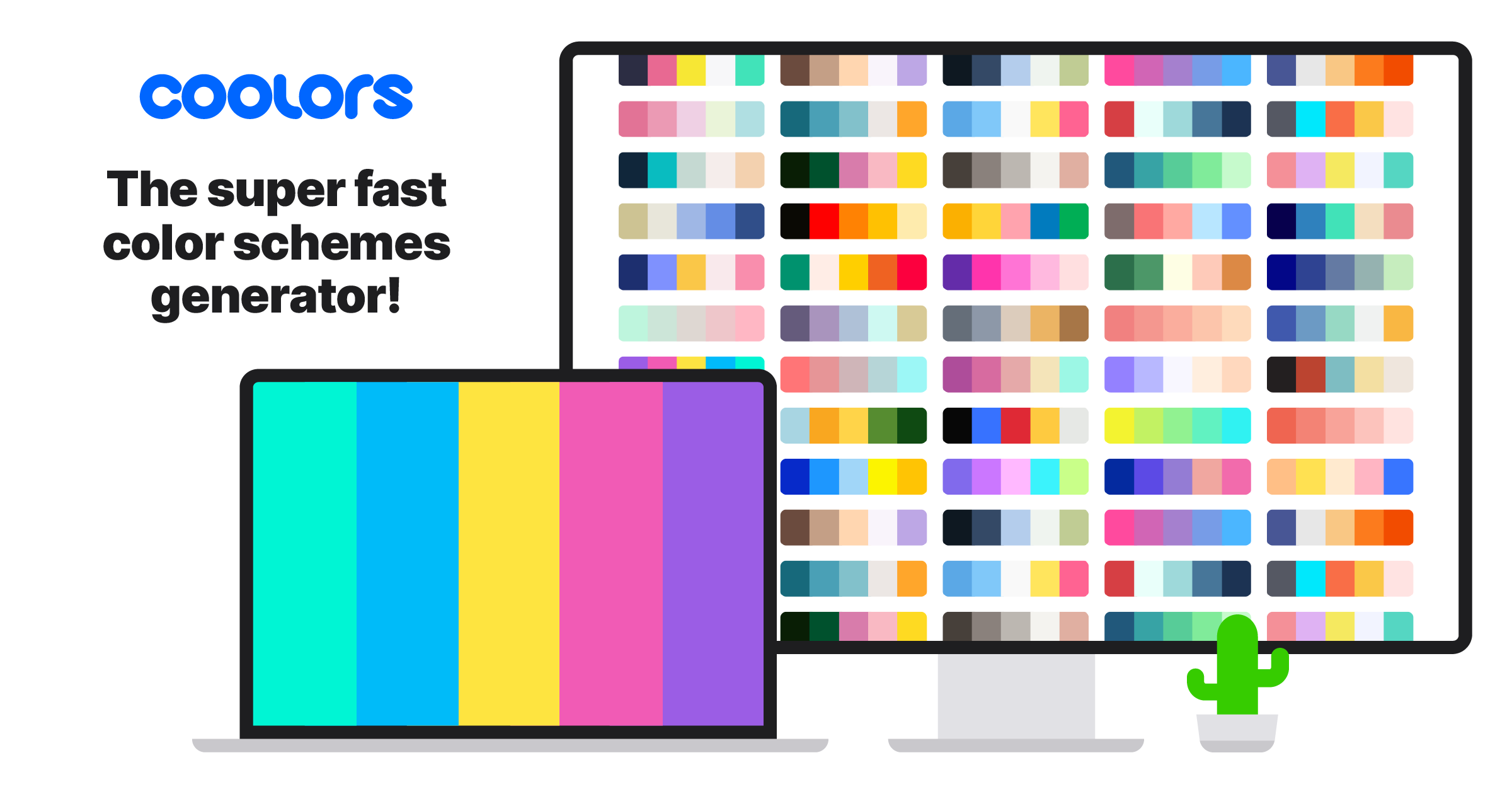
What is Coolors?
Coolors is a widely used color palette generator that helps designers, developers and creators build harmonious color schemes quickly.
Its signature workflow lets users press the spacebar to instantly generate a new five-color palette based on color theory, lock the colors they like, and regenerate only the unlocked swatches until the combination feels right.
Beyond generation, Coolors can extract a palette from any uploaded photo, adjust hue, saturation and brightness across an entire palette, and preview colors on real design mockups so users can judge them in context.
It includes practical accessibility tooling, such as a WCAG contrast checker and a color-blindness simulator, which makes it useful for teams building inclusive interfaces.
An AI-powered Color Bot lets users chat to get tailored color suggestions for a project, and additional features cover color naming, gradients, a color picker and free font discovery. It is suited to UI and UX designers, brand and graphic designers, web developers and hobbyists.
Strengths include its speed, simplicity, large community palette library and strong accessibility support. Limitations are that the free tier shows ads and caps saved palettes, with unlimited saving, ad-free use and advanced export reserved for the Pro subscription.
It works in the browser and through mobile and browser-extension companions. Pricing is freemium with a paid Pro plan. Pricing changes often, so check the official site for current plans.
Coolors's core capabilities include Instant spacebar palette generation with color locking, Palette extraction from uploaded images, WCAG contrast checker and color-blindness simulator, AI Color Bot for chat-based suggestions and Palette visualizer on real design mockups.
Instant spacebar palette generation with color locking is built in, Palette extraction from uploaded images is built in, WCAG contrast checker and color-blindness simulator is built in, AI Color Bot for chat-based suggestions is built in, so you get a rounded toolkit rather than a single trick.
Each feature is designed to take the manual effort out of the task and help you reach a usable result faster, which is what makes Coolors worth a place on your shortlist.
On the plus side, users consistently highlight Extremely fast and intuitive to use, Strong accessibility and contrast tooling and Large community palette library for inspiration as the reasons they keep using Coolors.
It isn't perfect, though — Free tier has ads and limited saved palettes and Advanced export and unlimited saving need Pro are the trade-offs people most often mention, so weigh those against your own priorities before you commit.
As with any AI tool, the output still benefits from a quick human review, but Coolors gets you most of the way there with far less effort.
Coolors runs on a freemium pricing model, so you can start for free and only pay once you outgrow the free tier — handy for testing it on a real task before spending anything.
AI-tool pricing changes often, so always check the current plans, seats and add-ons on the official site for the latest details before you buy. Who is Coolors for? It's best suited for fast color palette generator with ai color assistant.
Whether you're a beginner trying this kind of AI tool for the first time or a professional who'll use it every day, it's a credible option to consider.
If you're still deciding, compare Coolors against the alternatives and the head-to-head comparisons linked below — looking at features, pricing and real user ratings side by side is the fastest way to find the right fit for your workflow and budget.
Who is Coolors for?
Coolors is best suited for fast color palette generator with ai color assistant. Whether you are trying this kind of image & design tool for the first time or use one every day, it is a credible option to shortlist — compare it with the alternatives and head-to-head comparisons linked on this page to find the best fit for your workflow and budget.