What is Uizard?
Uizard is a cloud-based AI UI and UX design platform that lets users generate editable design prototypes from simple inputs, making interface design accessible to people without deep design experience.
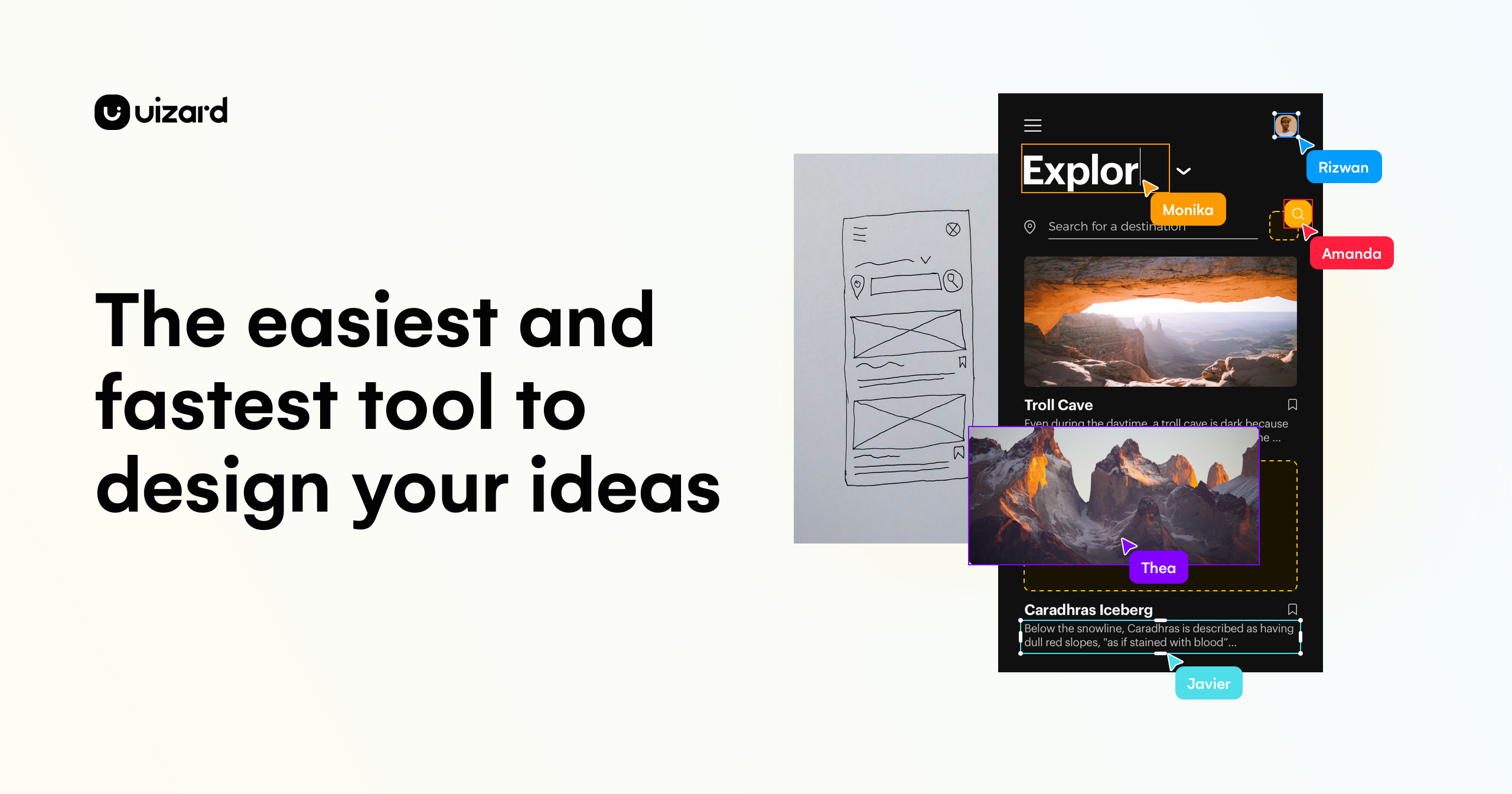
Its Autodesigner feature creates multi-screen prototypes from text descriptions, while a screenshot scanner converts app screenshots into editable mockups and a wireframe scanner digitizes hand-drawn sketches into clean designs.
Users can select components and describe changes for the AI to apply, generate new themes to instantly restyle a project, and collaborate with teammates in real time.
Uizard is aimed at product managers, founders, marketers, consultants, agencies, and developers who want to move quickly from idea to a clickable prototype for early-stage validation and communication. Features include text-to-UI generation, screenshot-to-mockup scanning, sketch digitization, AI theme generation, and real-time collaboration.
Pros include how easy it makes rapid prototyping for non-designers, the variety of input methods from text to screenshots to sketches, and its collaborative workflow.
Cons include that the free tier limits projects and AI generations, and that the AI-generated designs are best for early ideation rather than pixel-perfect production handoff. Uizard generally uses a freemium model with paid per-seat subscription plans. Pricing changes often, so check the official site for current plans.
Uizard's core capabilities include Text-to-UI multi-screen prototyping, Screenshot-to-mockup scanning, Hand-drawn sketch digitization, AI theme generation and restyling and Real-time team collaboration.
Text-to-UI multi-screen prototyping is built in, Screenshot-to-mockup scanning is built in, Hand-drawn sketch digitization is built in, AI theme generation and restyling is built in, so you get a rounded toolkit rather than a single trick.
Each feature is designed to take the manual effort out of the task and help you reach a usable result faster, which is what makes Uizard worth a place on your shortlist.
On the plus side, users consistently highlight Makes rapid prototyping easy for non-designers, Multiple input methods including sketches and Collaborative real-time workflow as the reasons they keep using Uizard.
It isn't perfect, though — Free tier limits projects and AI generations and Best for ideation, not pixel-perfect handoff are the trade-offs people most often mention, so weigh those against your own priorities before you commit.
As with any AI tool, the output still benefits from a quick human review, but Uizard gets you most of the way there with far less effort.
Uizard runs on a freemium pricing model, so you can start for free and only pay once you outgrow the free tier — handy for testing it on a real task before spending anything.
AI-tool pricing changes often, so always check the current plans, seats and add-ons on the official site for the latest details before you buy. Who is Uizard for? It's best suited for ai ui design tool that turns prompts into prototypes.
Whether you're a beginner trying this kind of AI tool for the first time or a professional who'll use it every day, it's a credible option to consider.
If you're still deciding, compare Uizard against the alternatives and the head-to-head comparisons linked below — looking at features, pricing and real user ratings side by side is the fastest way to find the right fit for your workflow and budget.
Who is Uizard for?
Uizard is best suited for ai ui design tool that turns prompts into prototypes. Whether you are trying this kind of image & design tool for the first time or use one every day, it is a credible option to shortlist — compare it with the alternatives and head-to-head comparisons linked on this page to find the best fit for your workflow and budget.