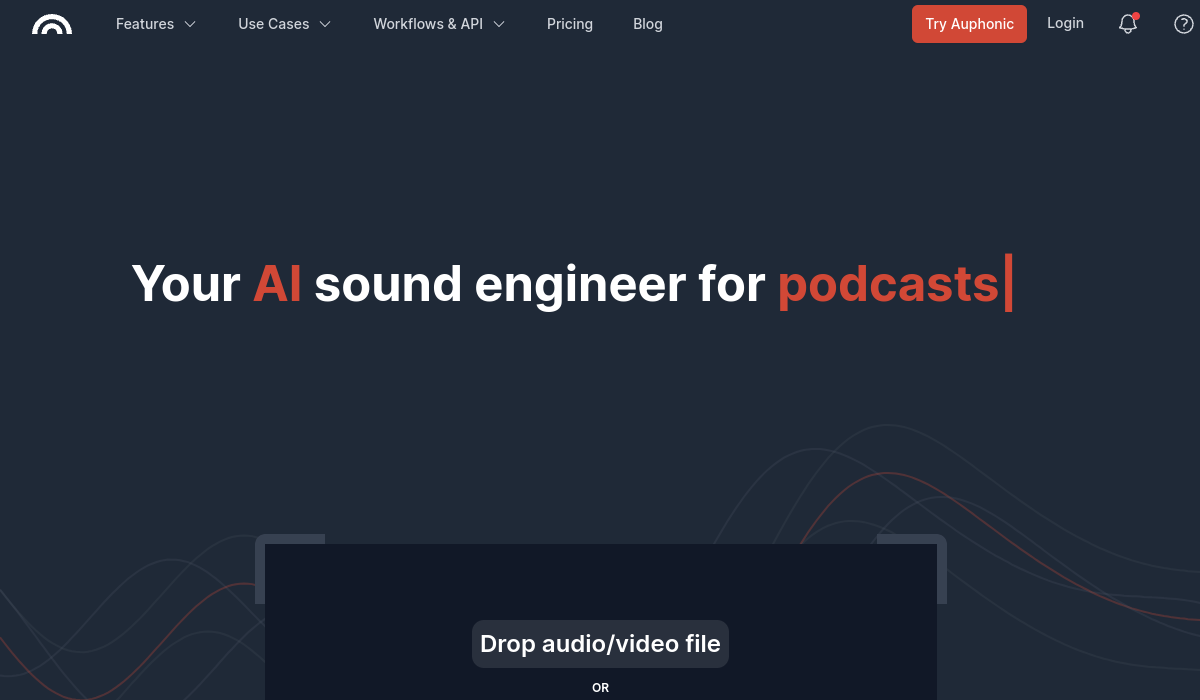
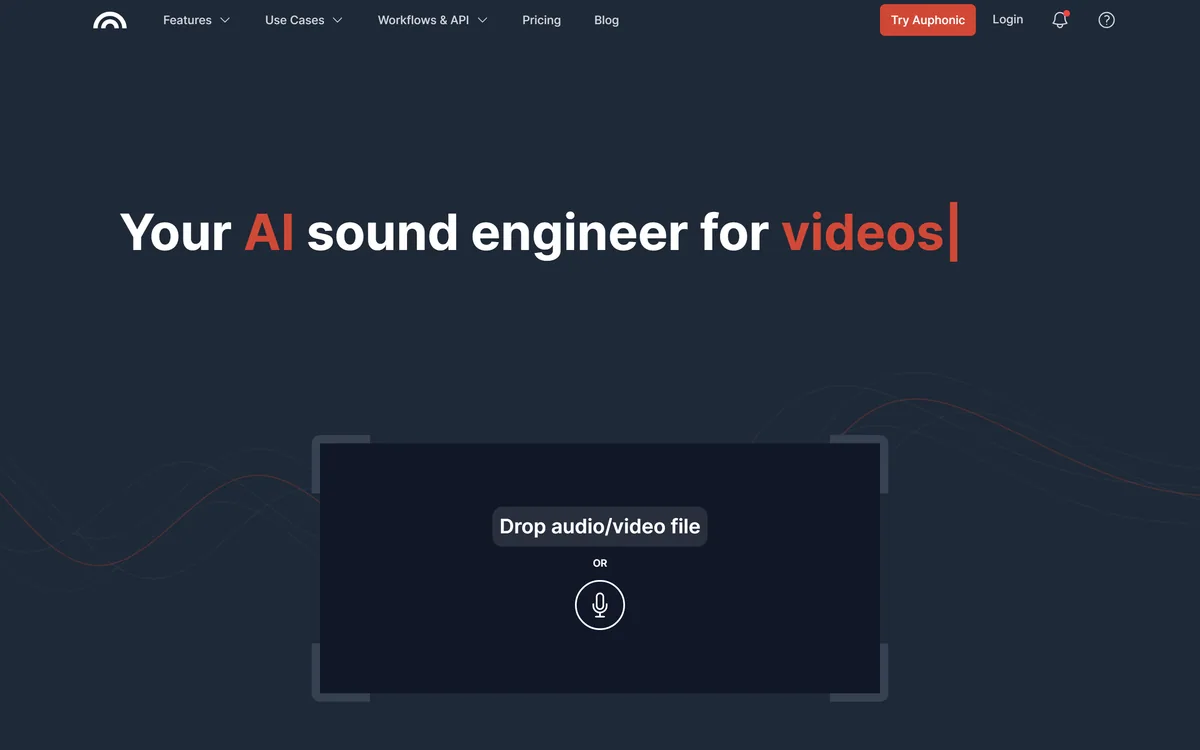
Auphonic is an AI audio post-production service that automatically balances levels, reduces noise and reverb, removes filler words and silences, meets loudness targets, mixes multitrack recordings, transcribes speech and publishes results, via web app, API, CLI and integrations.
auphonic.com6 viewsAdded April 18, 202662K visitors
Professional-sounding audio usually needs a sound engineer: balancing voices, removing noise, hitting loudness standards and exporting correctly. Auphonic automates that work, which is why it has long been popular with podcasters and radio producers.
You drop in an audio or video file and Auphonic levels speakers and music, reduces noise and reverb, cuts filler words and silences, meets loudness targets, mixes multiple tracks, transcribes and publishes. It sits among audio tools like AudioCleaner AI, with a deeper, standards-focused post-production pipeline.
This review covers what Auphonic does to a recording, which podcasters and producers it suits, how it prices processing time, and when it is not the fix you need.
Auphonic automates audio post-production for podcasts, video and broadcast.
Auphonic Audio-Engineer Facts
What it is
An AI audio post-production service
Levelling
Balances speakers, music and speech automatically
Cleanup
Noise and reverb reduction, de-esser, de-plosive
Editing
Cuts filler words, coughs and silences
Standards
Loudness targets, true peak and more
Multitrack
Ducking, noise gate, mic-bleed removal
Extras
Speech-to-text, show notes, chapters, publishing
Access
Free monthly processing hours, then paid
Auphonic, The Sound-Polish Brief
Auphonic is an automatic sound engineer: upload audio or video and it levels, cleans and finishes it.
It covers the whole post chain: noise and reverb reduction, filler and silence cuts, loudness targets and multitrack mixing.
It adds publishing and transcripts: speech-to-text, show notes, chapters and automatic distribution.
It polishes, it does not fix everything: badly recorded audio improves but cannot match a well-recorded source.
An Automatic Sound Engineer For Podcasts And Video
Auphonic's purpose is to give non-engineers broadcast-quality audio with almost no effort. You upload a file, choose a preset or a few settings, and its algorithms handle the work a sound engineer would normally do.
Its intelligent leveller balances loudness between speakers, music and speech without you needing to understand compressors, while noise and reverb reduction, de-essing, de-plosive filtering and clipping repair clean up common recording problems.
It also handles the tedious editing many podcasters dread, automatically cutting silences, coughs and filler words in several languages, and it can process multitrack recordings with automatic ducking, noise gating and mic-bleed removal.
The honest framing is that Auphonic is excellent at polishing and standardising audio, but it cannot work miracles. A good microphone and a quiet room still matter, and heavily damaged recordings will improve rather than sound truly professional.
Auphonic is excellent at polishing and standardising audio, but a good microphone and a quiet room still matter.
What Does Auphonic Do To A Recording?
Auphonic's pipeline runs from cleaning and levelling to standards compliance, transcription and distribution.
Levelling, Noise Reduction And Filler Cuts
Auphonic balances levels, reduces static or fast-changing noise, removes reverb, filters harsh frequencies and repairs clipping, then cuts filler words and silences. For many shows, that alone removes most of the editing burden.
For mastering music rather than speech, a platform like LANDR is the specialist; Auphonic's strength is spoken-word and mixed speech-and-music content.
Loudness Targets, Transcripts And Publishing
You can set target loudness, true peak limits and other specifications so episodes stay consistent and meet platform or broadcast standards. Auphonic also produces multilingual speech-to-text with automatic show notes and chapters, creates video podcasts with audiograms and subtitles, and publishes to platforms such as YouTube and podcast hosts.
For transcription at scale inside your own products, a speech-to-text API like AssemblyAI is built for developers; Auphonic includes transcripts as part of finishing an episode.
Which Podcasters And Producers Auphonic Suits
Auphonic suits podcasters, radio and broadcast producers, video creators, educators and organisations that publish spoken-word content regularly and want consistent, standards-compliant sound without hiring an engineer.
It suits teams that automate production, since watch folders, an API, a command-line tool and Zapier integration let it slot into existing workflows and process files without manual uploads.
It suits less well music production and mastering, sound design, or anyone who wants fine-grained manual control over every edit, where a digital audio workstation and an engineer are better.
It also cannot rescue recordings that are fundamentally poor; improving the source, with better microphones and quieter rooms, gives Auphonic much better material to work with.
For most spoken-word creators, the realistic outcome is a dramatic improvement in consistency and polish for very little effort, which is exactly the job most shows need done.
How Auphonic Prices Processing Hours
Auphonic offers a number of free processing hours each month, with paid plans and one-time credits for more processing time. We do not publish prices, which change; check the site.
Because pricing is based on processing time, the value is easy to model: estimate your monthly hours of audio and compare that with the cost of editing time or a freelance engineer.
For many podcasters the free allowance covers a light schedule, while weekly shows, multi-show networks and broadcasters will usually need a paid plan or credits.
The sensible approach is to run a few real episodes through the free hours, compare the results with your current process, and only then choose a plan that matches your actual monthly volume.
Networks and agencies running several shows should also check how processing hours are shared across users and productions, since multiple weekly shows can use up an allowance much faster than a single podcaster expects.
Processing One Episode Through Auphonic
Because Auphonic's value shows on real episodes, test it on recordings you already know well.
Upload a typical episode, ideally one with some noise or uneven levels.
Choose loudness targets that match your platforms.
Enable filler-word and silence cutting and review what was removed.
Try multitrack processing if you record speakers separately.
Check the transcript, show notes and chapters for accuracy.
Pass/fail: Auphonic is worth it if episodes sound better with far less editing time.
Improve your recording setup too; better input gives better output.
Auphonic Audio Terms
Loudness normalisation
Adjusting audio to a target perceived loudness so episodes sound consistent across platforms.
True peak
The maximum level of the audio waveform after conversion, limited to avoid distortion on playback.
Ducking
Automatically lowering music or another track when someone speaks, so speech stays clear.
Mic bleed
When one speaker's microphone picks up another speaker, which multitrack processing can reduce.
Key features of Auphonic
Intelligent levelling
Noise and reverb reduction
Filler-word and silence cutting
Loudness normalisation
Multitrack mixing
Speech-to-text and show notes
Automatic publishing
API and CLI
Pros & cons
Pros
5
Broadcast-quality polish without an engineer
Standards-compliant loudness
Removes tedious editing
Automation-friendly API and integrations
Free monthly hours to start
Cons
5
Cannot rescue very poor recordings
Not for music mastering
Less manual control than a DAW
Heavy schedules need paid hours
Transcripts still need checking
Best For
Podcast post-production
Spoken-word video
Broadcast loudness compliance
Automated audio workflows
Multitrack interviews
Auphonic Compared With Editors And Plugins
The useful comparison is with other audio tools, by the kind of audio work each does best.
Auphonic earns 4.3 as one of the most practical tools a spoken-word creator can use: it automatically levels speakers and music, removes noise, reverb, filler words and silences, meets loudness standards, mixes multitrack recordings, transcribes and publishes, with an API and integrations for automated workflows. Free monthly hours make it easy to test. It cannot rescue badly recorded audio or replace a music mastering engineer, but for podcasts and spoken video it delivers polish and consistency for very little effort. AInexfinder Editor Score: 4.3/5.
Auphonic pricing
AInexfinder does not list plan prices or billing details. For current pricing, plans, and trials, visit the official Auphonic website.
Vendor pricing, credits, and billing policies change over time. Always confirm on the official site before you buy.
Frequently asked questions
What is Auphonic?
Auphonic is an AI audio post-production service that automatically levels, cleans, edits, normalises, mixes, transcribes and publishes audio and video, mainly for spoken-word content.
Can Auphonic remove filler words?
Yes. It can automatically cut silences, coughs and filler words in several languages. Review the result, as automatic cuts occasionally remove something you wanted.
Does Auphonic meet podcast loudness standards?
Yes. You can set loudness targets, true-peak limits and other specifications so episodes stay consistent and meet platform requirements.
Can Auphonic process multiple tracks?
Yes. Multitrack processing creates an optimised mixdown with automatic ducking, noise gating and mic-bleed removal, useful for interviews recorded on separate mics.
Is Auphonic free?
Auphonic provides free processing hours each month, with paid plans and credits for more. We do not publish prices, which change; check the site.
Does Auphonic make transcripts?
Yes. It offers multilingual speech-to-text with automatic show notes and chapters in a shareable transcript editor. Check transcripts for errors before publishing.
Can Auphonic publish my episodes?
It can publish results to platforms such as YouTube and podcast hosts, and connect to common file-transfer services to avoid manual uploads.
Can developers automate Auphonic?
Yes. It offers an API, a command-line tool, watch folders and a Zapier integration for automated production workflows.
Who is Auphonic best for?
Podcasters, broadcasters, video creators, educators and organisations that publish spoken-word audio regularly and want consistent, professional sound.
Can Auphonic fix a bad recording?
It can improve a poor recording significantly, but it cannot fully restore badly damaged audio. Better microphones and quieter rooms give it much better material.
Daniel reviews AI tools the slow way — by actually using them on real projects. His reviews cover what works, what breaks, and who each tool is genuinely a good fit for.
Daniel and the AInexfinder editorial team research Auphonic using public product information, listing evidence, and (when available) hands-on checks. Scores reflect listing completeness and transparency — not paid placement.
Listings may include affiliate or sponsored placements, which are labeled when present. Editorial scores and cons are not sold. See our affiliate disclosure and review methodology.
Cleanvoice AI cleans podcast and video audio automatically: filler words, background noise, mouth sounds, breaths, stutters and dead air. It exports an editable timeline back to Audition, Reaper, DaVinci Resolve and Audacity rather than locking you into its own editor.
The workspace at www-flux3.com generates 5–20 second AI videos with native audio from text or a starting image, routing across FLUX 3, MiniMax H3, Seedance, Wan 3.0 and Kling 3.0 Pro, at 720p or 1080p with video extension.
Runway is an AI video platform built around generative world models — Gen-4.5, Aleph 2.0, and Act-Two for performance capture — split across Runway Creative for filmmakers, Runway Dev for builders, and Runway Robotics.
Descript is a video and audio editor that works by editing a transcript — delete a sentence and the footage goes with it — plus Studio Sound, Eye Contact, filler-word removal, AI voices, avatars, and the Underlord assistant.
Treblo generates complete songs from a text prompt in any style, with a browsable style library, an Explore feed of what others have made, iOS and Android apps, and a developer section for building on it.
kling3ai.co is an independent interface offering video generation through Kling 3.0 and Seedance models, with multi-shot storyboarding, motion control and 4K output. It is not Kuaishou's official Kling service, which runs at kling.ai.