MagicLight AI generates multi-scene videos up to 50 minutes from a story, script, text, image or music track. It routes across Seedance, Kling, VEO, Sora and Wan models, and adds voice cloning, lip sync and subtitles.
FreemiumVideo & Audio
DeepReel review on AInexfinder — subscription AI tool for Video & Audio. Features, pricing notes, and alternatives.
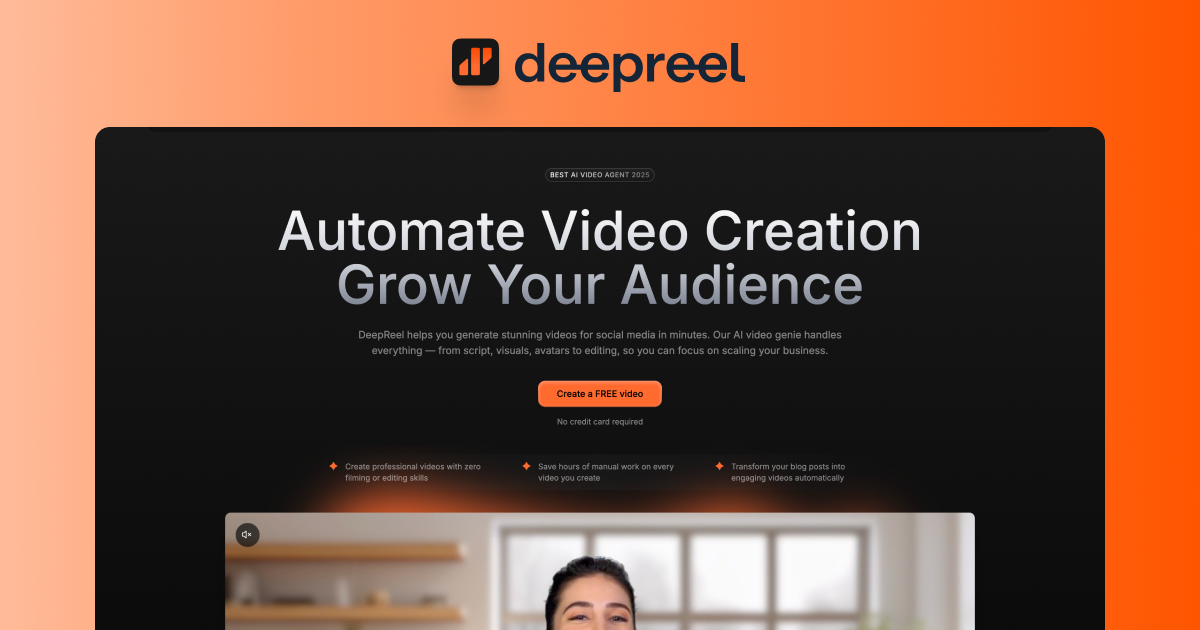
DeepReel is an AI video generation platform focused on product demo, explainer and training videos featuring lifelike AI presenters.
Through its Video Genie feature, users input a script, a PDF or a product URL, and DeepReel produces an editable storyboard within minutes, handling script structuring, visual selection, voice synchronization and basic editing automatically.
Creators choose from more than fifty AI presenters with hundreds of voice options across dozens of languages, then refine the result in a drag-and-drop canvas editor where they can reposition the presenter, change backgrounds and adjust text.
A brand profile system stores logos, colors and fonts so videos stay on-brand across a library, and the AI can generate custom images and clips to illustrate abstract concepts.
Output supports vertical, square and widescreen formats for different platforms, and users can create personalized avatars from their own photos.
DeepReel targets SaaS companies, financial and legal firms, marketers and small businesses that need product demonstrations and training content without a production crew, promising finished demos in roughly ten to fifteen minutes instead of days.
Strengths include the fast script-to-video flow, the large roster of presenters and voices, and consistent branding tools. Limitations are that avatar-led videos can feel less authentic than real footage for some audiences, custom avatars and certain features carry extra costs, and complex demos still benefit from manual polish.
DeepReel runs on a subscription model with flexible plans. Pricing changes often, so check the official site for current plans.
DeepReel's core capabilities include Script, document or URL to video generation, 50+ AI presenters with multilingual voices, Drag-and-drop canvas editor, Brand profile for logos, colors and fonts, AI-generated images and clips for concepts and Vertical, square and widescreen export.
Script, document or URL to video generation is built in, 50+ AI presenters with multilingual voices is built in, Drag-and-drop canvas editor is built in, Brand profile for logos, colors and fonts is built in, so you get a rounded toolkit rather than a single trick.
Each feature is designed to take the manual effort out of the task and help you reach a usable result faster, which is what makes DeepReel worth a place on your shortlist.
On the plus side, users consistently highlight Very fast script-to-demo workflow, Large library of presenters and voices and Consistent branding across a video library as the reasons they keep using DeepReel.
It isn't perfect, though — Avatar videos feel less authentic than real footage and Custom avatars and some features cost extra are the trade-offs people most often mention, so weigh those against your own priorities before you commit.
As with any AI tool, the output still benefits from a quick human review, but DeepReel gets you most of the way there with far less effort. DeepReel runs on a subscription pricing model, aimed at users who want the full feature set without free-tier limits.
AI-tool pricing changes often, so always check the current plans, seats and add-ons on the official site for the latest details before you buy. Who is DeepReel for? It's best suited for turn scripts, docs or links into ai presenter demos.
Whether you're a beginner trying this kind of AI tool for the first time or a professional who'll use it every day, it's a credible option to consider.
If you're still deciding, compare DeepReel against the alternatives and the head-to-head comparisons linked below — looking at features, pricing and real user ratings side by side is the fastest way to find the right fit for your workflow and budget.
DeepReel is best suited for turn scripts, docs or links into ai presenter demos. Whether you are trying this kind of video & audio tool for the first time or use one every day, it is a credible option to shortlist — compare it with the alternatives and head-to-head comparisons linked on this page to find the best fit for your workflow and budget.
Script, document or URL to video generation
50+ AI presenters with multilingual voices
Drag-and-drop canvas editor
Brand profile for logos, colors and fonts
AI-generated images and clips for concepts
Vertical, square and widescreen export
DeepReel has an AInexfinder Editor Score of 4.5/5.
AInexfinder does not list plan prices or billing details. For current pricing, plans, and trials, visit the official DeepReel website.
Visit official website for pricingVendor pricing, credits, and billing policies change over time. Always confirm on the official site before you buy.
Log in to write a review.
No reviews yet. Be the first to share your experience with DeepReel.
Assigned reviewer
Daniel ReedSenior AI Tools Reviewer
Daniel reviews AI tools the slow way — by actually using them on real projects. His reviews cover what works, what breaks, and who each tool is genuinely a good fit for.
Daniel and the AInexfinder editorial team research DeepReel using public product information, listing evidence, and (when available) hands-on checks. Scores reflect listing completeness and transparency — not paid placement.
MagicLight AI generates multi-scene videos up to 50 minutes from a story, script, text, image or music track. It routes across Seedance, Kling, VEO, Sora and Wan models, and adds voice cloning, lip sync and subtitles.
Fliki turns text, scripts, blog posts, presentations and single-line prompts into finished videos with voiceover, visuals, music and subtitles. It offers over 2,000 voices across 80+ languages, voice cloning, a Digital Twin avatar, screen recording with auto-editing, and one-click publishing to TikTok, Instagram and YouTube.
HeyGen creates realistic AI avatar videos featuring you, with consistent identity across clips, a text-based studio, translation and lip-sync in 175+ languages, and an unusually serious stance on verified identity and moderation.
AutoShorts.ai automates faceless short-form video end to end. You choose a series topic and visual style, and it writes the script, generates the visuals, narrates it, adds music and captions, then posts to TikTok, YouTube and Instagram on a schedule without you touching it.

The workspace at www-flux3.com generates 5–20 second AI videos with native audio from text or a starting image, routing across FLUX 3, MiniMax H3, Seedance, Wan 3.0 and Kling 3.0 Pro, at 720p or 1080p with video extension.

Runway is an AI video platform built around generative world models — Gen-4.5, Aleph 2.0, and Act-Two for performance capture — split across Runway Creative for filmmakers, Runway Dev for builders, and Runway Robotics.