What is Gencraft?
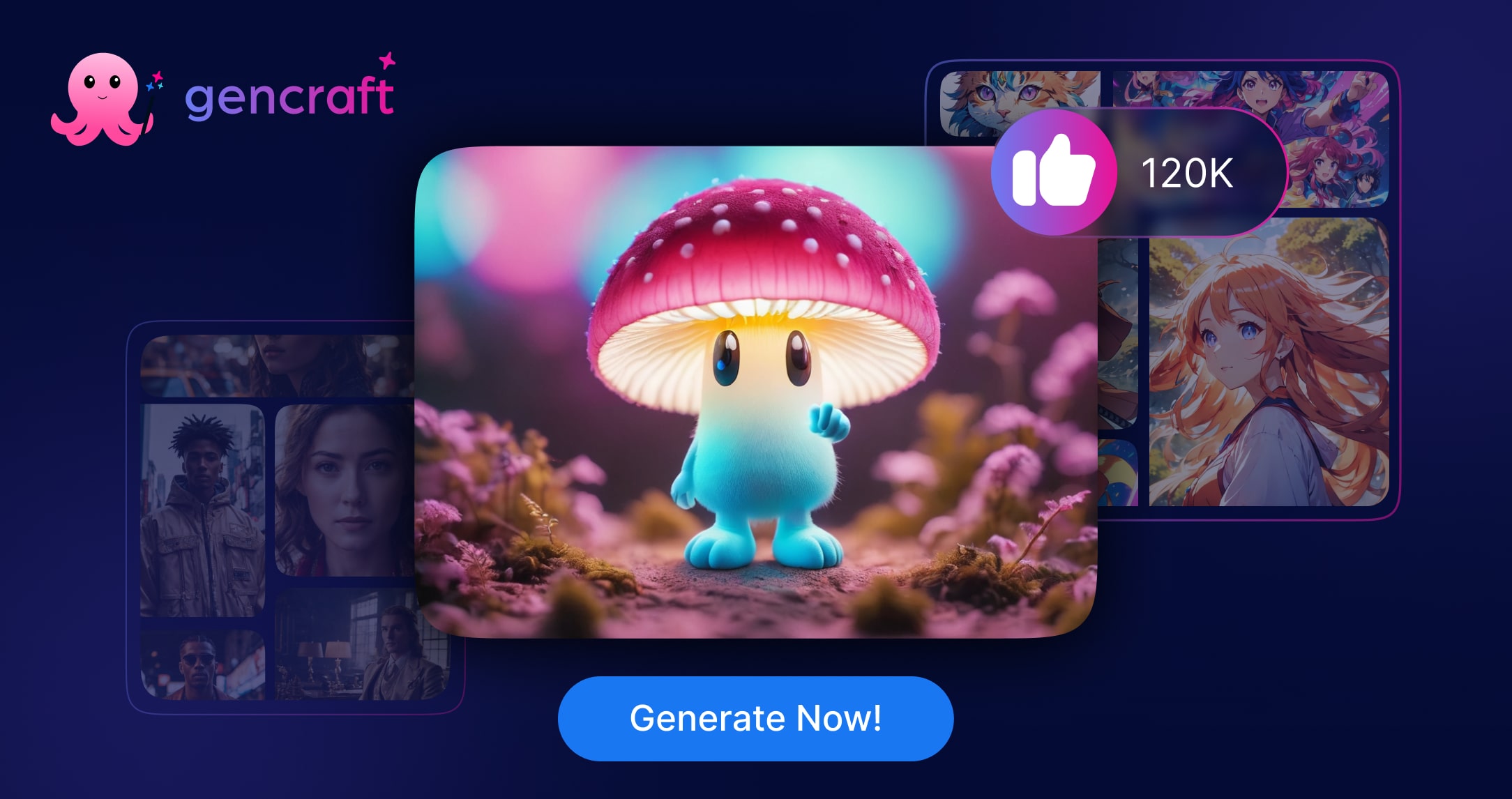
Gencraft is an AI-powered creative platform that lets anyone generate original artwork, photos, avatars and short videos from simple text prompts.
Built for hobbyists, social media creators, marketers and designers who want fast visuals without specialist skills, it provides access to hundreds of AI models and a large library of artistic styles, plus a community gallery where millions of users share and remix creations.
Users type a description, choose a style or model, and Gencraft returns multiple image variations within seconds; results can then be refined, upscaled, animated into video, or edited further inside the app.
Core features include text-to-image generation, image variations and editing, avatar and selfie creation, text-to-video, a wide style selector, and cross-platform availability on the web, iOS and Android. Typical use cases span social posts, thumbnails, concept art, profile pictures, mood boards and ad creative.
Pros include its ease of use, the breadth of models and styles, fast generation, and a free tier for experimentation. Cons include watermarks and limited generations on the free plan, occasional inconsistency in complex prompts, and the usual quality variance common to generative image tools.
Gencraft runs on a freemium model with a free tier and a paid Pro subscription that unlocks full access, faster generation and premium support. Pricing changes often, so check the official site for current plans.
Gencraft's core capabilities include Text-to-image generation with hundreds of models, Wide selection of artistic styles and presets, Image variations, editing and upscaling, Text-to-video and avatar creation and Web, iOS and Android apps with community gallery.
Text-to-image generation with hundreds of models is built in, Wide selection of artistic styles and presets is built in, Image variations, editing and upscaling is built in, Text-to-video and avatar creation is built in, so you get a rounded toolkit rather than a single trick.
Each feature is designed to take the manual effort out of the task and help you reach a usable result faster, which is what makes Gencraft worth a place on your shortlist.
On the plus side, users consistently highlight Beginner-friendly with no design skills needed, Huge range of models and styles to experiment with and Fast generation and a usable free tier as the reasons they keep using Gencraft.
It isn't perfect, though — Free plan adds watermarks and limits generations and Output quality can vary on complex prompts are the trade-offs people most often mention, so weigh those against your own priorities before you commit.
As with any AI tool, the output still benefits from a quick human review, but Gencraft gets you most of the way there with far less effort.
Gencraft runs on a freemium pricing model, so you can start for free and only pay once you outgrow the free tier — handy for testing it on a real task before spending anything.
AI-tool pricing changes often, so always check the current plans, seats and add-ons on the official site for the latest details before you buy. Who is Gencraft for? It's best suited for ai art generator for photos, avatars and videos.
Whether you're a beginner trying this kind of AI tool for the first time or a professional who'll use it every day, it's a credible option to consider.
If you're still deciding, compare Gencraft against the alternatives and the head-to-head comparisons linked below — looking at features, pricing and real user ratings side by side is the fastest way to find the right fit for your workflow and budget.
Who is Gencraft for?
Gencraft is best suited for ai art generator for photos, avatars and videos. Whether you are trying this kind of image & design tool for the first time or use one every day, it is a credible option to shortlist — compare it with the alternatives and head-to-head comparisons linked on this page to find the best fit for your workflow and budget.