What is Icon Generator AI?
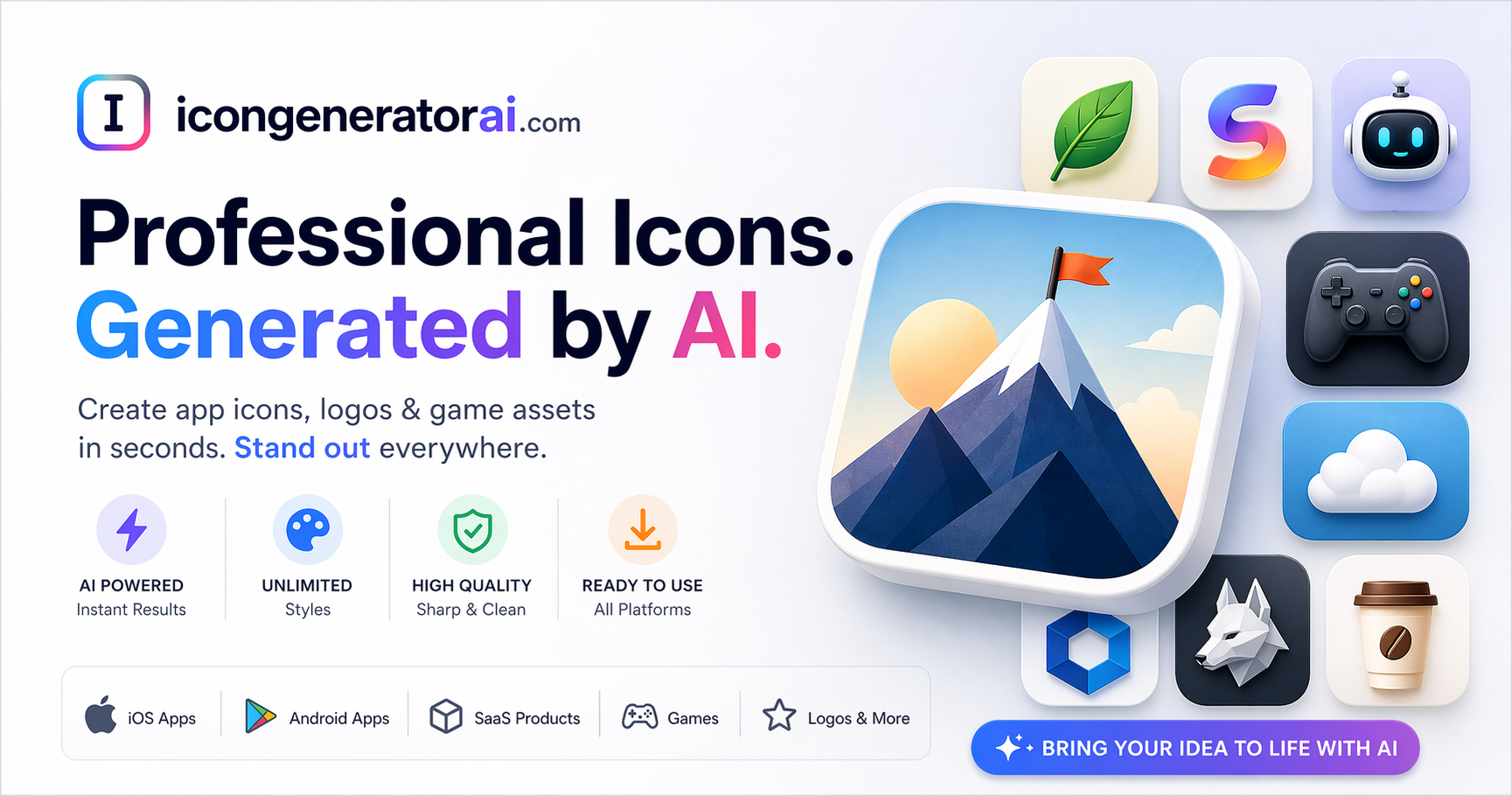
Icon Generator AI is an AI tool that generates cohesive startup visual kits from a single product description, rather than scattered one-off images. It is built for founders, indie hackers and early-stage teams who need a unified set of branding and UI assets quickly and affordably.
Instead of producing isolated outputs, it creates coordinated design systems: a single description can generate a large batch of matching assets including brand marks and wordmarks, UI icons and illustrations, landing-page graphics, dashboard and mobile product screens, and social graphics.
A brand review interface lets users adjust palette, typography and tone before generation so the whole kit stays consistent, and outputs include export-ready design tokens and JSON specifications. A single-asset icon studio is also available for one-off icons.
Typical use cases include bootstrapping a brand identity for a new product, populating a landing page with on-brand visuals, generating a consistent icon set, and producing launch assets fast. Commercial use is included with no attribution required, and the company notes credits never expire.
Pros include cohesive multi-asset output, control over brand palette and tone before generating, included commercial rights, and non-expiring credits. Cons are that highly specific or unusual brand visions can still need manual refinement, and it is purchased in kit or credit packs rather than an open subscription.
It uses a paid, pack-based pricing model with launch offers. Pricing changes often, so check the official site for current plans.
Icon Generator AI's core capabilities include Single description to full visual kit, Brand marks, UI icons and illustrations, Landing, dashboard and mobile screen graphics, Brand review for palette, typography and tone and Export-ready tokens and JSON specs.
Single description to full visual kit is built in, Brand marks, UI icons and illustrations is built in, Landing, dashboard and mobile screen graphics is built in, Brand review for palette, typography and tone is built in, so you get a rounded toolkit rather than a single trick.
Each feature is designed to take the manual effort out of the task and help you reach a usable result faster, which is what makes Icon Generator AI worth a place on your shortlist.
On the plus side, users consistently highlight Cohesive multi-asset output, Commercial use included, no attribution and Credits never expire as the reasons they keep using Icon Generator AI.
It isn't perfect, though — Specific brand visions may need refinement and Sold in packs rather than open subscription are the trade-offs people most often mention, so weigh those against your own priorities before you commit.
As with any AI tool, the output still benefits from a quick human review, but Icon Generator AI gets you most of the way there with far less effort.
Icon Generator AI runs on a paid pricing model, aimed at users who want the full feature set without free-tier limits. AI-tool pricing changes often, so always check the current plans, seats and add-ons on the official site for the latest details before you buy.
Who is Icon Generator AI for? It's best suited for generate cohesive startup brand and ui visual kits. Whether you're a beginner trying this kind of AI tool for the first time or a professional who'll use it every day, it's a credible option to consider.
If you're still deciding, compare Icon Generator AI against the alternatives and the head-to-head comparisons linked below — looking at features, pricing and real user ratings side by side is the fastest way to find the right fit for your workflow and budget.
Who is Icon Generator AI for?
Icon Generator AI is best suited for generate cohesive startup brand and ui visual kits. Whether you are trying this kind of image & design tool for the first time or use one every day, it is a credible option to shortlist — compare it with the alternatives and head-to-head comparisons linked on this page to find the best fit for your workflow and budget.