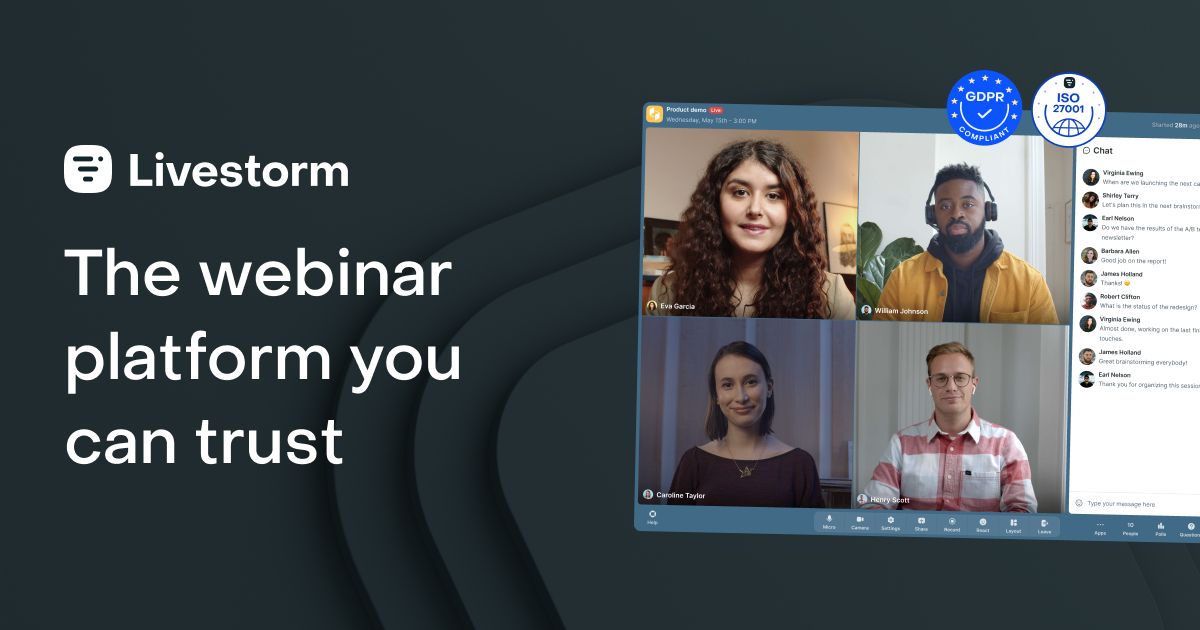
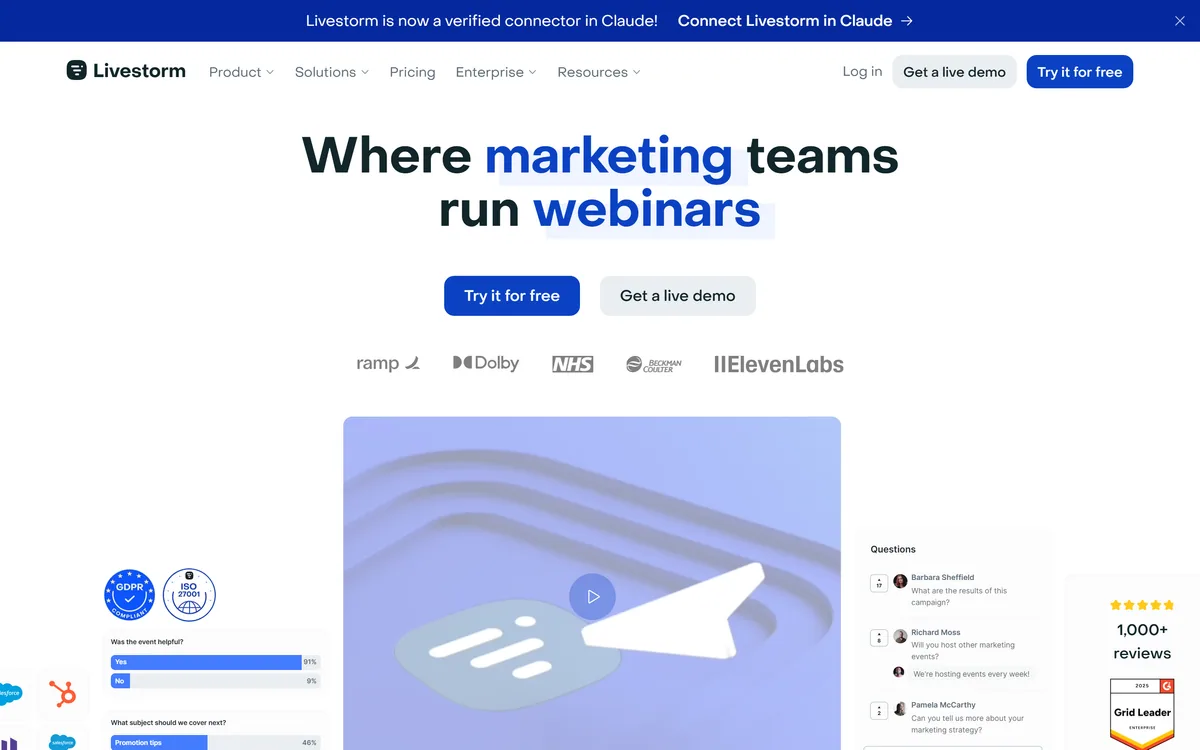
Livestorm is a browser-based, all-in-one webinar and video-engagement platform that runs the full event lifecycle, registration, live engagement, AI transcription, on-demand replays and analytics, with CRM integrations and an EU-hosted, ISO 27001 posture, aimed at marketing teams.
livestorm.co8 viewsAdded April 13, 2026143K visitors
Webinars fail on friction: downloads, logins, clunky tools and no follow-through. Livestorm's answer is to run the whole thing in a browser tab, from the registration page to the on-demand replay.
It is an all-in-one webinar and video-engagement platform covering the full event lifecycle, with AI transcription and translation as built-in features rather than the headline, plus CRM integrations and an EU-hosted posture. For the engagement and follow-up that a webinar should feed, it pairs with customer-engagement tools like Gainsight.
This review covers what Livestorm handles across an event, where it fits a marketing team, how its plans are structured, and who should look elsewhere.
Livestorm runs the whole webinar lifecycle in the browser, no install for attendees.
Livestorm Webinar Platform Facts
What it is
An all-in-one webinar and event platform
Runs in
The browser, no install for attendees
Lifecycle
Registration, live, on-demand, analytics
Engagement
Polls, Q&A, chat, reactions, breakout rooms
AI features
Live transcription and translation
Scale
Up to 3,000 attendees (vendor)
Integrations
CRM and marketing automation; API + SDK
Hosting
EU-hosted, ISO 27001, GDPR (vendor)
Livestorm, The Event Brief
Livestorm is an all-in-one webinar platform: registration, live event, on-demand and analytics, entirely in the browser.
No install for attendees: everything runs in a browser tab, which removes the biggest webinar friction.
AI is a feature, not the whole product: live transcription and translation sit inside a broader event platform.
It is EU-hosted and marketing-led: ISO 27001, GDPR, and engagement tools aimed at marketing teams.
Running A Webinar End To End In The Browser
Livestorm's defining choice is that everything, for hosts and attendees, happens in the browser with nothing to download. That single decision removes the most common reason webinars lose attendees before they even start.
It covers the whole lifecycle rather than just the live moment: a registration page and company page, email cadences, the live event, automatic conversion to on-demand, and analytics. Treating a webinar as a funnel, not an event, is why it sits in the marketing category.
It is worth being precise: Livestorm is webinar software with useful AI features (transcription, translation), not an AI product at its core. We review it on what it is, a browser-based event platform, and judge the AI as one part of that.
Livestorm treats a webinar as a funnel, not an event: registration page, live session, automatic on-demand replay, and analytics, all in the browser.
What Does Livestorm Handle Across An Event?
The breadth is the point, spanning the before, during and after of an event.
Registration, Engagement And Transcription
Before and during, you get registration pages, email reminders, and live engagement tools, polls, upvoted Q&A, chat and reactions, breakout rooms, plus AI transcription and live translation to widen the audience.
Engagement is what separates a watched webinar from a background tab, and the data it generates is only useful if it flows onward. A GTM-data tool like Clay is where that attendee signal becomes outreach, which is the point of running the webinar in the first place.
On-Demand, Analytics And CRM Sync
After the event, Livestorm converts the recording to on-demand automatically, tracks replay analytics and UTM data, and syncs to your CRM and marketing automation so attendance becomes a usable signal.
Closing that loop is the difference between a one-off broadcast and a repeatable channel. For teams that also run smaller meetings, a notes tool like Jamie covers the follow-up side of those, while Livestorm owns the one-to-many event.
Where Livestorm Fits A Marketing Team
Livestorm fits marketing teams that run webinars as a demand channel: product demos, thought-leadership sessions, training and virtual events, where registration, engagement and CRM sync matter as much as the stream.
It also suits sales enablement, internal comms and training, and organisations in regulated sectors that value the EU-hosted, ISO 27001 posture. The browser-only experience is a genuine advantage for reaching attendees who will not install anything.
It fits less well for someone who needs a quick, casual video call, where a meeting tool is simpler and cheaper, or for a team that wants a pure AI product rather than an event platform with AI inside it.
There is also a scale consideration worth naming. Livestorm shines when webinars are a repeatable programme with real follow-up, not a single annual event; the registration, on-demand and analytics machinery only pays for itself when you run events often enough to feed a pipeline from them, so occasional hosts get far less from the breadth than a team with a monthly cadence does.
How Livestorm Structures Its Plans
Livestorm is freemium: a free account with no credit card and no install, paid plans, and an Enterprise tier. We do not publish prices, which change; check the site.
The value question is whether consolidating registration, live, on-demand and analytics into one platform beats stitching together a meeting tool, a landing-page builder and a separate analytics setup, which for a regular webinar programme it usually does.
Its own ROI and time-saving figures are vendor-stated (and partly attributed to a commissioned study), so treat them as claims; the honest test is whether your own webinar programme runs more smoothly on it.
A Short Way To Trial Livestorm
Because it is a lifecycle platform, trial it on a real webinar end to end, not just a test stream.
Create a registration page and run a real webinar to a small audience from the free account.
Use the engagement tools, polls, Q&A, chat, and judge whether they lift participation.
Turn on AI transcription and translation and check the accuracy for your audience.
Confirm the automatic on-demand conversion and the replay analytics are useful.
Verify the CRM sync pushes attendance data where your team can act on it.
Pass/fail: Livestorm is worth it if it replaces two or more tools and smooths your webinar programme.
Treat its ROI and time-saving stats as vendor claims, not guarantees.
Key features of Livestorm
Browser-based, no-install events
Registration and company pages
Live engagement: polls, Q&A, chat
AI transcription and live translation
Automatic on-demand conversion
Replay and UTM analytics
CRM and marketing-automation sync
API and Plugin SDK
Pros & cons
Pros
5
No download removes webinar friction
Covers the whole event lifecycle
Strong engagement and analytics tools
EU-hosted, ISO 27001 posture
Consolidates several tools into one
Cons
5
AI is a feature, not the core product
Overkill for a casual video call
ROI figures are vendor-stated
Attendee caps and features vary by plan
Browser-only may limit heavy production needs
Best For
Marketing webinar programmes
No-install audiences
Lifecycle event management
Regulated-sector events
CRM-connected teams
Livestorm Against Other Webinar Tools
The useful comparison is with other ways to run events and act on the audience they generate.
AI transcription and live translation as built-in features
CRM and marketing-automation integrations, plus API and SDK
An EU-hosted, ISO 27001 and GDPR posture stated by the vendor
A freemium model with paid and Enterprise plans
No plan prices reproduced here, in line with this site's pricing policy
Livestorm is webinar software with AI features, not an AI-first product. Its ROI, attendance and time-saving figures are vendor-stated (partly from a commissioned study); we report them as claims.
Editor's Verdict
4.2/5
Livestorm earns 4.2 as a mature, browser-based webinar platform that runs the whole event lifecycle, registration, live engagement, AI transcription, on-demand and analytics, with CRM sync and an EU-hosted posture that suits marketing teams and regulated sectors. It is webinar software with AI features rather than an AI-first product, its ROI stats are vendor claims, and it is more than a casual video call needs. AInexfinder Editor Score: 4.2/5.
Livestorm pricing
AInexfinder does not list plan prices or billing details. For current pricing, plans, and trials, visit the official Livestorm website.
Vendor pricing, credits, and billing policies change over time. Always confirm on the official site before you buy.
Frequently asked questions
What is Livestorm?
Livestorm is a browser-based, all-in-one webinar and video-engagement platform. It runs the full event lifecycle, registration, live engagement, AI transcription, on-demand replays and analytics, with CRM integrations, and is aimed primarily at marketing teams running webinars as a demand channel.
Do attendees need to install anything for Livestorm?
No. Everything runs in the browser for both hosts and attendees, with no download required. That is one of its biggest advantages, since the install step is a common reason webinars lose registrants before the event even begins.
Is Livestorm an AI tool?
Not at its core. Livestorm is webinar software that includes AI features such as live transcription and translation. We review it as an event platform and judge the AI as one part of a broader product, rather than treating it as an AI-first tool.
What can Livestorm do across an event?
It covers before, during and after: registration and company pages, email cadences, live engagement (polls, upvoted Q&A, chat, reactions, breakout rooms), AI transcription and translation, automatic on-demand conversion, replay and UTM analytics, and CRM and marketing-automation sync.
How much does Livestorm cost?
It is freemium, with a free account requiring no credit card or install, paid plans, and an Enterprise tier. We do not publish prices, which change; check the site. Weigh a plan against the separate tools it could replace for a regular webinar programme.
Is Livestorm secure enough for regulated sectors?
The vendor states it is EU-hosted, ISO 27001 certified and GDPR compliant by design, which is aimed at regulated sectors like healthcare and finance. As with any such claims, verify the current certifications and data terms against your own compliance requirements.
How many attendees does Livestorm support?
The vendor cites support for up to 3,000 attendees, with capacity and features varying by plan. For most marketing webinars that is ample; if you run very large-scale events, confirm the current limits on the plan you are considering before committing.
Does Livestorm integrate with my CRM?
Yes. It offers CRM and marketing-automation integrations, plus UTM tracking and an API and Plugin SDK, so webinar attendance and engagement flow into your systems as usable signals rather than staying locked inside the event platform.
Are Livestorm's ROI claims reliable?
They are vendor-stated and partly drawn from a commissioned study, so treat figures like ROI multiples and time savings as claims rather than guarantees. The honest test is whether your own webinar programme runs more smoothly and converts better on the platform.
Who should not use Livestorm?
People who just need a casual video call, teams wanting a pure AI product rather than an event platform, very occasional one-off hosts, and anyone needing a heavy installed production studio. Livestorm's value is in running a repeatable, browser-based webinar programme.
Daniel reviews AI tools the slow way — by actually using them on real projects. His reviews cover what works, what breaks, and who each tool is genuinely a good fit for.
Daniel and the AInexfinder editorial team research Livestorm using public product information, listing evidence, and (when available) hands-on checks. Scores reflect listing completeness and transparency — not paid placement.
Listings may include affiliate or sponsored placements, which are labeled when present. Editorial scores and cons are not sold. See our affiliate disclosure and review methodology.
Artisan builds AI workers it calls Artisans. The first, Ava, is an autonomous business development rep that sources and enriches B2B leads, writes and sends personalised outreach across email and LinkedIn, handles replies and books meetings — consolidating the data, deliverability and sequencing stack into one product.
Partnero runs affiliate, referral, influencer and newsletter referral programs from a single account, each with its own commission rules and branded portal. It states unlimited partners and no transaction fees on every plan, and its AI builds a launch-ready program from a description of your business.
6sense is an account-based marketing and revenue-intelligence platform that captures buying signals, resolves identities and predicts buying stages, turning raw data into cited GTM intelligence delivered to sales, marketing, ads and AI agents via APIs and MCP.
Listomize is an Etsy SEO platform that generates titles, tags, and descriptions within Etsy's own limits, scores listings, optimises 100+ listings from a CSV, tracks competitors and trends, and auto-generates Pinterest pins.
Lahjty (لهجتي) is an Arabic-first marketing platform for MENA campaigns. From one brief it produces dialect-aware ad copy, headlines, campaign images with Arabic text rendered in, dialect-aware voice, and SEO articles grounded in your own brand sources — with a Partner API and an MCP server for teams that want it inside their own workflow.
MaxAEO is an answer engine optimisation platform from HIII PTE. LTD. It tracks how ChatGPT, Gemini, Claude, Perplexity, Copilot, Grok and Google's AI surfaces mention a brand, with sentiment, competitor benchmarking and citation tracing.