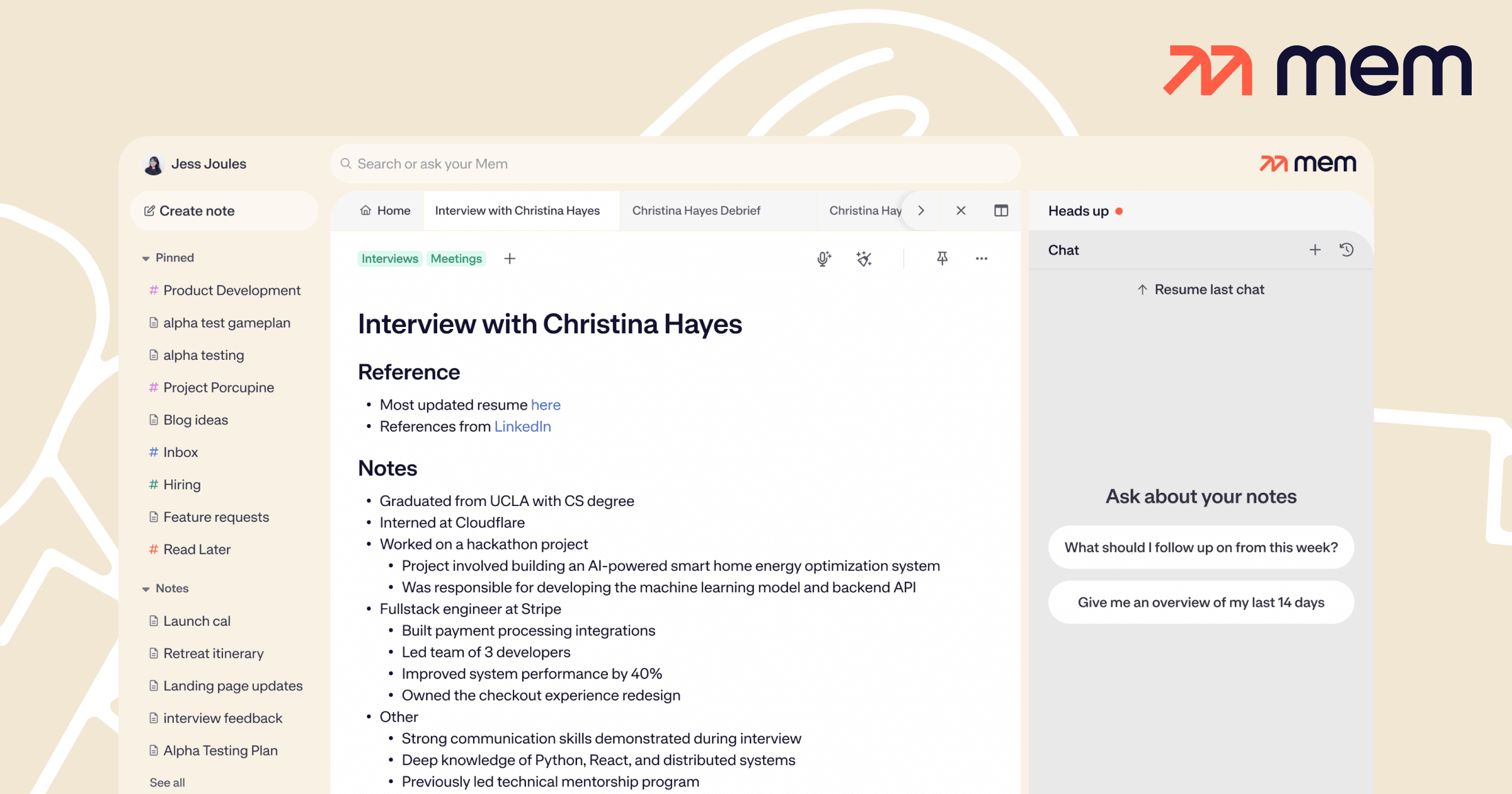
What is Mem?
Mem is an AI note-taking app designed to remove manual organization: it auto-tags and links related notes, surfaces relevant information as you work, and lets you chat with your knowledge base to find or summarize anything you have saved.
It is aimed at knowledge workers who capture a lot and want AI to keep it organized and retrievable. Mem offers a free tier and a paid plan with expanded AI usage. It is a good fit for people who prefer fast capture over building folder structures.
Mem's core capabilities include Auto-organization, Smart linking, Chat with notes and Fast capture. Auto-organization is built in, Smart linking is built in, Chat with notes is built in, Fast capture is built in, so you get a rounded toolkit rather than a single trick.
Each feature is designed to take the manual effort out of the task and help you reach a usable result faster, which is what makes Mem worth a place on your shortlist.
On the plus side, users consistently highlight Removes manual filing, Good AI search and Quick capture as the reasons they keep using Mem.
It isn't perfect, though — Smaller ecosystem and Best value on paid plan are the trade-offs people most often mention, so weigh those against your own priorities before you commit.
As with any AI tool, the output still benefits from a quick human review, but Mem gets you most of the way there with far less effort.
Mem runs on a freemium pricing model, so you can start for free and only pay once you outgrow the free tier — handy for testing it on a real task before spending anything.
AI-tool pricing changes often, so always check the current plans, seats and add-ons on the official site for the latest details before you buy. Who is Mem for? It's best suited for ai note-taking that organizes itself.
Whether you're a beginner trying this kind of AI tool for the first time or a professional who'll use it every day, it's a credible option to consider.
If you're still deciding, compare Mem against the alternatives and the head-to-head comparisons linked below — looking at features, pricing and real user ratings side by side is the fastest way to find the right fit for your workflow and budget.
Who is Mem for?
Mem is best suited for ai note-taking that organizes itself. Whether you are trying this kind of productivity & automation tool for the first time or use one every day, it is a credible option to shortlist — compare it with the alternatives and head-to-head comparisons linked on this page to find the best fit for your workflow and budget.