AudioNotes is an AI note-taker that turns voice, audio, video and text into structured notes, transcripts and summaries in 99+ languages, with custom templates, chat-with-your-notes, integrations, and a clear no-AI-training privacy stance.
audionotes.app11 viewsAdded December 14, 20251K visitors
The gap between having a thought and having it written down usefully is where most ideas die. Meetings, lectures, voice memos and half-formed brain-dumps all contain value that never gets captured because turning them into clean notes is tedious. AudioNotes exists to close that gap.
It takes voice, audio, video, images or text and turns them into structured notes, transcripts and summaries in more than ninety languages, then lets you reshape the output with templates and prompts or chat with the note to ask questions. It runs across iOS, Android, web and Mac, and connects to the tools you already use.
This review covers what AudioNotes does after it transcribes, how it connects to a real workflow, where it stands on privacy and training, how it is priced, and who it suits against other note takers.
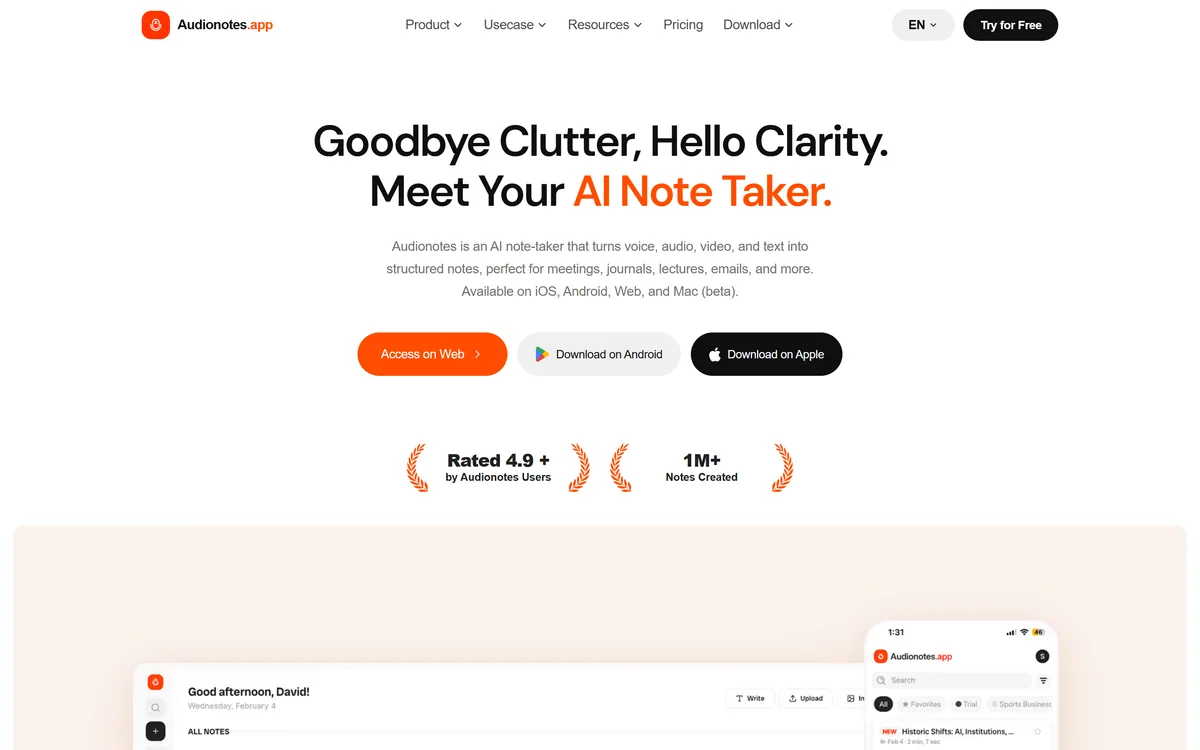
AudioNotes: record or upload, and get a clean, structured note back in minutes.
AudioNotes In Four Quick Points
AudioNotes is an AI note-taker that turns voice, audio, video, images and text into clean, structured notes.
It goes past transcription: summaries, custom templates, 100+ output prompts, and chat with your notes, in 99+ languages.
It connects to your workflow through a WhatsApp bot, Notion, Zapier and webhooks, across iOS, Android, web and Mac.
Privacy is explicit: notes are encrypted, periodically deleted, not sold, and not used to train AI models.
Voice, Audio And Video Turned Into Structured Notes
The core job is capture-to-structure. You record directly, upload an audio or video file, paste a YouTube link, or drop in text, and AudioNotes transcribes it, with speaker recognition and a cited accuracy around 95% on clear audio, then organises it into a usable note rather than a raw wall of text.
That organisation is the point. A transcript is a chore to read; a structured note with a summary, key points and action items is something you actually use. For meetings, lectures and interviews, that shift from transcript to note is the difference between archiving audio and acting on it.
It occupies similar ground to a voice-to-writing tool like AudioPen, but leans toward capturing and structuring longer source material, where AudioPen leans toward shaping a single spoken thought and a meeting transcriber like Otter.ai leans toward live calls.
A transcript is a chore to read. A structured note with a summary and action items is something you actually use. That shift is the whole product.
What Can AudioNotes Do After It Transcribes?
Transcription is table stakes now; the value is in what happens next, and AudioNotes puts a lot there.
Summaries, Templates And 100+ Prompts
It generates summaries that highlight key ideas and action points, and lets you shape the output with custom templates and more than a hundred prompts, so the same recording can become meeting minutes, lecture notes, a journal entry, a blog draft or an email.
Those template outputs include specialised ones like SOAP-style medical notes and legal client-meeting notes. Those can save real time, but for clinical or legal records specifically, treat the output as a draft to verify against your professional and compliance obligations rather than a finished record.
Chatting With Your Notes And Integrations
You can chat with a note to ask questions and get context-specific answers, turning a recording into something you can interrogate. And it connects outward through a WhatsApp bot, Notion sync, Zapier and webhooks.
The Notion integration in particular is useful for people who keep their knowledge there; a tool like Notion AI works inside that workspace, while AudioNotes feeds clean notes into it from audio it captured elsewhere.
Where AudioNotes Stands On Privacy And Training
For a tool you speak your private thoughts and meetings into, the privacy position carries real weight, and AudioNotes states a clear one. Notes are private by default, encrypted in transit and at rest, and are not sold, shared or licensed to third parties.
Crucially, it says your content is not used to train AI models: while it uses OpenAI's models to power its features, it has explicitly opted out of data-training programmes. Old recordings and files are also deleted on a regular schedule, so material does not linger longer than needed.
That is a strong, specific stance. As always, read the current privacy policy for your own situation, especially if you will record other people, where consent and local recording laws are your responsibility, not the tool's.
What AudioNotes Costs Beyond The Free Tier
AudioNotes has a genuinely usable free tier, offering unlimited short voice and text notes with transcripts and summaries, and a Pro plan that lifts the limits, adding longer recordings, file and image uploads, chat with notes, custom prompts and the integrations. There is an enterprise option for teams.
AInexfinder does not publish plan prices, which change and are best read on the site. The free tier is enough to judge whether the structuring fits how you work; upgrade when the one-minute recording limit or the lack of uploads starts to bite.
Note the vendor states it does not offer refunds on paid subscriptions and encourages trying the free plan first, so lean on the free tier before committing.
A Quick Test Of AudioNotes On A Real Recording
Because its value is structuring real source material, test it on something genuine rather than a scripted clip.
Record or upload a real meeting, lecture or voice memo in the language you actually use.
Check the transcript accuracy and whether speaker recognition correctly separates voices.
Apply a template or prompt and judge whether the structured note is genuinely usable, not just tidy.
Chat with the note and ask a specific question to see whether the answer is grounded in what was said.
If you use Notion or Zapier, run one note through the integration and confirm it lands cleanly.
Pass/fail: AudioNotes earns Pro only if it reliably turns your real recordings into notes you act on with little cleanup.
For medical or legal templates, verify one output against your compliance obligations before trusting it.
Last checked . Read from audionotes.app during this check, with the screenshot above captured at the same time.
Turns voice, audio, video, images and text into structured notes
Summaries, custom templates and 100+ output prompts
Chat with your notes and integrations via WhatsApp, Notion, Zapier and webhooks
Apps for iOS, Android, web and Mac (beta)
Stated privacy: encrypted, periodically deleted, not sold, not used for AI training
Powered by OpenAI Whisper and other audio models, per the FAQ
A free tier plus Pro and enterprise plans
No plan prices reproduced here, in line with this site's pricing policy
Accuracy and user figures are the vendor's own claims. Medical and legal template outputs are drafts to verify against your own compliance obligations.
Other AI Note-Taking Apps
A thought-shaper, a meeting transcriber, and a workspace with built-in AI.
AudioPen — turns a single spoken ramble into a clean draft
Otter.ai — live meeting transcription with a searchable archive
Notion AI — AI inside a workspace to organise the notes you capture
Editor's Verdict
4.1/5
AudioNotes earns 4.1 for turning voice, audio and video into genuinely usable structured notes across 99+ languages, with flexible templates, real integrations and a clear no-AI-training privacy stance; it is held back only in that it is not a live meeting transcriber and its medical and legal outputs still need professional verification. AInexfinder Editor Score: 4.1/5.
AudioNotes pricing
AInexfinder does not list plan prices or billing details. For current pricing, plans, and trials, visit the official AudioNotes website.
Vendor pricing, credits, and billing policies change over time. Always confirm on the official site before you buy.
Frequently asked questions
What is AudioNotes?
AudioNotes is an AI note-taker that turns voice, audio, video, images and text into structured notes, transcripts and summaries in more than ninety languages. It goes beyond transcription with templates, prompts and the ability to chat with your notes.
What can AudioNotes do besides transcribe?
It summarises with key points and action items, reshapes output through custom templates and 100+ prompts, and lets you chat with a note to ask questions. The same recording can become meeting minutes, lecture notes, a journal entry, a blog draft or an email.
Is my data private with AudioNotes?
It states notes are encrypted, periodically deleted, not sold or shared, and not used to train AI models, having opted out of training programmes even though it uses OpenAI's models. Read the current privacy policy for your situation, especially if you record other people.
How accurate is AudioNotes?
The vendor cites up to around 95% transcription accuracy on clear, single-speaker audio under good conditions, with speaker recognition. Accuracy varies with audio quality, accents and background noise, so test it on your own recordings before relying on it.
How does AudioNotes compare with AudioPen?
AudioPen is built to turn one spoken ramble into a clean, restyled draft. AudioNotes leans toward capturing and structuring longer source material like meetings and lectures, with templates and integrations. Choose by whether you shape single thoughts or process recordings.
Does AudioNotes do live meeting transcription?
It captures from your device microphone and from uploads and links, and produces meeting notes, but it is not primarily a live, in-meeting transcription tool. For live meetings with speaker-labelled real-time transcripts, a dedicated meeting transcriber fits better.
Is AudioNotes free?
There is a usable free tier with unlimited short voice and text notes, transcripts and summaries. Pro lifts the limits, adding longer recordings, uploads, chat with notes, custom prompts and integrations. The vendor states it does not offer refunds, so try free first.
Can I use AudioNotes for medical or legal notes?
It offers SOAP-style medical and legal note templates that can save time, but treat their output as a draft to verify against your professional and compliance obligations, not a finished clinical or legal record.
What does AudioNotes integrate with?
It connects through a WhatsApp bot for sending recordings and getting summaries, Notion for syncing notes, Zapier for automation, and webhooks for custom transfers, across iOS, Android, web and a Mac app in beta.
Which languages does AudioNotes support?
More than ninety-nine languages with automatic detection, plus speaker recognition. That breadth makes it useful for multilingual meetings and recordings, though as with any tool you should check quality on the specific languages you rely on.
Daniel reviews AI tools the slow way — by actually using them on real projects. His reviews cover what works, what breaks, and who each tool is genuinely a good fit for.
Daniel and the AInexfinder editorial team research AudioNotes using public product information, listing evidence, and (when available) hands-on checks. Scores reflect listing completeness and transparency — not paid placement.
Listings may include affiliate or sponsored placements, which are labeled when present. Editorial scores and cons are not sold. See our affiliate disclosure and review methodology.
Goodnotes is a handwriting-first note-taking app spanning iPad, iPhone, Mac, Windows, Android and web. It converts handwriting to text, searches across typed text, handwriting and sketches, annotates PDFs, records and transcribes audio, and turns notes into mind maps and project plans.
AudioPen turns rambling voice notes into clean, polished text in a style and language you choose, with control over rewrite depth and length, apps on every device, and a keyboard and hot key that drop finished writing into any app.
Heptabase is a visual knowledge base for students, researchers and lifelong learners, combining whiteboards and cards, bi-directional links, a block-based editor, PDF annotation and Readwise and Zotero integrations, with an AI Tutor that guides structured learning sessions.
Buildin is an all-in-one AI workspace for docs, mind maps and databases, with lossless Notion import, AI throughout, cross-platform sync, an open API and MCP, and a distinctive built-in paid-subscription feature so you can monetise your content directly.
axess is a free AI job-search tool that scans LinkedIn, Indeed and Glassdoor daily, scores each role against your profile on both relevance and likelihood, researches the employer, and prepares a tailored CV and cover letter for the matches worth pursuing.
Otter.ai transcribes meetings live, writes summaries and action items, and organises everything into searchable Channels — with OtterPilot joining Zoom, Teams, and Google Meet, plus role-specific agents for sales, recruiting, and SDR work.