What is Mochi?
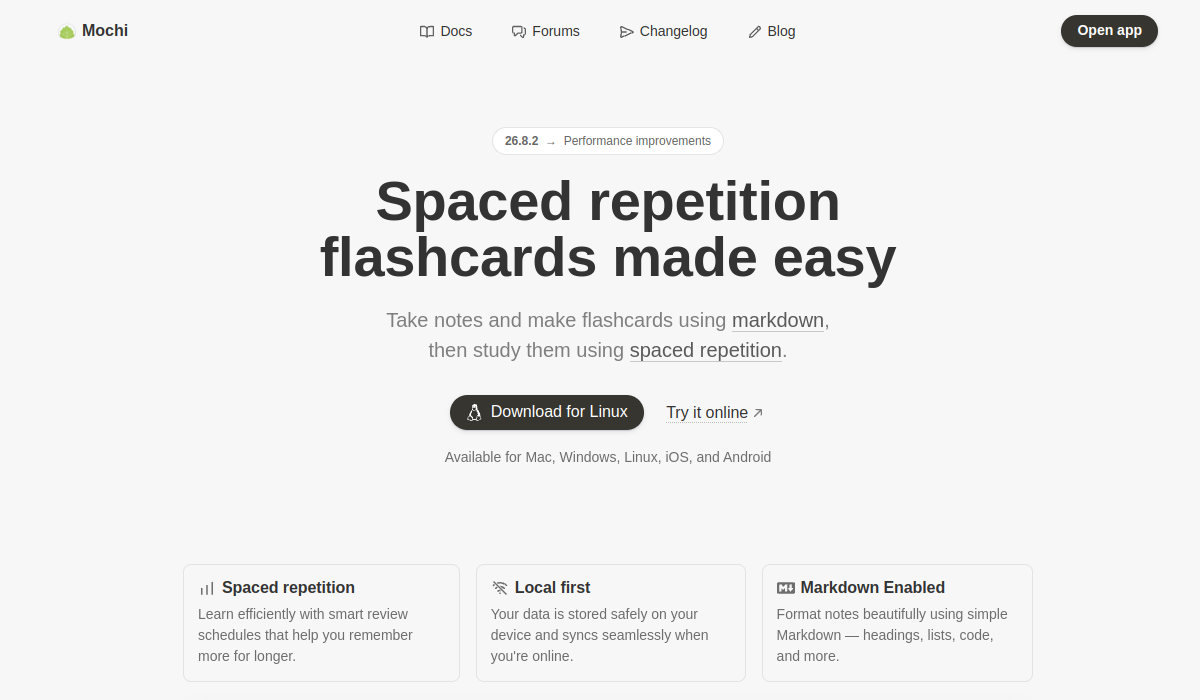
Mochi is a flashcard and lightweight note-taking application built around markdown and spaced repetition. You create cards quickly using familiar markdown formatting (headings, lists, code blocks), then review them on schedules optimized so you remember more for longer with less wasted effort.
It takes a local-first approach, keeping data on your device while syncing across platforms for Pro users, which appeals to people who value privacy and offline access.
AI integration lets you generate example sentences and study prompts, which is especially useful for language learners, and built-in tools such as dictionaries, text-to-speech, image search and auto-translate further support vocabulary study.
Organizational features include bidirectional references between notes, tags, filters and customizable views, plus the ability to publish decks for others. Mochi suits language learners, university students, professors and self-directed learners who want a fast, keyboard-friendly system rather than a heavyweight all-in-one suite.
Pros include a clean markdown workflow, a genuinely usable free tier with unlimited offline cards and no sign-up required, and a low Pro price.
Cons include AI being a secondary feature rather than the core focus, and the markdown-first approach feeling spartan to users who expect rich visual editors or automatic deck generation from uploaded PDFs.
Mochi uses a freemium model with a free tier and an affordable Pro subscription that unlocks sync, deck publishing and AI features. Pricing changes often, so check the official site for current plans.
Mochi's core capabilities include Markdown-based card and note creation, Spaced-repetition review scheduling, AI-generated example sentences and prompts, Local-first storage with cross-device sync and Language tools: dictionary, text-to-speech, translate.
Markdown-based card and note creation is built in, Spaced-repetition review scheduling is built in, AI-generated example sentences and prompts is built in, Local-first storage with cross-device sync is built in, so you get a rounded toolkit rather than a single trick.
Each feature is designed to take the manual effort out of the task and help you reach a usable result faster, which is what makes Mochi worth a place on your shortlist.
On the plus side, users consistently highlight Fast keyboard-friendly markdown workflow, Generous free offline tier with no sign-up and Low-cost Pro plan unlocking sync and AI as the reasons they keep using Mochi.
It isn't perfect, though — AI is a secondary, lightweight feature and Spartan interface compared to visual flashcard apps are the trade-offs people most often mention, so weigh those against your own priorities before you commit.
As with any AI tool, the output still benefits from a quick human review, but Mochi gets you most of the way there with far less effort.
Mochi runs on a freemium pricing model, so you can start for free and only pay once you outgrow the free tier — handy for testing it on a real task before spending anything.
AI-tool pricing changes often, so always check the current plans, seats and add-ons on the official site for the latest details before you buy. Who is Mochi for? It's best suited for markdown spaced-repetition flashcards with ai help.
Whether you're a beginner trying this kind of AI tool for the first time or a professional who'll use it every day, it's a credible option to consider.
If you're still deciding, compare Mochi against the alternatives and the head-to-head comparisons linked below — looking at features, pricing and real user ratings side by side is the fastest way to find the right fit for your workflow and budget.
Who is Mochi for?
Mochi is best suited for markdown spaced-repetition flashcards with ai help. Whether you are trying this kind of education & research tool for the first time or use one every day, it is a credible option to shortlist — compare it with the alternatives and head-to-head comparisons linked on this page to find the best fit for your workflow and budget.