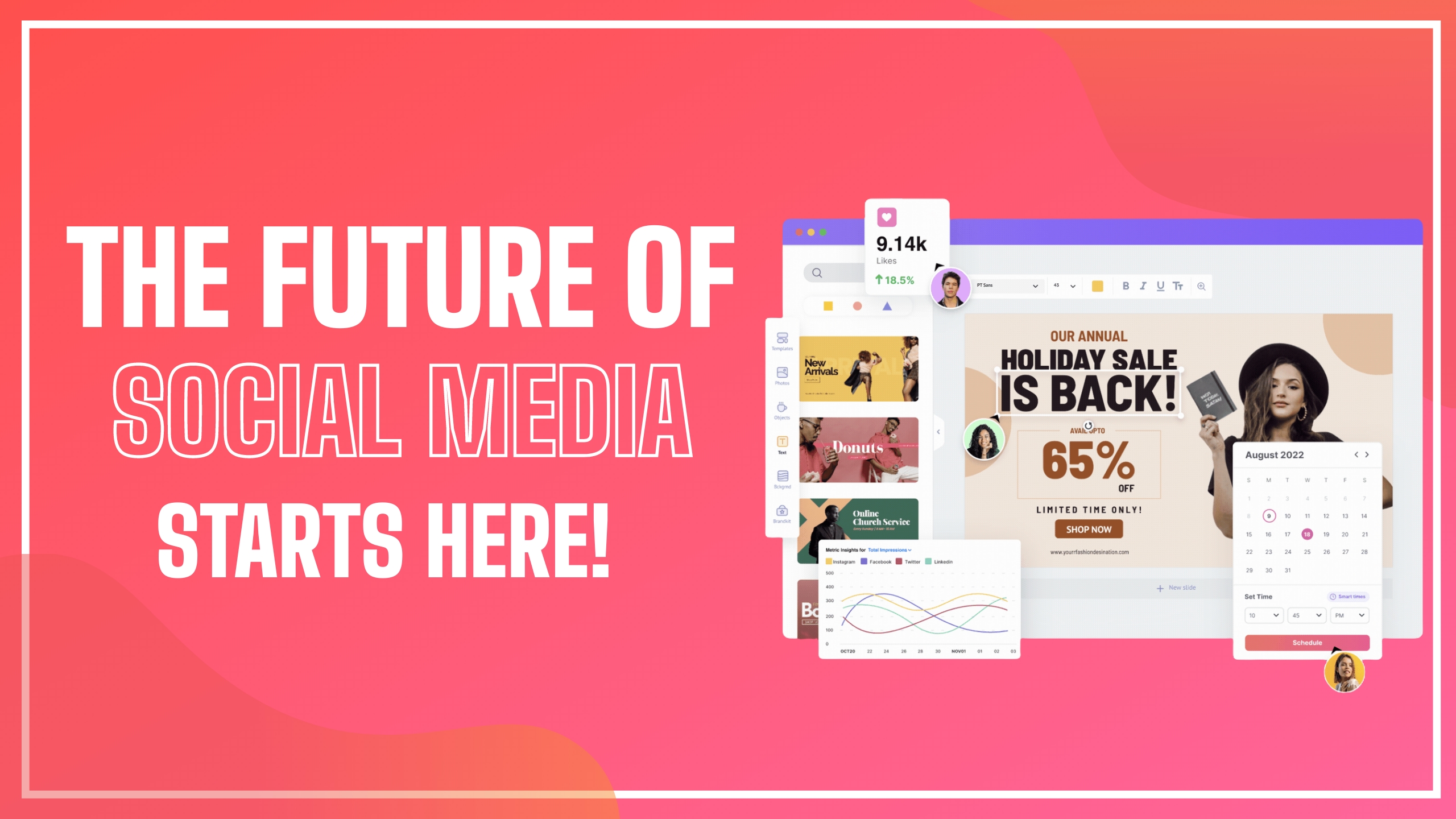
What is Picmaker?
Picmaker is an AI-enabled platform that combines do-it-yourself graphic design with social media management, often described as Canva plus a scheduling tool in a single product.
Inside its design studio, users can create social graphics from thousands of customizable templates, access millions of free stock photos, remove backgrounds from images in seconds, and instantly resize a design across formats such as Instagram stories, Facebook posts, banners and flyers.
On the management side, it lets users schedule and publish posts and review in-depth analytics to refine their social strategy, so a team can move from concept to published content without juggling separate apps.
It is aimed at solo creators, social media managers, small businesses and marketing teams that want speed and consistency across channels. The AI tools assist with generating and adapting visuals, while the template library lowers the barrier for users without design experience.
Strengths are the integration of design and publishing in one workflow, the breadth of templates and assets, and convenience features like one-click resizing and background removal that save time on repetitive social tasks.
The limitations are that, as a broad all-rounder, its design depth may not match dedicated professional design suites, and full publishing, analytics and premium assets require paid plans. The platform is browser based and oriented toward everyday social content rather than complex brand campaigns.
Pricing is freemium with paid tiers. Pricing changes often, so check the official site for current plans.
Picmaker's core capabilities include Template-driven social graphic design studio, AI background removal and one-click resizing, Millions of free stock photos and assets, Social media scheduling and publishing and Analytics to refine social strategy.
Template-driven social graphic design studio is built in, AI background removal and one-click resizing is built in, Millions of free stock photos and assets is built in, Social media scheduling and publishing is built in, so you get a rounded toolkit rather than a single trick.
Each feature is designed to take the manual effort out of the task and help you reach a usable result faster, which is what makes Picmaker worth a place on your shortlist.
On the plus side, users consistently highlight Design and publishing combined in one tool, Large template and asset library and Time-saving resize and background tools as the reasons they keep using Picmaker.
It isn't perfect, though — Design depth lags dedicated pro suites and Publishing, analytics and premium assets need paid plans are the trade-offs people most often mention, so weigh those against your own priorities before you commit.
As with any AI tool, the output still benefits from a quick human review, but Picmaker gets you most of the way there with far less effort.
Picmaker runs on a freemium pricing model, so you can start for free and only pay once you outgrow the free tier — handy for testing it on a real task before spending anything.
AI-tool pricing changes often, so always check the current plans, seats and add-ons on the official site for the latest details before you buy. Who is Picmaker for? It's best suited for ai graphic design and social media management in one.
Whether you're a beginner trying this kind of AI tool for the first time or a professional who'll use it every day, it's a credible option to consider.
If you're still deciding, compare Picmaker against the alternatives and the head-to-head comparisons linked below — looking at features, pricing and real user ratings side by side is the fastest way to find the right fit for your workflow and budget.
Who is Picmaker for?
Picmaker is best suited for ai graphic design and social media management in one. Whether you are trying this kind of image & design tool for the first time or use one every day, it is a credible option to shortlist — compare it with the alternatives and head-to-head comparisons linked on this page to find the best fit for your workflow and budget.