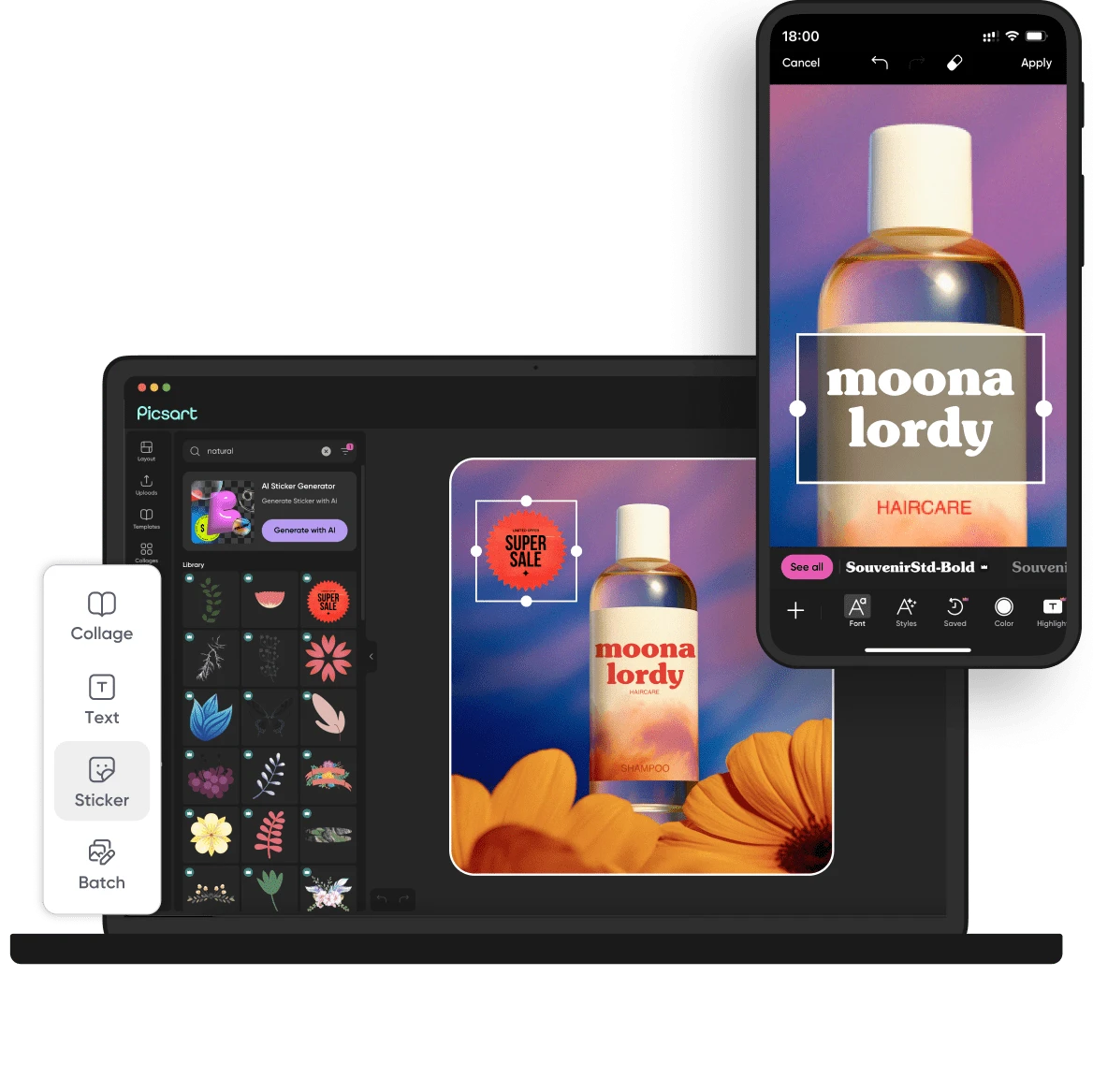
What is Picsart?
Picsart is a mobile-first, AI-powered creative platform that brings photo editing, video editing, and graphic design together in a single app and web suite, used by well over 150 million people worldwide.
It is built for casual creators, social media users, small businesses, and marketers who want professional-looking visuals without mastering complex desktop software.
The platform combines a deep toolbox of manual editing controls with a growing set of generative AI features that turn text prompts and existing images into new images and short videos.
Among its real, notable features are AI Replace, which swaps objects in a photo by highlighting and describing them, AI Enhance for automatically sharpening detail and reducing noise, AI background removal, generative image creation, and text-to-video and image-to-video generation powered by multiple underlying models.
It also ships with thousands of design templates, fonts, stickers, collage makers, and a large library of stock photos and assets, plus tools like batch editing and brand kits for more frequent creators.
Typical use cases include creating social media posts and stories, editing product photos for e-commerce, designing thumbnails and marketing graphics, and producing short promotional videos.
On the plus side, Picsart is approachable for beginners, packs an enormous range of features into one place, and works across mobile, web, and desktop.
On the downside, the free tier is limited and ad-supported, many of the best AI and premium assets sit behind a subscription, and AI video generation relies on a credit system where subscription credits expire at the end of each billing cycle.
Picsart uses a freemium model with a free plan plus paid Plus, Pro, and higher subscription tiers, along with purchasable add-on credits. Pricing changes often, so check the official site for current plans.
Who is Picsart for?
Picsart is best suited for all-in-one ai photo and video editor. Whether you are trying this kind of image & design tool for the first time or use one every day, it is a credible option to shortlist — compare it with the alternatives and head-to-head comparisons linked on this page to find the best fit for your workflow and budget.