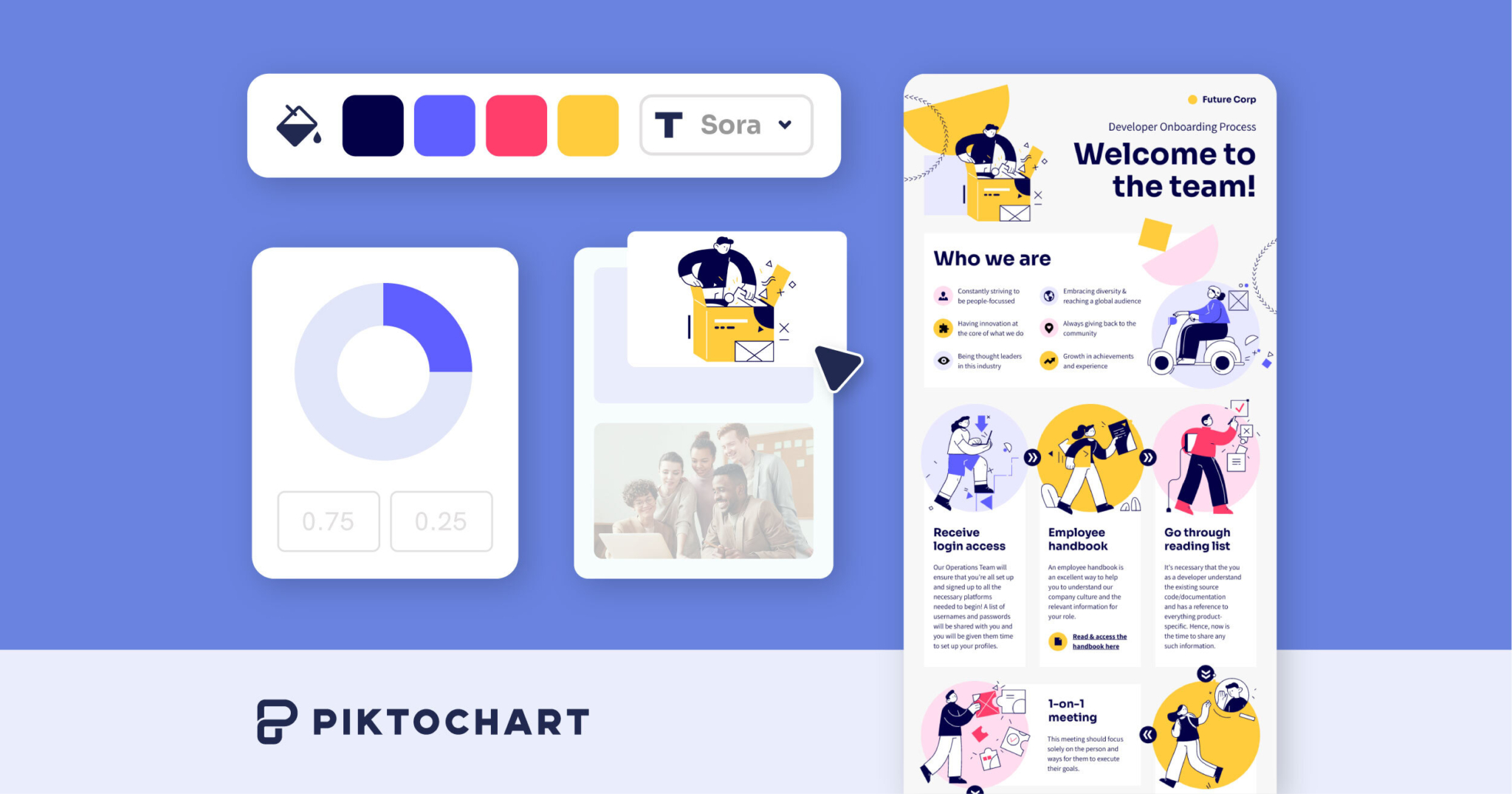
What is Piktochart?
Piktochart is a visual design platform best known for infographics that now includes a broad set of AI features under its Pikto AI Studio.
The platform helps users transform complex ideas and data into clear, engaging visuals, and its AI tools include an image generator, an image modifier and upscaler, a background remover, a text remover, an icon generator, and document, brochure, and presentation generators, plus AI banner creation.
It also supports chart, graph, diagram, and flowchart makers, brand asset management for fonts, colors, and logos, a team collaboration workspace, and a large template library across categories. It serves marketers, educators, nonprofits, HR and internal-comms teams, and small businesses that need professional visuals without dedicated designers.
Piktochart uses a tiered model with a free plan plus Pro and Enterprise options, and discounted education and nonprofit plans, so users can start free and upgrade for more exports, premium assets, and advanced features.
Strengths include the infographic and data-visualization heritage, the growing AI toolkit that covers both generation and cleanup tasks, and accessibility for non-designers.
Limitations are that the free plan restricts downloads and watermarks some output, advanced AI and brand features sit behind paid tiers, and very complex or highly custom design needs may still call for a dedicated design tool. Pricing changes often, so check the official site for current plans.
Piktochart's core capabilities include AI image generation, upscaling, and background removal, AI document, brochure, and presentation generators, Infographic, chart, and diagram makers and Brand asset management and collaboration.
AI image generation, upscaling, and background removal is built in, AI document, brochure, and presentation generators is built in, Infographic, chart, and diagram makers is built in, Brand asset management and collaboration is built in, so you get a rounded toolkit rather than a single trick.
Each feature is designed to take the manual effort out of the task and help you reach a usable result faster, which is what makes Piktochart worth a place on your shortlist.
On the plus side, users consistently highlight Strong infographic and data-visualization focus, Broad AI toolkit for generation and cleanup and Accessible to non-designers as the reasons they keep using Piktochart.
It isn't perfect, though — Free plan limits downloads and adds watermarks and Advanced AI features require paid plans are the trade-offs people most often mention, so weigh those against your own priorities before you commit.
As with any AI tool, the output still benefits from a quick human review, but Piktochart gets you most of the way there with far less effort.
Piktochart runs on a freemium pricing model, so you can start for free and only pay once you outgrow the free tier — handy for testing it on a real task before spending anything.
AI-tool pricing changes often, so always check the current plans, seats and add-ons on the official site for the latest details before you buy. Who is Piktochart for? It's best suited for ai infographic and visual design platform.
Whether you're a beginner trying this kind of AI tool for the first time or a professional who'll use it every day, it's a credible option to consider.
If you're still deciding, compare Piktochart against the alternatives and the head-to-head comparisons linked below — looking at features, pricing and real user ratings side by side is the fastest way to find the right fit for your workflow and budget.
Who is Piktochart for?
Piktochart is best suited for ai infographic and visual design platform. Whether you are trying this kind of image & design tool for the first time or use one every day, it is a credible option to shortlist — compare it with the alternatives and head-to-head comparisons linked on this page to find the best fit for your workflow and budget.