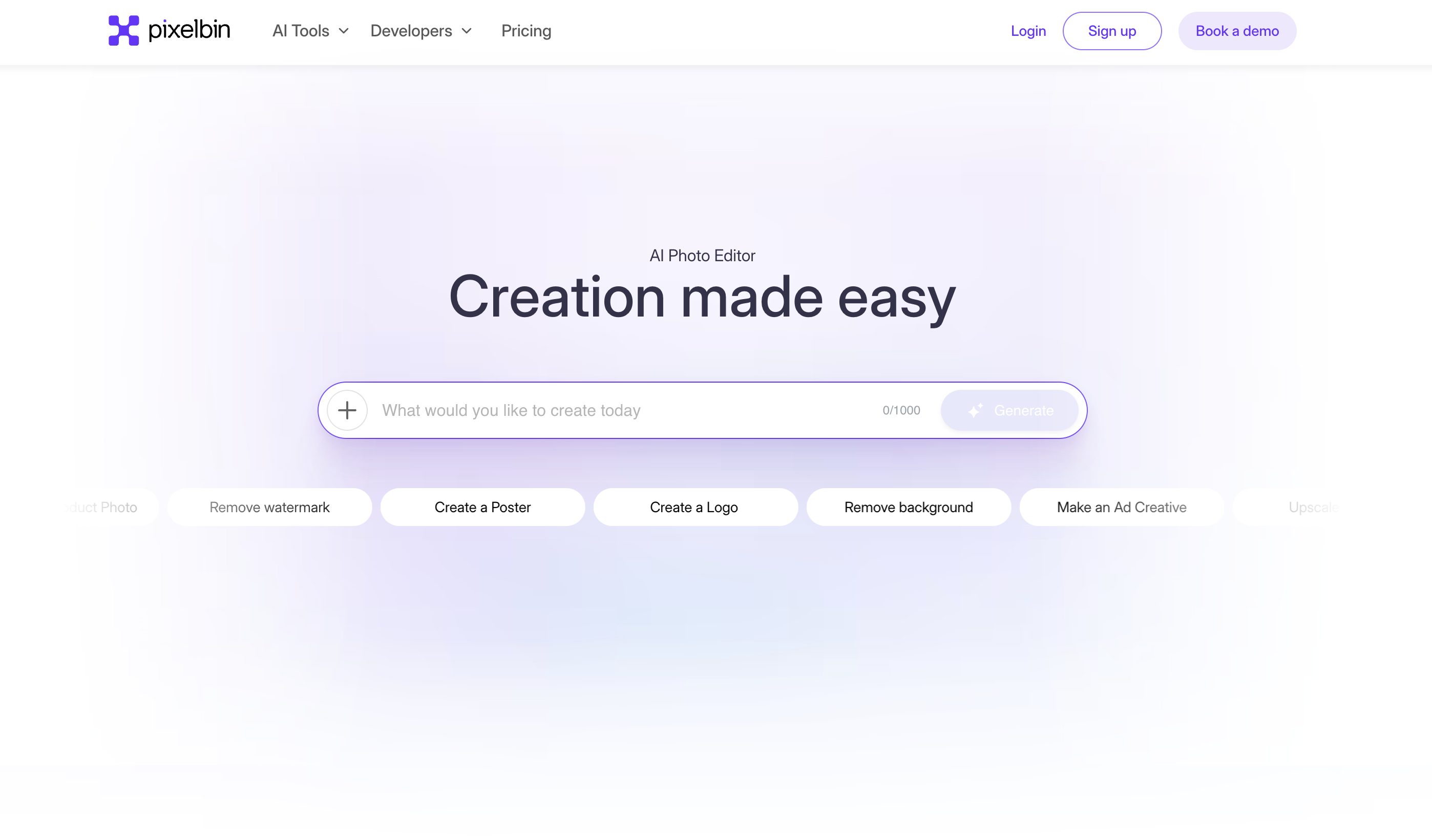
What is Pixelbin?
Pixelbin is an AI-powered platform that blends real-time image transformation with digital asset management and a smart content delivery network, making it as useful to developers and e-commerce teams as to individual creators.
On the editing side, users can remove or change backgrounds without damaging the subject, upscale and sharpen images, remove watermarks, apply selective edits, and use a prompt-based AI editor where they describe the change they want and the system applies it automatically.
Because it also functions as an asset platform, teams can store, manage, optimize and deliver media efficiently at scale, with URL-based transformations that adapt images on the fly for different devices and placements.
This dual nature suits online stores standardizing product imagery, marketers producing many social variants, and developers who need programmatic image processing baked into their pipelines, while the mobile apps and web editor serve casual users who just want quick enhancements.
Pixelbin has grown a large active user base, and it recently added AI headshot generation inside its mobile app. Strengths are the combination of editing, optimization and delivery in one stack, the developer-friendly transformation approach, and the breadth of AI tools.
The trade-offs are that the platform can feel broad for someone who only wants a simple one-off edit, and full functionality and higher volumes require a paid plan, with limited free monthly usage. Pricing is freemium with tiered subscriptions.
Pricing changes often, so check the official site for current plans. Pixelbin's core capabilities include Prompt-based AI image editing, Background removal, upscaling and sharpening, Watermark removal and selective editing, Digital asset management and smart CDN delivery and URL-based real-time image transformations.
Prompt-based AI image editing is built in, Background removal, upscaling and sharpening is built in, Watermark removal and selective editing is built in, Digital asset management and smart CDN delivery is built in, so you get a rounded toolkit rather than a single trick.
Each feature is designed to take the manual effort out of the task and help you reach a usable result faster, which is what makes Pixelbin worth a place on your shortlist.
On the plus side, users consistently highlight Combines editing, optimization and delivery in one platform, Developer-friendly transformation and API approach and Broad set of AI editing tools as the reasons they keep using Pixelbin.
It isn't perfect, though — Can feel complex for simple one-off edits and Full features and volume need a paid plan are the trade-offs people most often mention, so weigh those against your own priorities before you commit.
As with any AI tool, the output still benefits from a quick human review, but Pixelbin gets you most of the way there with far less effort.
Pixelbin runs on a freemium pricing model, so you can start for free and only pay once you outgrow the free tier — handy for testing it on a real task before spending anything.
AI-tool pricing changes often, so always check the current plans, seats and add-ons on the official site for the latest details before you buy. Who is Pixelbin for? It's best suited for ai image editing with asset management and smart cdn.
Whether you're a beginner trying this kind of AI tool for the first time or a professional who'll use it every day, it's a credible option to consider.
If you're still deciding, compare Pixelbin against the alternatives and the head-to-head comparisons linked below — looking at features, pricing and real user ratings side by side is the fastest way to find the right fit for your workflow and budget.
Who is Pixelbin for?
Pixelbin is best suited for ai image editing with asset management and smart cdn. Whether you are trying this kind of image & design tool for the first time or use one every day, it is a credible option to shortlist — compare it with the alternatives and head-to-head comparisons linked on this page to find the best fit for your workflow and budget.