What is PixelDojo?
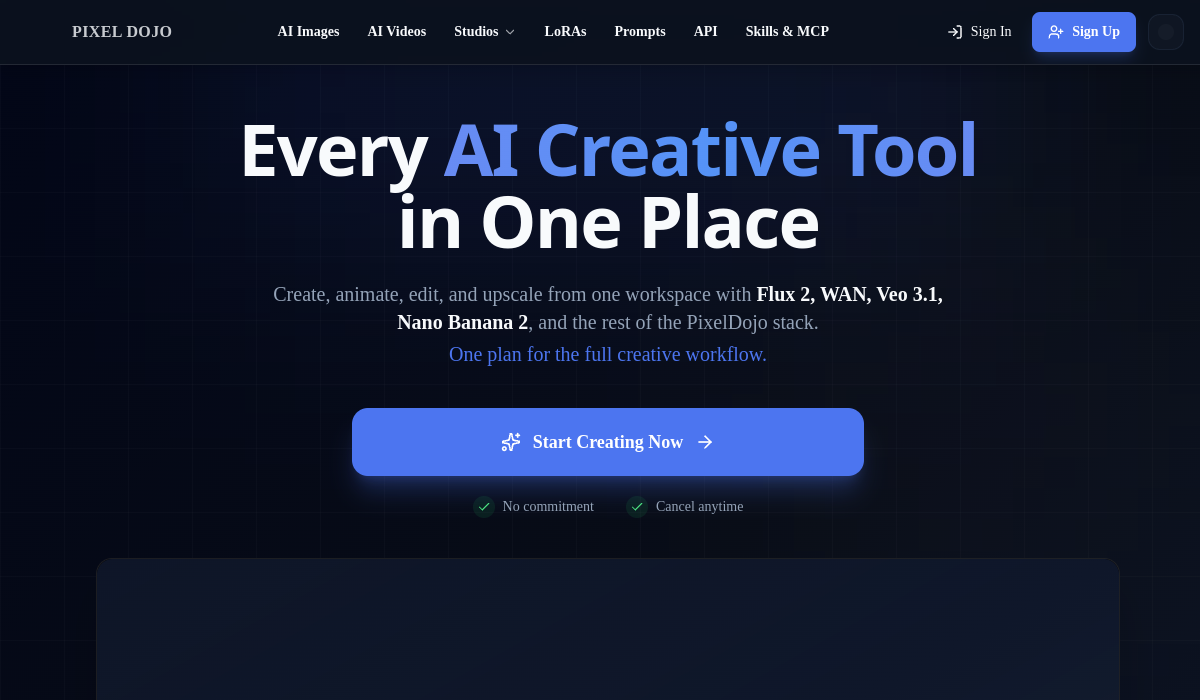
PixelDojo is an all-in-one AI image and video generation platform that brings dozens of leading generative models into a single workspace.
Rather than juggling separate tools, creators can generate images, animate them into video, edit, upscale, and remove backgrounds from one place, with access to a large lineup of models that has included options such as Flux, WAN, Veo, Nano Banana, Kling, and MiniMax.
The platform is designed for users of all skill levels, so you can type a prompt and get results without technical experience, while still offering more advanced controls and an API platform for developers who want to build generation into their own products.
PixelDojo is aimed at marketers, social media creators, designers, and small businesses who need a steady stream of original visuals and short videos. Strengths include the breadth of bundled models under one subscription, fast generation, upscaling to high resolution, and full commercial rights to the assets you produce.
Cons are that using many premium models through one tool consumes credits that can run out for heavy users, and quality and consistency vary depending on which underlying model you pick.
Pricing follows a freemium and subscription model with a free entry point and paid plans that unlock more credits and access to premium models. For creators who would otherwise pay for several separate generators, the consolidated workspace and single billing relationship are the main draw.
Pricing changes often, so check the official site for current plans.
PixelDojo's core capabilities include Access to dozens of image and video models in one place, Image generation, editing, and animation tools, High-resolution upscaling and background removal, Developer API for image and video generation and Full commercial rights to generated assets.
Access to dozens of image and video models in one place is built in, Image generation, editing, and animation tools is built in, High-resolution upscaling and background removal is built in, Developer API for image and video generation is built in, so you get a rounded toolkit rather than a single trick.
Each feature is designed to take the manual effort out of the task and help you reach a usable result faster, which is what makes PixelDojo worth a place on your shortlist.
On the plus side, users consistently highlight Many top-tier models bundled under one subscription, Beginner-friendly prompt-based workflow and Commercial usage rights on outputs as the reasons they keep using PixelDojo.
It isn't perfect, though — Credit consumption can be high for heavy users and Output quality varies by chosen underlying model are the trade-offs people most often mention, so weigh those against your own priorities before you commit.
As with any AI tool, the output still benefits from a quick human review, but PixelDojo gets you most of the way there with far less effort.
PixelDojo runs on a freemium pricing model, so you can start for free and only pay once you outgrow the free tier — handy for testing it on a real task before spending anything.
AI-tool pricing changes often, so always check the current plans, seats and add-ons on the official site for the latest details before you buy. Who is PixelDojo for? It's best suited for all-in-one workspace for ai image and video creation.
Whether you're a beginner trying this kind of AI tool for the first time or a professional who'll use it every day, it's a credible option to consider.
If you're still deciding, compare PixelDojo against the alternatives and the head-to-head comparisons linked below — looking at features, pricing and real user ratings side by side is the fastest way to find the right fit for your workflow and budget.
Who is PixelDojo for?
PixelDojo is best suited for all-in-one workspace for ai image and video creation. Whether you are trying this kind of image & design tool for the first time or use one every day, it is a credible option to shortlist — compare it with the alternatives and head-to-head comparisons linked on this page to find the best fit for your workflow and budget.