What is Planner 5D?
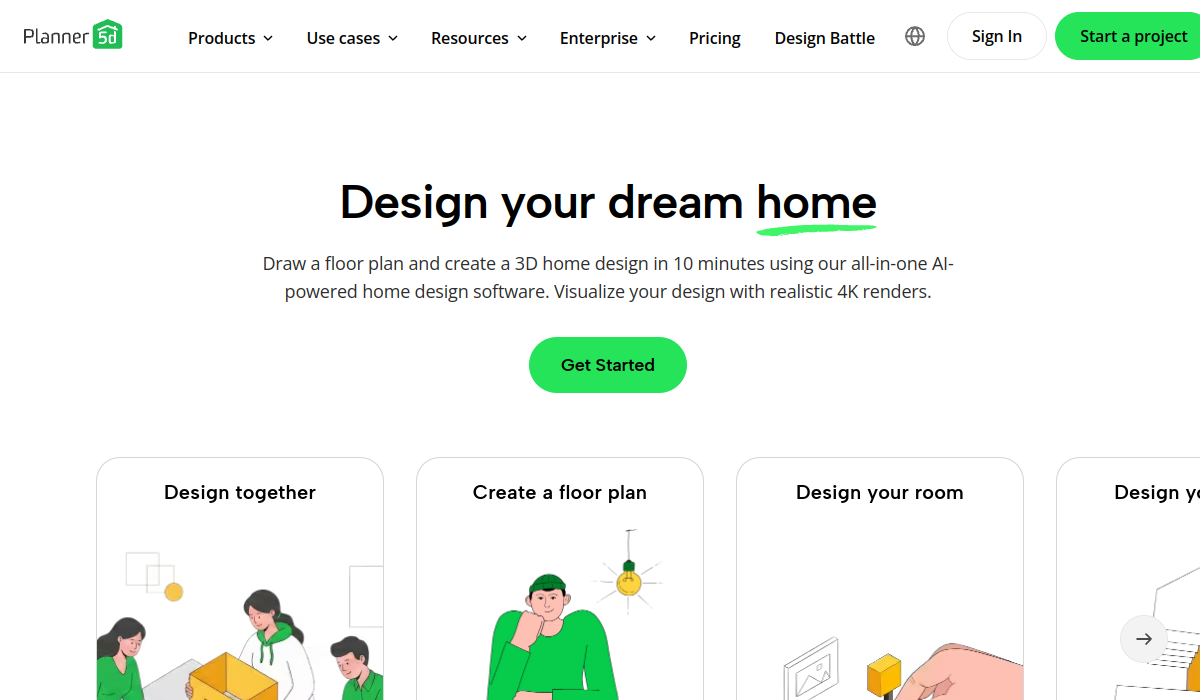
Planner 5D is an all-in-one home and interior design platform that lets users draw floor plans and build detailed 3D designs of rooms, houses, or commercial spaces in minutes.
Users can create fully customizable layouts and furnish them from a library of more than eight thousand furniture and decor items, switching between 2D plan view and immersive 3D visualization.
The platform's AI tools analyze a user's style preferences, room type, dimensions, and functional needs to deliver tailored design suggestions, and it includes AI interior design and AI floor plan generation features that speed up the creative process for everything from bedrooms to open-plan kitchens.
Planner 5D is available across web, mobile, tablet, and even Apple Vision Pro, with projects syncing across devices so a design started on one device can be continued on another.
It serves homeowners planning renovations, renters visualizing furniture arrangements, real estate and design professionals, and hobbyists, and it has a large community of users worldwide. Pros include an approachable interface that does not require professional CAD skills, strong cross-device availability, and AI features that jump-start design ideas.
Cons are that the most advanced features and premium item libraries typically require payment, and highly precise architectural work may need dedicated professional software. Pricing usually combines free basic design access with premium upgrades. Pricing changes often, so check the official site for current plans.
Planner 5D's core capabilities include 2D floor plan and 3D interior design, AI interior and floor plan generators, Library of 8,000+ furniture and decor items and Cross-device sync across web and mobile.
2D floor plan and 3D interior design is built in, AI interior and floor plan generators is built in, Library of 8,000+ furniture and decor items is built in, Cross-device sync across web and mobile is built in, so you get a rounded toolkit rather than a single trick.
Each feature is designed to take the manual effort out of the task and help you reach a usable result faster, which is what makes Planner 5D worth a place on your shortlist.
On the plus side, users consistently highlight Beginner-friendly, no CAD skills needed, Available across many devices and AI features speed up design ideas as the reasons they keep using Planner 5D.
It isn't perfect, though — Advanced features and items require payment and Precise architectural work may need pro software are the trade-offs people most often mention, so weigh those against your own priorities before you commit.
As with any AI tool, the output still benefits from a quick human review, but Planner 5D gets you most of the way there with far less effort.
Planner 5D runs on a freemium pricing model, so you can start for free and only pay once you outgrow the free tier — handy for testing it on a real task before spending anything.
AI-tool pricing changes often, so always check the current plans, seats and add-ons on the official site for the latest details before you buy. Who is Planner 5D for? It's best suited for ai home and interior design in 2d and 3d.
Whether you're a beginner trying this kind of AI tool for the first time or a professional who'll use it every day, it's a credible option to consider.
If you're still deciding, compare Planner 5D against the alternatives and the head-to-head comparisons linked below — looking at features, pricing and real user ratings side by side is the fastest way to find the right fit for your workflow and budget.
Who is Planner 5D for?
Planner 5D is best suited for ai home and interior design in 2d and 3d. Whether you are trying this kind of image & design tool for the first time or use one every day, it is a credible option to shortlist — compare it with the alternatives and head-to-head comparisons linked on this page to find the best fit for your workflow and budget.