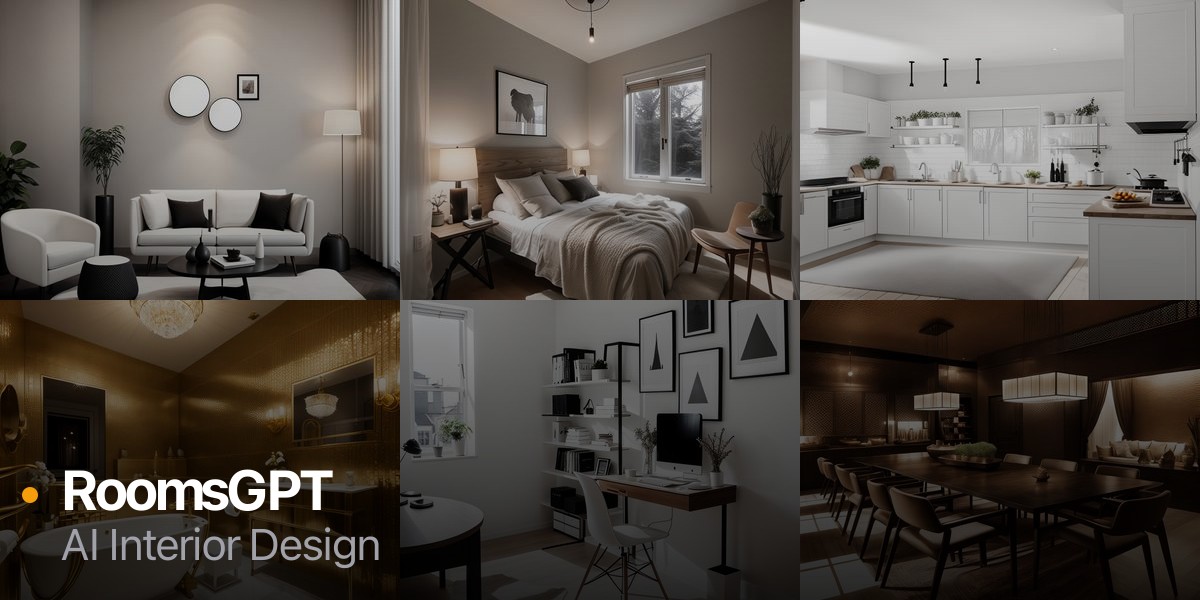
What is RoomsGPT?
RoomsGPT is an AI interior design tool that redesigns real rooms from a single uploaded photo. You provide a picture of a bedroom, kitchen, bathroom, living room, or other space, choose from sixty-plus design styles, and the AI generates realistic redesign concepts you can compare and refine.
Its Design Studio adds practical follow-up tools including paint color visualization, material swapping, furniture replacement, image resizing, and text overlays, and there are dedicated room-specific workflows along with virtual staging, paint color extraction, and design feedback.
It is aimed at homeowners planning renovations, renters seeking inspiration, real estate agents staging listings, and interior design enthusiasts who want to explore directions before committing budget. RoomsGPT positions itself explicitly as a more feature-rich alternative to similar single-purpose redesign tools, bundling ideation and editing in one place.
Strengths include the photo-based workflow that grounds results in your actual space, the large style library, and the editing tools that go beyond a single render.
Weaknesses are that AI redesigns can sometimes distort architectural details or proportions, free daily credits are limited, and outputs are inspirational concepts rather than buildable construction plans.
RoomsGPT runs on a freemium model with free daily credits and no signup required to start, plus paid plans for more generations and higher quality. Pricing changes often, so check the official site for current plans.
RoomsGPT's core capabilities include Photo-based room redesign across 60-plus styles, Paint color visualization and extraction, Material swapping and furniture replacement, Virtual staging for listings and Room-specific workflows for kitchens, baths, and bedrooms.
Photo-based room redesign across 60-plus styles is built in, Paint color visualization and extraction is built in, Material swapping and furniture replacement is built in, Virtual staging for listings is built in, so you get a rounded toolkit rather than a single trick.
Each feature is designed to take the manual effort out of the task and help you reach a usable result faster, which is what makes RoomsGPT worth a place on your shortlist.
On the plus side, users consistently highlight Grounds redesigns in a photo of your real room, Large style library plus follow-up editing tools and Free daily credits with no signup to start as the reasons they keep using RoomsGPT.
It isn't perfect, though — Can distort architectural details or proportions and Outputs are concepts, not buildable plans are the trade-offs people most often mention, so weigh those against your own priorities before you commit.
As with any AI tool, the output still benefits from a quick human review, but RoomsGPT gets you most of the way there with far less effort.
RoomsGPT runs on a freemium pricing model, so you can start for free and only pay once you outgrow the free tier — handy for testing it on a real task before spending anything.
AI-tool pricing changes often, so always check the current plans, seats and add-ons on the official site for the latest details before you buy. Who is RoomsGPT for? It's best suited for redesign any room from a photo with ai.
Whether you're a beginner trying this kind of AI tool for the first time or a professional who'll use it every day, it's a credible option to consider.
If you're still deciding, compare RoomsGPT against the alternatives and the head-to-head comparisons linked below — looking at features, pricing and real user ratings side by side is the fastest way to find the right fit for your workflow and budget.
Who is RoomsGPT for?
RoomsGPT is best suited for redesign any room from a photo with ai. Whether you are trying this kind of image & design tool for the first time or use one every day, it is a credible option to shortlist — compare it with the alternatives and head-to-head comparisons linked on this page to find the best fit for your workflow and budget.