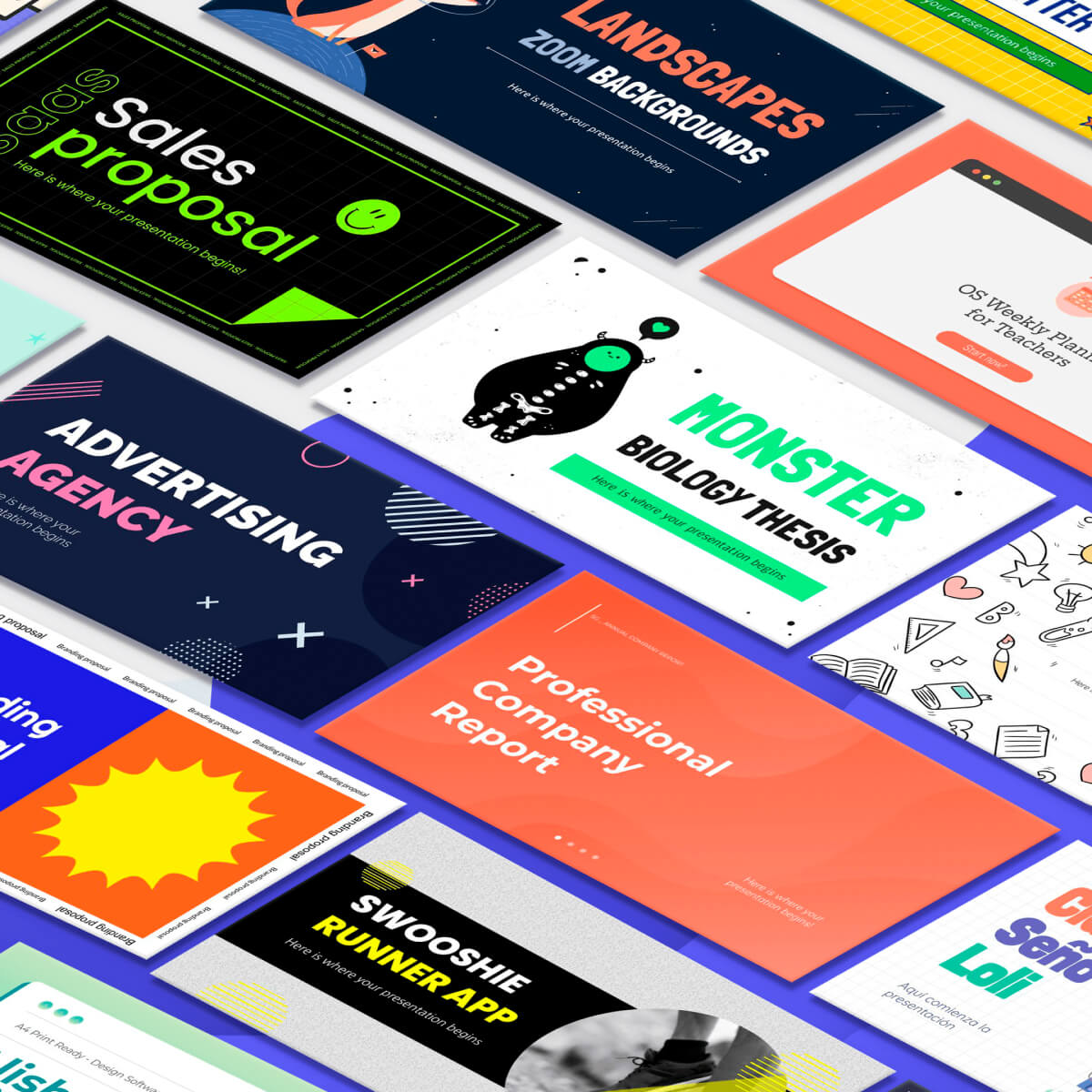
What is Slidesgo?
Slidesgo is an AI presentation maker from Freepik that lets users describe a topic and have the AI craft a complete, customizable slide deck in seconds.
It combines automated content and layout generation with a large library of professionally designed templates, so users can either start from AI output or pick a template and let the tool fill it in.
Because it sits inside the Freepik ecosystem, decks can pull in resources from Freepik and Flaticon, adding images and icons directly without leaving the editor.
Finished presentations export to editable PPTX for further work in PowerPoint, Google Slides or other tools, which keeps the workflow flexible for users who collaborate across platforms. It is aimed at educators, students, freelancers and small business owners who need attractive slides quickly without strong design skills.
Strengths include the breadth and quality of the template catalog, the tight integration with a major stock-asset library, and the clean editable exports that avoid vendor lock-in.
The main limitations are that free use is capped to a small number of AI presentations per month, and the most advanced templates and features require a premium subscription, so heavy users will likely need to upgrade.
The tool is browser based and approachable for non-designers, making it a practical option for everyday decks rather than highly bespoke agency work. Pricing is freemium with a paid Premium plan. Pricing changes often, so check the official site for current plans.
Slidesgo's core capabilities include AI generation of full slide decks from a topic, Large library of editable presentation templates, Direct access to Freepik and Flaticon assets, Export to editable PPTX, PowerPoint and Google Slides and Customizable layouts, colors and content.
AI generation of full slide decks from a topic is built in, Large library of editable presentation templates is built in, Direct access to Freepik and Flaticon assets is built in, Export to editable PPTX, PowerPoint and Google Slides is built in, so you get a rounded toolkit rather than a single trick.
Each feature is designed to take the manual effort out of the task and help you reach a usable result faster, which is what makes Slidesgo worth a place on your shortlist.
On the plus side, users consistently highlight Large, high-quality template catalog, Integrated stock images and icons and Editable exports avoid lock-in as the reasons they keep using Slidesgo.
It isn't perfect, though — Free plan limits monthly AI presentations and Best templates and features need Premium are the trade-offs people most often mention, so weigh those against your own priorities before you commit.
As with any AI tool, the output still benefits from a quick human review, but Slidesgo gets you most of the way there with far less effort.
Slidesgo runs on a freemium pricing model, so you can start for free and only pay once you outgrow the free tier — handy for testing it on a real task before spending anything.
AI-tool pricing changes often, so always check the current plans, seats and add-ons on the official site for the latest details before you buy. Who is Slidesgo for? It's best suited for ai presentation maker with thousands of editable templates.
Whether you're a beginner trying this kind of AI tool for the first time or a professional who'll use it every day, it's a credible option to consider.
If you're still deciding, compare Slidesgo against the alternatives and the head-to-head comparisons linked below — looking at features, pricing and real user ratings side by side is the fastest way to find the right fit for your workflow and budget.
Who is Slidesgo for?
Slidesgo is best suited for ai presentation maker with thousands of editable templates. Whether you are trying this kind of image & design tool for the first time or use one every day, it is a credible option to shortlist — compare it with the alternatives and head-to-head comparisons linked on this page to find the best fit for your workflow and budget.