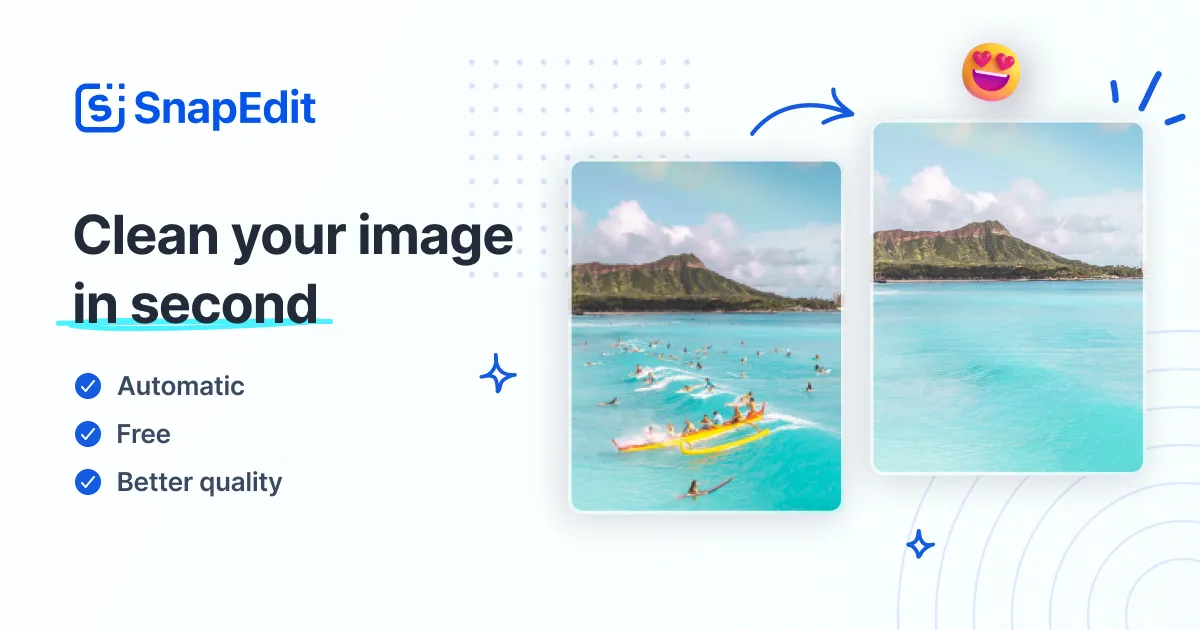
What is SnapEdit?
SnapEdit is an all-in-one online AI photo editor that bundles more than twenty-five tools for quickly cleaning up and enhancing images. It is aimed at everyday users, social media creators, ecommerce sellers and small businesses who want fast results without professional editing software.
Core capabilities include AI object removal, background removal, photo enhancement and upscaling, text removal, wire and power-line removal, and AI skin retouching, all running directly in the browser.
It also supports batch processing of up to fifty photos at once plus image compression and format conversion, which helps when preparing many images for a store or campaign.
Typical use cases include erasing unwanted objects or people from photos, creating transparent product cutouts, sharpening blurry or low-resolution images, and tidying portraits before posting. The tool is widely used and brand-safe, with a large global user base and adoption noted across major organizations.
Pros include a broad set of editing tools in one place, easy browser-based access with no install, batch processing for efficiency, and a generous daily free credit allowance.
Cons are that the most advanced edits and high-volume use require a paid subscription, and complex object removals can occasionally leave artifacts that need touch-ups. It runs on a freemium model offering daily free credits plus affordable annual subscription plans.
Pricing changes often, so check the official site for current plans. SnapEdit's core capabilities include AI object and background removal, Photo enhancement and upscaling, Text, wire and power-line removal, AI skin retouching and Batch processing up to 50 photos.
AI object and background removal is built in, Photo enhancement and upscaling is built in, Text, wire and power-line removal is built in, AI skin retouching is built in, so you get a rounded toolkit rather than a single trick.
Each feature is designed to take the manual effort out of the task and help you reach a usable result faster, which is what makes SnapEdit worth a place on your shortlist.
On the plus side, users consistently highlight Many editing tools in one browser app, Generous daily free credits and Batch processing for efficiency as the reasons they keep using SnapEdit.
It isn't perfect, though — Advanced edits need a paid subscription and Complex removals can leave artifacts are the trade-offs people most often mention, so weigh those against your own priorities before you commit.
As with any AI tool, the output still benefits from a quick human review, but SnapEdit gets you most of the way there with far less effort.
SnapEdit runs on a freemium pricing model, so you can start for free and only pay once you outgrow the free tier — handy for testing it on a real task before spending anything.
AI-tool pricing changes often, so always check the current plans, seats and add-ons on the official site for the latest details before you buy. Who is SnapEdit for? It's best suited for all-in-one ai photo editor for fast cleanup.
Whether you're a beginner trying this kind of AI tool for the first time or a professional who'll use it every day, it's a credible option to consider.
If you're still deciding, compare SnapEdit against the alternatives and the head-to-head comparisons linked below — looking at features, pricing and real user ratings side by side is the fastest way to find the right fit for your workflow and budget.
Who is SnapEdit for?
SnapEdit is best suited for all-in-one ai photo editor for fast cleanup. Whether you are trying this kind of image & design tool for the first time or use one every day, it is a credible option to shortlist — compare it with the alternatives and head-to-head comparisons linked on this page to find the best fit for your workflow and budget.