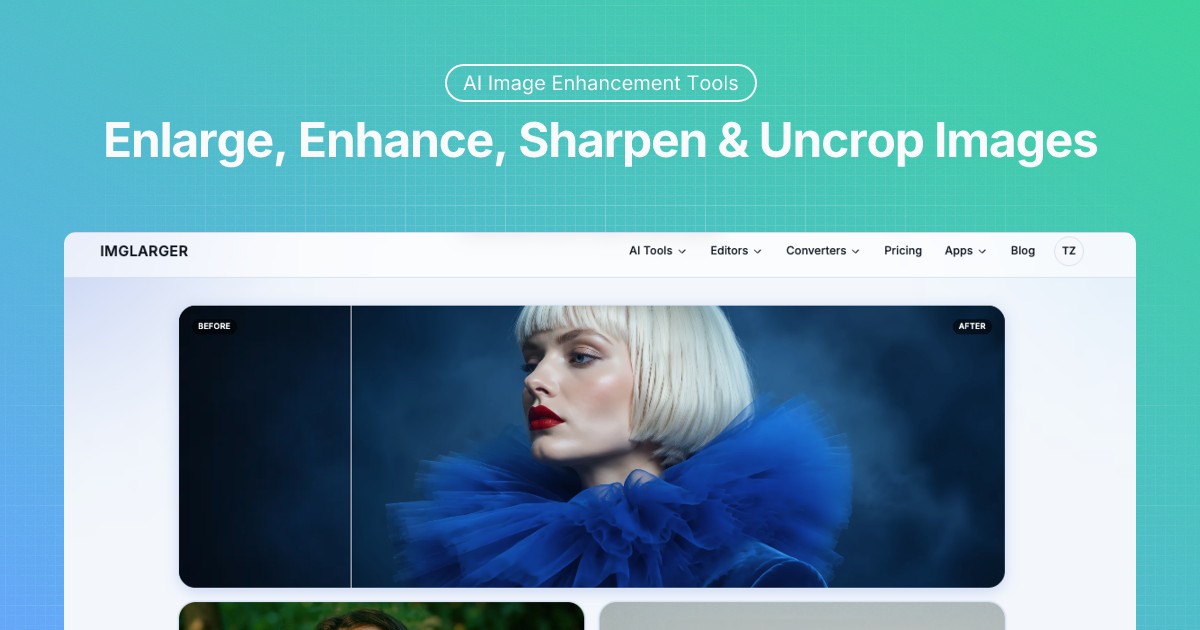
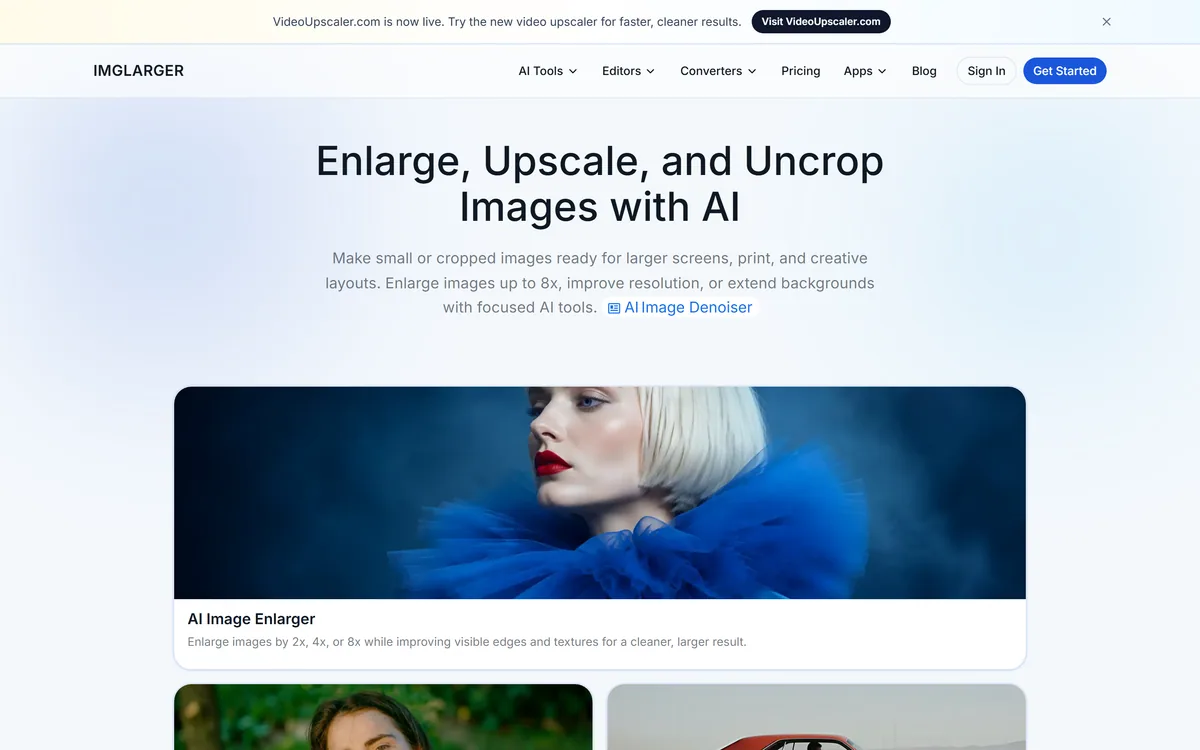
Imglarger is a set of focused AI image tools covering enlargement up to eight times, resolution upscaling, generative uncropping, photo enhancement, sharpening and background removal, alongside browser-based editors and format converters. Uploaded and processed images are stated as deleted within six hours.
Imglarger describes enlargement that improves visible edges and textures instead of relying on basic pixel stretching, and upscaling that increases resolution with less visible pixelation.
That phrasing is more careful than most, and understanding the distinction it is drawing prevents the main disappointment with these tools.
Traditional enlargement interpolates — it averages between existing pixels, which produces a larger, softer, blurrier version of the same image. Nothing is added because nothing can be.
AI upscaling does something different: it predicts what detail probably belonged there, based on having seen enormous numbers of similar images. A brick wall gets brick texture, a face gets skin texture, and the result looks sharp.
The crucial word is probably. The detail is plausible rather than recovered — invented in a well-informed way, but invented. Which is fine for a product photo and a genuine problem for anything where the detail is the point, such as reading a number plate or verifying a document.
Upscaling does not recover detail. It predicts what detail probably belonged there — which is fine for a product shot and not for evidence.
Six-Hour Deletion As A Privacy Position
One line in the feature list does more work than the rest: uploaded and processed images are automatically deleted within six hours, rather than being kept as a permanent public gallery.
The comparison it draws is pointed and fair, because a public gallery is exactly what many free image tools maintain.
That model is how free processing gets funded — user uploads become browsable content, drive search traffic, and populate marketing pages. It is usually disclosed somewhere in the terms and almost never read.
For a holiday photo that may not matter. For a product shot before launch, a document scan, a photograph of a child or anything with a face in it, it matters a great deal, and most people uploading to a free tool have not considered it.
Naming a specific window rather than a vague assurance is what makes the commitment checkable — the same reason PixelLab stating it stores no generated images stands out in a category where retention is usually left unmentioned.
Outpainting And Changing An Aspect Ratio
The image extender is described as expanding and uncropping with generative outpainting — extending backgrounds, changing aspect ratios, and generating realistic new content that matches the source composition.
This is the most genuinely useful tool in the set, because it solves a problem that has no other solution.
The situation is familiar to anyone who publishes: a good photograph, and a placement that needs a different shape. A square image into a wide banner, a portrait into a landscape hero, a tight crop that needs room for a headline.
The conventional options are all bad — crop tighter and lose the subject, add letterbox bars, or stretch and distort. Outpainting generates the missing edges instead, which is a genuinely new capability rather than a faster version of an old one.
The reliability follows the content. Continuing a sky, a wall or a blurred background works well because the model only has to be plausible. Extending a scene with structure — architecture, patterned fabric, a crowd — is where invented content becomes visibly invented, and where you should check the result at full size rather than in a thumbnail. Turning a still product photo into motion is a different job again, and Picwand's.
Start from the highest-resolution original you have, not a compressed copy.
Use the enlarger for size and the upscaler when resolution is the goal.
Check outpainted edges at full size, not in a preview thumbnail.
Never upscale anything where the detail itself is the evidence.
Use the sharpener for blur and the enhancer for noise — they differ.
Focused Tools Rather Than One Editor
The site states its design principle directly: a dedicated workflow for enlargement, upscaling, uncropping, enhancement or sharpening, instead of navigating a complicated editor.
That is the correct architecture for this category, and the reason is about what people arrive knowing.
Someone opening an image tool usually has a specific complaint — this is too small, this is blurry, this is the wrong shape, this has a background I do not want. They do not have a diagnosis, and a general editor asks them to find the right feature among fifty.
Separate entry points map to the complaint rather than the technique, which means people land on the tool that matches their problem instead of the one whose name they recognise.
It also makes the distinctions legible. The site separates enhancer from sharpener explicitly — one for softness, noise and compression artefacts, the other for blur and edge definition — which is a real difference most users would never discover inside a single interface. At catalogue volume the same operations belong in a pipeline, which is what Photoroom built.
Reading The Press Wall
Rather than customer testimonials, Imglarger displays quotes from named editors at technology, photography and software review publications, describing the upscaling as preserving quality and being useful to photographers and designers.
Press quotes are a different kind of evidence from customer reviews, with different strengths.
They are attributable — a named editor at a named publication can be looked up, and the review found. That makes them harder to fabricate than an anonymous five-star testimonial, and worth more per quote.
They are also older and less current by nature. A review written when a tool launched describes the product at that time, and image models have improved enormously since most of those reviews were plausibly written. The site does not date them.
The most useful quote on the wall is the most measured one, describing the output quality as certainly improving rather than transforming. That is the accurate register for upscaling, and it is a better guide to expectations than the enthusiastic ones around it.
Upscaling Images Without Making Them Worse
The most common way to waste an upscale is to start from the wrong file, and the second is to apply the wrong tool to the problem.
This sequence gets the most out of what the technology can genuinely do.
Find the highest-resolution original, not the version already compressed for the web.
Diagnose the actual problem — too small, blurry, noisy or the wrong shape.
Pick the tool that matches it rather than reaching for the enlarger by default.
Compare before and after at full size before downloading.
For outpainting, inspect the generated edges against the original composition.
Keep the original file — an upscale is a derivative, not a replacement.
Imglarger: Enlarge, Upscale And Uncrop
Enlargement to 2x, 4x or 8x, with separate 2x and 4x upscaling when resolution rather than size is the goal.
Generative uncropping that extends backgrounds and changes aspect ratio without cutting the subject.
Separate focused tools rather than one editor, so you land on the fix that matches your complaint.
Uploads deleted within six hours instead of becoming a permanent public gallery.
Editors and converters included, plus anime upscaling, denoising, colourising and old photo repair.
Key features of Imglarger
AI enlargement at 2x, 4x and 8x
Dedicated 2x and 4x resolution upscaling
Generative uncropping and aspect ratio change
Photo enhancement for noise and compression artefacts
Sharpening for blur and edge definition
Background removal to transparent PNG
Anime upscaling, colourising and old photo restoration
Browser-based editors and format converters
Pros & cons
Pros
7
Separate focused tools map to the user's complaint, not the technique
A stated six-hour deletion window rather than a vague assurance
Explicitly distinguishes enhancement from sharpening, which most tools blur together
Outpainting solves a framing problem with no conventional alternative
Before-and-after preview on every workflow before download
Press quotes are attributable rather than anonymous testimonials
Free editors and converters alongside the AI tools
Cons
7
Upscaling invents plausible detail rather than recovering lost detail
Outpainting shows its seams on structured content like architecture
The press quotes are undated, and this technology has moved a great deal
No models named for any of the tools
File size and format limits are not stated on the pages we read
How the deletion window is enforced, including backups, is unstated
Wrong tool entirely for anything where detail serves as evidence
Best For
Anyone with a small or compressed image and no original
Designers fitting a good photo into the wrong aspect ratio
People restoring or colourising old family photographs
Ecommerce sellers preparing supplier images for larger display
Users who want uploads deleted rather than published
Imglarger Against Other Upscaling Tools
Image tools differ by what they change about a picture.
Last checked . Read from imglarger.com in a browser session on the date above, including the full footer. The screenshot was captured at the same time.
Positioned as enlarging, upscaling and uncropping images with focused AI tools
Enlargement stated at 2x, 4x or 8x, described as improving edges and textures rather than stretching pixels
Upscaling offered separately at 2x and 4x where resolution is the goal
An image extender described as generative outpainting for backgrounds and aspect ratio changes
Photo enhancer and image sharpener described as addressing different problems — noise and compression versus blur
Background removal offered for transparent PNGs
Uploaded and processed images stated as automatically deleted within six hours rather than kept in a public gallery
Batch processing stated as available on supported tools and plans, with generative workflows one image at a time
A before-and-after preview stated as included in each workflow
Additional tools listed including anime upscaler, denoiser, face retouch, colouriser and old photo repair
Press quotes displayed from named editors at technology and photography publications
What we could not confirm: which models power each tool; when the displayed press quotes were written, since none is dated and image models have changed substantially over time; what file size and format limits apply; how the six-hour deletion is enforced or whether it covers backups; how batch processing differs between plans; and pricing, which sits on a separate page we did not reproduce. We did not upload or process an image.
Editor's Verdict
3.9/5
Imglarger's design choice is the right one for this category: separate focused tools rather than one editor with a hundred buttons, each doing a single job with a before-and-after preview. The six-hour deletion policy is stated plainly on the homepage and is more than most free image services offer. Where expectations need managing is the technology itself — upscaling invents plausible detail rather than recovering lost detail, and no tool changes that. Used for what it can do, and understood for what it cannot, it is a genuinely practical set of utilities. AInexfinder Editor Score: 3.9/5.
Imglarger pricing
AInexfinder does not list plan prices or billing details. For current pricing, plans, and trials, visit the official Imglarger website.
Vendor pricing, credits, and billing policies change over time. Always confirm on the official site before you buy.
Frequently asked questions
What is Imglarger?
A set of focused AI image tools covering enlargement up to eight times, resolution upscaling, generative uncropping, enhancement, sharpening and background removal, plus browser-based editors and format converters.
Does upscaling recover lost detail?
No. It predicts what detail probably belonged there, based on having seen enormous numbers of similar images. The result looks sharp because the detail is plausible, not because it was recovered — an important distinction.
When is that a problem?
Whenever the detail itself is the point. Reading a number plate, verifying a document, or anything used as evidence. Invented detail that looks convincing is worse than visible blur, because it invites a confident wrong conclusion.
What is the difference between the enlarger and the upscaler?
The enlarger makes an image physically bigger at 2x, 4x or 8x. The upscaler focuses on increasing resolution at 2x or 4x with less pixelation. If size is the goal use the first; if the file is simply too low-resolution, use the second.
What does uncropping actually do?
Extends an image beyond its original borders with generated content matching the composition — turning a square into a banner, or making room for a headline. It is the only real answer to a good photo in the wrong shape.
When does outpainting fail?
On structured content. Continuing a sky, a wall or a blurred background works because the model only has to be plausible. Architecture, patterned fabric and crowds are where invented content becomes visibly invented — check at full size.
What happens to my uploads?
The site states uploaded and processed images are automatically deleted within six hours, rather than being kept as a permanent public gallery. Naming a window makes the commitment checkable in a way a vague assurance is not.
Why does that matter?
Because a public gallery is how many free image tools are funded — uploads become browsable content and search traffic. For a holiday photo that may not matter; for a document scan, an unreleased product shot or anything with a face, it does.
Should I use the enhancer or the sharpener?
The enhancer for softness, noise and compression artefacts across the whole image; the sharpener when blur and edge definition are the specific problem. The site draws that distinction explicitly, which most tools do not.
How do I get the best result?
Start from the highest-resolution original you have rather than a version already compressed for the web. Everything downstream is limited by that file, and no amount of processing recovers what compression already discarded.
Daniel reviews AI tools the slow way — by actually using them on real projects. His reviews cover what works, what breaks, and who each tool is genuinely a good fit for.
Daniel and the AInexfinder editorial team research Imglarger using public product information, listing evidence, and (when available) hands-on checks. Scores reflect listing completeness and transparency — not paid placement.
Listings may include affiliate or sponsored placements, which are labeled when present. Editorial scores and cons are not sold. See our affiliate disclosure and review methodology.
Remini is a photo and video enhancement app from Bending Spoons offering unblurring, denoising, old-photo restoration, face enhancement, colour correction and upscaling, plus AI-generated professional headshots. It runs on iOS, Android and the web, and states 100 million monthly active users.
GoStudio is an AI photo and video studio offering headshots and personal branding packs, image and video generation, and more than 38 one-click editing tools. It routes across twenty-plus underlying models — including GPT Image, FLUX, Veo and Nano Banana — without asking users to choose between them.
Topaz Labs makes professional AI image and video enhancement software, upscaling, sharpening, denoising, restoring, stabilizing and frame interpolation, across desktop, web and mobile, with Emmy-winning technology and a long track record, used by photographers, videographers and finishing pros.
Aiarty Image Enhancer is desktop software from Digiarty that upscales, denoises, deblurs and restores images using several purpose-built AI models. It runs entirely on your own machine with no upload, handles large batches, and reaches 32K output on Windows.
Topaz Gigapixel is the dedicated image-upscaling app from Topaz Labs, enlarging photos up to 6x with multiple enhancement models that add accurate detail, restore and recover faces, running locally or in the cloud on Mac and Windows, as a plugin or standalone.
krea2.org is a browser image-generation workspace that runs several third-party models side by side, including Krea 2 tiers, FLUX.2, GPT Image 2, Nano Banana and Seedream 5.0, with reference uploads, six aspect ratios and live model switching.