What is TalkNotes?
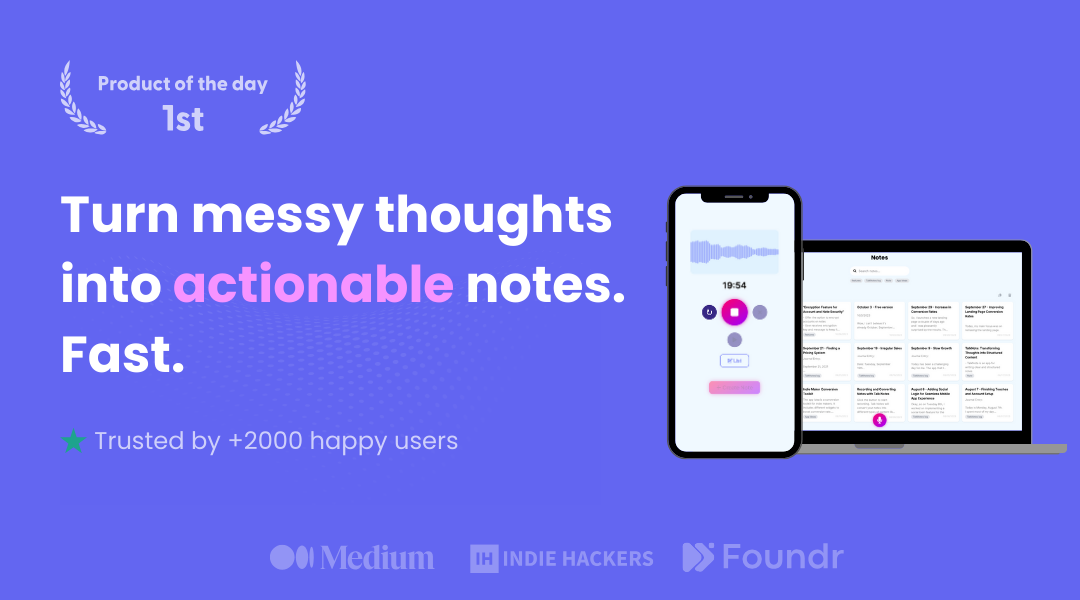
TalkNotes is an AI voice-to-text app that lets users speak freely and turns the recording into clean, organized output.
It transcribes voice with high claimed accuracy and then reformats the raw transcript into one of more than a hundred pre-made styles, including emails, task lists, blog posts, and social posts, and users can create custom styles too.
It supports over fifty languages, accepts uploaded audio files in addition to live recording, and offers export options such as PDF, text, markdown, and shareable URLs, plus integration with Zapier and webhooks for automation.
Available on web, iOS, and Android, it targets professionals, content creators, students, and entrepreneurs who think faster than they type and want to capture ideas, lectures, or meeting thoughts hands-free.
Pros include strong transcription with broad language coverage, a large library of output formats that transform rambling speech into usable content, and automation hooks via Zapier and webhooks.
Cons are that it is a subscription product with no permanent free tier beyond a short trial, and each recording has a length limit that may constrain long sessions.
It works well for people who want to brain-dump on the go and have those ramblings come back as a polished email, a tidy task list, or a draft post ready to refine.
TalkNotes is offered as a paid subscription with monthly and yearly plans following a seven-day free trial. Pricing changes often, so check the official site for current plans.
TalkNotes's core capabilities include AI voice transcription in 50+ languages, 100+ output styles plus custom styles, Audio file upload in addition to recording, Export to PDF, text, markdown, and URL, Zapier and webhook integrations and Web, iOS, and Android apps.
AI voice transcription in 50+ languages is built in, 100+ output styles plus custom styles is built in, Audio file upload in addition to recording is built in, Export to PDF, text, markdown, and URL is built in, so you get a rounded toolkit rather than a single trick.
Each feature is designed to take the manual effort out of the task and help you reach a usable result faster, which is what makes TalkNotes worth a place on your shortlist.
On the plus side, users consistently highlight Accurate transcription with broad language support, Many output formats turn speech into usable content and Automation via Zapier and webhooks as the reasons they keep using TalkNotes.
It isn't perfect, though — No lasting free tier beyond a short trial and Per-recording length limits constrain long sessions are the trade-offs people most often mention, so weigh those against your own priorities before you commit.
As with any AI tool, the output still benefits from a quick human review, but TalkNotes gets you most of the way there with far less effort. TalkNotes runs on a subscription pricing model, aimed at users who want the full feature set without free-tier limits.
AI-tool pricing changes often, so always check the current plans, seats and add-ons on the official site for the latest details before you buy. Who is TalkNotes for? It's best suited for turn voice into structured notes and content.
Whether you're a beginner trying this kind of AI tool for the first time or a professional who'll use it every day, it's a credible option to consider.
If you're still deciding, compare TalkNotes against the alternatives and the head-to-head comparisons linked below — looking at features, pricing and real user ratings side by side is the fastest way to find the right fit for your workflow and budget.
Who is TalkNotes for?
TalkNotes is best suited for turn voice into structured notes and content. Whether you are trying this kind of productivity & automation tool for the first time or use one every day, it is a credible option to shortlist — compare it with the alternatives and head-to-head comparisons linked on this page to find the best fit for your workflow and budget.