What is VisualGPT?
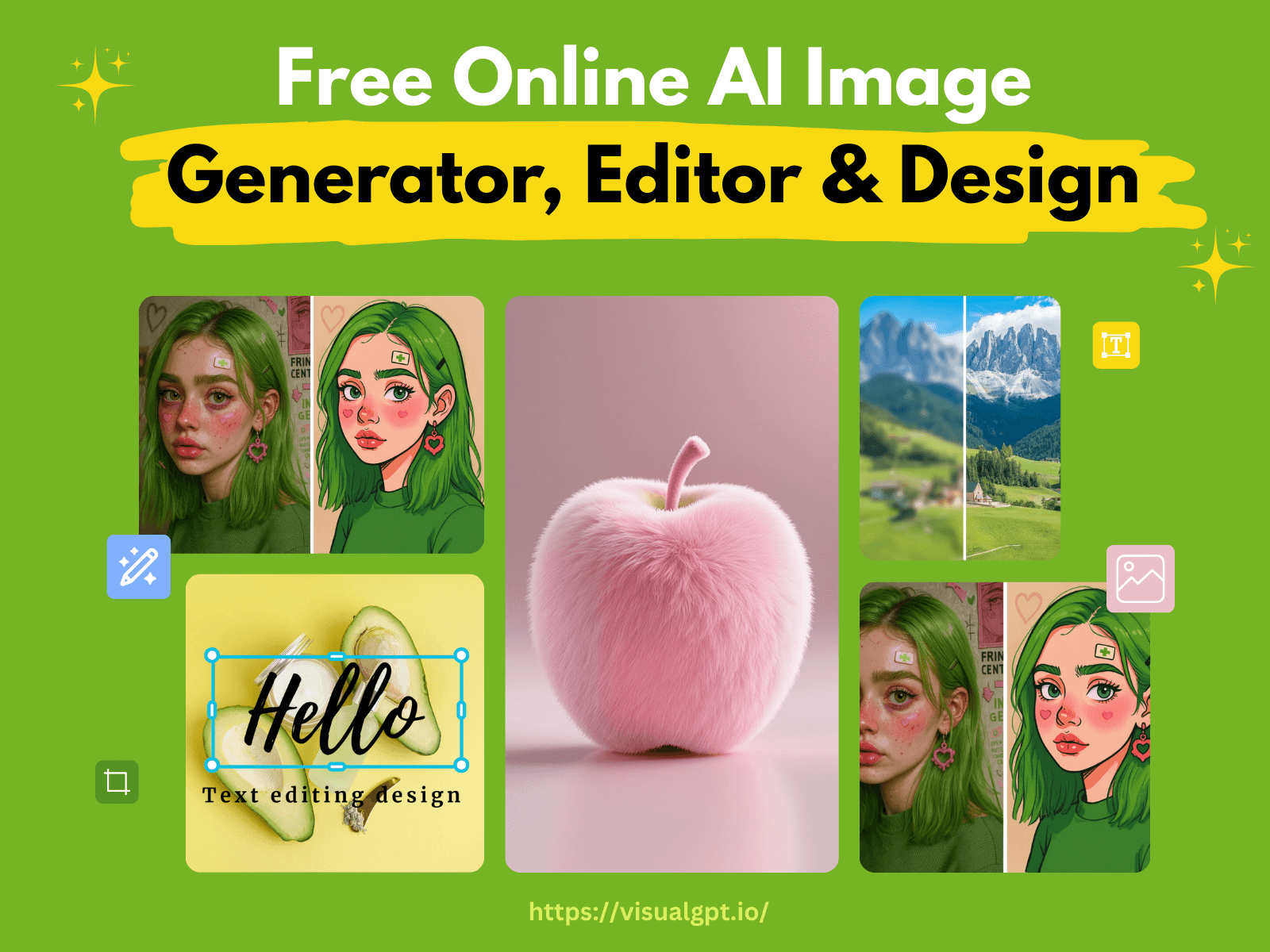
VisualGPT is an all-in-one AI creative platform that lets anyone generate, edit, and enhance images and short videos directly in the browser.
Instead of forcing users to learn complex prompts or juggle separate apps, VisualGPT pulls together hundreds of AI tools under one roof and routes work through cutting-edge models such as Nano Banana, Flux, Ideogram, and Stable Diffusion.
You simply describe an idea in plain words or upload a photo, and the platform produces illustrations, marketing visuals, product shots, social graphics, or stylized art in seconds.
The audience spans marketers, small business owners, social media managers, bloggers, e-commerce sellers, and hobbyists who want professional-looking visuals without design skills or expensive software.
Core capabilities include a text-to-image generator, an AI photo editor for background removal and style transfer, image upscaling and clarity enhancement, AI interior design that restyles empty rooms, and video generation tools.
A major draw is accessibility: many features require no sign-up and run quickly, lowering the barrier for casual experimentation. Strengths include the breadth of tools in one place, the variety of underlying models, and a genuinely free entry point.
Weaknesses are that results can vary between models, output quality on free tiers may be limited, and heavy users will likely need a paid plan for higher resolution or volume. Pricing changes often, so check the official site for current plans.
VisualGPT's core capabilities include Text-to-image generation using multiple AI models, AI photo editor with background removal and style transfer, Image upscaling and clarity enhancement, AI interior design and room restyling, Video generation tools in the browser and No-login access for many features.
Text-to-image generation using multiple AI models is built in, AI photo editor with background removal and style transfer is built in, Image upscaling and clarity enhancement is built in, AI interior design and room restyling is built in, so you get a rounded toolkit rather than a single trick.
Each feature is designed to take the manual effort out of the task and help you reach a usable result faster, which is what makes VisualGPT worth a place on your shortlist.
On the plus side, users consistently highlight Hundreds of creative tools combined in one platform, Access to leading models like Flux, Ideogram, and Stable Diffusion and Generous free, no-sign-up entry point as the reasons they keep using VisualGPT.
It isn't perfect, though — Output quality varies between models and tiers and Higher resolution and volume require paid plans are the trade-offs people most often mention, so weigh those against your own priorities before you commit.
As with any AI tool, the output still benefits from a quick human review, but VisualGPT gets you most of the way there with far less effort.
VisualGPT runs on a freemium pricing model, so you can start for free and only pay once you outgrow the free tier — handy for testing it on a real task before spending anything.
AI-tool pricing changes often, so always check the current plans, seats and add-ons on the official site for the latest details before you buy. Who is VisualGPT for? It's best suited for all-in-one ai image and video generation suite.
Whether you're a beginner trying this kind of AI tool for the first time or a professional who'll use it every day, it's a credible option to consider.
If you're still deciding, compare VisualGPT against the alternatives and the head-to-head comparisons linked below — looking at features, pricing and real user ratings side by side is the fastest way to find the right fit for your workflow and budget.
Who is VisualGPT for?
VisualGPT is best suited for all-in-one ai image and video generation suite. Whether you are trying this kind of image & design tool for the first time or use one every day, it is a credible option to shortlist — compare it with the alternatives and head-to-head comparisons linked on this page to find the best fit for your workflow and budget.