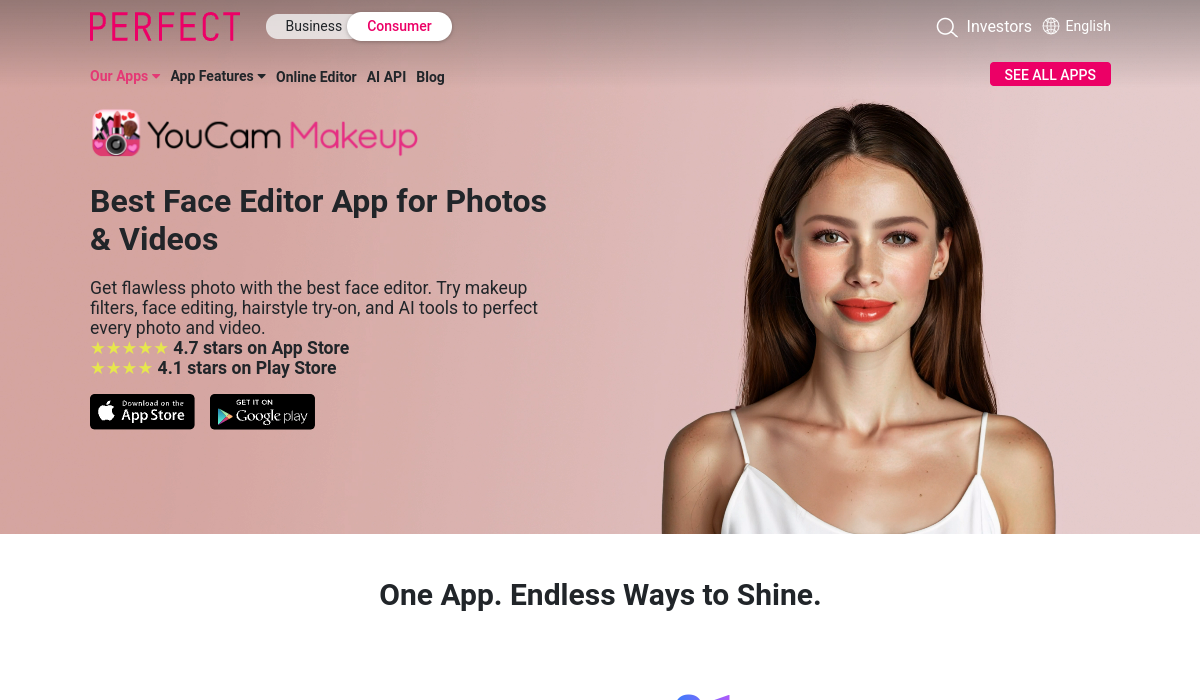
What is YouCam Makeup?
YouCam Makeup is a mobile beauty app developed by Perfect Corp that combines augmented reality and artificial intelligence to let users virtually try on cosmetics and edit selfies in real time.
Launched in 2014 and downloaded over a billion times, the app lets you apply and preview lipstick, eyeshadow, foundation, blush, and other makeup looks on a live camera or uploaded photo, change hairstyles and hair color, retouch face and body, and even swap outfits without a physical fitting room.
More recent additions include AI image and video generation and a conversational YouCam AI Beauty Agent that offers personalized guidance across beauty, skincare, and fashion.
The app is aimed at everyday beauty enthusiasts experimenting with looks, shoppers researching cosmetic products before buying, and content creators producing polished selfies and social posts.
It runs on a freemium model, offering core try-on and editing tools for free while gating advanced effects, premium filters, and some AI features behind in-app purchases or a subscription; Perfect Corp also partners with cosmetic brands to power virtual try-ons.
Pros include realistic AR rendering, a huge range of makeup and styling options, and accessibility on iOS and Android. Cons include ads and upsell prompts in the free version and the fact that the most advanced AI tools require payment.
Pricing changes often, so check the official site for current plans. YouCam Makeup's core capabilities include Real-time AR virtual makeup try-on, Hairstyle and hair color changer, Face and body retouching tools, AI image and video generation and Conversational YouCam AI Beauty Agent.
Real-time AR virtual makeup try-on is built in, Hairstyle and hair color changer is built in, Face and body retouching tools is built in, AI image and video generation is built in, so you get a rounded toolkit rather than a single trick.
Each feature is designed to take the manual effort out of the task and help you reach a usable result faster, which is what makes YouCam Makeup worth a place on your shortlist.
On the plus side, users consistently highlight Highly realistic augmented reality rendering, Wide range of makeup, hair, and styling options and Available free on iOS and Android as the reasons they keep using YouCam Makeup.
It isn't perfect, though — Ads and upsell prompts in the free tier and Advanced AI features require a subscription are the trade-offs people most often mention, so weigh those against your own priorities before you commit.
As with any AI tool, the output still benefits from a quick human review, but YouCam Makeup gets you most of the way there with far less effort.
YouCam Makeup runs on a freemium pricing model, so you can start for free and only pay once you outgrow the free tier — handy for testing it on a real task before spending anything.
AI-tool pricing changes often, so always check the current plans, seats and add-ons on the official site for the latest details before you buy. Who is YouCam Makeup for? It's best suited for ar virtual makeup try-on and ai selfie beauty editor.
Whether you're a beginner trying this kind of AI tool for the first time or a professional who'll use it every day, it's a credible option to consider.
If you're still deciding, compare YouCam Makeup against the alternatives and the head-to-head comparisons linked below — looking at features, pricing and real user ratings side by side is the fastest way to find the right fit for your workflow and budget.
Who is YouCam Makeup for?
YouCam Makeup is best suited for ar virtual makeup try-on and ai selfie beauty editor. Whether you are trying this kind of image & design tool for the first time or use one every day, it is a credible option to shortlist — compare it with the alternatives and head-to-head comparisons linked on this page to find the best fit for your workflow and budget.