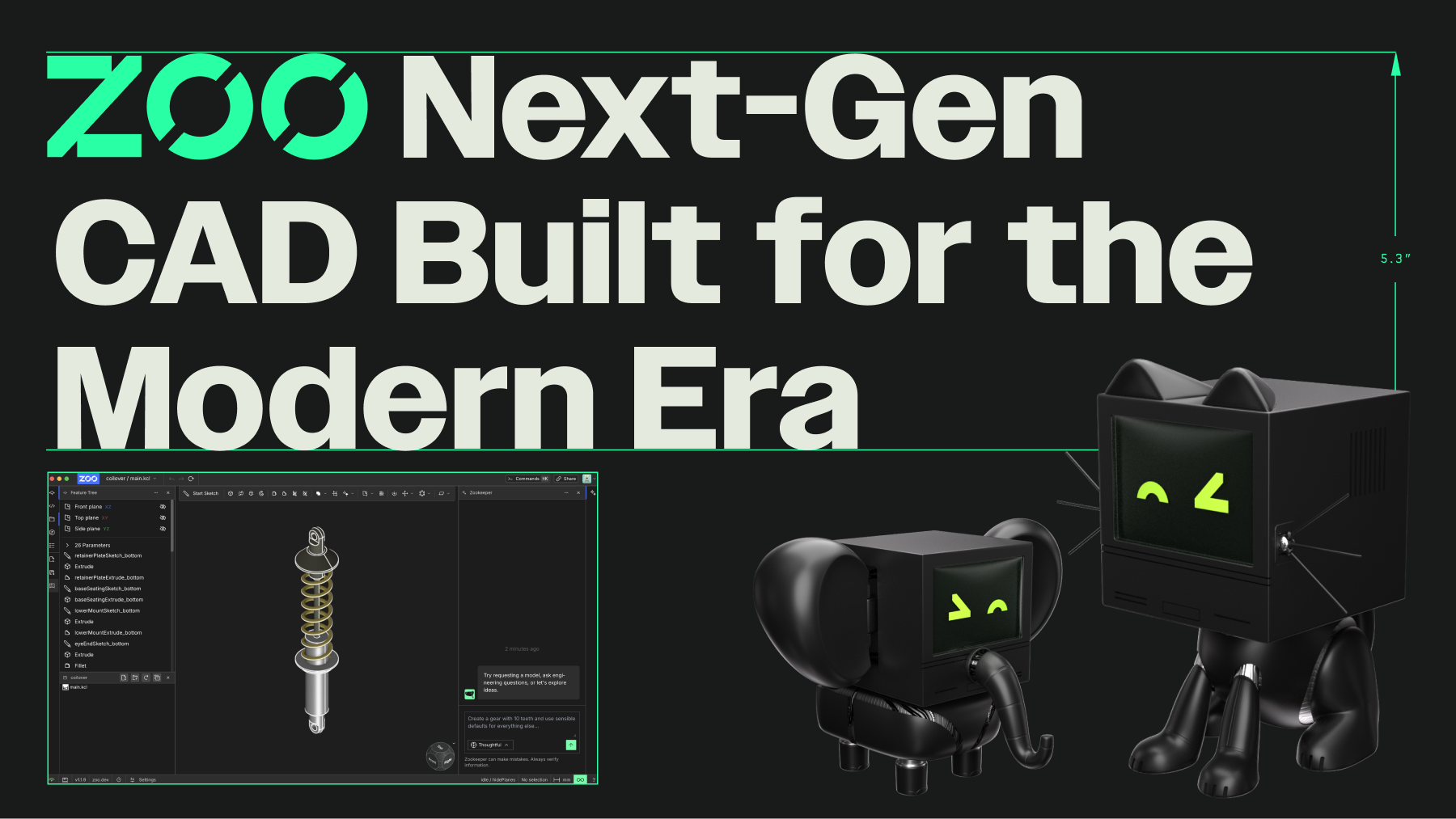
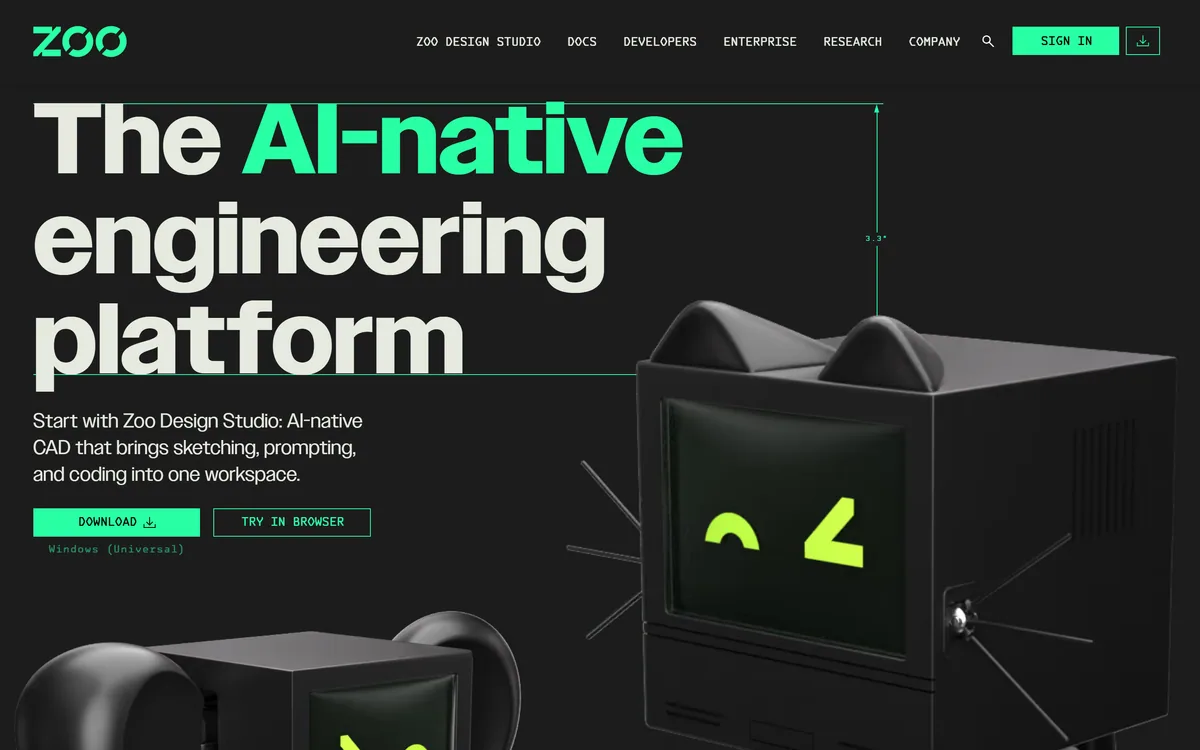
Zoo Design Studio is an AI-native CAD application for hardware design that combines familiar point-and-click modelling, code-based CAD and an AI engineering agent called Zookeeper, all built on Zoo's own geometry engine producing editable B-rep models rather than meshes.
Most AI 3D generators produce meshes that look good but are hard to edit or manufacture. Zoo takes the opposite approach: an AI-native CAD tool that creates precise, editable engineering geometry.
Zoo Design Studio combines familiar point-and-click CAD, code-based modelling and an AI engineering agent called Zookeeper, all on Zoo's own geometry engine producing B-rep models. Compared with AI model generators like Meshy, it is built for engineering parts rather than visual assets.
This review covers how Zoo Design Studio models a part, which engineers it suits, how it is priced, and where it cannot yet replace an established CAD suite.
Zoo Design Studio combines CAD tools, code and an AI agent on its own geometry engine.
Zoo Design Studio Facts
What it is
An AI-native CAD platform for hardware design
Modelling
Point-and-click, code-based CAD and AI prompts
Agent
Zookeeper engineering agent
Geometry
Editable B-rep models, not meshes
Engine
Zoo's own geometry engine
Roadmap
Design available; analyse and manufacture announced next
Platforms
Windows download and a browser version
Access
Free to try, with paid options
AI-Native CAD That Produces Real, Editable Geometry
Zoo's core proposition is that AI should work with real engineering geometry. Its Design Studio produces B-rep models, the precise boundary representations used in professional CAD, rather than meshes, so parts stay editable, dimensionable and closer to manufacturable.
It also lets engineers work however they prefer. You can sketch and extrude with familiar point-and-click tools, write the design as code, or ask the AI agent to propose and build geometry, and switch between those modes in one workspace.
The AI side is more than a generator. Zookeeper is described as an engineering agent that researches, reasons about constraints, plans and proposes designs, and helps prepare parts for manufacturing, working directly with the actual geometry rather than producing a picture.
The honest framing is that Zoo is an ambitious, technically interesting platform that is still expanding: design is available now, while analysis and manufacturing capabilities are announced as coming next. Teams with mature CAD workflows should evaluate it as a complement before a replacement.
Zoo produces editable B-rep engineering geometry, not meshes, which is what makes it more than another AI 3D generator.
How Does Zoo Design Studio Model A Part?
Zoo Design Studio offers three ways to model, on top of its own geometry engine.
Point-And-Click, Code Or Prompts
You can model with familiar CAD tools, define parts in code for repeatable, parametric designs, or describe intent in a prompt and let the agent build. Each route produces the same editable geometry, so a prompt-generated part can be refined by hand or in code.
For organic or visual 3D assets rather than engineering parts, generators such as Sloyd or Rodin are better suited; Zoo targets mechanical design.
Zookeeper Agent And A B-Rep Geometry Engine
Zookeeper works with the model itself: it can research, reason about constraints, propose changes and evaluate manufacturability as you design. Underneath, Zoo's own geometry engine creates B-rep models, and its 'Aquarium' gallery shows real, editable models built in the software, from gears to turbine blades.
Because the agent can propose geometry quickly, engineers should verify dimensions, tolerances and constraints before relying on a part, exactly as they would review a colleague's work.
Which Engineers Zoo's CAD Suits
Zoo suits mechanical and hardware engineers, product designers and makers who want precise, editable CAD with an AI assistant, and teams interested in code-based, version-controllable design.
It suits startups and individual engineers exploring how AI can speed up early design iterations, and engineers who like scripting parametric parts rather than clicking through every feature by hand.
It is less suited, for now, to organisations deeply invested in an established CAD suite with years of models, plugins, simulation and PDM workflows, where switching costs are high and analysis and manufacturing integration matter.
A practical approach is to use Zoo on new parts or side projects, judge the agent's usefulness on real design problems, and track the platform's analysis and manufacturing features as they arrive.
How Zoo Prices Its Design Studio
Zoo Design Studio can be tried for free, with paid options for heavier use and teams, and an enterprise offering. We do not publish prices, which change; check the site.
The value question is design speed and quality: if Zookeeper and code-based modelling cut iteration time on real parts, the cost can be justified, especially alongside existing tools.
The sensible approach is to model a real part you know well, compare the time and result against your usual CAD workflow, and decide based on that rather than demos.
Remember to include the cost of learning a new tool and of recreating any templates, standard parts or design conventions you rely on in your current CAD system, which can outweigh the subscription itself for an established team.
Modelling A Real Part In Zoo
Because engineering parts must be right, test Zoo on a part with known requirements.
Download Zoo Design Studio for Windows or try it in the browser.
Model a real part you know well with point-and-click tools.
Try defining a variant in code and see how parametric changes behave.
Ask Zookeeper to propose a change and check its dimensions and constraints.
Export the geometry and check it in your existing workflow.
Pass/fail: Zoo is worth adopting if it speeds real design work without errors.
Track analysis and manufacturing features as they launch.
Zoo, The AI-CAD Brief
Zoo is AI-native CAD for hardware: design with point-and-click tools, code or an AI agent in one workspace.
It produces real CAD geometry: editable B-rep models rather than the meshes most AI 3D tools output.
Its agent reasons about design: Zookeeper researches, proposes constraints and checks manufacturability.
The platform is still expanding: design is here; analysis and manufacturing are announced as next.
Zoo CAD Terms
B-rep
Boundary representation: the precise way professional CAD describes solid shapes through surfaces and edges, keeping parts editable and dimensionable.
Mesh
A surface made of many small triangles, common in AI 3D generation and games, but hard to edit precisely for engineering.
Parametric design
Defining a part by parameters and rules so changing a value updates the geometry consistently.
Manufacturability
How practical a part is to produce with real processes, considering tolerances, tooling and materials.
Key features of Zoo
AI-native CAD
Point-and-click modelling
Code-based CAD
Zookeeper AI agent
B-rep geometry engine
Manufacturability checks
Browser and desktop versions
Example model gallery
Pros & cons
Pros
5
Real, editable engineering geometry
Three ways to model in one tool
Agent reasons about constraints
Code-based designs are repeatable
Free to try
Cons
5
Platform still expanding
Analysis and manufacturing not yet available
Switching from established CAD is costly
AI-proposed parts need verification
Smaller ecosystem than incumbents
Best For
Mechanical part design
AI-assisted CAD
Parametric code-based design
Early design iteration
Hardware startups
Zoo Against Other 3D And CAD Tools
The useful comparison is with other 3D tools, by whether they produce engineering geometry.
Teams locked into established CAD with years of models
Workflows needing integrated simulation today
Anyone wanting visual meshes, not engineering parts
Organisations needing mature PDM integration
Those expecting AI-proposed parts to need no checking
Our Source Notes On Zoo Design Studio
Last checked . Read from zoo.dev during this check, with the screenshot above captured at the same time.
An AI-native CAD platform for hardware design
Point-and-click, code and AI modelling in one workspace
The Zookeeper engineering agent
Editable B-rep geometry rather than meshes
Zoo's own geometry engine
Design available now, with analyse and manufacture announced next
A Windows download and a browser version
A gallery of editable example models
No prices reproduced here, in line with this site's pricing policy
Zoo is still expanding: analysis and manufacturing features are announced rather than shipped. Engineers should verify AI-proposed geometry, dimensions and tolerances before relying on parts.
3D Tools To Compare With Zoo
Three AI 3D generators to compare with Zoo's engineering-focused CAD.
Zoo earns 4.0 as one of the more serious attempts at AI for engineering: Zoo Design Studio produces editable B-rep CAD geometry, not meshes, and lets engineers mix point-and-click, code and the Zookeeper agent in one workspace on Zoo's own geometry engine. It is promising for hardware engineers and startups iterating quickly. The platform is still expanding, with analysis and manufacturing announced rather than shipped, so established CAD teams should treat it as a complement for now and verify AI-proposed parts. AInexfinder Editor Score: 4.0/5.
Zoo pricing
AInexfinder does not list plan prices or billing details. For current pricing, plans, and trials, visit the official Zoo website.
Vendor pricing, credits, and billing policies change over time. Always confirm on the official site before you buy.
Frequently asked questions
What is Zoo?
Zoo makes Zoo Design Studio, an AI-native CAD application for hardware design that combines point-and-click modelling, code-based CAD and an AI engineering agent called Zookeeper, built on Zoo's own geometry engine.
How is Zoo different from AI 3D generators?
Most AI 3D generators output meshes for visuals or printing. Zoo produces editable B-rep CAD geometry, the kind engineers use for precise, manufacturable parts.
What is Zookeeper?
Zookeeper is Zoo's AI engineering agent. It works with the actual geometry to research, reason about constraints, propose designs and help prepare parts for manufacturing.
Can I write CAD as code in Zoo?
Yes. Zoo Design Studio supports code-based modelling alongside point-and-click tools and AI prompts, which suits repeatable, parametric and version-controlled designs.
Can Zoo do simulation or manufacturing?
Zoo says design is available now and that analysis and manufacturing capabilities are coming next. Check the current feature set before relying on them.
Is Zoo free?
Zoo Design Studio can be tried for free, with paid and enterprise options. We do not publish prices, which change; check the site.
Can Zoo replace my current CAD software?
For teams with years of models, plugins and data-management workflows, probably not yet. Many will use it alongside existing CAD while the platform matures.
Who is Zoo best for?
Mechanical and hardware engineers, product designers and makers who want precise, editable CAD with AI assistance, especially for new parts and early design iterations.
Should I trust AI-generated parts?
Treat them like a colleague's draft: check dimensions, tolerances and constraints before relying on them, especially for parts that will be manufactured.
Does Zoo run in a browser?
Yes. You can download Zoo Design Studio for Windows or try it in the browser.
Daniel reviews AI tools the slow way — by actually using them on real projects. His reviews cover what works, what breaks, and who each tool is genuinely a good fit for.
Daniel and the AInexfinder editorial team research Zoo using public product information, listing evidence, and (when available) hands-on checks. Scores reflect listing completeness and transparency — not paid placement.
Listings may include affiliate or sponsored placements, which are labeled when present. Editorial scores and cons are not sold. See our affiliate disclosure and review methodology.
Rodin (Hyper3D) is an AI 3D model generator that turns text prompts or a single image into detailed 3D assets, with 21 styles, generation controls, plugins for Blender, Unity and Unreal, an API and MCP, aimed at game, print, product and avatar creators.
Skybox AI by Blockade Labs generates 360-degree equirectangular panoramas and skyboxes with stated generation times as fast as 15 seconds, 32-bit HDRI export for scene lighting, a Unity plugin, MCP support and direct export to Blender and Unreal.
Sloyd is a generative-3D platform that creates 3D models from text or images, with topology control, auto-rigging and animation, print-ready export and engine plugins, priced for unlimited (non-credit) generation, aimed at game devs, makers and 3D creators.
Meshy is an AI 3D model generator that turns text or images into 3D models in under a minute, with printability checks, auto-repair and direct export to slicers like Bambu Studio and OrcaSlicer, plus assets for games and media.
FPVTune analyses Betaflight blackbox logs with a neural network and returns PID and filter settings as one-click CLI commands. It also offers free crash analysis, motor health checks and a flight time calculator, and charges only when you accept the tuning result.