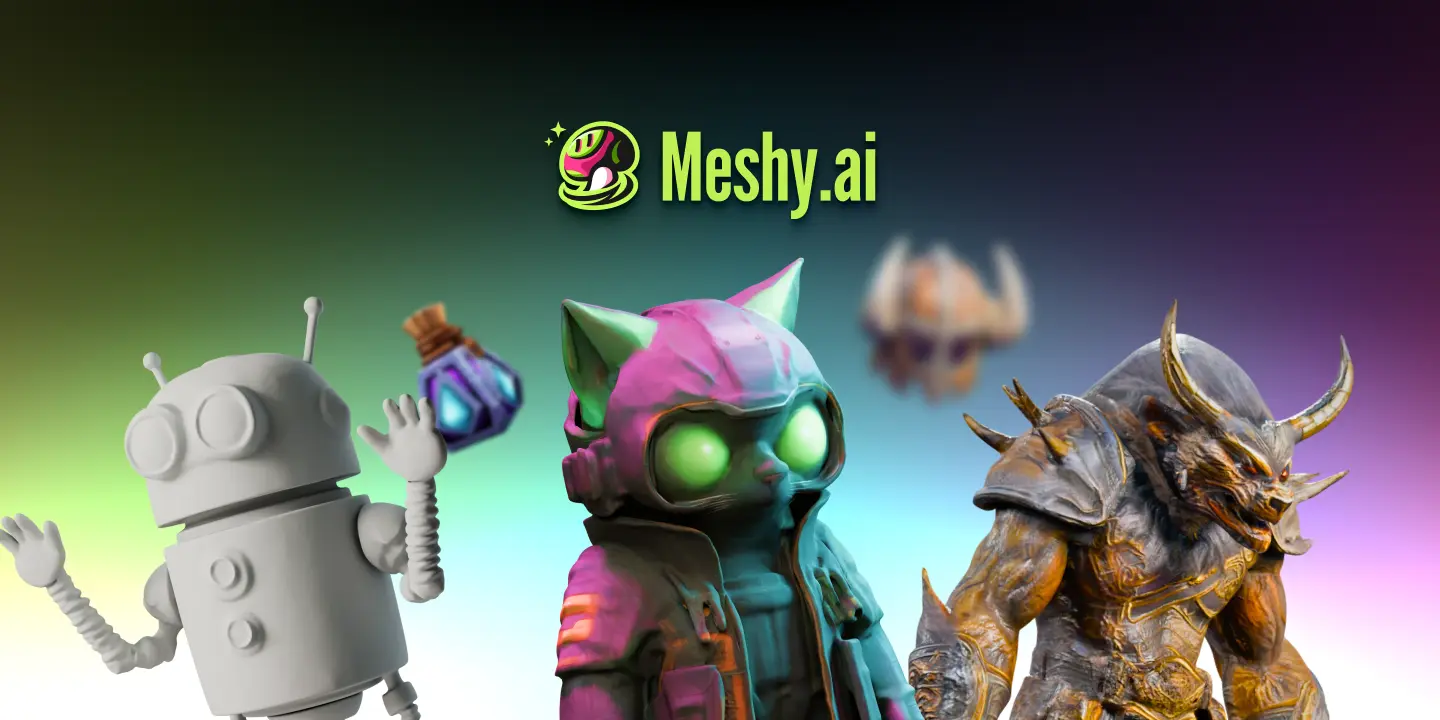
Meshy is an AI 3D model generator that turns text or images into 3D models in under a minute, with printability checks, auto-repair and direct export to slicers like Bambu Studio and OrcaSlicer, plus assets for games and media.
meshy.ai9 viewsAdded December 13, 2025352K visitors
3D modelling is a steep skill, and for many projects the bottleneck is simply getting a usable model at all. Meshy attacks that directly: describe something or upload an image, and it generates a 3D model in under a minute.
What sets it apart is the focus on output you can actually use, models built watertight and manifold for printing, with auto-repair and direct export to popular slicers, plus assets aimed at game development. It sits among 3D tools like Sloyd, but leans hard into printability and speed.
This review covers how Meshy builds a 3D model, who it is for, how it prices, and where generated 3D still needs a human.
Meshy turns text or images into printable 3D models with built-in printability checks.
Meshy 3D-Generator Facts
What it is
An AI 3D model generator
Inputs
Text prompts or images/sketches
Speed
Models in under a minute
Printing
Watertight, manifold, with auto-repair
Export
STL, OBJ, 3MF to slicers (Bambu, OrcaSlicer, Cura)
Games
Assets for game dev and media
Ratings
G2 and Trustpilot 4.8 (vendor-cited)
Access
Free to start, with paid plans
Text Or Images Into Printable 3D Models, Fast
Meshy's core job is to collapse the hardest part of 3D work, getting a model in the first place, into a prompt or an image upload. In under a minute you have something to print, refine or drop into a scene, which is a dramatic shortcut for anyone who is not a trained 3D artist.
The standout emphasis is printability. Many AI-generated models need manual cleanup before they will slice; Meshy aims to produce models that are watertight and manifold out of the box, with a built-in check that scans and auto-repairs edge cases before export.
That focus is what makes Meshy practical rather than just impressive. A striking render that cannot actually be printed or used in an engine is a demo, not a tool; by targeting real output formats and slicers, Meshy aims to be the latter.
The honest framing is that Meshy is a superb starting point, not a complete pipeline. Generated models can still need refinement for topology, detail or game-ready optimisation, so it saves the blank-page problem while leaving room for a human to finish serious work.
A striking render that cannot actually be printed or used in an engine is a demo, not a tool; Meshy targets real output formats and slicers.
How Does Meshy Build A 3D Model?
The workflow spans generation from text or images and the printability-and-export tooling that makes it usable.
Image-To-3D, Text-To-3D And An AI Agent
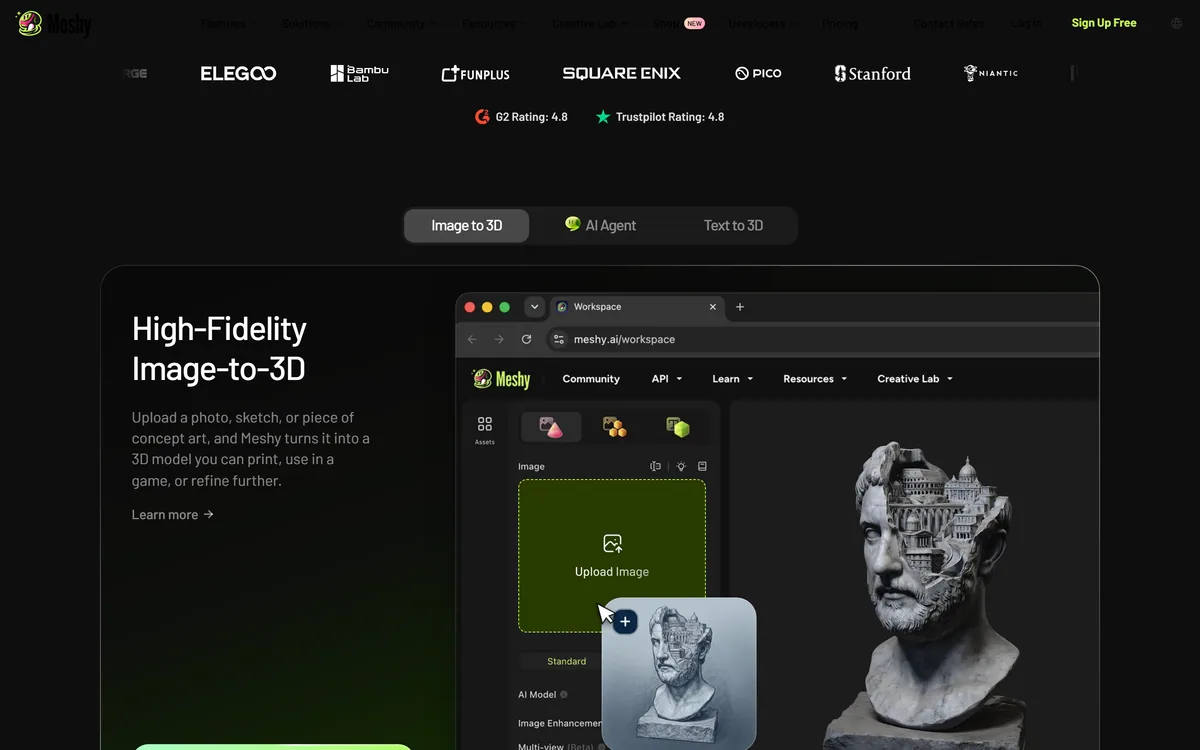
You can upload a photo, sketch or concept art for high-fidelity image-to-3D, generate from a text prompt, or use an AI agent to help build out assets. The latest model generation is pitched as true-to-reference, meaning the output more faithfully matches your input image.
That image-to-3D fidelity is the thing to test on your own references, since it varies by subject. A parametric generator like Sloyd gives controllable, game-ready assets by a different method; Meshy's strength is turning arbitrary images and prompts into models quickly.
Printability Checks And Direct Slicer Export
Meshy models are generated with printing in mind, watertight and manifold, and a printability check scans every export, auto-repairing issues, with multi-colour mapping and auto-split for complex models. It exports STL, OBJ and 3MF straight to slicers like Bambu Studio, OrcaSlicer and Cura, and can even print and ship a model for you.
This end-to-end path from prompt to printable file is the practical payoff. For 2D-to-asset or texture work a tool like Layer AI solves a different part of the content pipeline; Meshy owns the text/image-to-printable-3D step specifically.
Who Meshy Is For Across 3D Work
Meshy is for makers, hobbyists and small studios who need 3D models without deep modelling skills: 3D-printing enthusiasts who want printable files fast, and indie game developers who need assets to get a world playable.
It suits anyone whose bottleneck is the first model, prototypers, educators, designers testing ideas, because the under-a-minute generation and printability focus remove the slowest, most technical step.
It fits less well professional 3D artists who need precise topology and control for high-end production, and anyone expecting finished, optimised assets with no cleanup. Its G2 and Trustpilot 4.8 figures are vendor-cited and reflect sentiment, not a guarantee for your specific models.
For highly detailed single models where you want finer control over the result, a generator like Rodin is worth comparing on the same reference images.
How Meshy Prices 3D Generations
Meshy is free to start, with paid plans for more generations and features, in the usual credit-style pattern for generative tools. We do not publish prices, which change; check the site.
The value question is whether fast, printable models save you enough modelling time or outsourcing cost to justify the plan, which for a maker or small studio producing many assets is usually a clear yes.
Because there is a free tier, the sensible approach is to generate models from your real references, actually slice or import them, and judge how much cleanup they need before you commit to a paid plan.
A Grounded First Run With Meshy
Because output quality varies by subject, trial Meshy on your real models and take them all the way to a slicer or engine.
Generate from a real image or sketch and judge the true-to-reference fidelity.
Try a text-to-3D prompt for something you actually need.
Run the printability check and export STL, OBJ or 3MF to your slicer.
Slice or import into your engine and see how much cleanup is required.
Test multi-colour or auto-split if your model is complex.
Pass/fail: Meshy is worth it if printable, usable models come out fast with little rework.
Treat the 4.8 ratings as vendor-cited; judge it on your own assets.
Meshy, The 3D Brief
Meshy is an AI 3D model generator: text or images become usable 3D models in under a minute.
It is built for printing: models come out watertight and manifold, with auto-repair and direct slicer export.
It serves games too: assets for game dev and media, not just 3D printing.
It is a strong starting point, not a finished pipeline: generated models still often need refinement for production use.
Meshy 3D Terms
Watertight
A 3D model with no holes in its surface, so it encloses a solid volume and can be sliced and printed reliably.
Manifold
Geometry that is physically valid (no non-manifold edges), a requirement for clean 3D printing.
Slicer
Software (like Bambu Studio or OrcaSlicer) that turns a 3D model into instructions a 3D printer can execute.
Image-to-3D
Generating a 3D model from a 2D photo, sketch or concept art rather than from a text description.
Key features of Meshy AI
Text-to-3D generation
Image-to-3D generation
AI agent for assets
Printability checks
Auto-repair of geometry
Multi-colour and auto-split
STL/OBJ/3MF export to slicers
Game and media assets
Pros & cons
Pros
5
Removes the hardest 3D step: the first model
Printable, watertight output by design
Direct export to popular slicers
Fast generation under a minute
Free tier to test
Cons
5
Generated models often need refinement
Not for precise, high-end production topology
Fidelity varies by subject
Not a complete 3D pipeline
Ratings are vendor-cited
Best For
3D printing
Indie game assets
Rapid prototyping
Makers without modelling skills
Fast idea-to-model work
Meshy Against Other 3D Generators
The useful comparison is with other ways to produce 3D and game assets.
3D-printing enthusiasts wanting printable files fast
Indie game developers needing assets quickly
Makers without deep modelling skills
Prototypers and educators testing ideas
Anyone whose bottleneck is the first model
When Meshy's 3D Output Falls Short
Pro artists needing precise topology and control
High-end production with no cleanup budget
Anyone expecting finished, optimised assets
Projects needing exact, spec-driven geometry
Those reading the 4.8 ratings as a guarantee
What Meshy's Own Pages Confirm
Last checked . Read from meshy.ai during this check, with the screenshot above captured at the same time.
An AI 3D model generator from text or images
Models generated in under a minute
Image-to-3D, text-to-3D and an AI agent
Watertight, manifold output with auto-repair
A printability check on every export
Multi-colour mapping and auto-split
Export to STL, OBJ and 3MF, straight to slicers
Assets aimed at games and media
Vendor-cited G2 and Trustpilot 4.8 ratings
No prices reproduced here, in line with this site's pricing policy
Meshy is a strong starting point, not a complete pipeline; generated models can still need refinement for topology, detail or game optimisation. Its 4.8 ratings are vendor-cited, so judge it on your own references and whether exports slice and import cleanly.
Other 3D And Asset Tools
A parametric 3D generator, an AI 3D generator and a game-art tool to weigh alongside Meshy.
Meshy earns 4.2 as one of the more practical AI 3D generators: it turns text or images into usable 3D models in under a minute, and crucially focuses on printability, watertight, manifold output with auto-repair and direct export to slicers like Bambu Studio and OrcaSlicer. That makes it a tool, not just a demo. It is a strong starting point rather than a finished pipeline, since models can still need refinement and pro artists will want more control, but for makers and indie developers whose bottleneck is the first model, it is genuinely useful. AInexfinder Editor Score: 4.2/5.
Meshy AI pricing
AInexfinder does not list plan prices or billing details. For current pricing, plans, and trials, visit the official Meshy AI website.
Vendor pricing, credits, and billing policies change over time. Always confirm on the official site before you buy.
Frequently asked questions
What is Meshy?
Meshy is an AI 3D model generator that turns text prompts or images into usable 3D models in under a minute. It emphasises printability, producing watertight, manifold models with auto-repair and direct export to slicers, plus assets aimed at games and media.
Can Meshy models actually be 3D printed?
That is its focus. Meshy generates models with printing in mind, watertight and manifold, runs a printability check that auto-repairs edge cases, and exports STL, OBJ and 3MF straight to slicers like Bambu Studio, OrcaSlicer and Cura, with multi-colour and auto-split for complex models.
Does Meshy do image-to-3D?
Yes. You can upload a photo, sketch or concept art for high-fidelity image-to-3D, as well as generate from a text prompt. The latest model is pitched as true-to-reference, meaning output more faithfully matches your input, which is worth testing on your own images.
Are Meshy's models production-ready?
Treat them as a strong starting point. Generated models can still need refinement for topology, detail or game-ready optimisation, so Meshy removes the blank-page problem while leaving a human to finish serious production work. It is a shortcut, not a full pipeline.
Is Meshy good for game development?
Yes, it is aimed partly at indie game developers, with assets to help get a game world playable and an AI agent to build out content. As with printing, expect some cleanup and optimisation for engine use, but it is a fast way to populate a prototype.
How much does Meshy cost?
Meshy is free to start, with paid plans for more generations and features in the usual credit-style pattern. We do not publish prices, which change; check the site. Generate from your real references and export them before committing to a paid plan.
Who is Meshy best for?
Makers, hobbyists, prototypers and indie game developers who need 3D models without deep modelling skills, especially 3D-printing enthusiasts who want printable files fast. It is less suited to professional artists needing precise topology for high-end production.
What formats does Meshy export?
It exports STL, OBJ and 3MF, and sends models directly to slicers such as Bambu Studio, Creality Print, OrcaSlicer and Cura, with publishing to platforms like MakerWorld, Printables and Thingiverse. That end-to-end path from prompt to printable file is a large part of its value.
Are Meshy's ratings trustworthy?
Its G2 and Trustpilot 4.8 figures are vendor-cited, so treat them as sentiment signals rather than proof it suits your models. Judge Meshy on your own references: whether exports are watertight, slice cleanly and need little rework for your use.
Can Meshy print a model for me?
Meshy says that if you do not have a printer it can 3D print a model and ship it to you. Check current availability, materials and costs on its site before ordering.
Daniel reviews AI tools the slow way — by actually using them on real projects. His reviews cover what works, what breaks, and who each tool is genuinely a good fit for.
Daniel and the AInexfinder editorial team research Meshy AI using public product information, listing evidence, and (when available) hands-on checks. Scores reflect listing completeness and transparency — not paid placement.
Listings may include affiliate or sponsored placements, which are labeled when present. Editorial scores and cons are not sold. See our affiliate disclosure and review methodology.
Rodin (Hyper3D) is an AI 3D model generator that turns text prompts or a single image into detailed 3D assets, with 21 styles, generation controls, plugins for Blender, Unity and Unreal, an API and MCP, aimed at game, print, product and avatar creators.
Skybox AI by Blockade Labs generates 360-degree equirectangular panoramas and skyboxes with stated generation times as fast as 15 seconds, 32-bit HDRI export for scene lighting, a Unity plugin, MCP support and direct export to Blender and Unreal.
Zoo Design Studio is an AI-native CAD application for hardware design that combines familiar point-and-click modelling, code-based CAD and an AI engineering agent called Zookeeper, all built on Zoo's own geometry engine producing editable B-rep models rather than meshes.
Sloyd is a generative-3D platform that creates 3D models from text or images, with topology control, auto-rigging and animation, print-ready export and engine plugins, priced for unlimited (non-credit) generation, aimed at game devs, makers and 3D creators.
FPVTune analyses Betaflight blackbox logs with a neural network and returns PID and filter settings as one-click CLI commands. It also offers free crash analysis, motor health checks and a flight time calculator, and charges only when you accept the tuning result.