No-Code Builder Rankings

Best No-Code Builder AI Tools in 2026: 15 Ranked

Build apps and websites without coding using AI, ranked on Editor Score, pricing and fit — each linked to its full review.

Daniel ReedBy the AInexfinder Editorial Team·Overseen by Daniel ReedUpdated October 2026How we rank →

The Short Answer

Replicate is our top-ranked no-code builder tool, with an Editor Score of 4.5/5 — Run, fine-tune and deploy machine-learning models with one line of code. For a free option, start with Budibase. Build apps and websites without coding using AI. Across the 15 tools ranked here, 13 of the 15 offer a free or freemium plan.

How we rank: research-based. Every tool here has its own review, scored from the vendor's documentation, pricing and independent sources; this list orders them with one published formula led by that Editor Score. Last updated October 2026. How we rank

At a Glance: The 15 Best No-Code Builder Picks

#ToolScorePricingFree planLinks
1
Replicate logo
Replicate

Top ranked

4.5PaidReview
2
Budibase logo
Budibase

Top free

4.6FreemiumReview
34.6FreemiumReview
44.6FreemiumReview
54.6FreemiumReview
64.6FreemiumReview
74.5FreemiumReview
84.5FreemiumReview
94.5FreemiumReview
104.5FreemiumReview
114.5FreemiumReview
124.5FreemiumReview
134.2FreemiumReview
144.1FreemiumReview
154.4PaidReview
Scores: top 10 no-code builder tools

Score out of 5 — each tool's Editor Score.

Our Top 15 No-Code Builder Picks, Ranked

1

Replicate

Top ranked
4.5/5

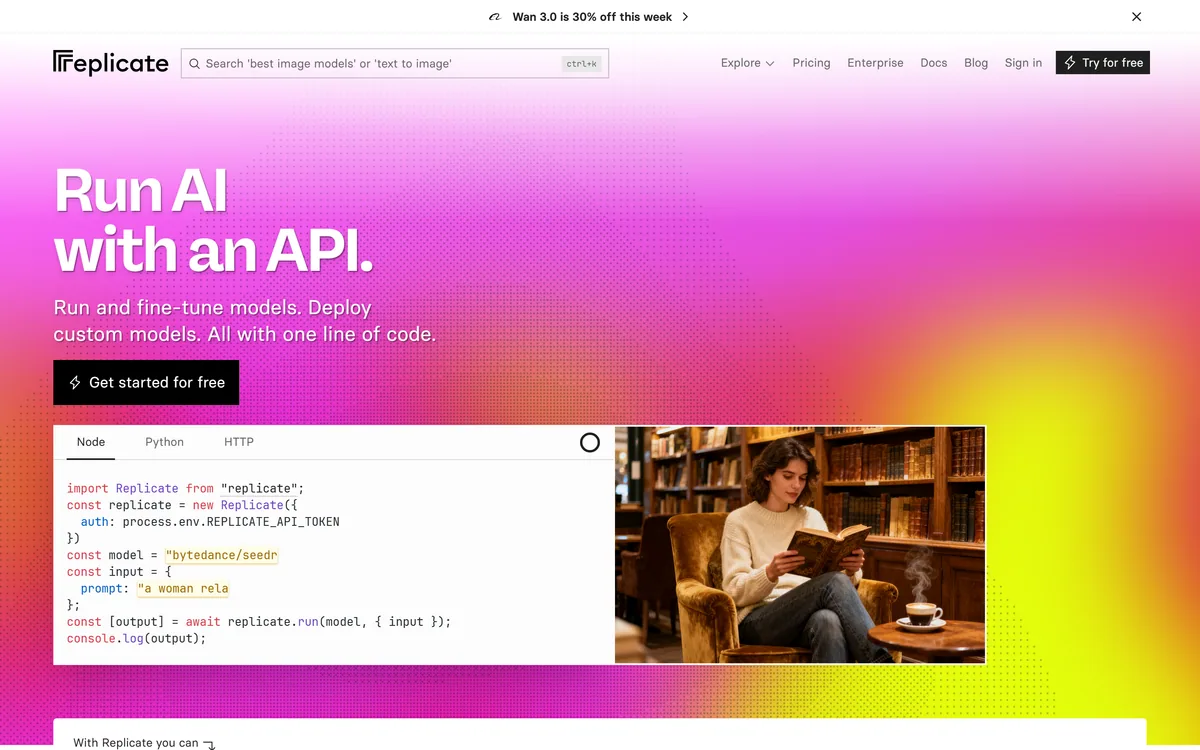
Replicate is a developer platform to run, fine-tune and deploy machine-learning models via API, with thousands of community and official models callable in one line, custom-model hosting through its open-source Cog tool, and pay-per-second compute that scales to zero.

  • Removes all GPU and deployment work
  • Uniform interface makes swapping models trivial
  • Scale-to-zero suits spiky, real-world load
  • Cog is open source, avoiding lock-in
  • Can cost more than self-hosting at constant scale
  • Less needed by teams with mature ML infra
  • External compute may clash with on-prem rules
  • Output quality depends on the chosen model

Best for: Developers shipping AI features

Pricing: Paid · Excellent
2

Budibase

Top free
Est.4.6/5

Open-source low-code platform for apps and AI agents Category: Coding & Development.

  • Open source with strong self-hosting options
  • Broad integrations across databases and SaaS
  • Combines apps, automations, and AI agents
  • AI agents that act across connected systems
  • Highly bespoke needs can exceed low-code limits
  • Advanced enterprise features require paid tiers
  • Team collaboration tools depend on your plan
  • Customization options can take time to master

Best for: Users who need AI agents that act across connected systems

Pricing: Freemium

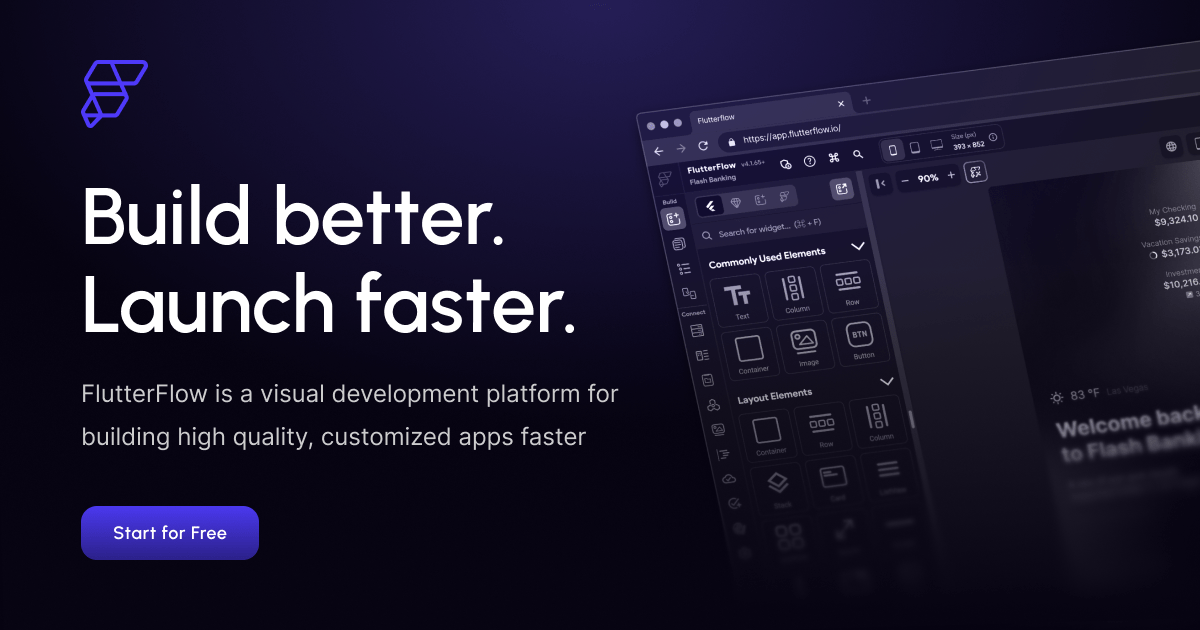
3Est.4.6/5

FlutterFlow review on AInexfinder — freemium AI tool for Coding & Development. Features, pricing notes, and alternatives.

  • Cross-platform output from one project
  • Strong backend integrations
  • Code ownership through export
  • Visual Flutter UI builder with 200+ elements
  • Complex logic may require Dart coding
  • Learning curve for Flutter newcomers
  • Results still need a quick human review for best quality
  • Integrations may not cover every app in your stack

Best for: Teams that need visual Flutter UI builder with 200+ elements

Pricing: Freemium

4Est.4.6/5

Momen review on AInexfinder — freemium AI tool for Coding & Development. Features, pricing notes, and alternatives.

  • Full-stack no-code with real AI capabilities
  • Built-in RAG and vector search support
  • Fast deployment to production
  • Visual drag-and-drop app builder
  • Learning curve for non-technical beginners
  • Advanced features locked behind paid tiers
  • Team collaboration tools depend on your plan
  • Customization options can take time to master

Best for: Teams that need visual drag-and-drop app builder

Pricing: Freemium

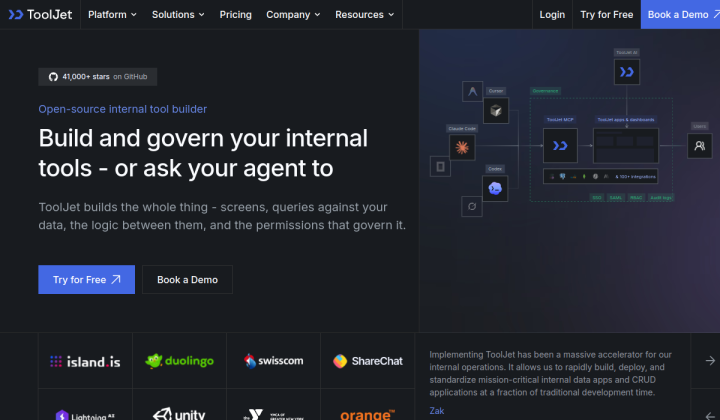
5Est.4.6/5

Low-code platform for AI-generated internal apps Category: Coding & Development.

  • Strong open-source foundation
  • AI-assisted app generation
  • Broad integrations and self-hosting
  • AI app generation from natural language
  • Complex custom UIs may hit low-code limits
  • Advanced features require paid tiers
  • Works best when you invest a bit of setup time
  • May be more specialized than an all-in-one suite

Best for: Users who need AI app generation from natural language

Pricing: Freemium

6Est.4.6/5

Scalable no-code backend with AI-assisted development Category: Coding & Development.

  • Combines no-code speed with real backend scalability
  • AI assistance speeds up building APIs and data models
  • Supports both non-technical builders and pro developers
  • Visual no-code backend and API builder
  • Backend concepts create a learning curve for beginners
  • Costs can rise as scale and usage increase
  • Documentation depth varies by topic
  • Heavy usage may hit rate or credit limits

Best for: Teams using visual no-code backend and API builder

Pricing: Freemium

7Est.4.5/5

Agentic AI builder for full-stack web and mobile apps Category: Coding & Development.

  • Produces genuinely full-stack, deployable apps including backend
  • Fast time-to-launch with hosting and SSL included
  • Wide integration and AI-model coverage
  • Agentic AI that builds full-stack web and mobile apps from prompts
  • Credit-based pricing meters how much you can build
  • Complex or unusual requirements may exceed AI reliability
  • Blink is strongest in its core use case, not every niche
  • Compare a short trial against your real workflow first

Best for: Teams that need agentic AI that builds full-stack web and mobile apps from prompts

Pricing: Freemium

8Est.4.5/5

Readdy review on AInexfinder — freemium AI tool for Coding & Development. Features, pricing notes, and alternatives.

  • Extremely fast from idea to a live, polished website
  • Beginner-friendly with no coding required
  • Responsive output and code export built in
  • Generate a full website from a single text prompt
  • Credit-based system limits how much you can generate and edit
  • Custom domains and advanced features require a paid plan
  • Documentation depth varies by topic
  • Heavy usage may hit rate or credit limits

Best for: Users focused on generate a full website from a single text prompt

Pricing: Freemium

9Est.4.5/5

Low-code internal tool builder with AI app agent Category: Coding & Development.

  • Fast AI-assisted app generation
  • Broad data and API integrations
  • Code export reduces vendor lock-in
  • AI agent that generates apps from prompts
  • Complex needs can outgrow the visual builder
  • Advanced features require higher-tier plans
  • Integrations may not cover every app in your stack
  • Works best when you invest a bit of setup time

Best for: Users who need AI agent that generates apps from prompts

Pricing: Freemium

10Est.4.5/5

Build full-stack web apps and sites from prompts Category: Coding & Development.

  • Fast path from idea to deployed app or site
  • Generates full-stack code, not just static pages
  • Beginner-friendly chat-driven workflow
  • Natural-language prompts to full-stack apps
  • Complex apps may still need manual coding
  • Token-based usage can get costly on big projects
  • Documentation depth varies by topic
  • Heavy usage may hit rate or credit limits

Best for: Teams that need natural-language prompts to full-stack apps

Pricing: Freemium

11Est.4.5/5

Wegic review on AInexfinder — freemium AI tool for Coding & Development. Features, pricing notes, and alternatives.

  • Conversational and beginner-friendly
  • Fast generation from a simple description
  • End-to-end management from idea to live site
  • Chat-based website generation
  • Credit limits can constrain heavier use
  • Complex bespoke sites may need more control
  • Free tier limits can feel tight for heavy use
  • Best value shows up after you pick a paid tier

Best for: Creators focused on chat-based website generation

Pricing: Freemium

12Est.4.5/5

YouWare review on AInexfinder — freemium AI tool for Coding & Development. Features, pricing notes, and alternatives.

  • Produces production-ready code, not just mockups
  • Multiple input methods including Figma and screenshots
  • Integrated backend reduces tool switching
  • Prompt-to-website generation with real code output
  • Credit limits can be consumed quickly on complex builds
  • Backend and advanced features have a learning curve
  • May be more specialized than an all-in-one suite
  • Mobile experience can lag the desktop workflow

Best for: Users focused on prompt-to-website generation with real code output

Pricing: Freemium

134.2/5

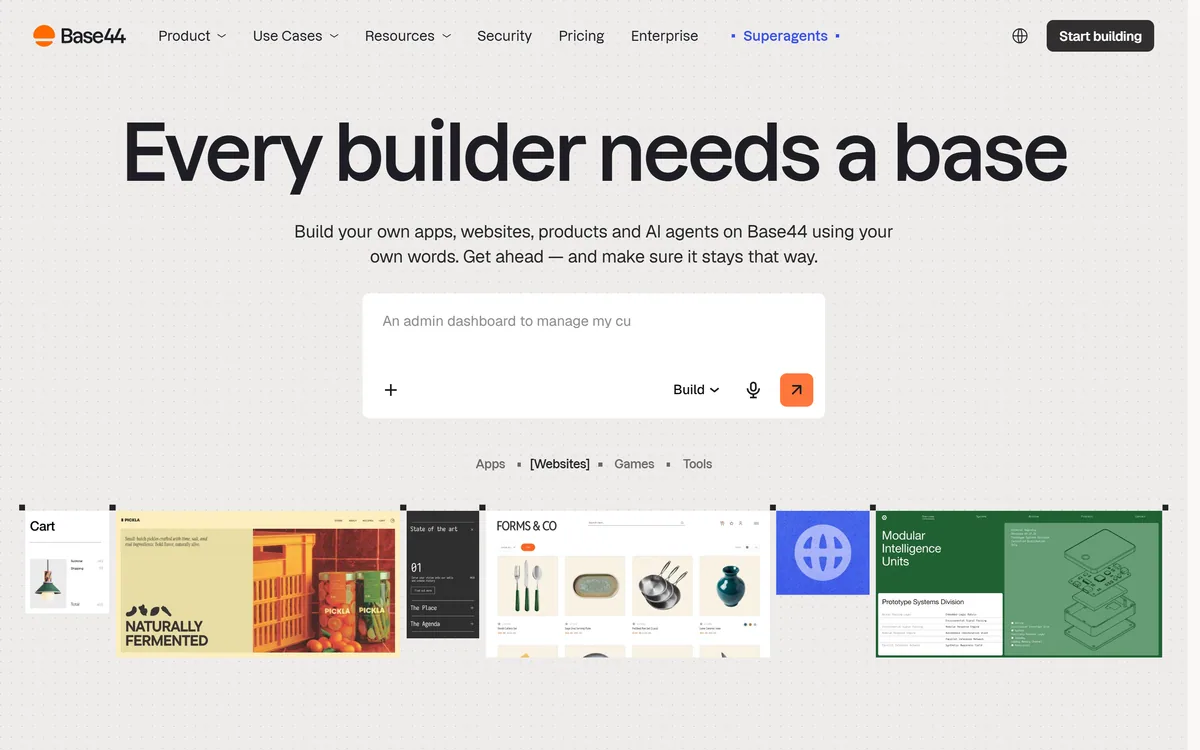
Base44 is a no-code AI platform, owned by Wix, that builds working apps, websites and agents from plain-language descriptions. Backend, authentication, hosting and integrations to Slack, Notion, HubSpot and Salesforce come included rather than assembled.

  • Database, auth and hosting included is what turns a generated mockup into a usable app
  • Wix ownership removes the vendor-disappears risk that haunts no-code platforms
  • Superagents go beyond app building into workflow automation
  • Integrations to the tools a business already runs, on day one
  • Complex business logic with many edge cases resists description-driven generation
  • Generated data access is written for correctness, not for volume
  • Portability is the standard no-code risk — check export before you depend on it
  • The marketing features are clutter if you are building an internal tool

Best for: Non-technical founders who need a working product rather than a mockup

Pricing: Freemium · Very good

144.1/5

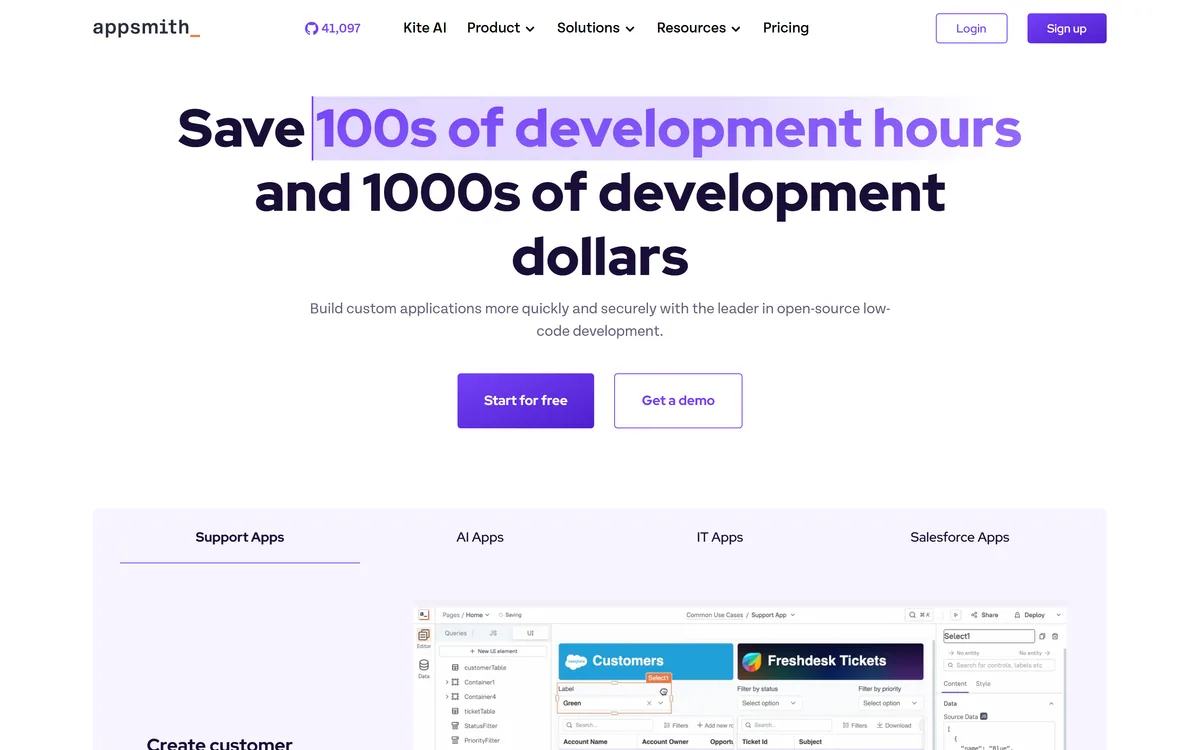
Appsmith is an open-source low-code platform for building internal tools, admin panels and dashboards: connect your data sources, drag together a UI, add logic with JavaScript, and deploy, with the option to self-host for full control. It suits developers and teams building internal apps, with the usual self-host-effort and data-security considerations.

  • Builds internal tools fast
  • Open-source and self-hostable
  • Low-code with a JavaScript escape hatch
  • Control over data and deployment
  • Self-hosting takes setup
  • For technical users, not pure no-code
  • Internal tools touch sensitive data
  • Managed features on paid tiers

Best for: Internal tools

Pricing: Freemium · Very good

15Est.4.4/5

Rork review on AInexfinder — subscription AI tool for Coding & Development. Features, pricing notes, and alternatives.

  • Produces genuinely native mobile apps, not web wrappers
  • Fast path from prompt to App Store-ready app
  • Supports advanced app types including games and the Apple ecosystem via Rork Max
  • Chat-based creation of native mobile apps from prompts
  • Serious projects require higher-priced subscription tiers
  • Complex app logic can exceed AI generation reliability
  • Integrations may not cover every app in your stack
  • Works best when you invest a bit of setup time

Best for: Users focused on chat-based creation of native mobile apps from prompts

Pricing: Paid

How We Ranked These No-Code Builder Tools

Every tool here is a live no-code builder product with its own review. The order comes from one published formula, applied the same way on every ranking:

CriterionWhat it measuresWeight
Editor ScoreThe score on each tool's own review, from our research into its official documentation, pricing and independent sources. Tools whose full review is still pending carry a provisional formula estimate, marked “Est.”.50%
User reviewsVerified user ratings on AInexfinder — counted only once a tool has at least three.25%
Feature depthHow many documented features the tool has.15%
FreshnessHow recently the review was last verified. Reviews still pending get a neutral value.10%

Featured listings, a paid placement, get a small boost inside the Editor Score criterion, always keep a place in their own category’s ranking, and are labelled Featured above; listings whose maker shows the AInexfinder badge on its own site get a smaller boost. Neither changes the Editor Score itself. Read the full methodology.

What to Look for in a No-Code Builder Tool

Output Quality

The factor that decides everything else — can it produce no-code builder results you'd actually ship? It's why Replicate leads this list; judge each tool on output you can use without heavy rework.

Pricing & Free Tier

13 of these 15 tools have a free or freemium plan. Check the free tier's real limits and whether paid pricing scales fairly with your usage — watch for hidden caps on output or features.

Ease of Use

A clean interface and good onboarding mean you get value on day one, not after a week of learning the tool.

Integrations

Does it connect to the tools you already use — your editor, browser, Slack, Google Workspace or API?

Speed & Reliability

Fast, consistent results matter for daily work. Look at uptime and how the tool handles peak-time load.

Support & Updates

Active development, solid docs and responsive support signal a tool that will keep getting better over time.

Free vs Paid No-Code Builder Tools

When Free Is Enough

13 of these 15 no-code builder tools offer a free or freemium plan (Budibase is the one we'd start with). Free tiers suit light or occasional use, testing a workflow, or personal projects — though they usually cap usage, features or output quality.

When to Go Paid

For heavy or professional no-code builder work, a paid plan like Replicate's buys higher limits, team collaboration, priority support and advanced features. If a tool is core to your daily work, the subscription usually pays for itself in time saved.

Pricing breakdown
Pricing breakdown15tools

13 of 15 tools offer a free or freemium plan.

Which No-Code Builder Tool Should You Choose?

Match the tool to the job. Each line below is the audience that tool's review found it suits best:

  • Replicate (4.5/5) — Developers shipping AI features
  • Budibase (4.6/5) — Users who need AI agents that act across connected systems
  • FlutterFlow (4.6/5) — Teams that need visual Flutter UI builder with 200+ elements
  • Momen (4.6/5) — Teams that need visual drag-and-drop app builder
  • ToolJet (4.6/5) — Users who need AI app generation from natural language
  • Xano (4.6/5) — Teams using visual no-code backend and API builder
4.5/5

AInexfinder’s Final Verdict on the Best No-Code Builder Tools

Start with Replicate if you want our top-ranked no-code builder tool, and give Budibase a look too — the two are within a fraction of each other. On a budget, Budibase is the best place to start for free. If none of these fits, our Replicate alternatives list goes wider. The no-code builder space moves fast, so each review shows the date it was last verified.

Frequently Asked Questions

What Are the Best No-Code Builder AI Tools in 2026?

The top no-code builder tools right now are Replicate, Budibase, FlutterFlow. All 15 are ranked on Editor Score, user reviews, feature depth and freshness — see the full list above.

What Is the Best Free No-Code Builder Tool?

Budibase is the highest-ranked option with a free plan (freemium — a free tier plus paid upgrades). 13 of the 15 tools on this list offer a free or freemium plan — the At a Glance table marks each one.

How Are These No-Code Builder Tools Ranked?

By a published formula: Editor Score 50%, verified user reviews 25%, feature depth 15% and freshness 10%. User reviews only count for tools that have approved ones; the rest are ranked on the other four factors, so the Editor Score carries most of the weight. The How We Ranked section above shows each criterion.

How Many No-Code Builder AI Tools Are Compared Here?

This page ranks 15 no-code builder tools, and 13 of them have a free tier. Every one links to its full review, and the category page lists the rest.

Is Replicate the Best No-Code Builder Tool?

Replicate is our current top pick with an Editor Score of 4.5/5, though Budibase has a slightly higher Editor Score (4.6/5), but the right choice depends on your needs and budget. The Which Tool Should You Choose section matches each top tool to the people it suits best.

Which No-Code Builder Tool Is Best for Beginners?

Budibase is the easiest place to start: it has a free plan, so you can learn on a real no-code builder tool without paying. When you need more, our top pick Replicate is the natural step up.

Are No-Code Builder AI Tools Worth It?

Start with one of the 13 free options above to confirm a no-code builder tool fits your workflow — for most people the right one earns back its cost in hours saved, but only once it clearly slots into how you already work.

How Often Is This List Updated?

The ranking recalculates whenever a review on it changes, and reviews are re-verified on a rolling basis — each one shows when it was last checked. This page was last updated in October 2026.

Keep Exploring

About the Author

Daniel Reed
Daniel Reed

Senior AI Tools Reviewer

Daniel leads AInexfinder's tool reviews. He researches each tool from its own pricing, documentation and policies, checks its claims against independent sources, and writes up what it does well, where it falls short and who it genuinely suits.

AI tool reviewsPricing researchAI software
More about Daniel →

Last updated October 2026. Ranked on Editor Score, user reviews, feature depth and freshness — see our methodology.