Testing & QA Rankings

Best Testing & QA AI Tools in 2026: 15 Ranked

Generate test cases and automate QA with AI, ranked on Editor Score, pricing and fit — each linked to its full review.

Daniel ReedBy the AInexfinder Editorial Team·Overseen by Daniel ReedUpdated October 2026How we rank →

The Short Answer

Langfuse is our top-ranked testing & qa tool, with an Editor Score of 4.5/5 — MIT-licensed LLM observability you can actually run yourself. Generate test cases and automate QA with AI. Across the 15 tools ranked here, 13 of the 15 offer a free or freemium plan.

How we rank: research-based. Every tool here has its own review, scored from the vendor's documentation, pricing and independent sources; this list orders them with one published formula led by that Editor Score. Last updated October 2026. How we rank

At a Glance: The 15 Best Testing & QA Picks

#ToolScorePricingFree planLinks
1
Langfuse logo
Langfuse

Top ranked

4.5FreemiumReview
24.7FreemiumReview
34.4FreemiumReview
44.4FreemiumReview
54.6FreemiumReview
64.6FreemiumReview
74.6FreemiumReview
84.6FreemiumReview
94.3FreemiumReview
104.3FreemiumReview
11
Testsigma logo
Testsigma

Best paid

4.3PaidReview
124.3PaidReview
134.5FreemiumReview
144.5FreemiumReview
154.5FreemiumReview
Scores: top 10 testing & qa tools

Score out of 5 — each tool's Editor Score.

Our Top 15 Testing & QA Picks, Ranked

1

Langfuse

Top ranked
4.5/5

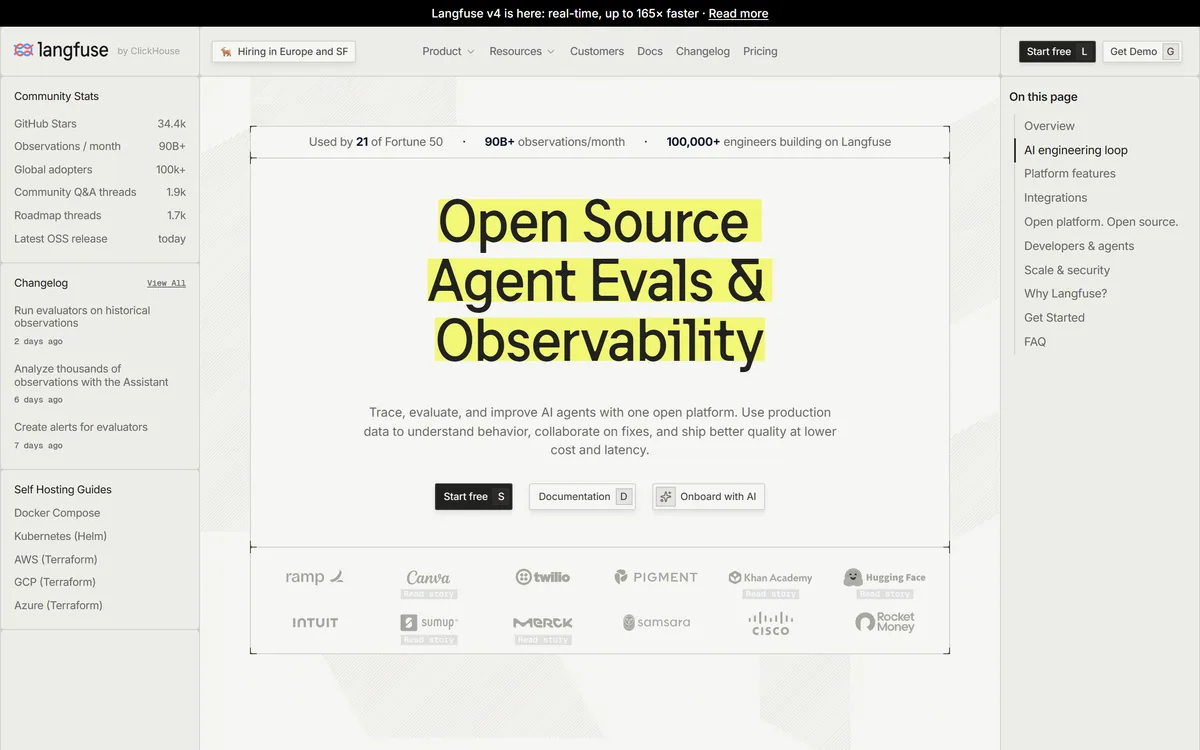
Langfuse is an open-source LLM engineering platform covering tracing, evaluation, prompt management, experiments and human annotation. Every product feature is MIT licensed, with self-hosting via Docker Compose, Kubernetes or Terraform alongside a managed cloud in US and EU regions.

  • MIT licensing across all product features rather than an open-core tease
  • Hierarchical traces are the right shape for debugging agents, not just calls
  • All three evaluation methods in one place, which makes calibration possible
  • Self-host or managed cloud, with EU and US regions and a HIPAA-ready option
  • SDK instrumentation means coverage is only as good as the code you write
  • Self-hosting is insurance rather than a plan for most teams, and carries real operational cost
  • No operating company, headquarters or size is stated on the site
  • Pricing and cloud tier limits are not published on the page we read

Best for: Teams building agents with multi-step retrieval and tool use

Pricing: Freemium · Excellent
2Est.4.7/5

Plain-English AI test automation, no coding required Category: Coding & Development.

  • No coding required, accessible to manual testers and non-technical stakeholders
  • Significantly reduced test maintenance thanks to intent-based self-healing
  • Broad coverage across web, mobile, desktop, and API in one tool
  • Plain-English, no-code test authoring powered by generative AI and NLP
  • Plain-English authoring can become verbose for highly complex test logic
  • Enterprise pricing is quote-based and not publicly transparent
  • There is a short learning curve for new users
  • Results still need a quick human review for best quality

Best for: Users focused on plain-English, no-code test authoring powered by generative AI and NLP

Pricing: Freemium

34.4/5

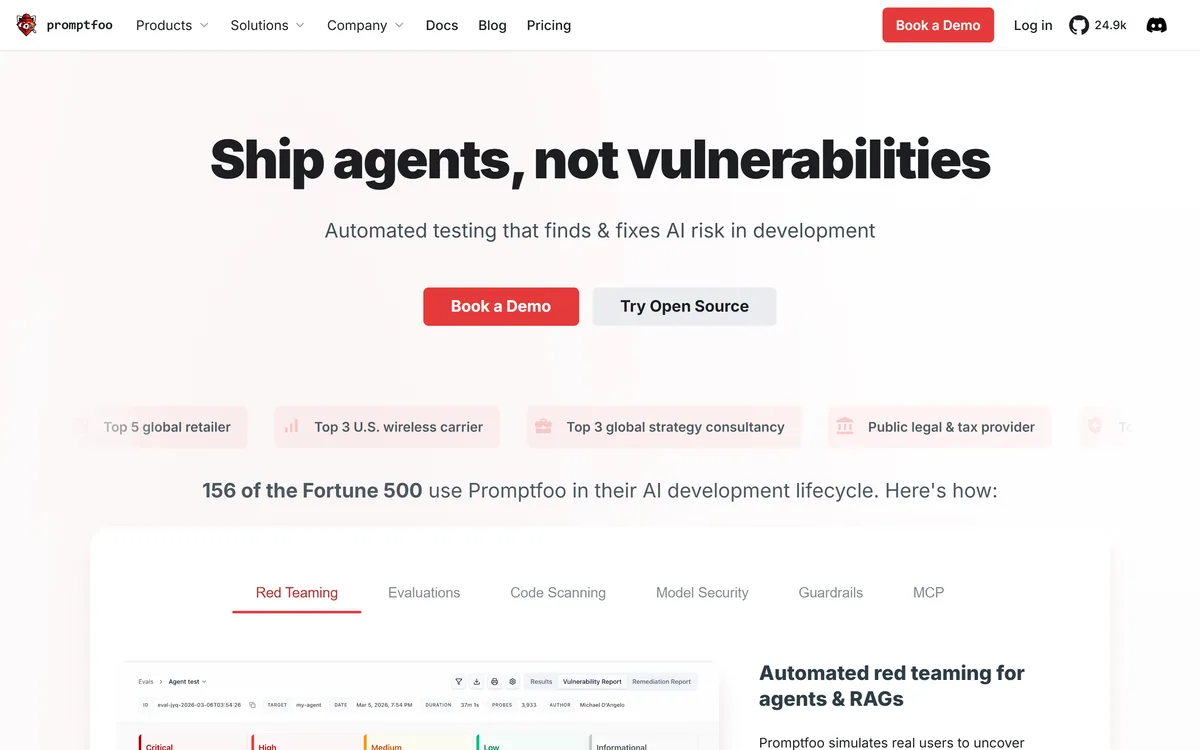
Promptfoo generates custom attacks against your own AI applications to find vulnerabilities including prompt injections, jailbreaks, data leaks, business rule violations and insecure tool use. It covers red teaming, evaluations, code scanning, model security, guardrails and MCP, with an open-source core.

  • Generates attacks for your specific application rather than checking a list
  • Business rule violation testing addresses rules that exist only in a prompt
  • Names insecure tool use, which is the risk that grows as agents can act
  • Open source core makes a security tool inspectable rather than trusted
  • Finds attacks it knows how to generate; novel techniques appear constantly
  • Results describe the system as configured, and configurations change
  • Cannot fix architecture — a dangerous permission needs removing, not filtering
  • Passing means the generated attacks failed, not that the system is secure

Best for: Teams shipping customer-facing AI features

Pricing: Freemium · Very good

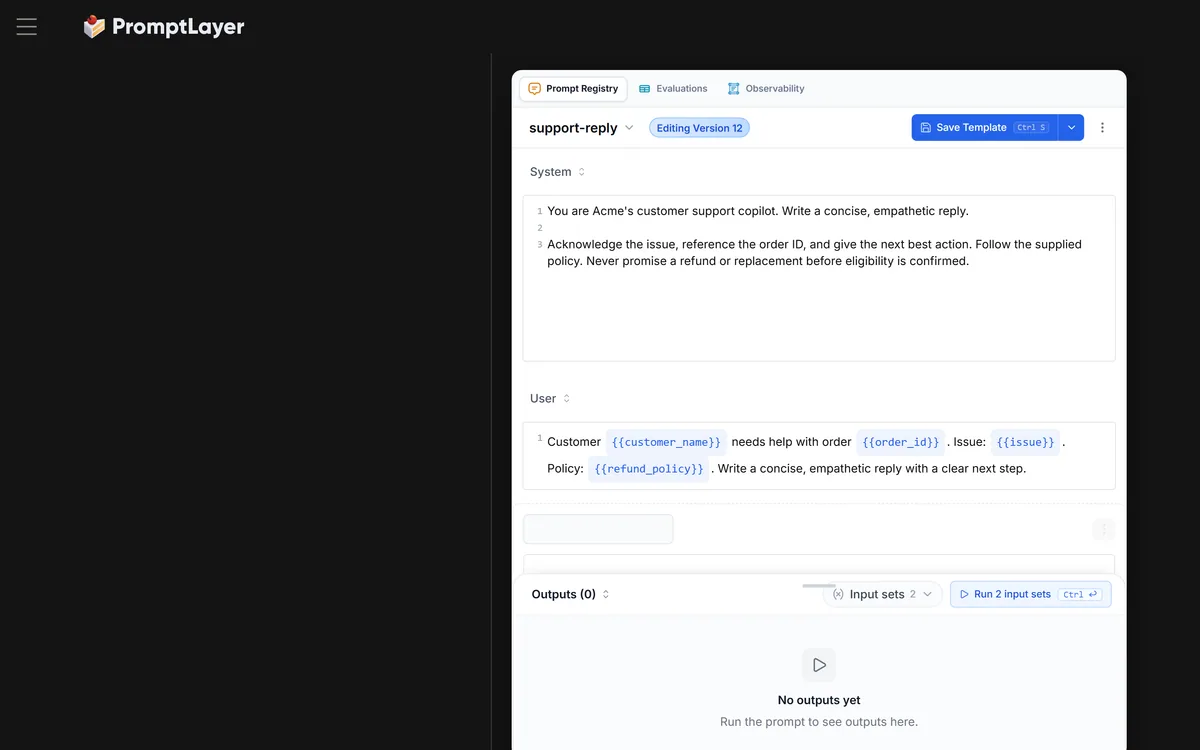
PromptLayer combines a prompt registry and visual CMS with dataset-backed evaluations, agent tracing and observability, letting non-engineers version and deploy prompts without a code release while every production trace stays linked to the exact version that produced it.

  • Solves a problem teams reliably build badly for themselves
  • Registry, evals and traces in one system answer questions no single tool can
  • Non-engineers can ship prompt changes with real safety controls around them
  • Backtesting against historical traffic is the most honest form of prompt testing
  • Adds an external dependency to a core part of your application
  • Case study figures carry no stated methodology
  • LLM-as-a-judge grading is convenient and imperfect, and needs human review
  • Little benefit for a small team where one engineer ships prompts daily

Best for: Product teams where domain experts define what a good answer is

Pricing: Freemium · Very good

5Est.4.6/5

LLM evaluation and observability from DeepEval makers Category: Coding & Development.

  • Backed by the popular open-source DeepEval
  • Broad evaluation, observability, and red-teaming
  • Enterprise-grade SOC 2, HIPAA, and GDPR compliance
  • Research-backed LLM evaluation metrics
  • Systematic evaluation has a learning curve
  • Collaboration and advanced features need the paid cloud
  • Team collaboration tools depend on your plan
  • Customization options can take time to master

Best for: Teams that need research-backed LLM evaluation metrics

Pricing: Freemium

6Est.4.6/5

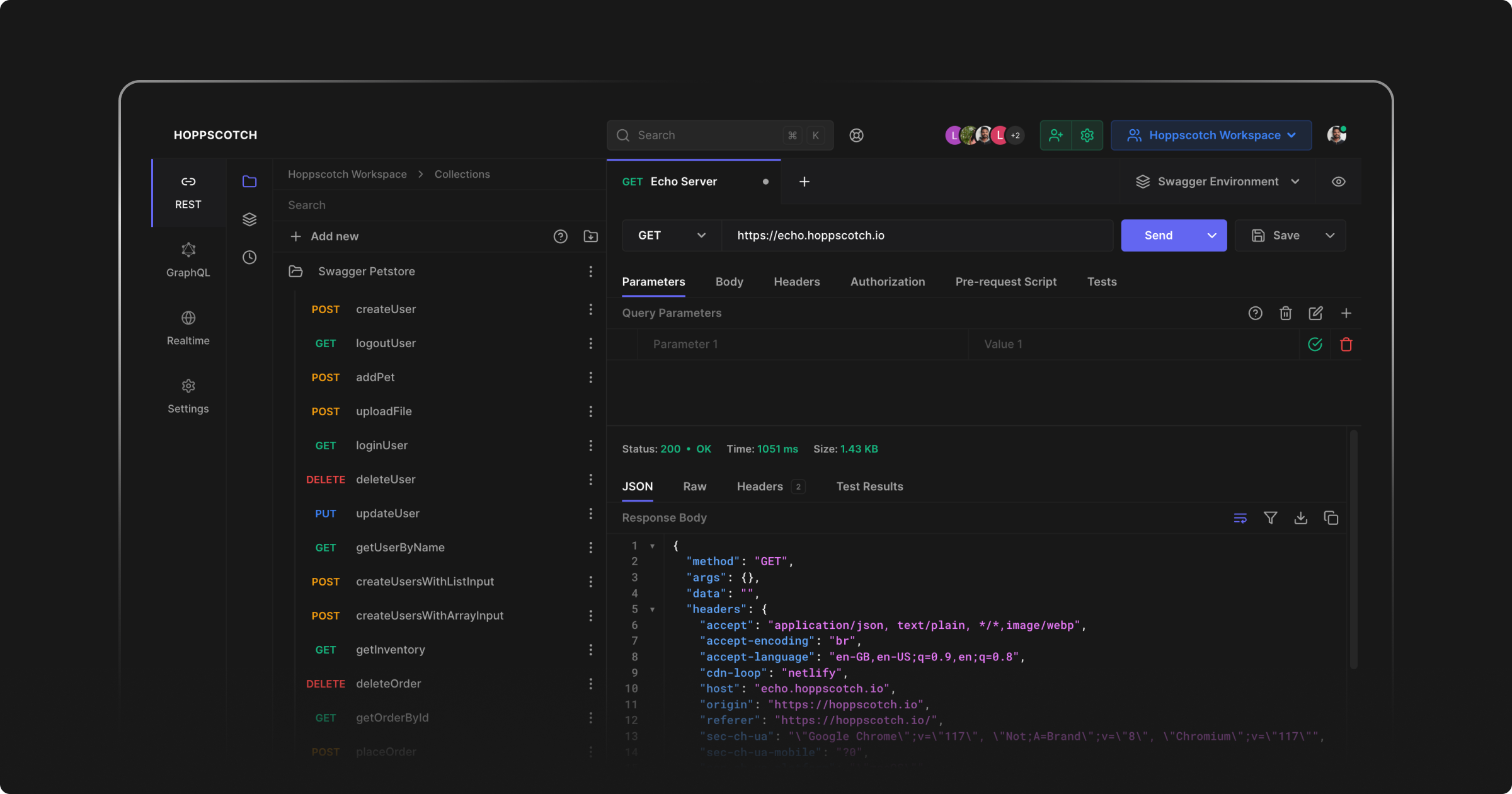
Open-source browser-first API development ecosystem Category: Coding & Development.

  • Fast, lightweight, no-install experience
  • Broad protocol coverage
  • Open source with self-hosting option
  • Browser-based API client with no install
  • Advanced team features require paid or self-hosted tiers
  • Large automation suites may need a dedicated platform
  • Compare a short trial against your real workflow first
  • Advanced features may sit on paid plans

Best for: Teams using browser-based API client with no install

Pricing: Freemium

7Est.4.6/5

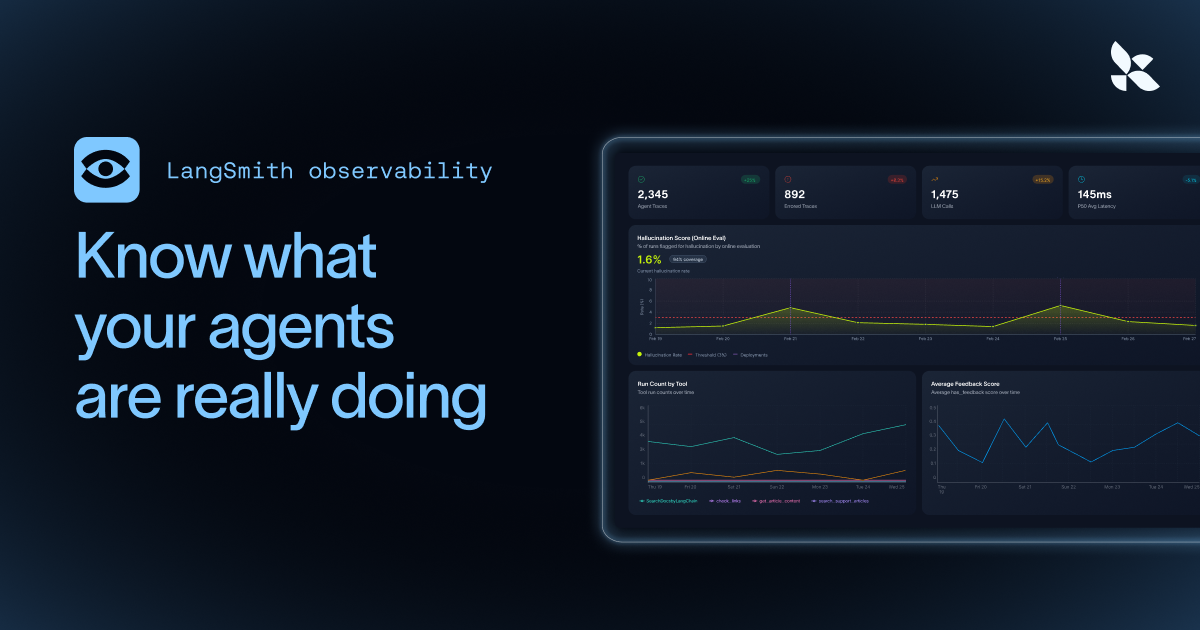
LangSmith review on AInexfinder — freemium AI tool for Coding & Development. Features, pricing notes, and alternatives.

  • Excellent tracing depth
  • Flexible evaluation suite
  • Deep LangChain and LangGraph integration
  • Step-by-step agent tracing and debugging
  • Most valuable for LangChain-centric stacks
  • Trace-volume pricing grows with scale
  • Customization options can take time to master
  • LangSmith is strongest in its core use case, not every niche

Best for: Users focused on step-by-step agent tracing and debugging

Pricing: Freemium

8Est.4.6/5

TestSprite review on AInexfinder — freemium AI tool for Coding & Development. Features, pricing notes, and alternatives.

  • Genuinely autonomous test creation
  • Rich diagnostic failure bundles
  • Tight AI coding workflow integration
  • Autonomous test planning and generation
  • Complex flows still benefit from human review
  • Deep usage may require paid tiers
  • Mobile experience can lag the desktop workflow
  • Documentation depth varies by topic

Best for: Users who need autonomous test planning and generation

Pricing: Freemium

94.3/5

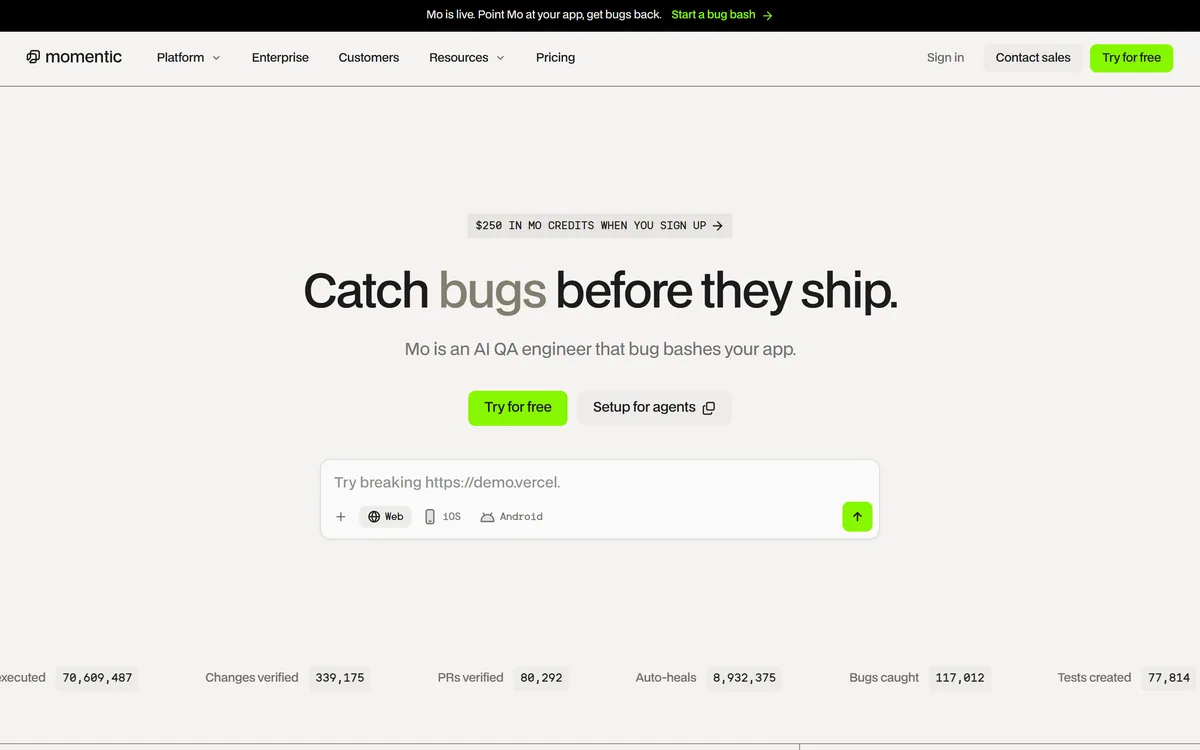
Momentic is an agentic end-to-end testing platform where AI writes tests as plain-English YAML, runs them across web, iOS and Android, and self-heals them when the UI changes, with an autonomous bug-bashing agent, an MCP server and CI integration.

  • Tackles test maintenance, the real QA pain
  • Readable, reviewable tests instead of brittle scripts
  • Self-heal-versus-flag reduces false alarms
  • Autonomous bug-bashing before release
  • Overkill for tiny, stable test suites
  • Usage-based cost scales with how much you run
  • Headline stats are vendor-stated
  • Needs a CI pipeline to shine

Best for: Teams with flaky E2E tests

Pricing: Freemium · Very good

104.3/5

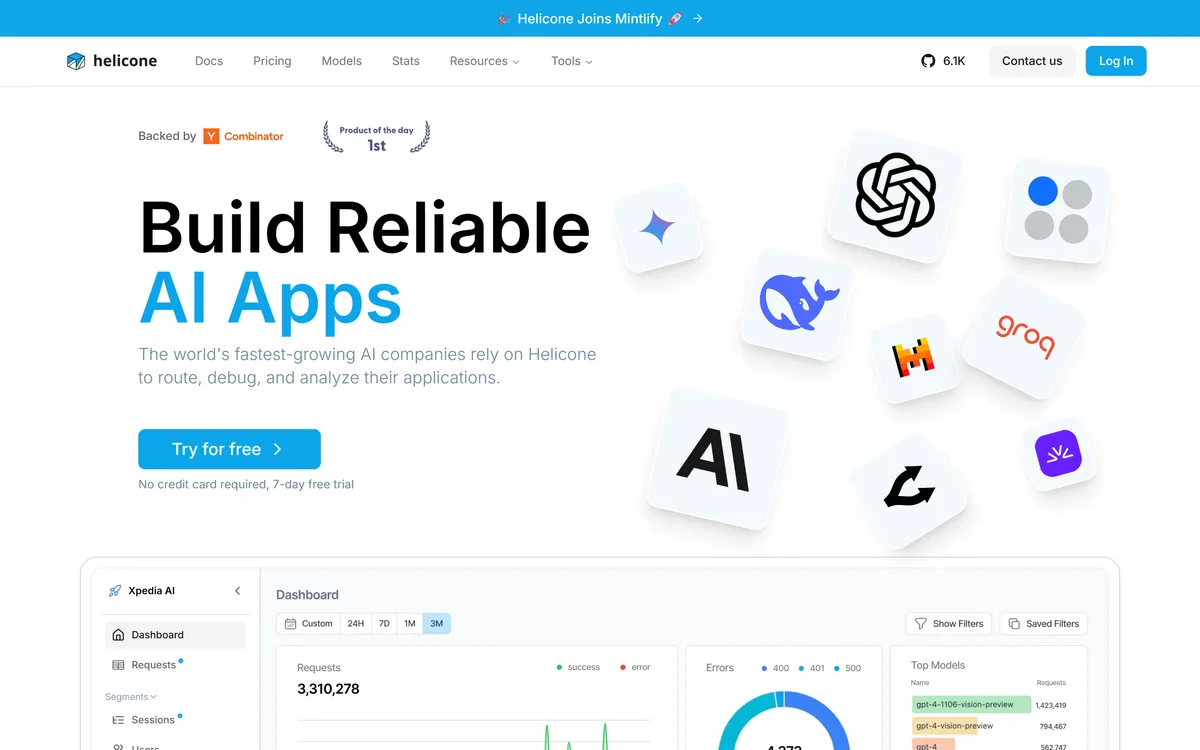
Helicone is open-source LLM observability and an AI gateway. It logs and analyses requests across OpenAI, Anthropic, Gemini, Mistral, Groq, Together and OpenRouter, with sessions, user-level tracking, a query language, prompt management, datasets, a playground, rate limits and alerts.

  • Covers the failure everyone hits — being unable to reconstruct what an AI feature actually did
  • Session view makes multi-call interactions debuggable rather than guessable
  • Per-user cost attribution reveals a spend distribution that totals completely hide
  • Gateway positioning is what makes caching, routing and rate limiting possible at all
  • Gateway mode puts a new dependency in your request path, with latency and availability consequences
  • No latency overhead figures are published for that gateway position
  • The open-source licence is not stated on the pages we read
  • Self-hosting requirements and operational burden are undocumented publicly

Best for: Teams with LLM features already in front of users

Pricing: Freemium · Very good

11

Testsigma

Best paid
4.3/5

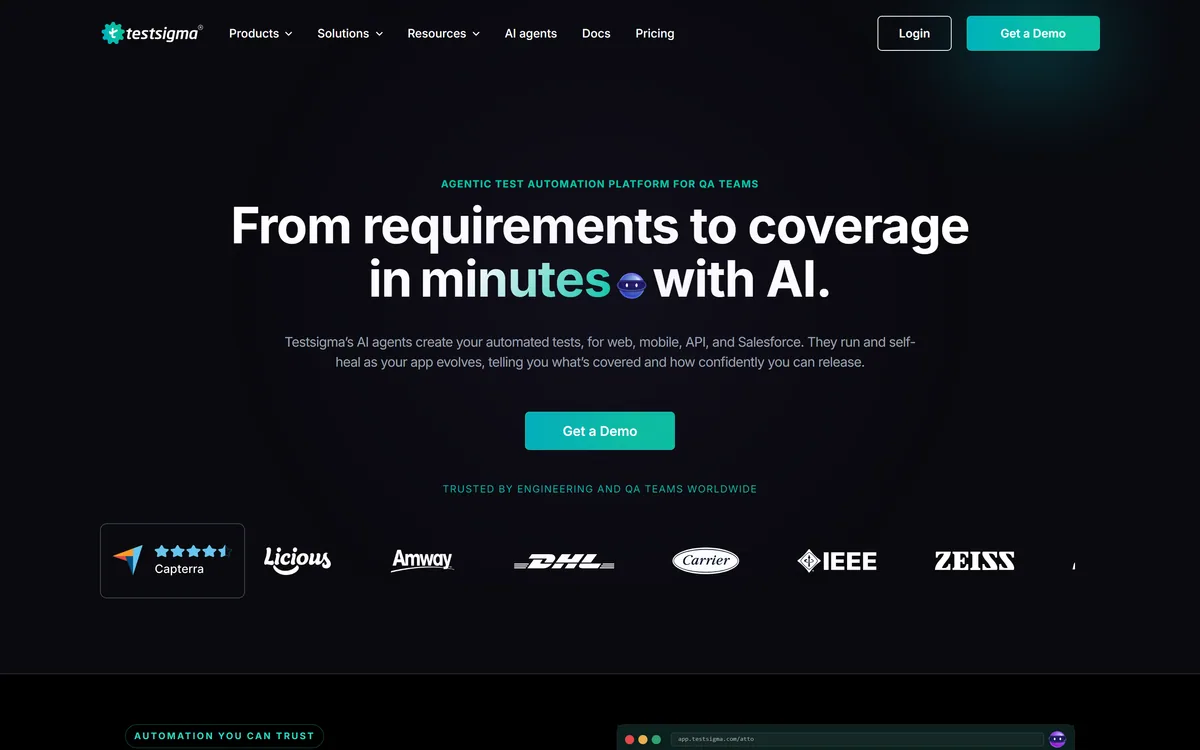
Testsigma is an agentic test automation platform covering web, mobile, API and Salesforce. Named agents map every commit to the stories and specs behind it, generate test plans in plain English, run them across thousands of real browsers and devices, self-heal locators when the UI changes, and produce a coverage and confidence score at the release gate.

  • Attacks maintenance, which is the real cost of test automation
  • Healing events shown in run output rather than hidden
  • Starting from the commit keeps coverage tied to what actually changed
  • Salesforce treated as a first-class surface, which is genuinely hard
  • A confidence score can launder an assumption into a metric
  • Coverage of generated tests is coverage of what was specified
  • Self-healing can silently re-target a test onto the wrong element
  • Depends on commits, tickets and specs being linked in the first place

Best for: QA teams drowning in test maintenance rather than authoring

Pricing: Paid · Very good

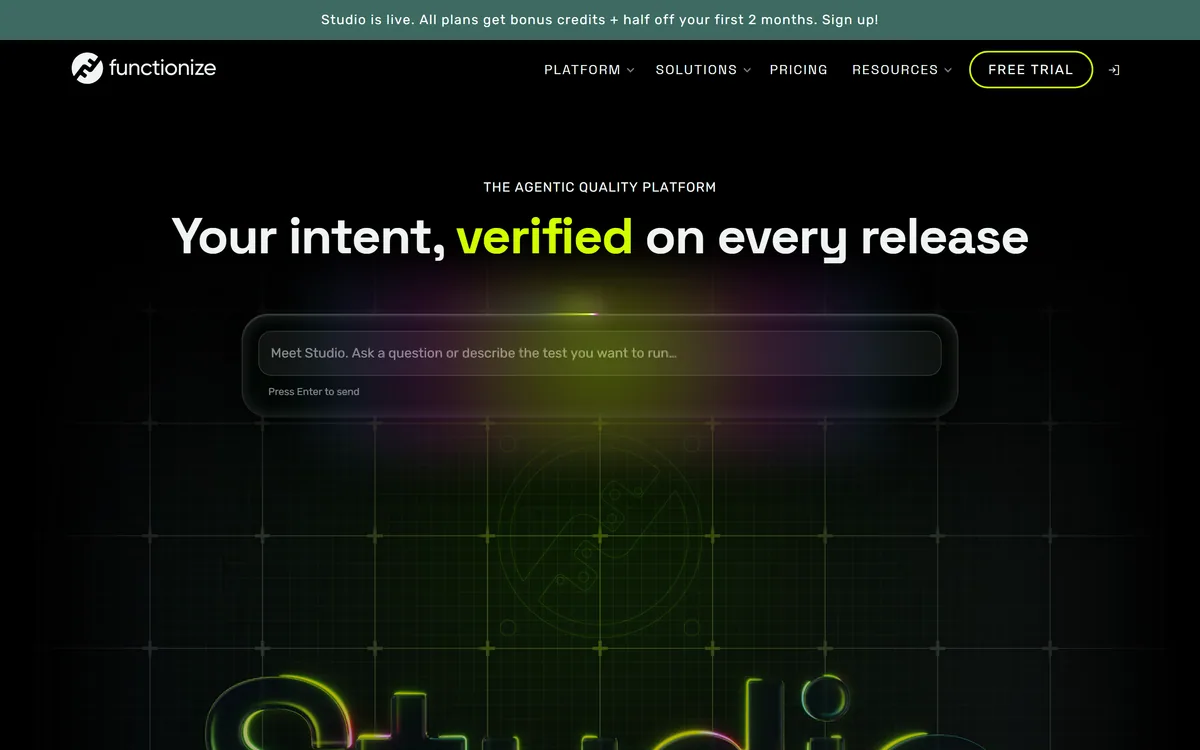
Functionize is an AI-native test automation platform for enterprise web applications. Its Studio product uses autonomous agents to create and run end-to-end UI tests, with self-healing element resolution built on custom models rather than brittle selectors, across Salesforce, ServiceNow, Workday, SAP and bespoke apps.

  • Attacks the real problem in test automation, which is maintenance rather than authoring
  • Multi-attribute element resolution is a structurally sound answer to brittle selectors
  • Coverage of Salesforce, ServiceNow, Workday and SAP targets genuinely hard cases
  • ServiceNow appearing as a customer is a meaningful signal given the platform's difficulty
  • Self-healing can adapt past a genuine regression, which is the inherent risk in the approach
  • Tests built on a proprietary platform do not migrate to Playwright or Selenium
  • All published outcome claims lack a stated baseline
  • Shaped and priced for enterprise buyers despite Individual and Team tiers existing

Best for: Enterprise QA teams testing Salesforce, ServiceNow, Workday or SAP

Pricing: Paid · Very good

13Est.4.5/5

Bruno review on AInexfinder — freemium AI tool for Coding & Development. Features, pricing notes, and alternatives.

  • True data locality and privacy
  • Git-friendly versioning of API tests
  • Free open-source core
  • Git-native collections as plain-text files
  • Lacks built-in cloud collaboration and monitoring
  • Limited AI assistance versus AI-first tools
  • Integrations may not cover every app in your stack
  • Works best when you invest a bit of setup time

Best for: Teams that need git-native collections as plain-text files

Pricing: Freemium

14Est.4.5/5

Checkly review on AInexfinder — freemium AI tool for Coding & Development. Features, pricing notes, and alternatives.

  • Code-first workflow fits engineering practices
  • Realistic Playwright-powered checks
  • AI-assisted monitor creation and diagnosis
  • Playwright-based synthetic browser checks
  • Code-first model is less approachable for non-developers
  • Costs scale with check frequency and volume
  • May be more specialized than an all-in-one suite
  • Mobile experience can lag the desktop workflow

Best for: Teams that need playwright-based synthetic browser checks

Pricing: Freemium

15Est.4.5/5

API design, testing and debugging with AI assertions Category: Coding & Development.

  • Broad coverage across IDEs and CLI
  • AI assertions lower the testing barrier
  • All-in-one from design to load testing
  • API design, debugging and documentation
  • Newer entrant with a smaller ecosystem
  • Some advanced features require paid tiers
  • Works best when you invest a bit of setup time
  • May be more specialized than an all-in-one suite

Best for: Teams using API design, debugging and documentation

Pricing: Freemium

How We Ranked These Testing & QA Tools

Every tool here is a live testing & qa product with its own review. The order comes from one published formula, applied the same way on every ranking:

CriterionWhat it measuresWeight
Editor ScoreThe score on each tool's own review, from our research into its official documentation, pricing and independent sources. Tools whose full review is still pending carry a provisional formula estimate, marked “Est.”.50%
User reviewsVerified user ratings on AInexfinder — counted only once a tool has at least three.25%
Feature depthHow many documented features the tool has.15%
FreshnessHow recently the review was last verified. Reviews still pending get a neutral value.10%

Featured listings, a paid placement, get a small boost inside the Editor Score criterion, always keep a place in their own category’s ranking, and are labelled Featured above; listings whose maker shows the AInexfinder badge on its own site get a smaller boost. Neither changes the Editor Score itself. Read the full methodology.

What to Look for in a Testing & QA Tool

Output Quality

The factor that decides everything else — can it produce testing & qa results you'd actually ship? It's why Langfuse leads this list; judge each tool on output you can use without heavy rework.

Pricing & Free Tier

13 of these 15 tools have a free or freemium plan. Check the free tier's real limits and whether paid pricing scales fairly with your usage — watch for hidden caps on output or features.

Ease of Use

A clean interface and good onboarding mean you get value on day one, not after a week of learning the tool.

Integrations

Does it connect to the tools you already use — your editor, browser, Slack, Google Workspace or API?

Speed & Reliability

Fast, consistent results matter for daily work. Look at uptime and how the tool handles peak-time load.

Support & Updates

Active development, solid docs and responsive support signal a tool that will keep getting better over time.

Free vs Paid Testing & QA Tools

When Free Is Enough

13 of these 15 testing & qa tools offer a free or freemium plan (Langfuse is the one we'd start with). Free tiers suit light or occasional use, testing a workflow, or personal projects — though they usually cap usage, features or output quality.

When to Go Paid

For heavy or professional testing & qa work, a paid plan like Testsigma's buys higher limits, team collaboration, priority support and advanced features. If a tool is core to your daily work, the subscription usually pays for itself in time saved.

Pricing breakdown
Pricing breakdown15tools

13 of 15 tools offer a free or freemium plan.

Which Testing & QA Tool Should You Choose?

Match the tool to the job. Each line below is the audience that tool's review found it suits best:

  • Langfuse (4.5/5) — Teams building agents with multi-step retrieval and tool use
  • testRigor (4.7/5) — Users focused on plain-English, no-code test authoring powered by generative AI and NLP
  • Promptfoo (4.4/5) — Teams shipping customer-facing AI features
  • PromptLayer (4.4/5) — Product teams where domain experts define what a good answer is
  • Confident AI (4.6/5) — Teams that need research-backed LLM evaluation metrics
  • Hoppscotch (4.6/5) — Teams using browser-based API client with no install
4.5/5

AInexfinder’s Final Verdict on the Best Testing & QA Tools

Start with Langfuse if you want our top-ranked testing & qa tool. If none of these fits, our Langfuse alternatives list goes wider. The testing & qa space moves fast, so each review shows the date it was last verified.

Frequently Asked Questions

What Are the Best Testing & QA AI Tools in 2026?

Our highest-ranked testing & qa tools are Langfuse, testRigor, Promptfoo. All 15 are ranked on Editor Score, user reviews, feature depth and freshness — see the full list above.

What Is the Best Free Testing & QA Tool?

Langfuse is the highest-ranked option with a free plan (freemium — a free tier plus paid upgrades). 13 of the 15 tools on this list offer a free or freemium plan — the At a Glance table marks each one.

How Are These Testing & QA Tools Ranked?

By a published formula: Editor Score 50%, verified user reviews 25%, feature depth 15% and freshness 10%. User reviews only count for tools that have approved ones; the rest are ranked on the other four factors, so the Editor Score carries most of the weight. The How We Ranked section above shows each criterion.

How Many Testing & QA AI Tools Are Compared Here?

This page ranks 15 testing & qa tools, and 13 of them have a free tier. Every one links to its full review, and the category page lists the rest.

Is Langfuse the Best Testing & QA Tool?

Langfuse is our current top pick with an Editor Score of 4.5/5, but the right choice depends on your needs and budget. The Which Tool Should You Choose section matches each top tool to the people it suits best.

Which Testing & QA Tool Is Best for Beginners?

Langfuse is the easiest place to start: it has a free plan, so you can learn on a real testing & qa tool without paying. Once you outgrow it, the paid tools above add more power.

Are Testing & QA AI Tools Worth It?

Start with one of the 13 free options above to confirm a testing & qa tool fits your workflow — for most people the right one earns back its cost in hours saved, but only once it clearly slots into how you already work.

How Often Is This List Updated?

The ranking recalculates whenever a review on it changes, and reviews are re-verified on a rolling basis — each one shows when it was last checked. This page was last updated in October 2026.

Keep Exploring

About the Author

Daniel Reed
Daniel Reed

Senior AI Tools Reviewer

Daniel leads AInexfinder's tool reviews. He researches each tool from its own pricing, documentation and policies, checks its claims against independent sources, and writes up what it does well, where it falls short and who it genuinely suits.

AI tool reviewsPricing researchAI software
More about Daniel →

Last updated October 2026. Ranked on Editor Score, user reviews, feature depth and freshness — see our methodology.