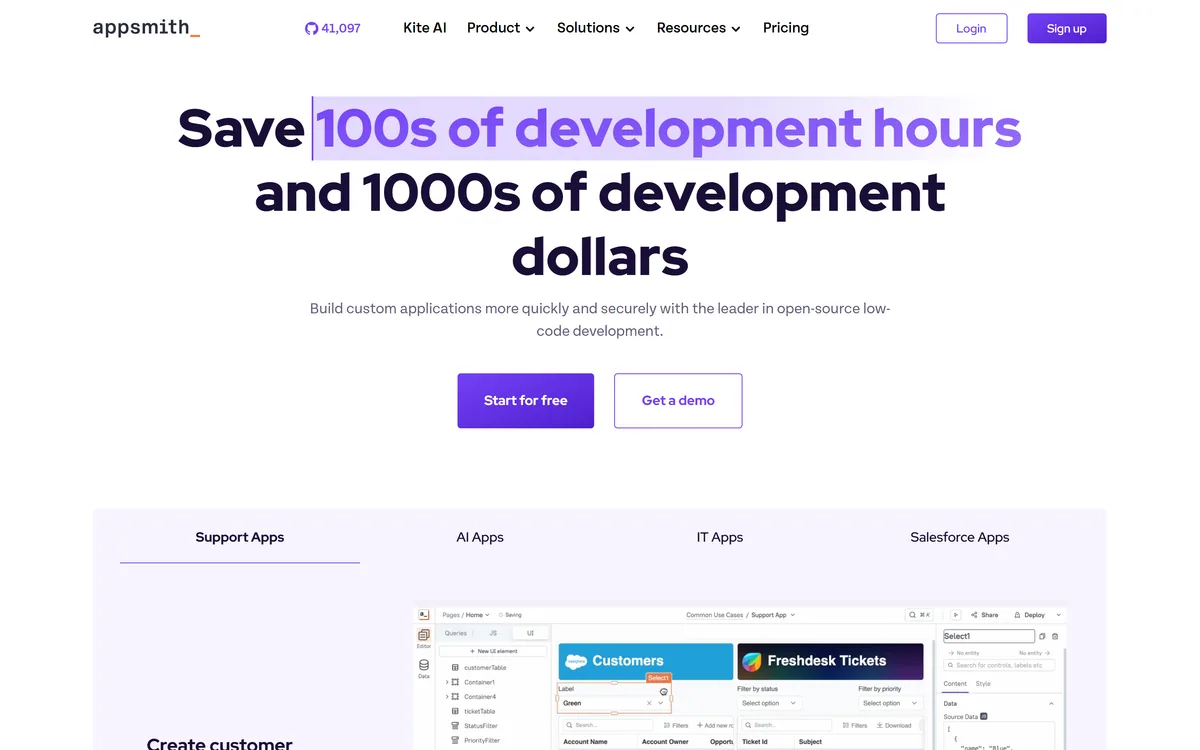
Every company has a backlog of internal tools nobody has time to build, admin panels, dashboards, support consoles. Appsmith's pitch is to clear it fast: a low-code platform to build those internal apps in a fraction of the time.
You connect data sources, drag together a UI, add logic with JavaScript, and deploy, and because it's open-source, you can self-host. It competes with build tools like Builder.io, at the internal-tools layer.
This review covers how Appsmith builds an internal app, which teams it suits, how it's licensed and priced, and the self-host and data considerations to weigh first.
Appsmith Low-Code Facts
| What it is | An open-source low-code internal-tool platform |
|---|
| Company | Appsmith |
|---|
| Core | Build internal tools, admin panels and dashboards |
|---|
| Data | Connect databases, APIs and SaaS sources |
|---|
| Build | Drag-and-drop UI plus JavaScript logic |
|---|
| Deploy | Cloud or self-hosted (open-source) |
|---|
| Audience | Developers and teams building internal apps |
|---|
| Access | Open-source (free) plus paid cloud/enterprise |
|---|
Appsmith's core job is to make internal apps fast to build. You connect your data, databases, REST/GraphQL APIs, SaaS tools, drag pre-built widgets into a UI, and wire them up, so an admin panel or dashboard that would take weeks of bespoke front-end work comes together in hours.
It's low-code, not no-code, and that's a strength for its audience: you get speed from the drag-and-drop builder and data connectors, but you can drop into JavaScript whenever you need real logic, so you're not boxed in.
Being open-source is the differentiator. You can self-host Appsmith on your own infrastructure for full control over where your data lives and how it's deployed, which matters for internal tools that touch sensitive systems.
The honest framing is that Appsmith is a strong, well-regarded platform for internal tools, and the open-source, self-hostable model is a real advantage. The caveats: self-hosting takes setup and maintenance effort (the managed cloud removes that); it's aimed at developers and technical teams, not pure no-code users; internal tools connect to sensitive data and systems, so security and access matter; and its claims are vendor-stated.
Appsmith is a strong internal-tool platform; self-hosting takes effort, and internal tools touch sensitive data.
How Does Appsmith Build An Internal App?
Appsmith pairs fast low-code building with open-source control.
Connecting Data And Dragging A UI
You connect data sources, drag a UI together and add JavaScript logic, then deploy, turning weeks of internal front-end work into hours.
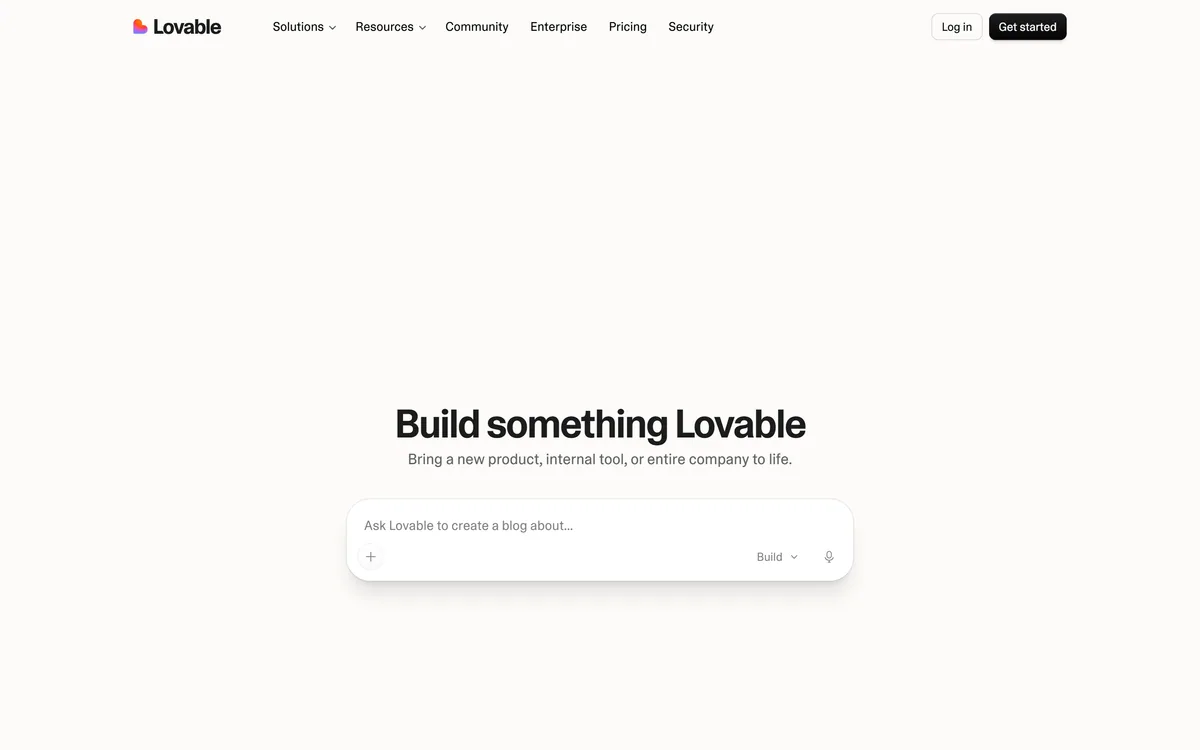
A design-to-code tool like Lovable builds apps from prompts; Appsmith's angle is internal tools over your real data sources, with the control that connectors and JavaScript give.
Logic, Deployment And Self-Hosting
Because it's open-source, you can self-host for full control over data and deployment, or use the managed cloud.
An in-editor coding agent like Cline helps you write code generally; Appsmith is a purpose-built internal-tools platform, so match it to whether you want to build apps or write code.
Which Dev Teams Appsmith Suits
Appsmith suits developers and technical teams, including platform, ops and internal-tools teams, who need to build admin panels, dashboards and CRUD apps quickly over their own data.
It suits teams that value open-source and the option to self-host for data control, and that are comfortable with low-code (drag-and-drop plus JavaScript) rather than pure no-code.
It suits less well non-technical users wanting pure no-code, teams that want zero setup and won't use the managed cloud, and anyone whose needs are better met by a full custom build or a specialist SaaS.
A fair way to place it: if you build internal tools and want speed plus the control of open-source and self-hosting, Appsmith is an excellent fit; if you want pure no-code or zero setup, weigh the managed cloud or a different tool, and either way secure the data and systems your internal apps connect to.
It's worth weighing the self-hosting trade-off honestly. Running Appsmith yourself gives you control, data residency and no per-seat surprises, which teams with security or compliance needs value, but it also means you own the setup, the updates and the uptime. If you don't have the ops capacity for that, the managed cloud exists precisely to take it off your plate, so choose the deployment that matches the team you actually have, not the one you wish you had.
How Appsmith Is Licensed And Priced
Appsmith is open-source and free to self-host, with paid cloud and enterprise plans that add managed hosting, support and advanced features. We do not publish prices, which change; check the site for the paid tiers.
The value question is control versus effort: self-hosting is free and gives full data control but takes setup and maintenance, while the paid cloud removes that for a fee, so the right choice depends on your priorities.
The sensible approach is to build one real internal tool on the free self-hosted or cloud version, judge the speed and the fit, confirm the data-security model, and choose self-host versus cloud based on your control and effort trade-off.
Because self-hosting takes effort and internal tools touch sensitive data, build one real tool first.
- Build a real internal tool (an admin panel or dashboard) over your actual data.
- Judge how much faster it is than a bespoke build.
- Add JavaScript logic where the drag-and-drop stops, to test the ceiling.
- Decide between self-hosting (control, effort) and the managed cloud.
- Secure the data sources and access the tool connects to.
- Pass/fail: Appsmith is worth it if it clearly speeds your internal-tool building.
- Treat vendor claims as vendor-stated.
Appsmith, The Internal-App Brief
- Appsmith builds internal tools: admin panels, dashboards and CRUD apps, fast.
- It's low-code, not no-code: drag a UI, connect data, add JavaScript where needed.
- It's open-source: self-host for full control over your data and deployment.
- Mind the realities: self-hosting takes setup, and internal tools touch sensitive data.
Appsmith Low-Code Terms
- Low-code
- Building apps mostly visually, with the option to add code (here JavaScript) for custom logic.
- Internal tool
- An app for a company's own staff (admin panel, dashboard, console), not for external customers.
- Self-hosting
- Running Appsmith on your own infrastructure for control over data and deployment, which the open-source licence allows.
- Connector
- An integration that links Appsmith to a data source (a database, API or SaaS tool) so your app can use it.