Note Taking Rankings

Best Note Taking AI Tools in 2026: 11 Ranked

Take smarter notes and organize knowledge with AI, ranked on Editor Score, pricing and fit — each linked to its full review.

Daniel ReedBy the AInexfinder Editorial Team·Overseen by Daniel ReedUpdated October 2026How we rank →

The Short Answer

Capacities is our top-ranked note taking tool, with a provisional score of 4.7/5 — Object-based note app and studio for your mind. Take smarter notes and organize knowledge with AI. Across the 11 tools ranked here, 8 of the 11 offer a free or freemium plan.

How we rank: research-based. Every tool here has its own review, scored from the vendor's documentation, pricing and independent sources; this list orders them with one published formula led by that Editor Score. Last updated October 2026. How we rank

At a Glance: The 11 Best Note Taking Picks

#ToolScorePricingFree planLinks
1
Capacities logo
Capacities

Top ranked

4.7FreemiumReview
24.4FreemiumReview
34.6FreemiumReview
4
TalkNotes logo
TalkNotes

Top paid

4.5PaidReview
54.5FreemiumReview
64.2PaidReview
74.1FreemiumReview
84.1FreemiumReview
94.4FreemiumReview
104.3PaidReview
113.8FreemiumReview
Scores: top 10 note taking tools

Score out of 5 — each tool's Editor Score.

Our Top 11 Note Taking Picks, Ranked

1

Capacities

Top ranked
Est.4.7/5

Object-based note app and studio for your mind Category: Productivity & Automation.

  • Flexible object model suits networked thinking
  • Low-friction, ADHD-friendly capture
  • Strong data ownership and GDPR compliance
  • Object-based notes instead of folders
  • AI and advanced features need the paid Pro plan
  • Object-based approach is unfamiliar to folder users
  • Best value shows up after you pick a paid tier
  • There is a short learning curve for new users

Best for: Teams that need object-based notes instead of folders

Pricing: Freemium
24.4/5

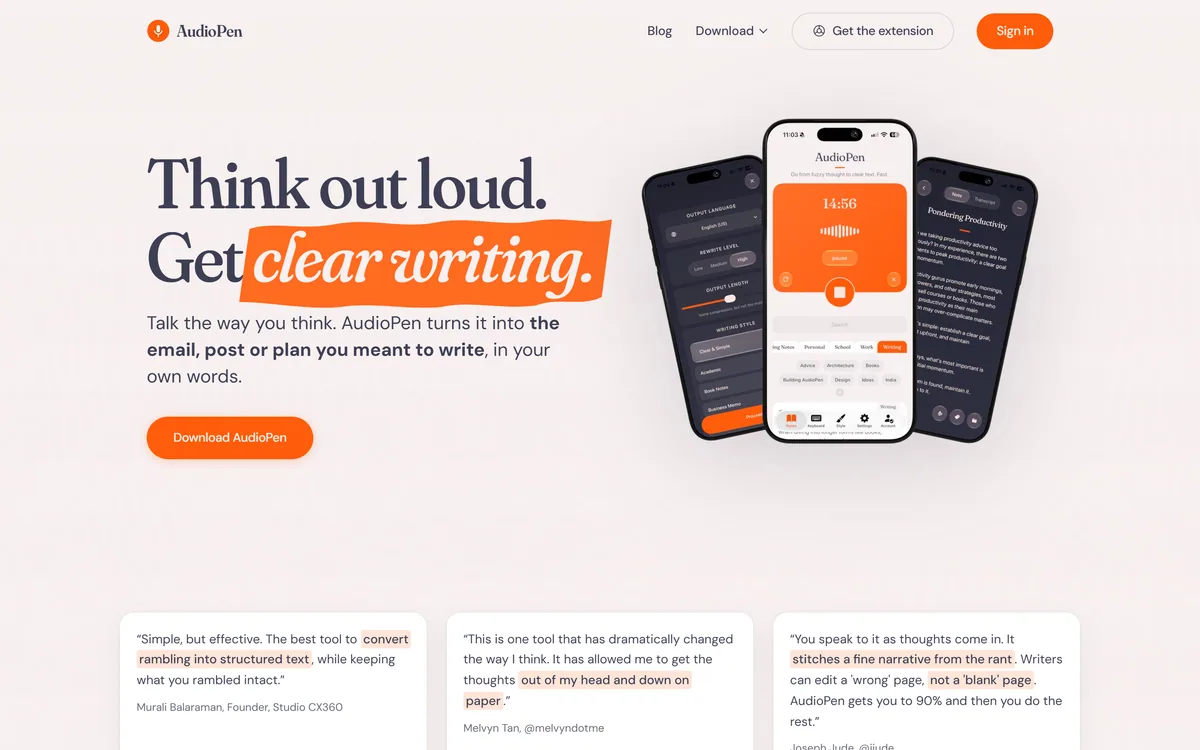
AudioPen turns rambling voice notes into clean, polished text in a style and language you choose, with control over rewrite depth and length, apps on every device, and a keyboard and hot key that drop finished writing into any app.

  • Solves the blank-page problem by turning talk into an editable draft
  • Genuine control over edit depth, length and style
  • Keeps your ideas and voice rather than generating new text
  • Works everywhere you write, across every device
  • Not a live dictation tool for typing into every app
  • Not a meeting transcriber with speaker labels
  • Requires sending voice recordings to a cloud service
  • Little value if you rarely write or capture ideas

Best for: Writers who draft by talking it through

Pricing: Freemium · Very good

3Est.4.6/5

Local-first, encrypted knowledge base with AI access Category: Productivity & Automation.

  • Strong privacy and end-to-end encryption
  • Genuine data ownership with full export
  • Extensible AI access through MCP
  • Local-first storage with offline use
  • AI relies on external assistants rather than a built-in one
  • Decentralized object model has a learning curve
  • Compare a short trial against your real workflow first
  • Advanced features may sit on paid plans

Best for: Teams that need local-first storage with offline use

Pricing: Freemium

4

TalkNotes

Top paid
Est.4.5/5

Turn voice into structured notes and content Category: Productivity & Automation.

  • Accurate transcription with broad language support
  • Many output formats turn speech into usable content
  • Automation via Zapier and webhooks
  • AI voice transcription in 50+ languages
  • No lasting free tier beyond a short trial
  • Per-recording length limits constrain long sessions
  • Pricing may require a paid plan for full access
  • Worth comparing plans before long-term commit

Best for: Users who need AI voice transcription in 50+ languages

Pricing: Paid

5Est.4.5/5

Voicenotes review on AInexfinder — freemium AI tool for Productivity & Automation. Features, pricing notes, and alternatives.

  • Frictionless speak-first workflow
  • Strong cross-device availability
  • Friendly pricing for individuals and small teams
  • Fast voice capture and recording
  • Transcription accuracy varies with audio and accents
  • Focused on personal capture, not team docs
  • Integrations may not cover every app in your stack
  • Works best when you invest a bit of setup time

Best for: Teams that need fast voice capture and recording

Pricing: Freemium

64.2/5

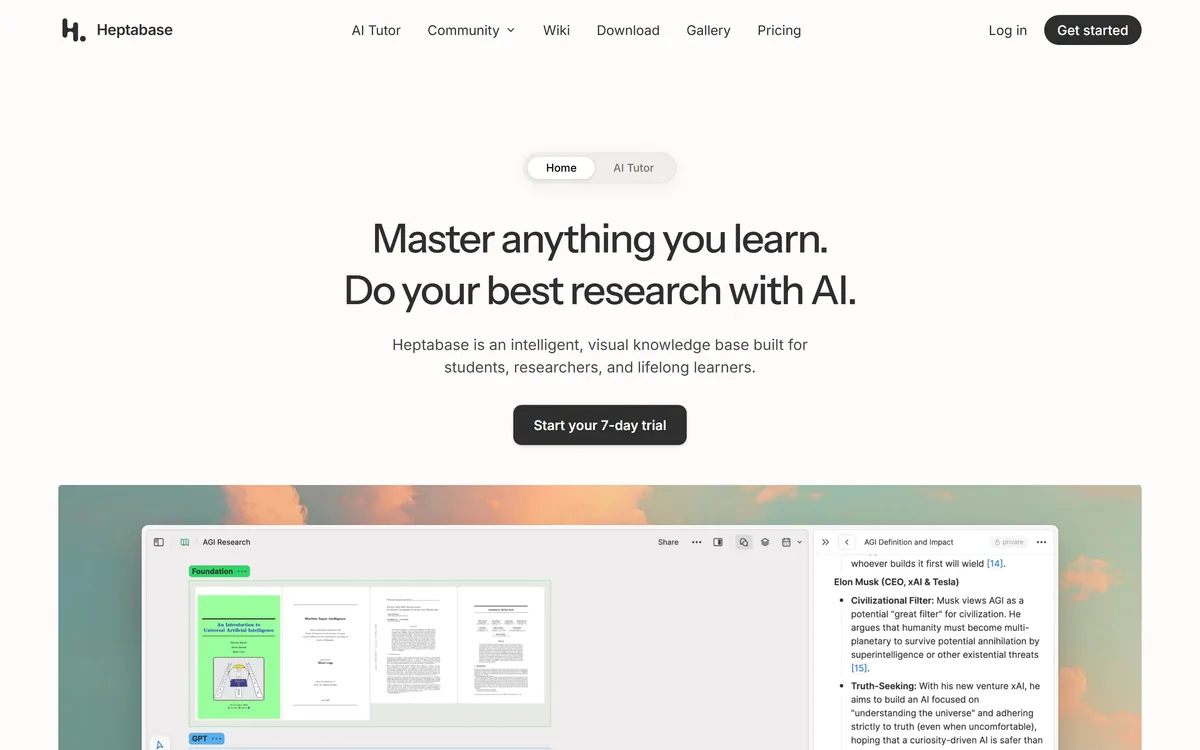
Heptabase is a visual knowledge base for students, researchers and lifelong learners, combining whiteboards and cards, bi-directional links, a block-based editor, PDF annotation and Readwise and Zotero integrations, with an AI Tutor that guides structured learning sessions.

  • Spatial model aids real synthesis
  • Strong linking and source integration
  • AI Tutor for structured learning
  • Keeps sources and thinking in one place
  • Too much tool for light note-taking
  • Opinionated; takes time to learn
  • Paid after a short trial
  • Collaboration is not the primary mode

Best for: Deep research and study

Pricing: Paid · Very good

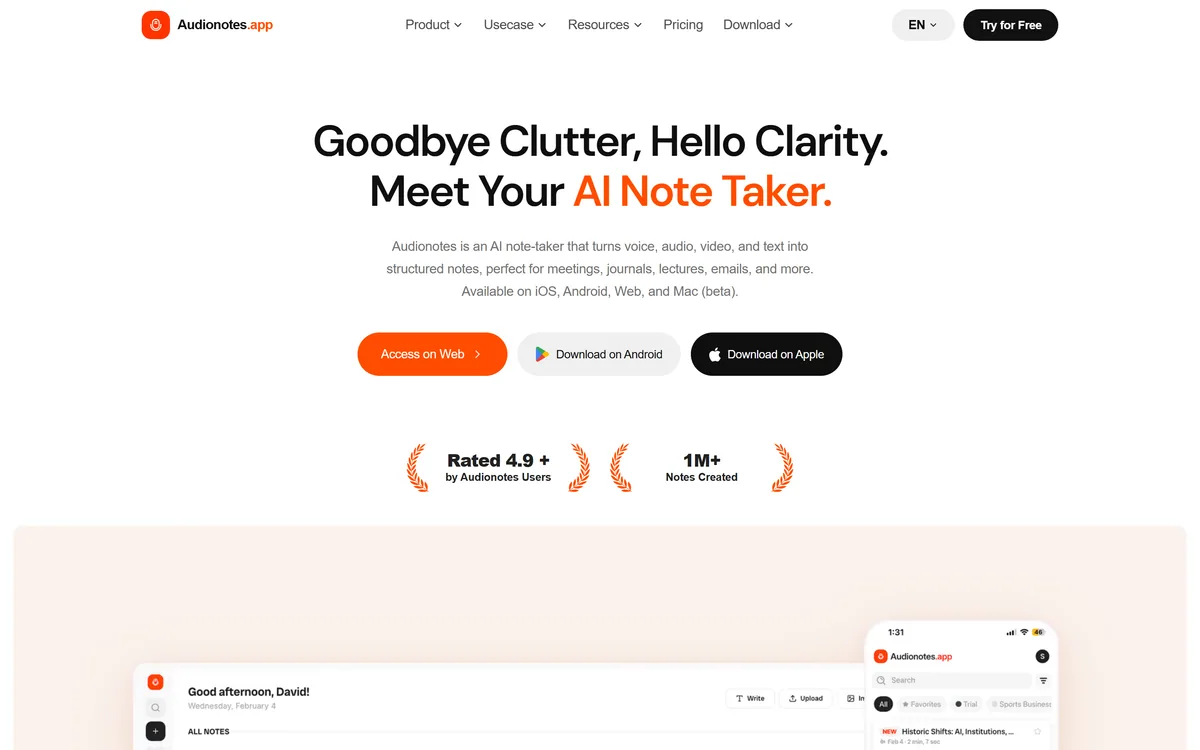
AudioNotes is an AI note-taker that turns voice, audio, video and text into structured notes, transcripts and summaries in 99+ languages, with custom templates, chat-with-your-notes, integrations, and a clear no-AI-training privacy stance.

  • Turns messy source material into notes you can act on
  • Flexible output via templates and 100+ prompts
  • Strong, specific no-AI-training privacy stance
  • Useful integrations into Notion, Zapier and WhatsApp
  • Not built for live, in-meeting transcription
  • Medical and legal outputs need professional verification
  • Cloud processing, so not for fully offline needs
  • No refunds on paid plans, per the vendor

Best for: People capturing meetings, lectures and interviews

Pricing: Freemium · Very good

84.1/5

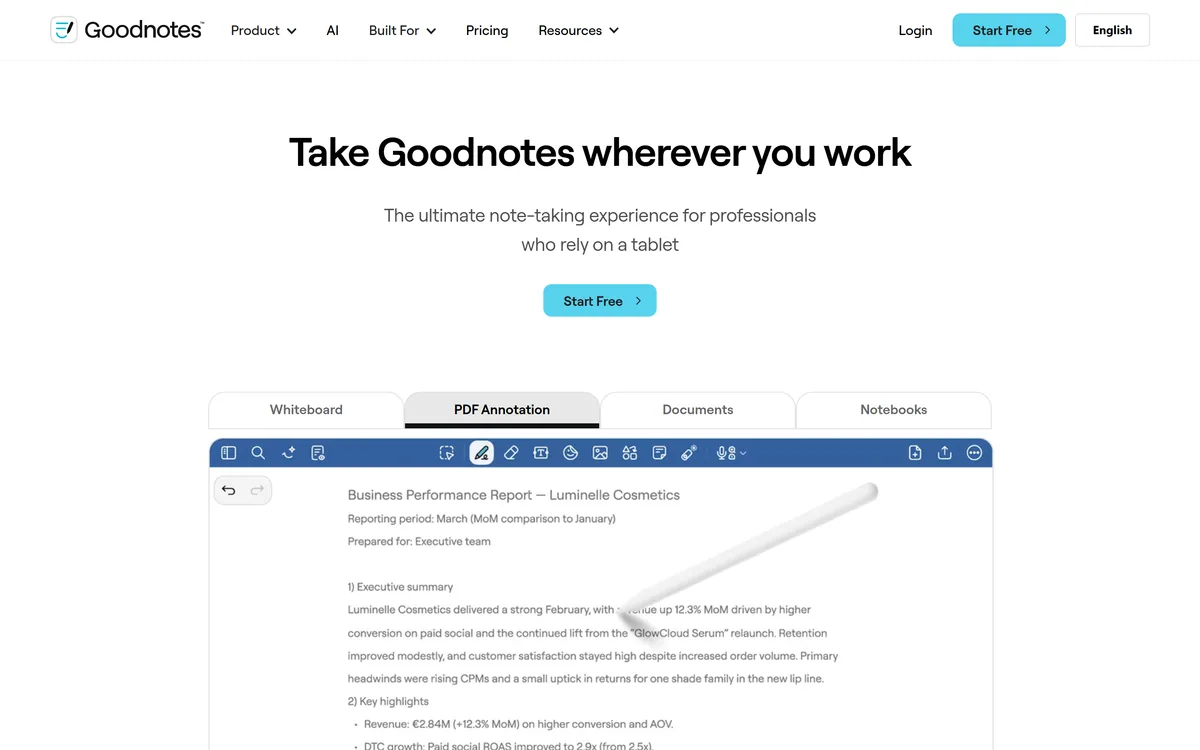
Goodnotes is a handwriting-first note-taking app spanning iPad, iPhone, Mac, Windows, Android and web. It converts handwriting to text, searches across typed text, handwriting and sketches, annotates PDFs, records and transcribes audio, and turns notes into mind maps and project plans.

  • Solves the actual problem with handwritten notes — that you cannot find them again
  • Unified search across handwriting, typing and sketches means one query rather than three
  • Six-platform support removes the device lock-in that limited handwriting apps historically
  • PDF annotation with searchable markup is a genuinely different working method for people who read professionally
  • No handwriting recognition accuracy figure is published, and quality varies enormously by script
  • Summarising your own notes compresses something already compressed, and detail gets dropped
  • Writing quality differs by platform — the tablet experience is not matched elsewhere
  • Export formats are not described, which matters before committing years of notes

Best for: People who think better writing by hand than typing

Pricing: Freemium · Very good

9Est.4.4/5

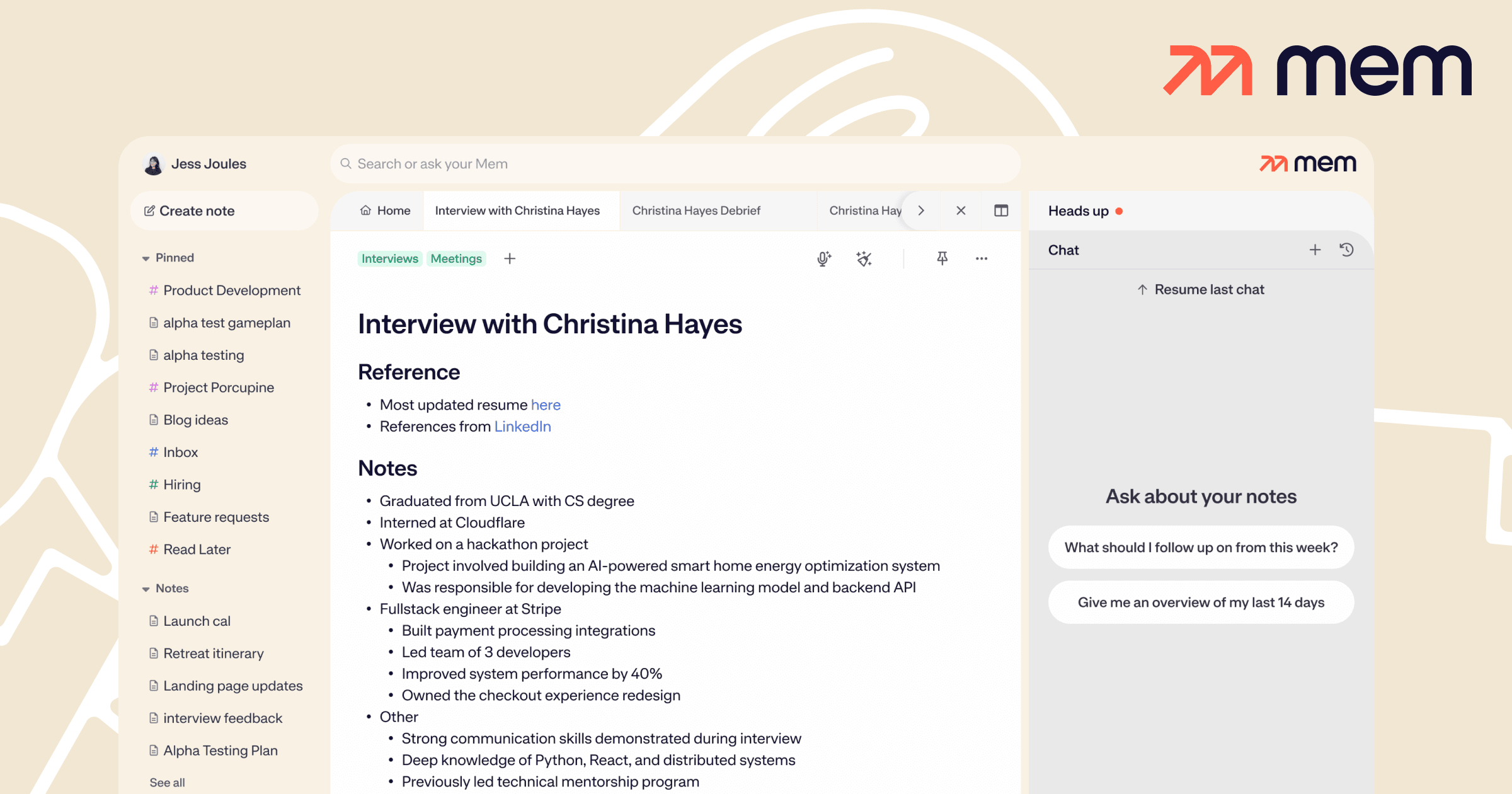
Mem review on AInexfinder — freemium AI tool for Productivity & Automation. Features, pricing notes, and alternatives.

  • Removes manual filing
  • Good AI search
  • Quick capture
  • Auto-organization
  • Smaller ecosystem
  • Best value on paid plan
  • Advanced features may sit on paid plans
  • Free tier limits can feel tight for heavy use

Best for: AI note-taking that organizes itself

Pricing: Freemium

10Est.4.3/5

Networked notes with AI and calendar integration Category: Productivity & Automation.

  • Fast, clean, focused interface
  • Strong calendar and capture integrations
  • Privacy through end-to-end encryption
  • Networked notes with automatic backlinks
  • Single paid plan with no permanent free tier
  • Daily-notes philosophy suits some workflows more than others
  • Integrations may not cover every app in your stack
  • Works best when you invest a bit of setup time

Best for: Teams that need networked notes with automatic backlinks

Pricing: Paid

113.8/5

Buildin is an all-in-one AI workspace for docs, mind maps and databases, with lossless Notion import, AI throughout, cross-platform sync, an open API and MCP, and a distinctive built-in paid-subscription feature so you can monetise your content directly.

  • Workspace plus built-in content monetisation
  • Lossless Notion import lowers switching cost
  • AI woven through docs and databases
  • Extensible via open API and MCP
  • Challenger against a deeply entrenched incumbent
  • Main draw (monetisation) is irrelevant if you won't sell
  • Newer tool, longevity and depth questions
  • Smaller ecosystem and integrations

Best for: Creators monetising content

Pricing: Freemium · Good

How We Ranked These Note Taking Tools

Every tool here is a live note taking product with its own review. The order comes from one published formula, applied the same way on every ranking:

CriterionWhat it measuresWeight
Editor ScoreThe score on each tool's own review, from our research into its official documentation, pricing and independent sources. Tools whose full review is still pending carry a provisional formula estimate, marked “Est.”.50%
User reviewsVerified user ratings on AInexfinder — counted only once a tool has at least three.25%
Feature depthHow many documented features the tool has.15%
FreshnessHow recently the review was last verified. Reviews still pending get a neutral value.10%

Featured listings, a paid placement, get a small boost inside the Editor Score criterion, always keep a place in their own category’s ranking, and are labelled Featured above; listings whose maker shows the AInexfinder badge on its own site get a smaller boost. Neither changes the Editor Score itself. Read the full methodology.

What to Look for in a Note Taking Tool

Output Quality

The factor that decides everything else — can it produce note taking results you'd actually ship? It's why Capacities leads this list; judge each tool on output you can use without heavy rework.

Pricing & Free Tier

8 of these 11 tools have a free or freemium plan. Check the free tier's real limits and whether paid pricing scales fairly with your usage — watch for hidden caps on output or features.

Ease of Use

A clean interface and good onboarding mean you get value on day one, not after a week of learning the tool.

Integrations

Does it connect to the tools you already use — your editor, browser, Slack, Google Workspace or API?

Speed & Reliability

Fast, consistent results matter for daily work. Look at uptime and how the tool handles peak-time load.

Support & Updates

Active development, solid docs and responsive support signal a tool that will keep getting better over time.

Free vs Paid Note Taking Tools

When Free Is Enough

8 of these 11 note taking tools offer a free or freemium plan (Capacities is the one we'd start with). Free tiers suit light or occasional use, testing a workflow, or personal projects — though they usually cap usage, features or output quality.

When to Go Paid

For heavy or professional note taking work, a paid plan like TalkNotes's buys higher limits, team collaboration, priority support and advanced features. If a tool is core to your daily work, the subscription usually pays for itself in time saved.

Pricing breakdown
Pricing breakdown11tools

8 of 11 tools offer a free or freemium plan.

Which Note Taking Tool Should You Choose?

Match the tool to the job. Each line below is the audience that tool's review found it suits best:

  • Capacities (4.7/5) — Teams that need object-based notes instead of folders
  • AudioPen (4.4/5) — Writers who draft by talking it through
  • Anytype (4.6/5) — Teams that need local-first storage with offline use
  • TalkNotes (4.5/5) — Users who need AI voice transcription in 50+ languages
  • Voicenotes (4.5/5) — Teams that need fast voice capture and recording
  • Heptabase (4.2/5) — Deep research and study
Est.4.7/5

AInexfinder’s Final Verdict on the Best Note Taking Tools

Start with Capacities if you want the strongest all-round note taking tool on this list. If none of these fits, our Capacities alternatives list goes wider. The note taking space moves fast, so each review shows the date it was last verified.

Frequently Asked Questions

What Are the Best Note Taking AI Tools in 2026?

The top note taking tools right now are Capacities, AudioPen, Anytype. All 11 are ranked on Editor Score, user reviews, feature depth and freshness — see the full list above.

What Is the Best Free Note Taking Tool?

Capacities is the highest-ranked option with a free plan (freemium — a free tier plus paid upgrades). 8 of the 11 tools on this list offer a free or freemium plan — the At a Glance table marks each one.

How Are These Note Taking Tools Ranked?

By a published formula: Editor Score 50%, verified user reviews 25%, feature depth 15% and freshness 10%. User reviews only count for tools that have approved ones; the rest are ranked on the other four factors, so the Editor Score carries most of the weight. The How We Ranked section above shows each criterion.

How Many Note Taking AI Tools Are Compared Here?

This page ranks 11 note taking tools, and 8 of them have a free tier. Every one links to its full review, and the category page lists the rest.

Is Capacities the Best Note Taking Tool?

Capacities is our current top pick with a provisional score of 4.7/5, but the right choice depends on your needs and budget. The Which Tool Should You Choose section matches each top tool to the people it suits best.

Which Note Taking Tool Is Best for Beginners?

Capacities is the easiest place to start: it has a free plan, so you can learn on a real note taking tool without paying. Once you outgrow it, the paid tools above add more power.

Are Note Taking AI Tools Worth It?

Start with one of the 8 free options above to confirm a note taking tool fits your workflow — for most people the right one earns back its cost in hours saved, but only once it clearly slots into how you already work.

How Often Is This List Updated?

The ranking recalculates whenever a review on it changes, and reviews are re-verified on a rolling basis — each one shows when it was last checked. This page was last updated in October 2026.

Keep Exploring

About the Author

Daniel Reed
Daniel Reed

Senior AI Tools Reviewer

Daniel leads AInexfinder's tool reviews. He researches each tool from its own pricing, documentation and policies, checks its claims against independent sources, and writes up what it does well, where it falls short and who it genuinely suits.

AI tool reviewsPricing researchAI software
More about Daniel →

Last updated October 2026. Ranked on Editor Score, user reviews, feature depth and freshness — see our methodology.