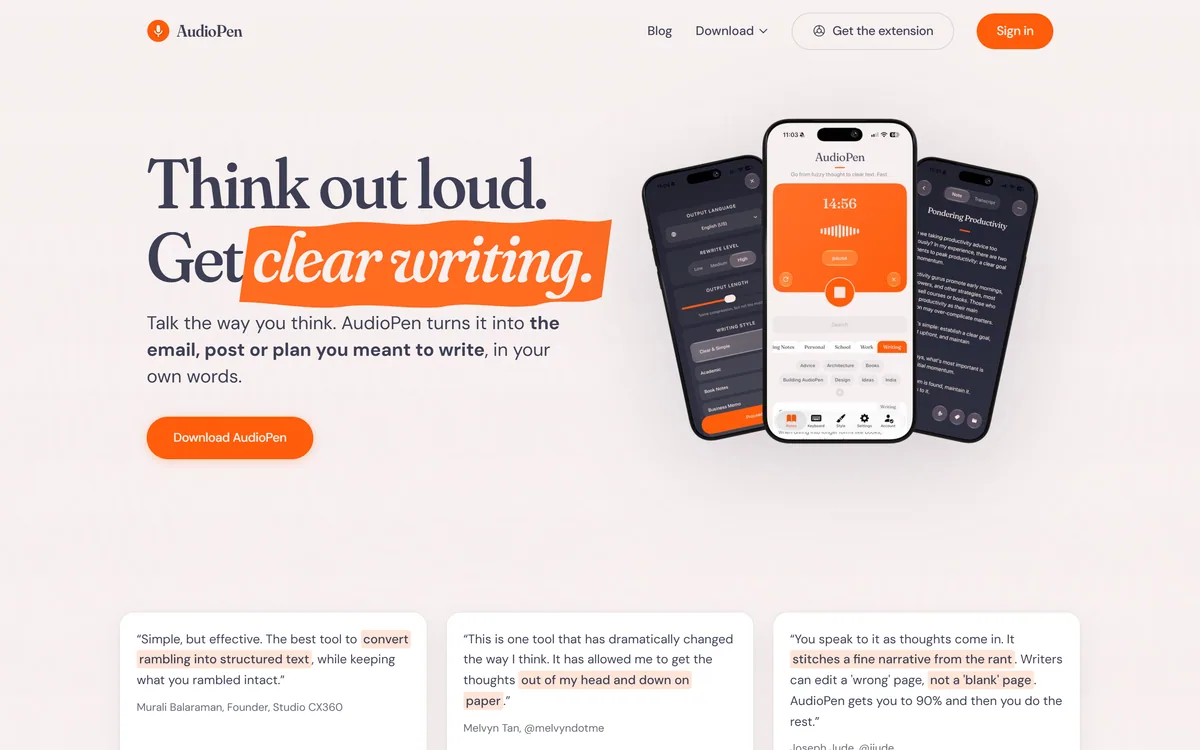
AudioPen turns rambling voice notes into clean, polished text in a style and language you choose, with control over rewrite depth and length, apps on every device, and a keyboard and hot key that drop finished writing into any app.
Productivity & Automation Review
Buildin is an all-in-one AI workspace for docs, mind maps and databases, with lossless Notion import, AI throughout, cross-platform sync, an open API and MCP, and a distinctive built-in paid-subscription feature so you can monetise your content directly.
Good
Buildin earns 3.8 as a capable Notion-style AI workspace with a genuine twist: built-in paid subscriptions that let you create and sell content in one place, plus lossless Notion import, an open API, MCP and private deployment. Its workspace features are competent rather than category-leading, and against a deeply entrenched incumbent the monetisation angle is really the reason to choose it, so it fits creators who will actually sell content best. AInexfinder Editor Score: 3.8/5.
Best for: Creators monetising content; Small teams wanting an AI workspace
The visit link goes to buildin.ai, the official site. Paid placements on AInexfinder are always labelled. How we make money
The all-in-one workspace is a crowded category led by Notion, so a new entrant needs a reason to exist. Buildin's is a twist: it is a Notion-style AI workspace that also lets you sell your content directly.
It covers docs, mind maps and databases with AI throughout, offers lossless Notion import, cross-platform sync, an open API and MCP, and, distinctively, built-in paid subscriptions so you can monetise docs and templates without a separate tool. For the organising-your-work side it overlaps with tools like Saner.ai, but the monetisation angle is its own.
This review covers what Buildin pulls together, who it suits and its limits, how it prices, and who is better off elsewhere.
| What it is | An all-in-one AI workspace |
|---|---|
| Covers | Docs, mind maps, databases, projects |
| Import | Lossless from Notion, plus CSV/HTML/DOCX |
| Distinctive | Built-in paid subscriptions for your content |
| AI | Answers, summaries and generation throughout |
| Extend | Open API and MCP |
| Platforms | Web, macOS, Windows, iOS, Android |
| Also | Private, self-hosted deployment |
Buildin covers the familiar all-in-one ground, docs, mind maps, databases and projects with AI woven through, and a lossless Notion import that preserves databases and relations, which lowers the switching cost that usually keeps people on Notion.
Its genuine differentiator is monetisation. You can package docs, wikis and templates and sell paid access to them directly inside Buildin, replacing a separate tool like a creator-commerce platform. For anyone who sells knowledge products, having creation and selling in one place is a real convenience.
That combination, workspace plus built-in commerce, is the reason to look at Buildin rather than just using the incumbent. Everything else is table stakes done competently; the paid-subscriptions feature is the hook.
Buildin's genuine differentiator is monetisation: you can package docs and templates and sell paid access inside the workspace, replacing a separate creator-commerce tool.
The workspace is one half; the monetisation and deployment options are the other.
You get rich AI documents, instant switching between docs and mind maps, powerful databases, real-time collaboration with comments and mentions, and AI for answers, summaries and generation throughout, plus embeds of YouTube, Figma and more. It is a capable Notion-style workspace.
For task and note organising specifically, a tool like Saner.ai is more focused; Buildin's pitch is the broad workspace with the monetisation layer, not the sharpest single-purpose organiser.
The standout is built-in paid subscriptions: package and sell your content without stitching in a separate commerce tool. And for teams with strict requirements, Buildin offers private, self-hosted deployment on your own servers. A knowledge-base tool like Document360 serves a different, help-docs purpose; Buildin aims to be workspace, publishing and store at once.
The open API and MCP mean it can connect to other tools and be driven by agents, so it is extensible rather than closed, which matters for anyone building around it.
Buildin suits creators and small teams who want a Notion-style workspace and intend to monetise content, template sellers, course and knowledge creators, writers packaging paid resources, for whom combining creation and selling in one tool is genuinely useful.
It also suits anyone wanting to leave Notion with minimal pain, thanks to lossless import, and teams needing private deployment for control. The cross-platform sync covers people who work across devices. For a personal AI assistant that sits alongside a workspace rather than being one, a tool like Cora is a different, complementary choice.
Its limits are those of a challenger in a mature category: the incumbent is deeply entrenched with a huge ecosystem and integrations, and a newer tool carries the usual questions of longevity and feature depth. If you do not plan to monetise content, the main reason to switch falls away, and the incumbent's ecosystem may win. It is also worth being realistic that an all-in-one tool rarely beats a specialist at any single thing: Buildin's databases, mind maps and AI are each competent, but someone who lives in one of those features may still prefer a dedicated tool, and the case for Buildin rests on the convenience of having them, and the store, together.
Buildin is freemium: a free tier to start, paid plans for more, and the monetisation feature lets you earn from your own content, plus private deployment for enterprise. We do not publish prices, which change; check the site.
The value question splits by user: for a creator who will sell content, Buildin can replace both a workspace and a commerce tool, which is a real saving; for someone just wanting a workspace, it competes on features and price against a mature incumbent.
Because there is a free tier and lossless import, the low-risk approach is to migrate a copy of your content, test the workspace and, if relevant, the monetisation, before committing.
Because switching workspaces is disruptive, trial Buildin by importing real content and testing what actually matters to you.
Docs, mind maps and databases
AI throughout the workspace
Lossless Notion import
Built-in paid subscriptions
Real-time collaboration
Open API and MCP
Cross-platform sync
Private self-hosted deployment
The useful comparison is with other workspace and knowledge tools, on the monetisation twist.
| Tool | Tool | Angle | Best for |
|---|---|---|---|
| Buildin | Workspace + content monetisation | Create and sell in one place | Creators selling content |
| Saner.ai | AI task/note organiser | Focused personal organising | Individual productivity |
| Cora | AI assistant | Personal help | Solo assistance |
| Document360 | Knowledge base | Help and internal docs | Documentation |
An AI organiser, an AI assistant and a knowledge base to weigh alongside Buildin.
Last checked . Read from buildin.ai during this check, with the screenshot above captured at the same time.
Buildin is a challenger in a mature category; the incumbent has a far larger ecosystem. Its main differentiator is built-in content monetisation, which is the clearest reason to choose it over established alternatives.
AInexfinder does not list plan prices or billing details. For current pricing, plans, and trials, visit the official Buildin.ai website.
Visit official website for pricingVendor pricing, credits, and billing policies change over time. Always confirm on the official site before you buy.
Buildin.ai earns an AInexfinder Editor Score of 3.8/5 (good). Best for: Creators monetising content; Small teams wanting an AI workspace; Notion leavers.
Visit Buildin.aiLog in to write a review.
No reviews yet. Be the first to share your experience with Buildin.ai.
Assigned reviewer
Daniel ReedSenior AI Tools Reviewer
Daniel leads AInexfinder's tool reviews. He researches each tool from its own pricing, documentation and policies, checks its claims against independent sources, and writes up what it does well, where it falls short and who it genuinely suits.
Daniel and the AInexfinder editorial team research Buildin.ai from its own website, pricing, documentation and policies, checked against independent sources. This review is research-based: unless its method note says otherwise, we have not bought a plan or run hands-on tests. The Editor Score is our editorial judgement, and payment never changes it.
Similar Tools
AudioPen turns rambling voice notes into clean, polished text in a style and language you choose, with control over rewrite depth and length, apps on every device, and a keyboard and hot key that drop finished writing into any app.
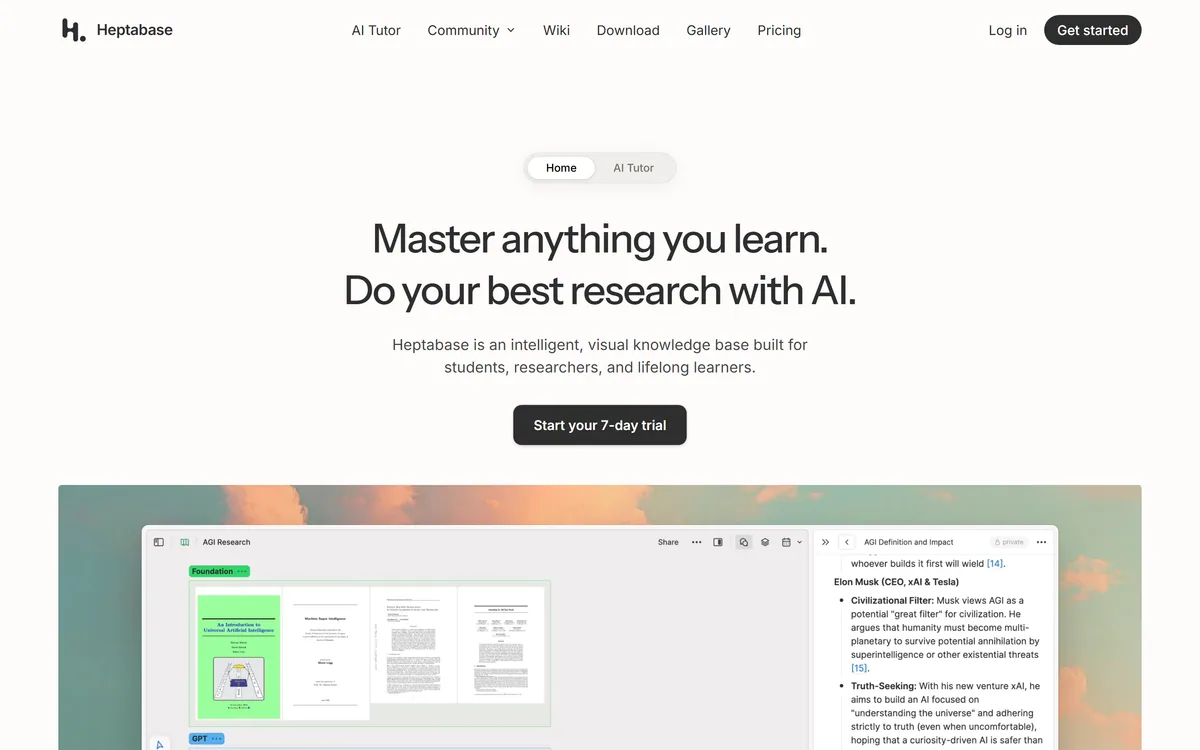
Heptabase is a visual knowledge base for students, researchers and lifelong learners, combining whiteboards and cards, bi-directional links, a block-based editor, PDF annotation and Readwise and Zotero integrations, with an AI Tutor that guides structured learning sessions.
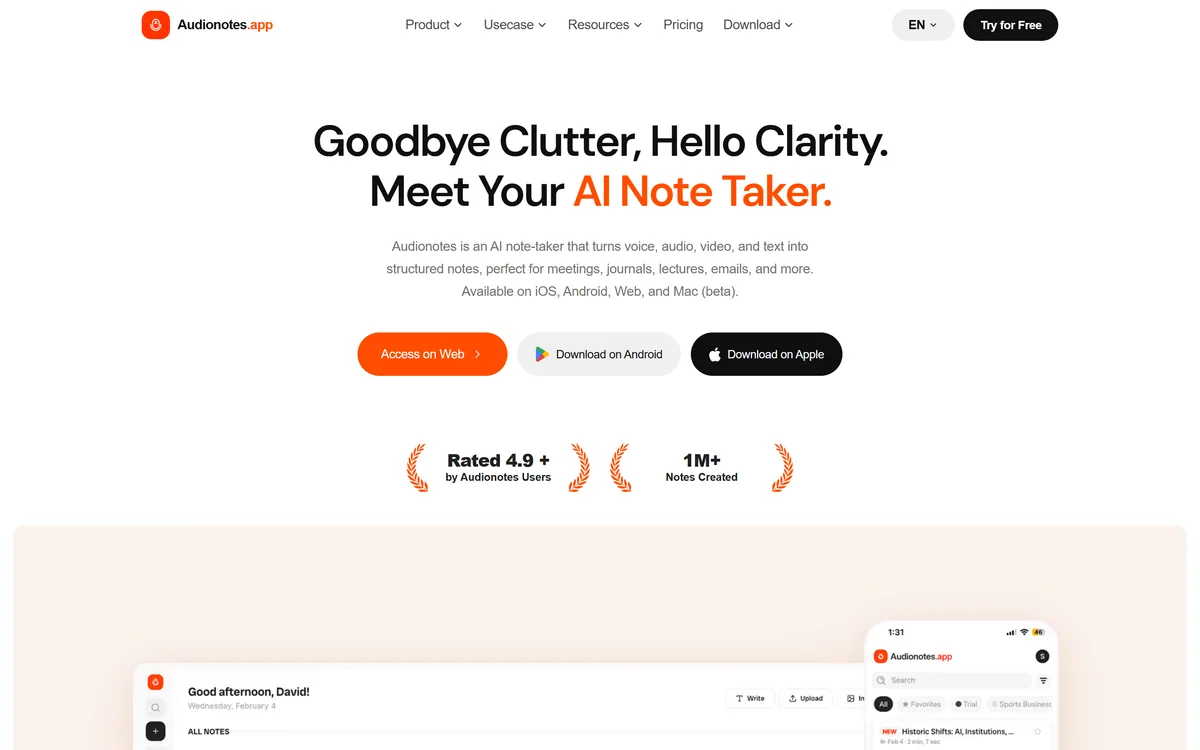
AudioNotes is an AI note-taker that turns voice, audio, video and text into structured notes, transcripts and summaries in 99+ languages, with custom templates, chat-with-your-notes, integrations, and a clear no-AI-training privacy stance.
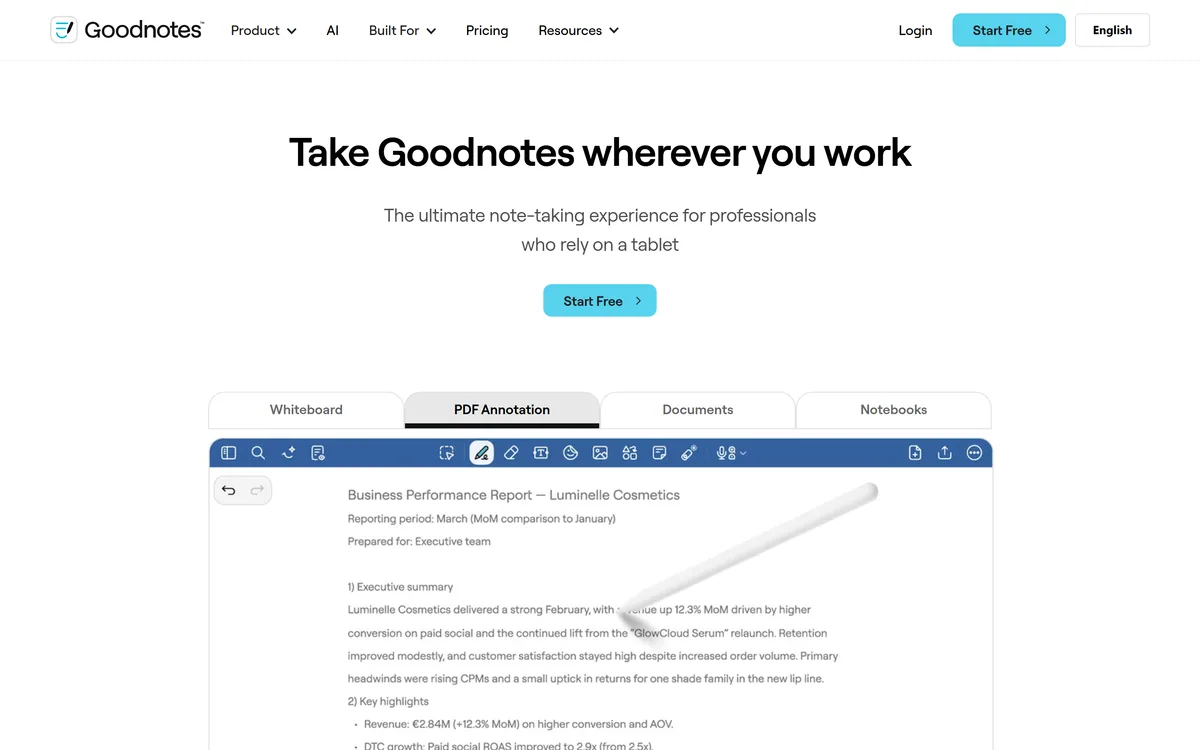
Goodnotes is a handwriting-first note-taking app spanning iPad, iPhone, Mac, Windows, Android and web. It converts handwriting to text, searches across typed text, handwriting and sketches, annotates PDFs, records and transcribes audio, and turns notes into mind maps and project plans.
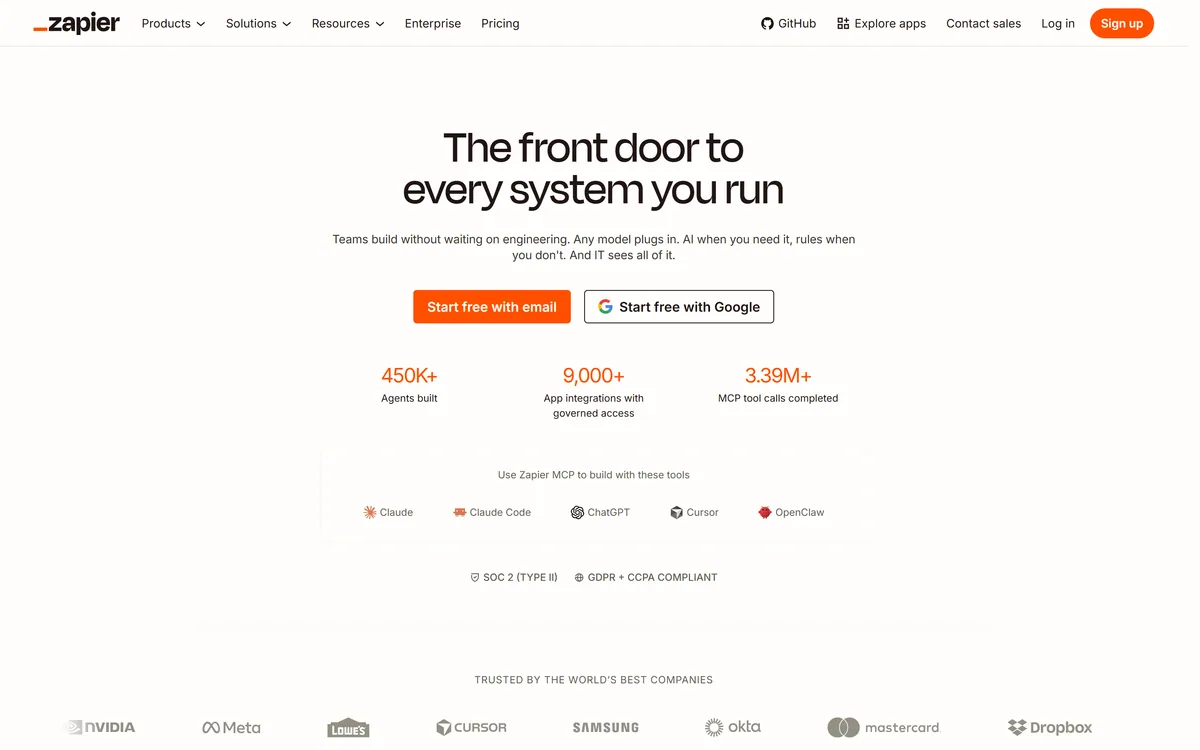

Zapier's AI layer adds agents and MCP tool access on top of its automation platform, connecting more than 9,000 apps with governed access so teams can mix AI decisions with deterministic rules under central oversight.
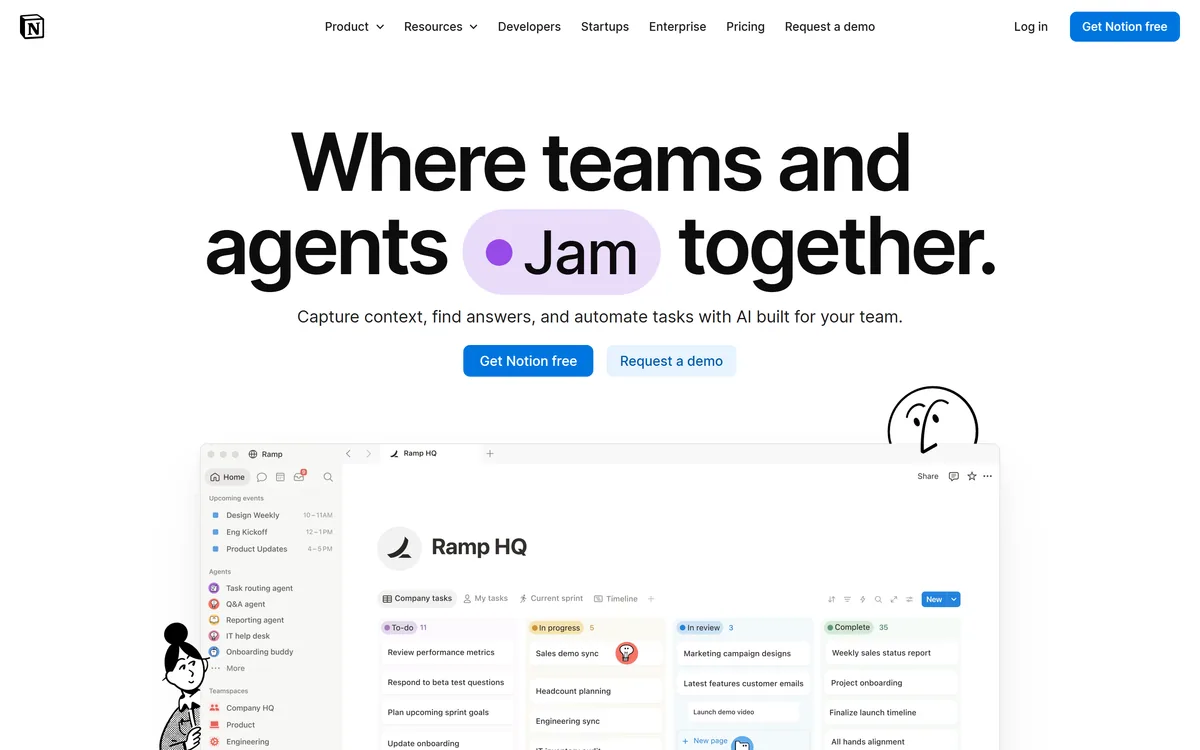

Notion AI is the assistant built into Notion — writing and editing in docs, agents that run recurring work like triage and reporting, AI Meeting Notes, and Enterprise Search across connected tools such as Slack, GitHub, Gmail, and Google Drive.
Related Pages