

Midjourney is an AI image generator known for its distinctive aesthetic quality, currently on model V8.2, with a full web app alongside the original Discord workflow, plus an Editor, moodboards, style profiles, and five-second image-to-video.
Image & Design Review
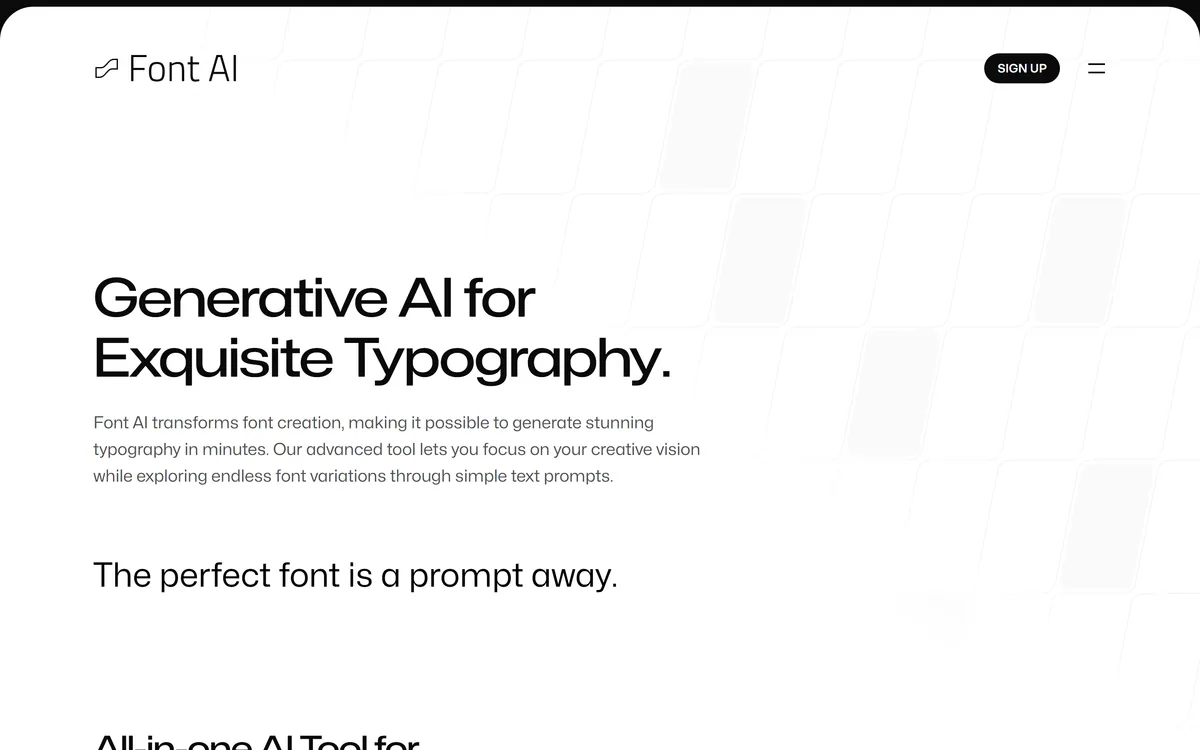
Font AI generates typefaces from text prompts, reference images or an existing font, detects fonts from an uploaded image, and edits text in images where no source font is available. It states that it trains only on openly licensed material and lists the sources behind each generation.
Good
Font AI has taken a position on training data that almost nothing in generative design has bothered to take: it states that it uses only openly licensed material, lists the sources behind each output, and funds human art from its profits. That deserves crediting whether or not you need a typeface. The product itself is in beta with a signup rather than a trial, supports English only, and answers the intellectual property question with an absoluteness no vendor can actually underwrite. Promising, principled, and not yet something to build a brand identity on. AInexfinder Editor Score: 3.7/5.
Best for: Designers needing display or logo type quickly; Anyone fixing text inside AI-generated imagery
The visit link goes to font-ai.com, the official site. Paid placements on AInexfinder are always labelled. How we make money
Typeface design is one of the slowest crafts in visual design. A full family is hundreds of glyphs, each drawn to work beside every other, in several weights, with kerning pairs numbering in the thousands.
That is why brands license type rather than commission it, and why AI generation is an obvious idea whose execution is genuinely hard.
Font AI's more interesting contribution may be its stated position on where the training material came from, which is a question this category has largely declined to answer.
Font AI describes generating stunning typography in minutes from simple text prompts, with a stated model approach bridging text, images and fonts.
The claim is more demanding than image generation, and the reason is structural.
An image needs to look right once. A typeface has to work everywhere — every letter beside every other letter, at six points and at sixty, in a headline and in a paragraph of body copy. Consistency across a character set is the entire craft, and it is exactly what generative models are weakest at.
The specific failure mode is subtle. A generated set can have a beautiful lowercase g and a stroke weight on the b that is a hair heavier, invisible in isolation and obvious across a line of text.
So the honest read is that generation is genuinely useful for display type — headlines, logos, short words where character count is small and eccentricity is a feature — and a much harder ask for body text, where the discipline is uniformity rather than expression. Constrained generation fares far better, which is why PixelLab succeeds inside a fixed pixel grid.
An image has to look right once. A typeface has to work at six points and sixty, in every letter pair, forever.
The most immediately practical feature on the list is the least headline-worthy: editing text in images even without the original fonts, positioned as a companion to AI image generators.
Anyone who has worked with generated imagery knows the problem it solves.
A model produces an otherwise usable image with text in it that is wrong — a misspelled word, a placeholder, a name that needs changing. Without the source font, fixing it means either regenerating the whole image and losing everything else that was right, or matching the type by hand.
Detecting the font, or generating a close match, turns that into an edit. It is a small capability with a very high hit rate against a problem that occurs constantly.
The same detection feature works standalone — upload an image, identify the typeface, and if there is no exact match the site states it will generate a new one. That second half is the interesting part, because it converts a failed search into an output rather than a dead end.
Font AI publishes a responsible AI position with three specific commitments: sourcing only material licensed for AI such as Open Font License and Apache; listing source materials so the original artists get credit and exposure; and using profits from AI-generated fonts to fund human art projects.
This is rare enough to be worth dwelling on, because generative design has mostly avoided the question entirely.
Type designers have a particular grievance here. A typeface represents months or years of work by an identifiable individual, distributed as a file that is trivially easy to ingest, and the people affected are a small community who know each other.
Restricting training to openly licensed material is the only response that actually addresses that rather than deflecting it. Listing sources goes further, converting an invisible extraction into visible attribution.
The third commitment is the one to hold loosely. Funding human art from profits is a promise about future spending with no stated mechanism or accountability, and it should be read as intent rather than as a term — which is not a criticism so much as a note that the first two commitments are verifiable and the third is not.
Four capabilities sit together: detection from an uploaded image, generation from text, images or a similar font, customisation of weights and styles from an existing typeface, and editing text in images.
Customisation is the one most likely to earn its place in real work.
Brands routinely have a licensed typeface with three weights and need a fourth, or need an italic that was never drawn. Commissioning that is expensive and slow; approximating it by slanting the roman is what people actually do, and it looks like what it is.
Generating a variation from an existing font is a real answer to that, with the significant caveat that your licence for the original almost certainly does not permit deriving new fonts from it. That is a legal question about your licence rather than about this tool, and it needs answering before you use the feature commercially.
Community fonts are the social layer — generations curated and shared free to members. It is a sensible way to seed a library, and a good reason to look at what already exists before generating anything. For lettering you intend to cut or engrave rather than set, Vector Witch produces the paths a machine needs.
The product carries a Beta label and a signup to join it rather than an open trial, and its FAQ answers the question of intellectual property issues with the words none at all.
Those two facts sit awkwardly together, and both are worth weighing.
Beta is honest. It says output will change, features are incomplete, and English is currently the only supported language — which for a typography tool is a substantial limitation, since accents and non-Latin scripts are where character-set consistency gets hardest.
None at all is the part to read carefully. The reasoning behind it is sound — training on Open Font License and Apache material is genuinely the right approach — but no vendor can guarantee the absence of any intellectual property question, and a confident absolute is a weaker statement than a specific one.
The licensing terms themselves are clear and usable: private generations are entirely yours to license as you wish, public generations are released under the Open Font License. Knowing which bucket a font falls into is the thing to establish before it appears on packaging. The same licensing question follows every generative design tool, Refabric included.
Type fails at the edges — the glyph you did not check, the size you did not test, the licence you did not read.
This sequence gets a generated typeface to the point where it is safe to use.
| Company | AIriminum, with an address in Dover, Delaware |
|---|---|
| Status | Beta, with signup rather than an open trial |
| Generation inputs | Text descriptions, images, or a similar existing font |
| Detection | Upload an image to identify a font; a new one is generated if no match exists |
| Customisation | Weights and styles such as italic and bold, generated from an existing font |
| Image editing | Edit text in images without the original source fonts |
| Styles supported | Serif, sans, script, display, italic, slab, grotesque, roman, blackletter, casual, modern, engraved, geometric, art deco, formal, humanist, painted and tuscan |
| Training data | Stated as only material licensed for AI, such as Open Font License and Apache |
| Attribution | Source materials listed so original artists receive credit |
| Private licence | Private generations stated as entirely yours to license as you wish |
| Public licence | Public generations released under the Open Font License |
| Languages | English only at present, with wider support stated as planned |
Text-prompt font generation
Font detection from an uploaded image
Generation from a reference image or similar font
Weight and style customisation from an existing typeface
Text editing inside images without source fonts
Export as an installable font file
Community-generated font library
Eighteen-plus named style categories
Design generators differ by output format and what you can do with it.
| Tool | Output | Licensing stated | Best for |
|---|---|---|---|
| Font AI | Installable typefaces | Explicit, per generation type | Display type and logo work |
| Vector Witch | SVG paths | Not addressed | Cutting and engraving files |
| PixelLab | Pixel art and sprites | No training on your inputs | Game assets at fixed resolution |
| Refabric | Fashion design visuals | Not addressed | Garment concepts |
| Photoroom | Product imagery | Commercial terms published | Ecommerce at scale |
Other generators across formats and design disciplines.
Last checked . Read from font-ai.com in a browser session on the date above, including the full footer. The screenshot was captured at the same time.
What we could not confirm: output quality or character-set consistency, since the product is in beta behind a signup and we did not generate a font; whether the source listing appears per generation or in aggregate; how the profit commitment to human art is measured or accounted for; how detection behaves on a font outside its library; and pricing, including what lifetime membership and community credits involve. The site's FAQ states there are no intellectual property issues at all, which is an absolute we report rather than endorse.
AInexfinder does not list plan prices or billing details. For current pricing, plans, and trials, visit the official Font AI website.
Visit official website for pricingVendor pricing, credits, and billing policies change over time. Always confirm on the official site before you buy.
Font AI earns an AInexfinder Editor Score of 3.7/5 (good). Best for: Designers needing display or logo type quickly; Anyone fixing text inside AI-generated imagery; Brands needing a weight their licensed family lacks.
Visit Font AILog in to write a review.
No reviews yet. Be the first to share your experience with Font AI.
Assigned reviewer
Daniel ReedSenior AI Tools Reviewer
Daniel leads AInexfinder's tool reviews. He researches each tool from its own pricing, documentation and policies, checks its claims against independent sources, and writes up what it does well, where it falls short and who it genuinely suits.
Daniel and the AInexfinder editorial team research Font AI from its own website, pricing, documentation and policies, checked against independent sources. This review is research-based: unless its method note says otherwise, we have not bought a plan or run hands-on tests. The Editor Score is our editorial judgement, and payment never changes it.
Similar Tools
Midjourney is an AI image generator known for its distinctive aesthetic quality, currently on model V8.2, with a full web app alongside the original Discord workflow, plus an Editor, moodboards, style profiles, and five-second image-to-video.

Mobile-first AI art and video generator with many styles Category: Image & Design.


Canva AI is the Magic Studio suite built into Canva — Magic Write for copy, Dream Lab for images, Magic Edit, Expand and Eraser for photos, Magic Switch for reformatting, Magic Charts for data, and Canva Code for interactive widgets.
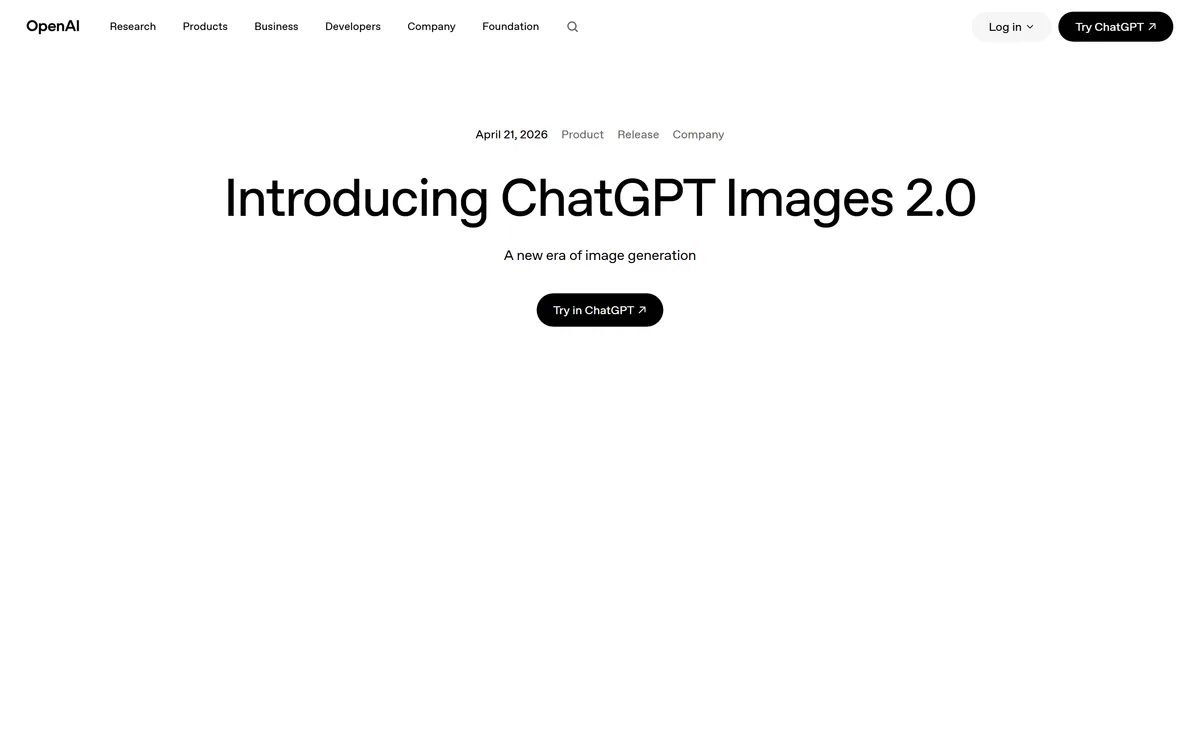
GPT Image 2 launched on 21 April 2026 as ChatGPT Images 2.0 and as the gpt-image-2 API model. Its distinguishing capabilities are dense, accurate text rendering, layout fidelity for infographics and packaging, up to 3840px output, prompt-guided masking, and reasoning applied to image structure before generation.

Coolors review on AInexfinder — freemium AI tool for Image & Design. Features, pricing notes, and alternatives.
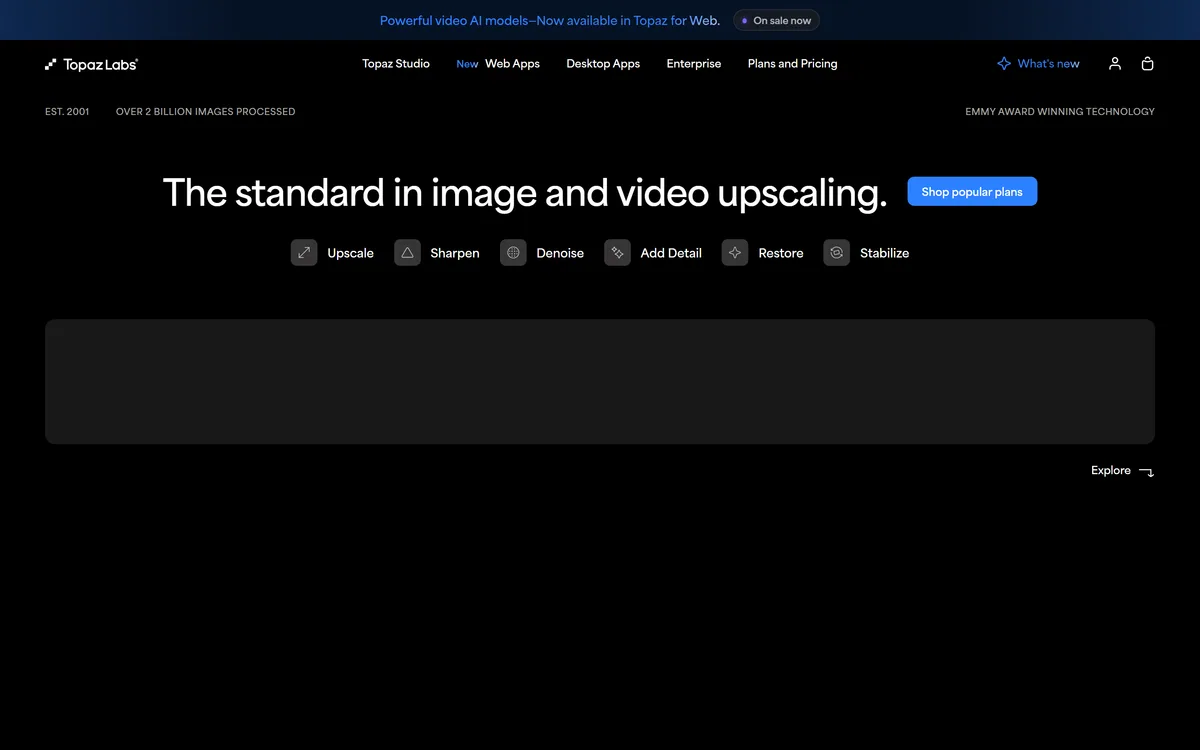
Topaz Labs makes professional AI image and video enhancement software, upscaling, sharpening, denoising, restoring, stabilizing and frame interpolation, across desktop, web and mobile, with Emmy-winning technology and a long track record, used by photographers, videographers and finishing pros.
Related Pages