
Mobile-first AI art and video generator with many styles Category: Image & Design.
Image & Design Review
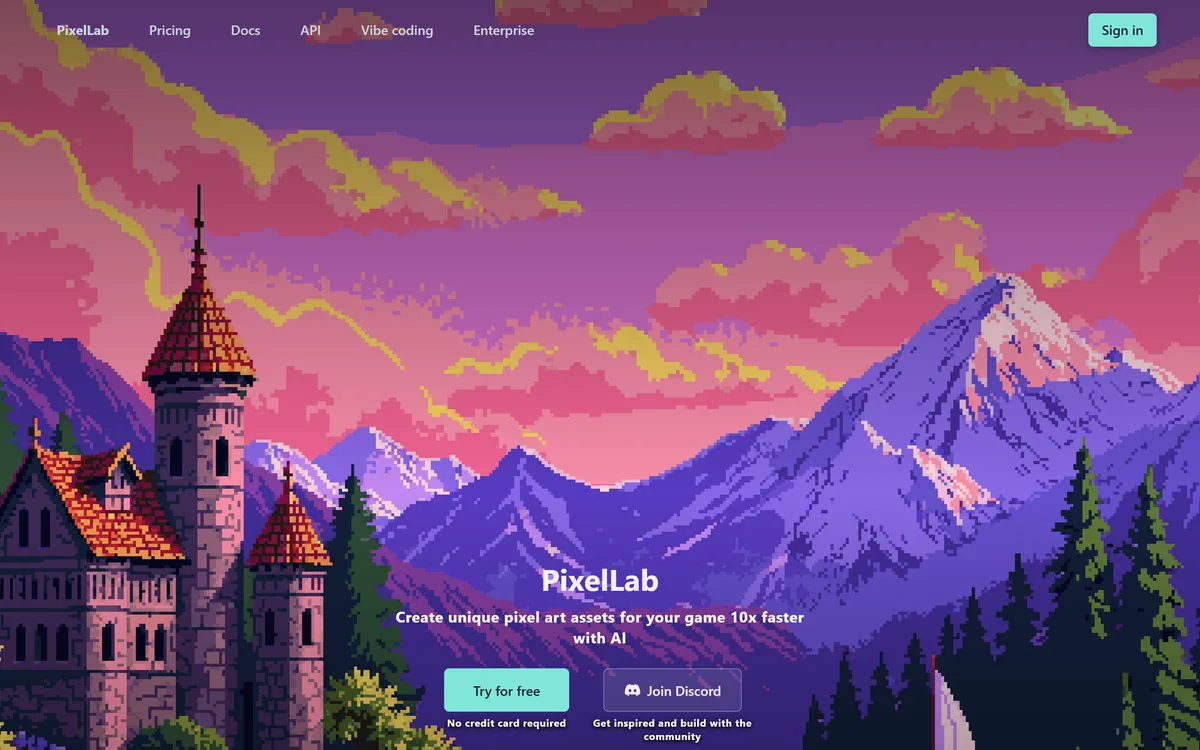
PixelLab generates pixel art game assets including character animations, 4 and 8 directional rotations, tilesets, environments and UI elements. It offers skeleton-based animation, true inpainting that understands the original image, and states it does not store generated or input images.
Very good
Pixel art is a deceptively hard generation target, because every pixel is a deliberate decision and the eye notices when one is wrong. What makes PixelLab credible is that it addresses the things a game actually needs rather than producing pretty single sprites: four and eight directional rotations, skeleton-based animation, tilesets, and inpainting that sees the original image so edits match the existing style. The stated policy of not storing generated or input images is unusual and welcome. For a solo developer, this removes the asset bottleneck that kills most projects. AInexfinder Editor Score: 4.2/5.
Best for: Solo indie developers blocked by art rather than code; Small teams needing hundreds of consistent sprites
The visit link goes to pixellab.ai, the official site. Paid placements on AInexfinder are always labelled. How we make money
The reason most indie games are never finished is not code. It is art — specifically the realisation that a playable game needs a character in eight directions, walking, running, attacking and idle, plus enemies, tiles, items and interface elements.
Pixel art looks like the affordable option and is not. Every pixel is a deliberate choice, consistency across hundreds of sprites is exacting, and animation multiplies everything by the number of frames.
PixelLab addresses that specific bottleneck, and the thing that makes it credible is which problems it chose to solve.
PixelLab positions itself as creating unique pixel art assets 10x faster with AI, for indie game developers.
The technical difficulty here is counterintuitive, because pixel art seems simple compared with photorealism.
The problem is precision at low resolution. A 32-pixel-tall character has no room for error — every pixel carries meaning, an anti-aliased edge that would be invisible at high resolution ruins the aesthetic entirely, and the constraint is the art form rather than a limitation of it.
General image models are trained to produce smooth, detailed output and then downscaled, which produces something that resembles pixel art without obeying its rules: inconsistent pixel grids, unintended colours, and edges that are almost but not quite aligned.
Getting it right requires generating in the constraint rather than reducing to it, which is why a dedicated tool exists at all. It is the same reason format-specific generators outperform general ones elsewhere — a specialist can make assumptions, as tools like BeatViz do in a completely different medium.
A 32-pixel-tall character has no room for error. The constraint is the art form, not a limitation of it.
Three capabilities do most of the practical work here, and each addresses something a game specifically requires.
Rotations — 4 and 8 directional views with isometric support — solve the requirement that kills side projects. A character that only faces one way is not a game character, and drawing the same figure convincingly from eight angles is genuinely skilled work.
Skeleton-based animation is the more sophisticated inclusion. Text-prompted animation is fine for simple motion; a skeleton gives you actual control over poses, which is how animation has always been directed.
True inpainting is described as seeing and understanding your original image while making edits, unlike other models. That matters because the usual failure of generative editing on pixel art is that the edited region does not match the surrounding style — different palette, different pixel density, visibly patched.
Together they cover generation, variation and correction, which is the full loop. A tool that generates well but cannot edit what it produced leaves you regenerating until something is acceptable, which is slower than it sounds.
PixelLab states its tools adapt to your reference images to maintain visual consistency across all your sprites, creating characters and objects that match your game's style.
Consistency is the actual problem in game art and it is chronically underestimated by people who have not shipped a game.
A single beautiful sprite is easy. Two hundred sprites that look like they belong in the same world — same palette discipline, same outline treatment, same light direction, same level of detail — is the hard part, and it is what separates a game that looks made from one that looks assembled.
Reference-driven generation is the right mechanism because style is far easier to demonstrate than to describe. Nobody can articulate their palette rules; everybody can supply four sprites that follow them.
The realistic caveat is that consistency degrades across many generations, and drift is gradual enough to miss. Reviewing the whole set together periodically rather than judging each sprite as it arrives is the discipline that keeps a project coherent.
PixelLab's FAQ states that it does not store any images generated or used as input for generation, unless clearly stated otherwise in the tool or documentation, and that it runs on cloud GPUs so you do not need a strong graphics card yourself.
The storage statement is unusual and worth crediting, because most generation services retain output by default and say so only in terms nobody reads.
For game developers this matters more than it might elsewhere. Unreleased character designs and art direction are commercially sensitive, and a studio would reasonably hesitate before uploading them to a service that keeps them.
The cloud GPU point is the practical counterpart. Running generation models locally requires hardware many indie developers do not have, and moving that to a server removes a real barrier — at the cost of needing connectivity and of your images travelling, which the storage policy is designed to address.
The caveat in the wording is worth noting honestly: unless clearly stated otherwise in the tool or documentation. That is a sensible carve-out for features that require retention, and it means the policy is a default rather than an absolute.
Removing the art bottleneck does not remove the reasons games fail, and it is worth being clear about that.
Art direction is the first thing generation cannot supply. A coherent visual identity is a set of decisions about what the game looks like and why, and reference-driven generation reproduces a style rather than deciding one.
Animation feel is the second. Game animation communicates weight and responsiveness through frame timing, and a technically correct walk cycle that feels wrong is a common and hard-to-diagnose problem.
Integration is the third and most practical. Sprite sheets have to match your engine's expectations for dimensions, pivot points, padding and naming, and assets that need reformatting before import erode the time saved.
And it cannot make the game good. Art is the most visible constraint and rarely the binding one — the same reason a code generator like Lovable makes scaffolding free without making the product worth using.
The comparison with 3D asset generation is instructive. Tools like Krikey AI remove rigging for 3D characters, which is the same bottleneck in a different dimension — and both face the same limit, that removing the production barrier does not supply the direction.
The way generated game art goes wrong is a folder of five hundred sprites that do not belong to the same game.
This sequence establishes the style first and treats consistency as the thing being managed.
| Product type | AI pixel art generator for game assets |
|---|---|
| Positioning | Create unique pixel art assets for your game 10x faster with AI |
| Users | 3,000+ indie game developers stated |
| Animation | One-click animations, skeleton-based animation, animate with text |
| Rotation | 4 and 8 directional views, with isometric support |
| Editing | True inpainting that sees and understands the original image |
| Style | Style-consistent generation adapting to your reference images |
| Environments | Scene generation, textures and tilesets |
| UI elements | Menu items, buttons and health bars |
| Infrastructure | Cloud GPUs, so no local graphics card required |
| Storage | States it does not store generated or input images, unless clearly stated otherwise in the tool or documentation |
| Access | Free trial with no credit card, plus docs, an API, vibe coding and enterprise pages |
| Community | A Discord |
| Copyright | © 2026 PixelLab |
Pixel art sprite generation
4 and 8 directional character rotations with isometric support
Skeleton-based and text-prompted animation
Automatic character creation from a concept image
True inpainting that matches existing style
Style-consistent generation from reference images
Scene generation, textures and tilesets
UI elements including menus, buttons and health bars
Generation tools differ by whether they respect a format's constraints or approximate them.
| Tool | Output | Format discipline | Best for |
|---|---|---|---|
| PixelLab | Pixel art sprites, animations and tilesets | Generates within the constraint | Indie game development |
| Krikey AI | 3D characters and animation | Automatic rigging | Video rather than games |
| Pikzels | Thumbnails | Optimised for small display | Images built to be clicked |
| Photoroom | Product visuals | Commercial imagery rules | Ecommerce listings |
| Refabric | Fashion designs and tech packs | Production specifications | Apparel design |
Last checked . Read from pixellab.ai in a browser session on the date above, with the screenshot captured alongside.
What we could not confirm: pricing and how generation is metered; the commercial licensing terms for generated assets, which is the question that decides whether a game can ship with them; which models underlie generation; what output formats and sprite sheet layouts are supported, which determines engine compatibility; how consistent style remains across hundreds of generations; and what the enterprise tier adds. We did not generate any assets.
Adjacent generators for characters, images and design assets.
AInexfinder does not list plan prices or billing details. For current pricing, plans, and trials, visit the official PixelLab website.
Visit official website for pricingVendor pricing, credits, and billing policies change over time. Always confirm on the official site before you buy.
PixelLab earns an AInexfinder Editor Score of 4.2/5 (very good). Best for: Solo indie developers blocked by art rather than code; Small teams needing hundreds of consistent sprites; Prototypers who need placeholder art that looks intentional.
Visit PixelLabLog in to write a review.
No reviews yet. Be the first to share your experience with PixelLab.
Assigned reviewer
Daniel ReedSenior AI Tools Reviewer
Daniel leads AInexfinder's tool reviews. He researches each tool from its own pricing, documentation and policies, checks its claims against independent sources, and writes up what it does well, where it falls short and who it genuinely suits.
Daniel and the AInexfinder editorial team research PixelLab from its own website, pricing, documentation and policies, checked against independent sources. This review is research-based: unless its method note says otherwise, we have not bought a plan or run hands-on tests. The Editor Score is our editorial judgement, and payment never changes it.
Similar Tools
Mobile-first AI art and video generator with many styles Category: Image & Design.
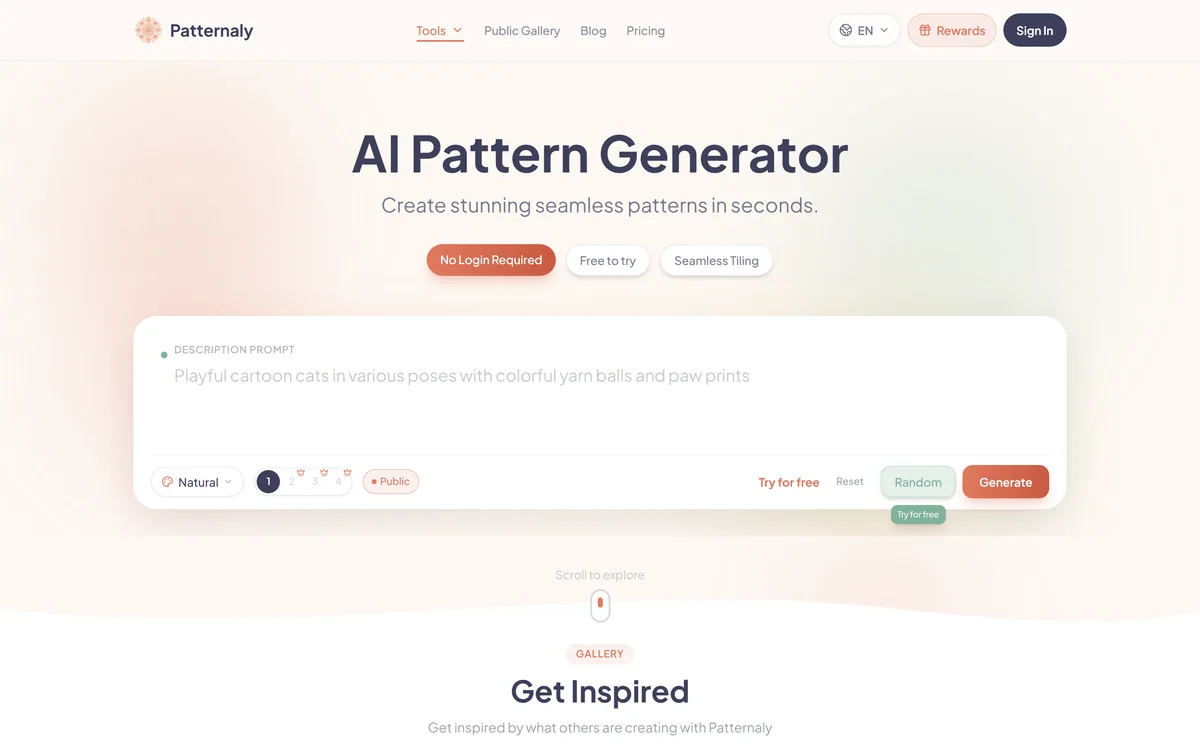
Patternaly is an AI pattern generator that turns a text prompt into seamless, tileable patterns for print-on-demand, textiles, packaging and wallpaper, with 19 artistic styles, a seamless checker, product mockups and HD export, and commercial rights on paid plans.


Midjourney is an AI image generator known for its distinctive aesthetic quality, currently on model V8.2, with a full web app alongside the original Discord workflow, plus an Editor, moodboards, style profiles, and five-second image-to-video.


Canva AI is the Magic Studio suite built into Canva — Magic Write for copy, Dream Lab for images, Magic Edit, Expand and Eraser for photos, Magic Switch for reformatting, Magic Charts for data, and Canva Code for interactive widgets.
GPT Image 2 launched on 21 April 2026 as ChatGPT Images 2.0 and as the gpt-image-2 API model. Its distinguishing capabilities are dense, accurate text rendering, layout fidelity for infographics and packaging, up to 3840px output, prompt-guided masking, and reasoning applied to image structure before generation.

Coolors review on AInexfinder — freemium AI tool for Image & Design. Features, pricing notes, and alternatives.
Related Pages