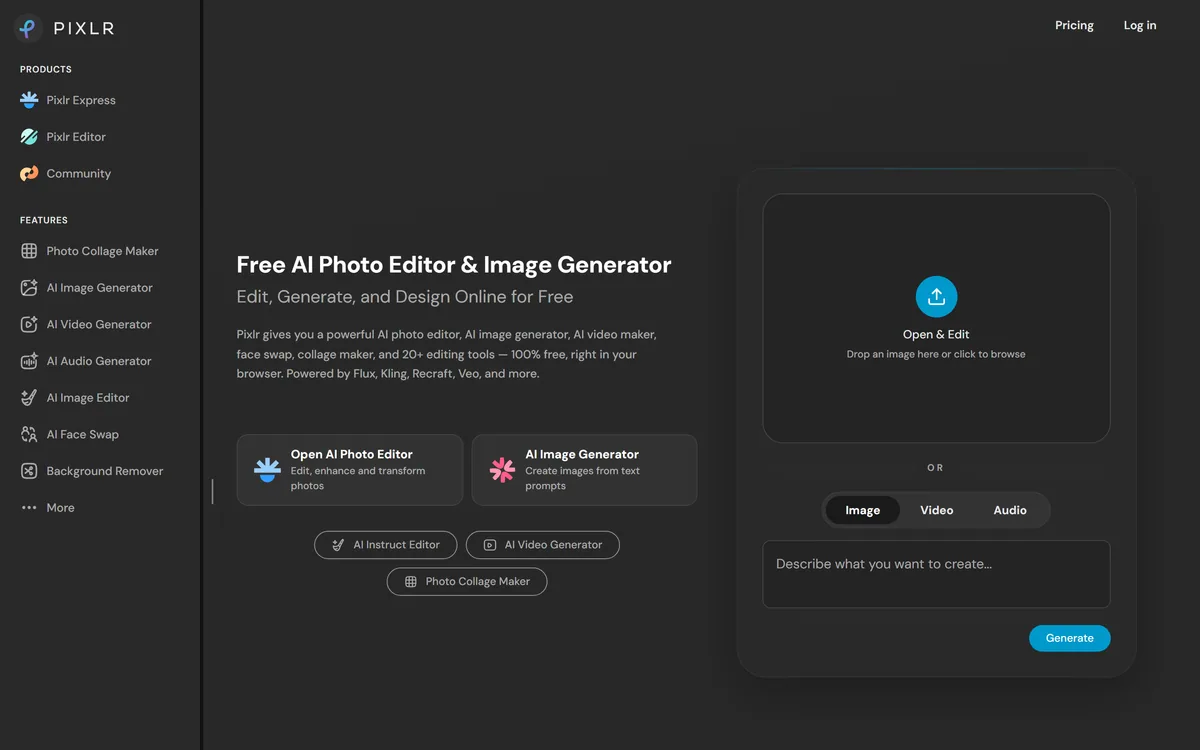
Pixlr is a browser-based photo editor from Pixlr Pte Ltd with two editors and a generative AI layer — Generative Fill, Expand and Transform, background and object removal, Super Scale upscaling, face swap, plus image, video, and audio generation.
Image & Design Review
FoodShot AI review on AInexfinder — freemium AI tool for Image & Design. Features, pricing notes, and alternatives.
Provisional score · full review pending
FoodShot AI has an AInexfinder Editor Score of 4.5/5.
Best for: Users who need 200+ food photography style presets; Teams that need builder mode for background, plate and dish
The visit link goes to foodshot.ai, the official site. Paid placements on AInexfinder are always labelled. How we make money
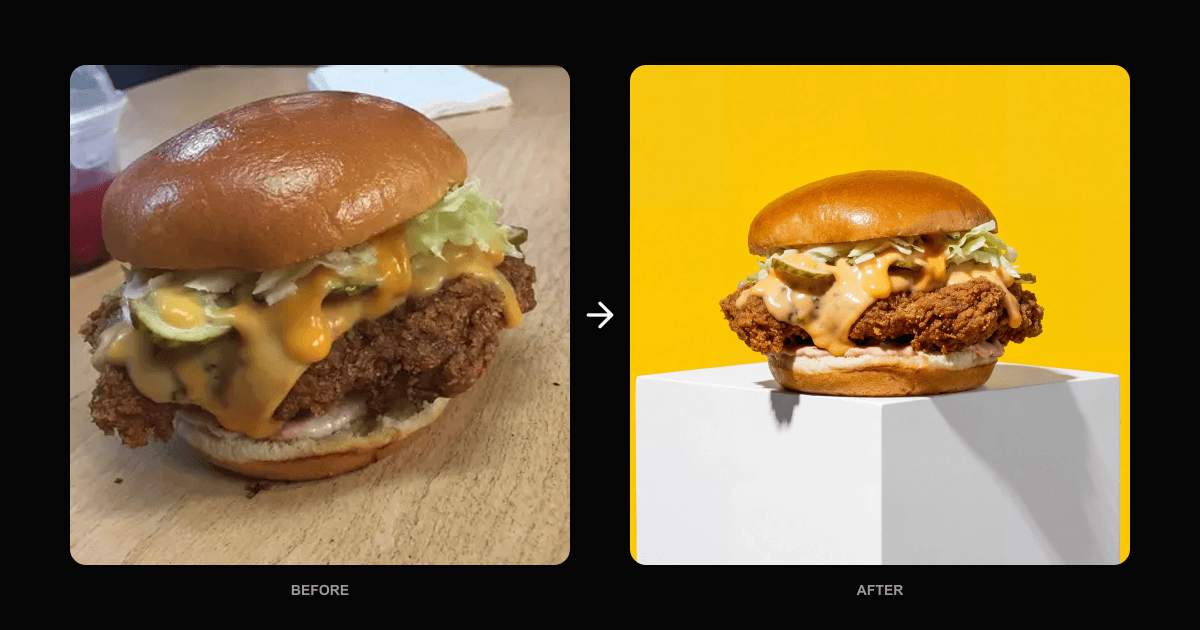
FoodShot AI is an AI food photography tool that transforms ordinary dish photos into professional, studio-quality images for menus, marketing and social media.
Users upload a photo of a dish, choose from more than 200 style presets across categories like delivery, menu and fine dining, and receive a polished result in about a minute and a half.
A Builder Mode lets users combine background, plate style and the food itself into a cohesive composition, while a My Styles feature accepts existing menu photos as references to keep output consistent with a brand's established look.
Prompt-based editing supports tweaks such as adding sauce, changing lighting or swapping plates, and the tool can produce multiple variations from a single photo plus a Poster Mode for marketing templates, with 4K print-ready output.
The audience is restaurants, cafes, bakeries, hotels, bars and food delivery platforms like DoorDash, Uber Eats and Grubhub, as well as food content creators. Strengths include the large preset library, brand-consistent referencing, prompt editing, high-resolution output and included commercial licensing on paid plans.
Weaknesses are that heavily stylized presets can make a dish look different from what is served, and free output is watermarked with limited credits. FoodShot AI uses a freemium model with a small free credit allotment and tiered monthly subscriptions scaling generation volume.
Pricing changes often, so check the official site for current plans. FoodShot AI's core capabilities include 200+ food photography style presets, Builder mode for background, plate and dish, Brand-consistent reference styling, Prompt-based edits and multiple variations and 4K print-ready output with commercial license.
200+ food photography style presets is built in, Builder mode for background, plate and dish is built in, Brand-consistent reference styling is built in, Prompt-based edits and multiple variations is built in, so you get a rounded toolkit rather than a single trick.
Each feature is designed to take the manual effort out of the task and help you reach a usable result faster, which is what makes FoodShot AI worth a place on your shortlist.
As with any AI tool, the output still benefits from a quick human review, but FoodShot AI gets you most of the way there with far less effort.
FoodShot AI runs on a freemium pricing model, so you can start for free and only pay once you outgrow the free tier — handy for testing it on a real task before spending anything.
AI-tool pricing changes often, so always check the current plans, seats and add-ons on the official site for the latest details before you buy. Who is FoodShot AI for? It's best suited for professional food photos from a phone snapshot.
Whether you're a beginner trying this kind of AI tool for the first time or a professional who'll use it every day, it's a credible option to consider.
FoodShot AI is best suited for professional food photos from a phone snapshot. Whether you are trying this kind of image & design tool for the first time or use one every day, it is a credible option to shortlist — compare it with the alternatives and head-to-head comparisons linked on this page to find the best fit for your workflow and budget.
200+ food photography style presets
Builder mode for background, plate and dish
Brand-consistent reference styling
Prompt-based edits and multiple variations
4K print-ready output with commercial license
AInexfinder does not list plan prices or billing details. For current pricing, plans, and trials, visit the official FoodShot AI website.
Visit official website for pricingVendor pricing, credits, and billing policies change over time. Always confirm on the official site before you buy.
FoodShot AI has a provisional score of 4.5/5: a formula estimate from this listing’s details, not yet an Editor Score. It is replaced once FoodShot AI gets its full research-based review. Best for: Users who need 200+ food photography style presets; Teams that need builder mode for background, plate and dish; Users focused on prompt-based edits and multiple variations.
Visit FoodShot AILog in to write a review.
No reviews yet. Be the first to share your experience with FoodShot AI.
Assigned to
Daniel ReedSenior AI Tools Reviewer
Daniel leads AInexfinder's tool reviews. He researches each tool from its own pricing, documentation and policies, checks its claims against independent sources, and writes up what it does well, where it falls short and who it genuinely suits.
This page is a summary of FoodShot AI built from its own website and listing details. It has not had its full research-based review yet, so its score is a provisional formula estimate, not an Editor Score. Daniel will research and re-score it; payment never changes a score.
Similar Tools
Pixlr is a browser-based photo editor from Pixlr Pte Ltd with two editors and a generative AI layer — Generative Fill, Expand and Transform, background and object removal, Super Scale upscaling, face swap, plus image, video, and audio generation.
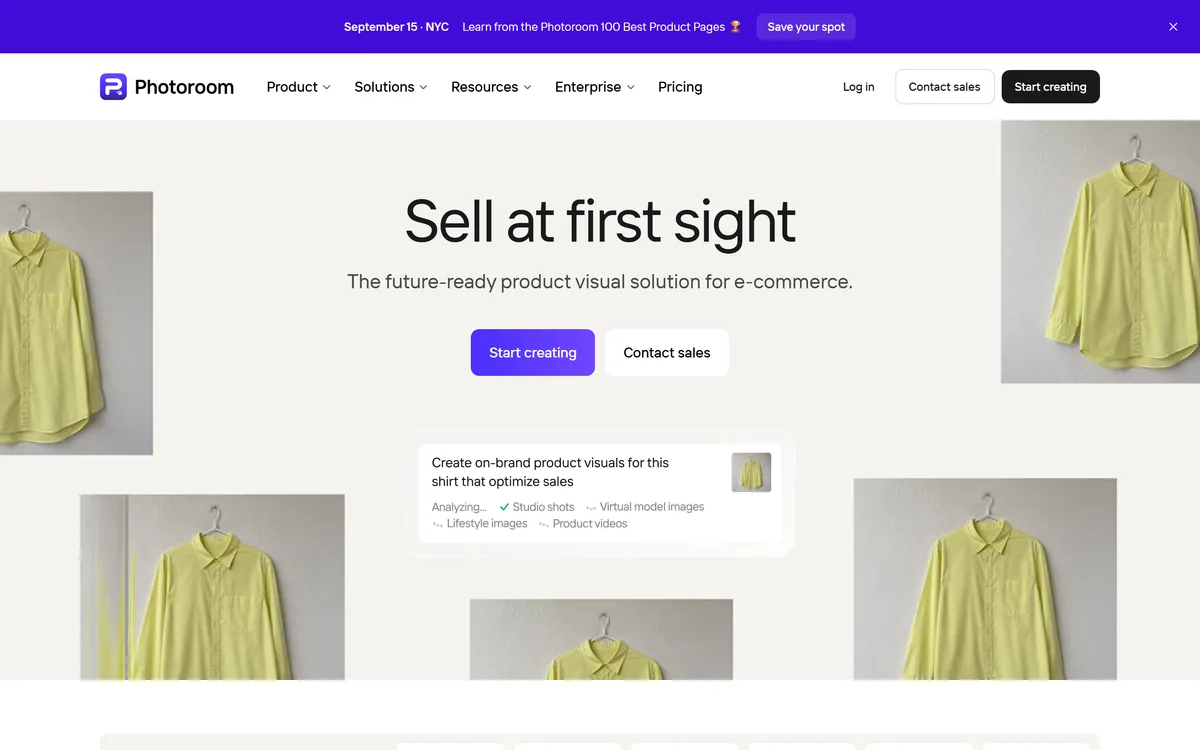
Photoroom is a product visual platform for ecommerce covering background removal, AI product photography, batch editing, an image API, brand kits, marketplace sync and video templates. It states 1M+ businesses, SOC 2 Type 2 and enterprise options including custom models and SLA-backed uptime.
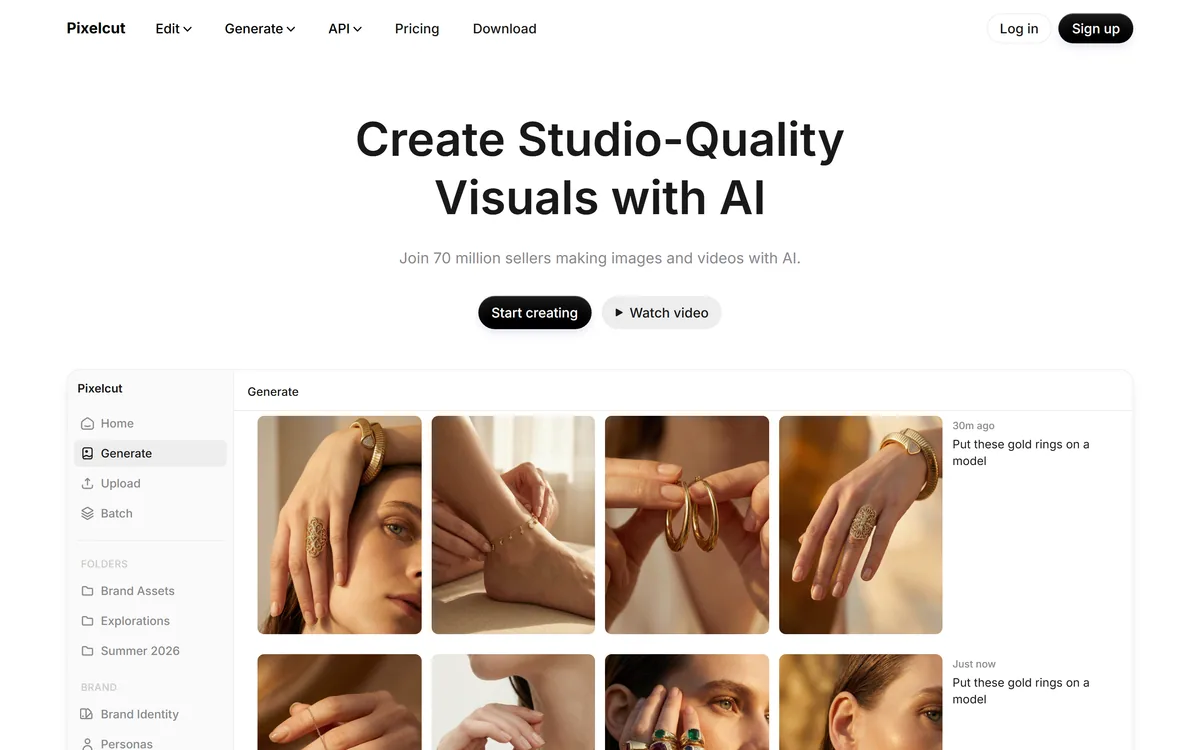
Pixelcut is an AI photo and video editor built around ecommerce workflows: product showcases, UGC-style ads and consistent AI personas, plus background removal, 16x upscaling, generative fill, magic eraser and batch editing across web, iOS and Android.
VanceAI is a suite of AI photo- and video-enhancement tools, upscaling, sharpening, denoising, restoring, colorizing, cartoonizing and background removal, built on proprietary deep convolutional networks, usable online or as desktop apps for local batch processing, with an API.
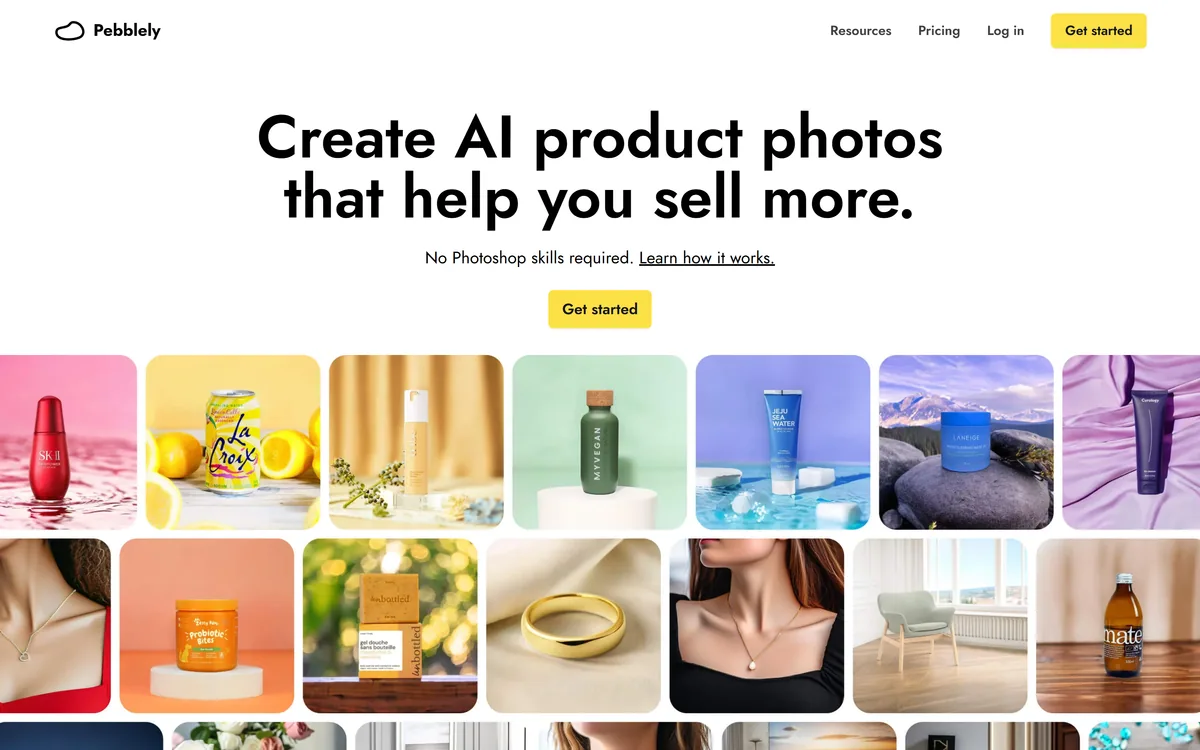
Pebblely generates product photography from a single uploaded image, placing the item into more than a hundred pre-built scene templates, generating in bulk, and resizing for marketplaces and social platforms. It is operated by a Singapore-registered company and states over 25 million images generated.
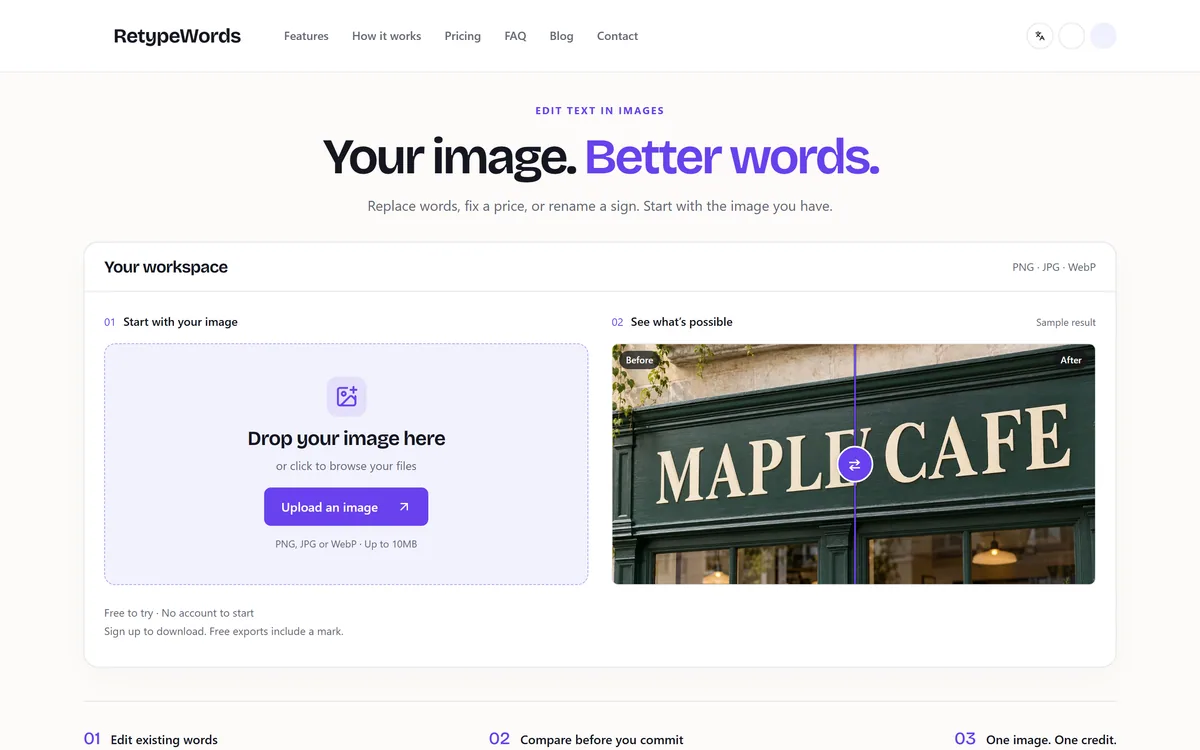

RetypeWords is a browser tool that replaces text that has been flattened into a PNG, JPG or WebP image. It reads the words with OCR, lets you correct what it read, then regenerates the selected area so the new wording sits in the picture rather than on top of it.
Related Pages