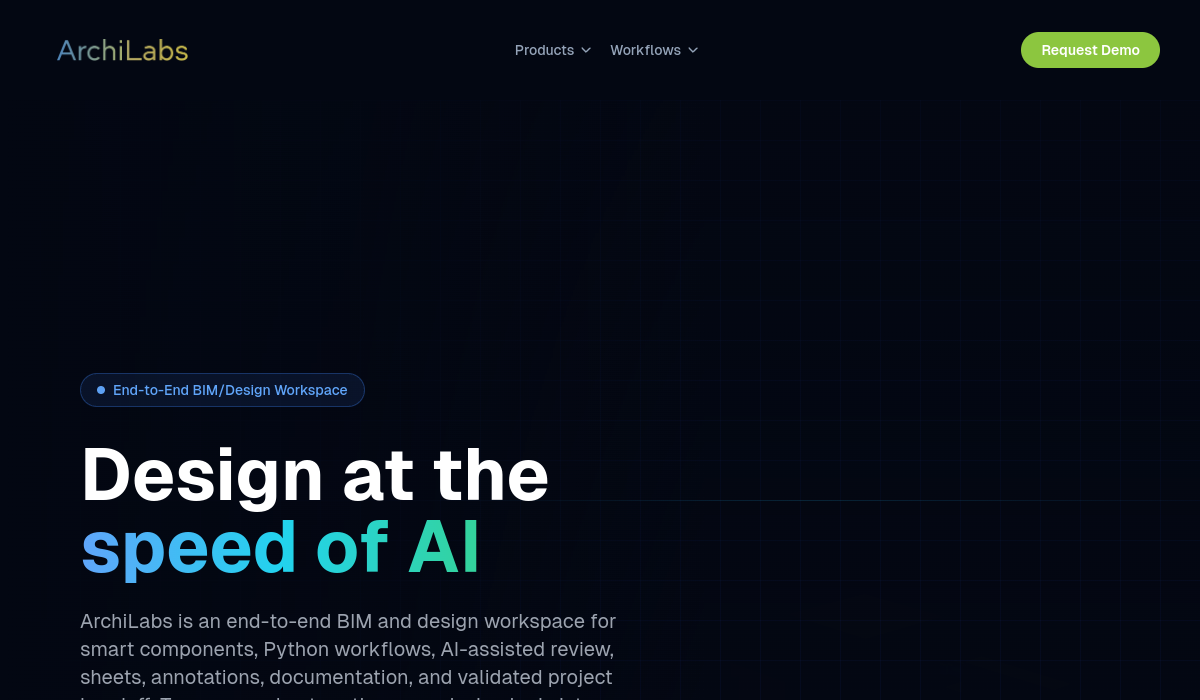
What is ArchiLabs?
ArchiLabs is an AI-powered BIM and design-automation platform that acts as a browser-native workspace complementing existing CAD and BIM tools rather than replacing them. It pairs AI-assisted modeling with deterministic, auditable validation so that designs generated and iterated by AI remain reproducible.
Core features include smart components that carry their own specifications and validation rules, Python-native automation where AI generates workflow scripts from plain-language descriptions, DXF-to-3D conversion that turns legacy 2D drawings into structured editable 3D models, a 3D configure-price-quote configurator, version control with full audit trails and branching, and an embeddable SDK for white-labeled integration into other platforms.
ArchiLabs targets MEP firms, modular-housing teams, production homebuilders, fire-protection consultants, data-center planners, and platform developers who need embedded design automation.
Strengths include the combination of AI speed with deterministic, reproducible outputs suited to regulated engineering work, deep integration with existing BIM ecosystems, and automation that converts repetitive modeling into scripted workflows.
Limitations are that it is built for AEC professionals and engineering teams rather than casual users, it complements rather than replaces tools like Revit, and pricing is not published, with access via demo and pilot programs.
Engineering and modular-construction teams typically adopt ArchiLabs to automate repetitive, rules-driven modeling and configuration work, turning standardized design logic into reusable scripts and configurators that reduce errors and free designers for higher-value tasks. Pricing changes often, so check the official site for current plans.
ArchiLabs's core capabilities include Smart components with validation rules, Python-native automation from plain language, DXF-to-3D drawing conversion, 3D configure-price-quote configurator, Version control with audit trails and Embeddable white-label SDK.
Smart components with validation rules is built in, Python-native automation from plain language is built in, DXF-to-3D drawing conversion is built in, 3D configure-price-quote configurator is built in, so you get a rounded toolkit rather than a single trick.
Each feature is designed to take the manual effort out of the task and help you reach a usable result faster, which is what makes ArchiLabs worth a place on your shortlist.
On the plus side, users consistently highlight AI speed with deterministic, auditable output, Integrates with existing BIM tools and Automates repetitive modeling tasks as the reasons they keep using ArchiLabs.
It isn't perfect, though — Built for AEC professionals only, Complements rather than replaces Revit and No public pricing are the trade-offs people most often mention, so weigh those against your own priorities before you commit.
As with any AI tool, the output still benefits from a quick human review, but ArchiLabs gets you most of the way there with far less effort. ArchiLabs runs on a paid pricing model, aimed at users who want the full feature set without free-tier limits.
AI-tool pricing changes often, so always check the current plans, seats and add-ons on the official site for the latest details before you buy. Who is ArchiLabs for? It's best suited for ai bim automation for design and engineering teams.
Whether you're a beginner trying this kind of AI tool for the first time or a professional who'll use it every day, it's a credible option to consider.
If you're still deciding, compare ArchiLabs against the alternatives and the head-to-head comparisons linked below — looking at features, pricing and real user ratings side by side is the fastest way to find the right fit for your workflow and budget.
Who is ArchiLabs for?
ArchiLabs is best suited for ai bim automation for design and engineering teams. Whether you are trying this kind of emerging & specialized tool for the first time or use one every day, it is a credible option to shortlist — compare it with the alternatives and head-to-head comparisons linked on this page to find the best fit for your workflow and budget.