What is Codia AI?
Codia AI is a vision-AI platform built to convert static visual content into editable design assets and code, helping designers and developers skip tedious manual rebuilding.
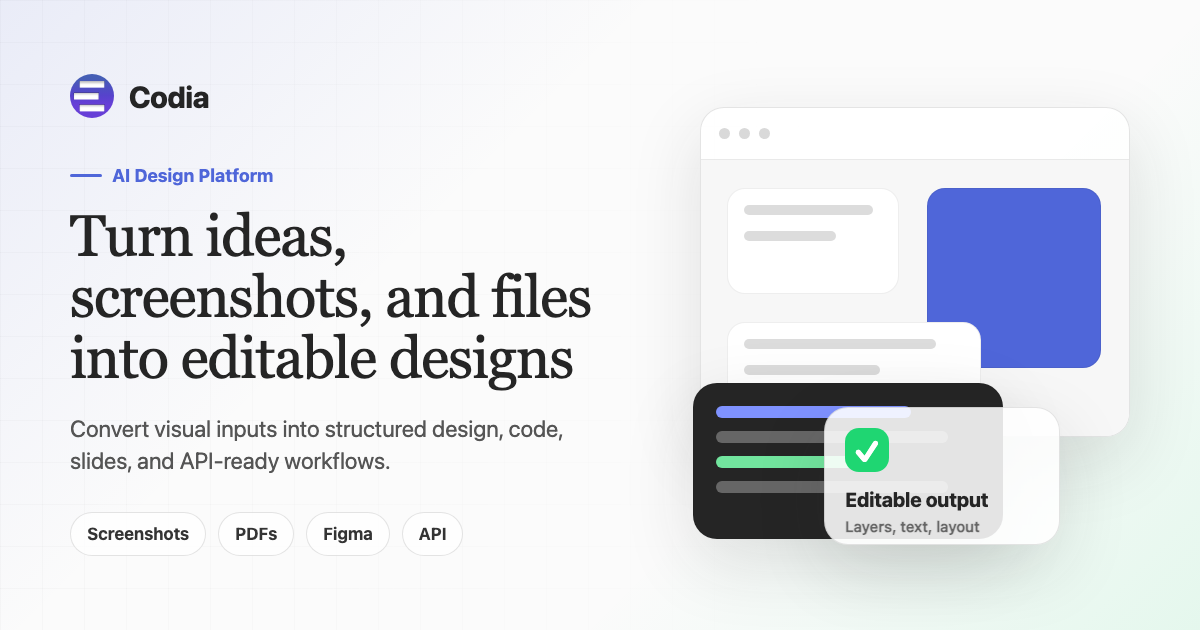
Its core promise is to turn ideas, screenshots and files into editable designs, reconstructing text, shapes, layers, layouts and design objects from a flat image.
The platform supports several workflows: screenshots to editable Figma designs, PDFs and presentations into PowerPoint or Keynote, design files into production-ready front-end code, and images into SVG and other vector formats.
It is delivered through Codia Studio for visual creation and editing, Figma and Canva plugins, a NoteSlide product for slide conversion, a design-to-code converter, and a developer API.
This makes it useful for product teams recreating competitor UIs for analysis, designers digitizing mockups or legacy screens, and engineers who want a head start translating designs into code.
Pros include broad conversion coverage across design and code, useful Figma and Canva plugins, an API for automation, and a free tier with no card required. Cons are that complex or unusual layouts can still require manual cleanup, and generated code typically needs review before shipping to production.
It uses flexible, usage-based pricing with a free entry tier and custom enterprise options for teams. Pricing changes often, so check the official site for current plans.
Codia AI's core capabilities include Screenshot or image to editable Figma design, Design file to production-ready code conversion, Image to SVG and vector output, Figma and Canva plugins plus developer API and PDF and slide to PowerPoint or Keynote conversion.
Screenshot or image to editable Figma design is built in, Design file to production-ready code conversion is built in, Image to SVG and vector output is built in, Figma and Canva plugins plus developer API is built in, so you get a rounded toolkit rather than a single trick.
Each feature is designed to take the manual effort out of the task and help you reach a usable result faster, which is what makes Codia AI worth a place on your shortlist.
On the plus side, users consistently highlight Covers design and code conversion in one platform, Plugins and API fit existing workflows and Free tier available to start as the reasons they keep using Codia AI.
It isn't perfect, though — Complex layouts can need manual cleanup and Generated code requires review before production are the trade-offs people most often mention, so weigh those against your own priorities before you commit.
As with any AI tool, the output still benefits from a quick human review, but Codia AI gets you most of the way there with far less effort.
Codia AI runs on a freemium pricing model, so you can start for free and only pay once you outgrow the free tier — handy for testing it on a real task before spending anything.
AI-tool pricing changes often, so always check the current plans, seats and add-ons on the official site for the latest details before you buy. Who is Codia AI for? It's best suited for convert screenshots and files into editable designs and code.
Whether you're a beginner trying this kind of AI tool for the first time or a professional who'll use it every day, it's a credible option to consider.
If you're still deciding, compare Codia AI against the alternatives and the head-to-head comparisons linked below — looking at features, pricing and real user ratings side by side is the fastest way to find the right fit for your workflow and budget.
Who is Codia AI for?
Codia AI is best suited for convert screenshots and files into editable designs and code. Whether you are trying this kind of image & design tool for the first time or use one every day, it is a credible option to shortlist — compare it with the alternatives and head-to-head comparisons linked on this page to find the best fit for your workflow and budget.