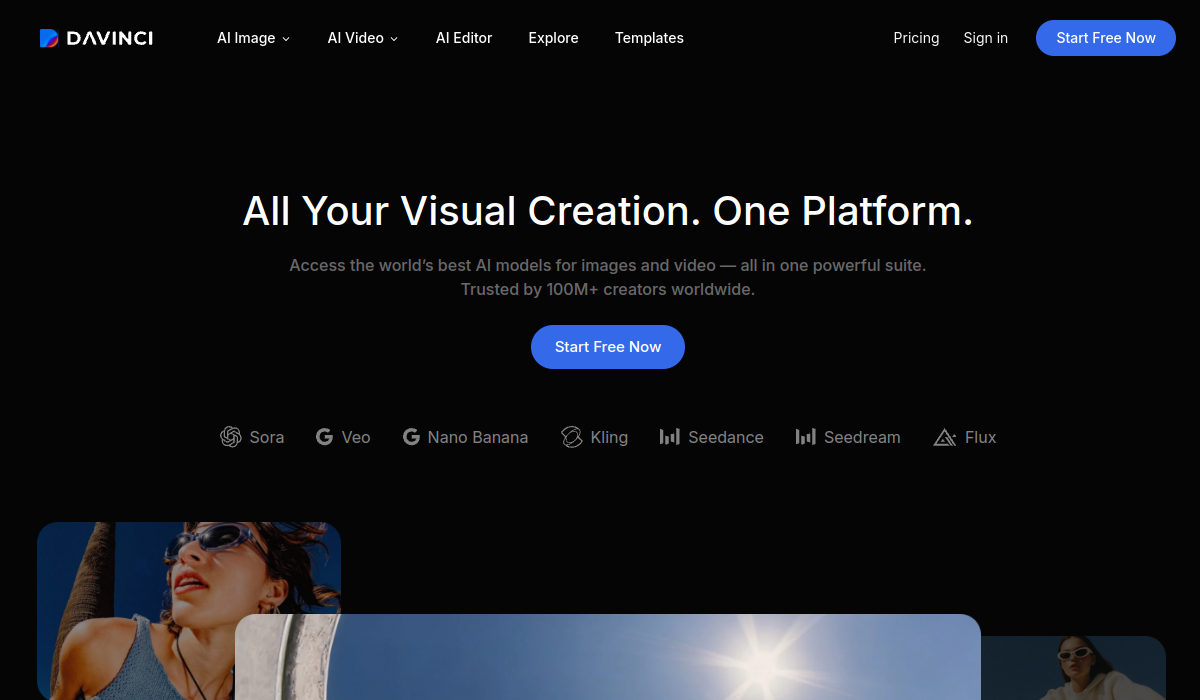
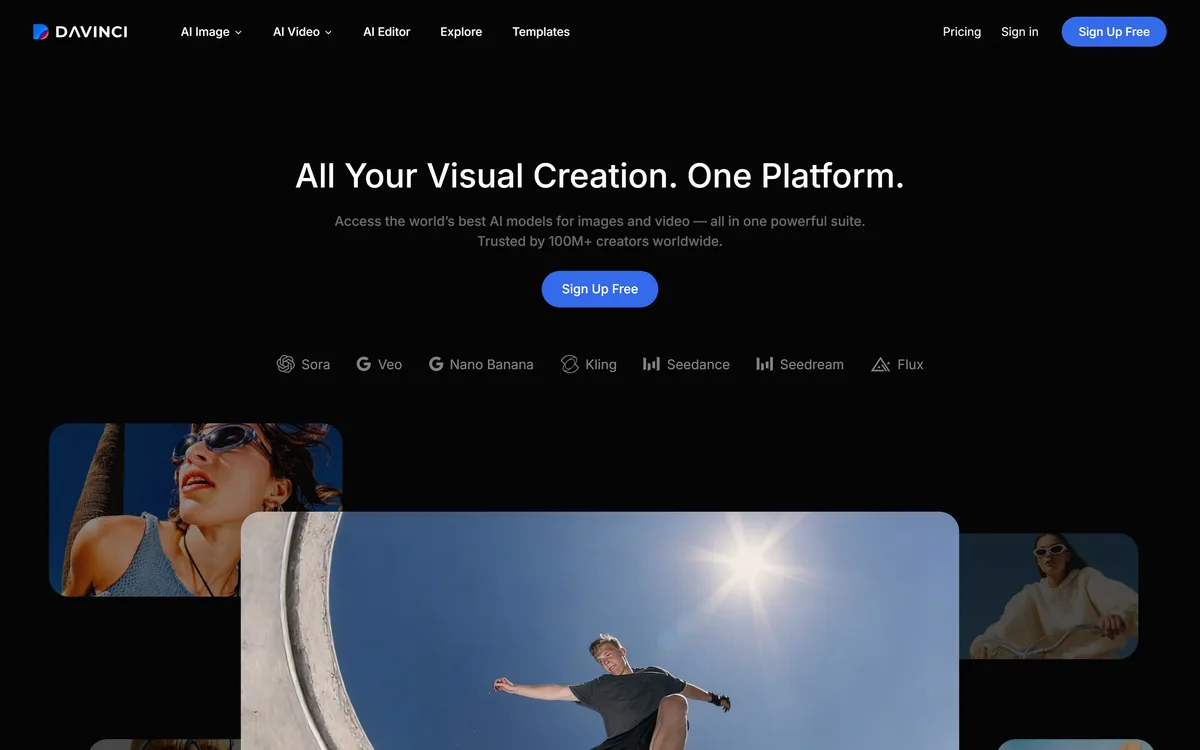
DaVinci (by HubX, not Blackmagic's DaVinci Resolve) is an all-in-one generative-media studio that bundles 50+ third-party AI image and video models, Sora, Veo, Kling, Flux and more, into one subscription, with editing tools and a credit-based, commercial-use model.
The best AI image or video model changes month to month, and paying for several separately is expensive and fiddly. DaVinci's pitch is to put many of them behind one subscription and one workspace.
It is an all-in-one generative-media studio aggregating 50+ third-party models, Sora, Veo, Kling, Flux and more, for image and video (with audio coming), plus editing tools, under a credit-based plan. Where a single frontier model like Kling 3.0 does one thing, DaVinci's value is access and convenience across many.
This review covers what DaVinci brings together, who it suits and the name confusion to clear up, how its credits work, and who is better off elsewhere.
DaVinci aggregates many third-party AI models into one creative workspace.
DaVinci, The Studio Rundown
DaVinci is a multi-model AI creative studio: 50+ third-party image and video models in one workspace and subscription.
It aggregates, it does not build: you get Sora, Veo, Kling, Flux and others behind one interface and one bill.
Not Blackmagic's DaVinci Resolve: this is a HubX product, a different thing with a confusingly similar name.
Credit-based, commercial-use: you own your content, generations consume credits, and it runs on web and mobile.
DaVinci Creative Studio Facts
What it is
A multi-model generative-media studio
Maker
HubX (not Blackmagic DaVinci Resolve)
Models
50+ third-party image and video models (vendor)
Includes
Sora, Veo, Kling, Flux, Nano Banana and more
Editing
Upscale, object replace/remove, background edits
Ownership
You own your content, no attribution required
Pricing
Subscription, credit-based per generation
Platforms
Web, iOS and Android
Many AI Models In One Creative Workspace
DaVinci's core value is aggregation. Instead of subscribing to several AI model providers and juggling their interfaces, you get a large, changing roster of image and video models in one workspace, under one bill, which is a genuine convenience when the best model keeps shifting.
It adds editing on top of raw generation, upscaling, object replace and remove, background change and relight, image-to-video and more, so a workspace can take a generation from idea to a polished, platform-sized output.
The honest first thing to say, though, is the name. This DaVinci is a HubX product and is not Blackmagic's DaVinci Resolve, the professional video editor. They are entirely different tools with a confusingly similar name, and anyone searching should be sure which they mean.
The best AI image or video model keeps shifting. DaVinci's value is access to many behind one subscription, so you are not locked to whichever was best last month.
What Does DaVinci Bring Together?
The breadth of models is the draw; the ownership and model caveats are what to understand before relying on it.
Image And Video Across 50+ Models
DaVinci offers text-to-image, image-to-image, text-to-video and image-to-video across a stated 50+ models, plus practical tools like product-photo-to-commercial-video, auto-resize per platform and upscaling, with audio generation flagged as coming.
That one-roof access is the appeal, especially for creators who want to try the newest model without a new subscription. For stock-style imagery specifically, a tool like Stockimg.ai is more specialised; DaVinci trades depth in any one model for breadth across many.
What You Own, And The Model Caveat
DaVinci states you own your generated content with no attribution required, and that your data is not used to train models without permission, which it also requires of its third-party providers. Those are reassuring, vendor-stated positions worth verifying in the terms.
The model caveat is that DaVinci is a reseller of others' models, with a trademark disclaimer that model names belong to their owners. Realistic, AI-generated image and video, especially of people, carries likeness and deepfake responsibility that sits with you; keep output within rights and consent, as you would with a single model like Nano Banana Pro.
Who DaVinci Suits, And The Name Confusion
DaVinci suits creators, marketers and content teams who want to use many AI models without managing many subscriptions, and who value convenience and breadth over the absolute deepest control of any single model.
It is a good fit for people experimenting across models to find the right look, and for teams that want image and video generation plus light editing in one place. The auto-resize and product-to-video tools lean it toward marketing content.
The name confusion is a real, practical caveat: do not confuse this HubX product with Blackmagic's DaVinci Resolve editor. And anyone needing the frontier of a specific model, or deep professional editing, is better served by that model directly or a dedicated editor. Its '100M+ creators' figure is a vendor claim.
How DaVinci Prices Its Generations
DaVinci is a subscription with tiers, billed annually, and credit-based per generation, with extra credits available and mobile apps; commercial use is allowed with an active subscription. We do not publish prices, which change; check the site.
Because different models and output types consume different amounts of credit, the practical question is how far a plan's credits go for the kind of generation you actually do, which varies a lot between a quick image and a long video.
The value case is strongest if you would otherwise pay for several model subscriptions; if you only ever use one model, subscribing to it directly is usually cheaper and gives you its full, latest capabilities.
A Simple Way To Try DaVinci
Because the value is breadth and convenience, trial DaVinci on the real generations you do, across a few models.
Confirm first that you want this HubX studio, not Blackmagic's DaVinci Resolve editor.
Generate the same brief across two or three of its models and compare the results.
Try the editing tools, upscale, object remove, background change, on a real output.
Watch how fast different models and output types burn through your credits.
Read the ownership and training terms, and keep any people-likeness output within consent.
Pass/fail: DaVinci is worth it if one subscription genuinely replaces several model subscriptions for you.
If you only use one model, compare subscribing to it directly instead.
Is DaVinci The Right Studio For You?
Creators DaVinci Works For
Creators who want many AI models without many subscriptions
Marketers needing image and video plus light editing
People experimenting across models to find a look
Teams that value breadth and convenience
Anyone wanting web and mobile access in one place
When DaVinci Is The Wrong Studio
Anyone who confuses it with Blackmagic DaVinci Resolve
People who need the frontier of one specific model
Those wanting deep professional video editing
Users who only ever use a single model
Anyone generating people-likeness without consent
Key features of DaVinci
50+ third-party image and video models
Text- and image-to-image
Text- and image-to-video
Upscaling
Object replace and remove
Background change and relight
Auto-resize per platform
Web and mobile apps
Pros & cons
Pros
5
Many models under one subscription
Breadth as the best model keeps changing
Editing on top of raw generation
States you own your content
Web and mobile access
Cons
5
Easily confused with Blackmagic DaVinci Resolve
A reseller, not its own model
Credits burn fast on video
Less deep than using a model directly
Likeness/deepfake responsibility is on you
Best For
Multi-model creators
Marketing content teams
Model experimenters
Breadth-over-depth users
Web and mobile generation
DaVinci Against Single-Model Tools
The real comparison is between a multi-model aggregator and subscribing to individual models.
A stated you-own-your-content position and no-training-without-permission policy
A third-party trademark disclaimer for model names
A credit-based subscription billed annually, with web and mobile apps
A clear distinction from Blackmagic's DaVinci Resolve editor
No plan prices reproduced here, in line with this site's pricing policy
This DaVinci is a HubX product, not Blackmagic's DaVinci Resolve. It resells third-party models; realistic image/video of people carries likeness and deepfake responsibility that sits with the user. The '100M+ creators' figure is vendor-stated.
Editor's Verdict
3.7/5
DaVinci earns 3.7 as a convenient multi-model aggregator: 50+ third-party AI image and video models in one workspace and subscription, with editing on top and a stated you-own-your-content policy. The caveats are real, it is a HubX product easily confused with Blackmagic's DaVinci Resolve, it resells others' models rather than building its own, and realistic people-generation carries likeness responsibility, so it suits breadth-seekers more than single-model power users. AInexfinder Editor Score: 3.7/5.
DaVinci pricing
AInexfinder does not list plan prices or billing details. For current pricing, plans, and trials, visit the official DaVinci website.
Vendor pricing, credits, and billing policies change over time. Always confirm on the official site before you buy.
Frequently asked questions
What is DaVinci?
DaVinci (by HubX) is an all-in-one generative-media studio that bundles 50+ third-party AI image and video models, such as Sora, Veo, Kling and Flux, into one workspace and subscription, with editing tools and a credit-based, commercial-use model across web and mobile. It aggregates models rather than building its own.
Is this the same as DaVinci Resolve?
No. This DaVinci is a HubX product and is completely different from Blackmagic's DaVinci Resolve, the professional video editor, despite the confusingly similar name. If you are looking for the editor, this is not it; if you want a multi-model AI generation studio, this is the one.
What models does DaVinci include?
It offers a stated 50+ third-party image and video models, with named ones including Sora, Veo, Kling, Flux and Nano Banana, plus its own DaVinci options. Because it aggregates others' models, the exact roster changes, which is part of the appeal, you get new models without new subscriptions.
Do I own what I generate with DaVinci?
The vendor states you own your generated content with no attribution required, and that your data is not used to train models without permission, a requirement it also places on its third-party providers. These are reassuring positions, but verify the current terms before relying on them commercially.
How does DaVinci's pricing work?
It is a subscription with tiers billed annually, and credit-based per generation, with extra credits available. We do not publish prices, which change; check the site. Because models and output types consume different amounts of credit, test how far a plan goes for the generation you actually do.
Is DaVinci better than using a model directly?
It depends. If you use many models, DaVinci's one-subscription convenience and breadth win. If you only ever use one model, subscribing to it directly is usually cheaper and gives you its full, latest capabilities, since an aggregator can lag or limit a specific model.
Can DaVinci generate video of people?
Its models can generate realistic image and video, including of people, which carries likeness and deepfake responsibility. That responsibility sits with you: keep output within the rights and consent of anyone depicted, and be transparent where appropriate. The tool provides access, not permission.
Who is DaVinci for?
Creators, marketers and content teams who want to use many AI models without managing many subscriptions, who value breadth and convenience, and who experiment across models to find a look. It leans toward marketing content with tools like auto-resize and product-to-video.
Who should not use DaVinci?
Anyone who actually wants Blackmagic's DaVinci Resolve editor, people who need the frontier of one specific model, those wanting deep professional video editing, and anyone who only ever uses a single model, who is usually better subscribing to it directly.
Are DaVinci's user numbers reliable?
Figures like '100M+ creators' and app ratings are vendor-stated, so treat them as marketing rather than verified counts. Judge DaVinci on whether its model roster and one-subscription convenience genuinely replace the separate model subscriptions you would otherwise pay for.
Daniel reviews AI tools the slow way — by actually using them on real projects. His reviews cover what works, what breaks, and who each tool is genuinely a good fit for.
Daniel and the AInexfinder editorial team research DaVinci using public product information, listing evidence, and (when available) hands-on checks. Scores reflect listing completeness and transparency — not paid placement.
Listings may include affiliate or sponsored placements, which are labeled when present. Editorial scores and cons are not sold. See our affiliate disclosure and review methodology.
krea2.org is a browser image-generation workspace that runs several third-party models side by side, including Krea 2 tiers, FLUX.2, GPT Image 2, Nano Banana and Seedream 5.0, with reference uploads, six aspect ratios and live model switching.
GenApe is an all-in-one AI platform covering writing, chat, image and video generation, image editing, product photography, translation, and research — with 145 free credits on signup and commercial rights granted to paid users.
Adobe Firefly generates images, video, and audio from models trained on licensed Adobe Stock and public domain content, with Content Credentials on every output, Firefly Boards for ideation, Custom Models for brand style, and third-party partner models alongside Adobe's own.
GPT Image 2 launched on 21 April 2026 as ChatGPT Images 2.0 and as the gpt-image-2 API model. Its distinguishing capabilities are dense, accurate text rendering, layout fidelity for infographics and packaging, up to 3840px output, prompt-guided masking, and reasoning applied to image structure before generation.
OpenArt is an all-in-one AI creation platform covering image, video, voice and audio in one place, built around a Director that lets you lay out a storyboard and shape each shot through conversation, alongside persistent characters and worlds for consistency across a project.
Stockimg AI offers separate generators for logos, stock photos, illustrations, wallpapers, product photos and social posts, then schedules the output to Instagram, TikTok, LinkedIn, YouTube and X, with an API for programmatic use.