Logome review on AInexfinder — freemium AI tool for Image & Design. Features, pricing notes, and alternatives.
FreemiumImage & Design
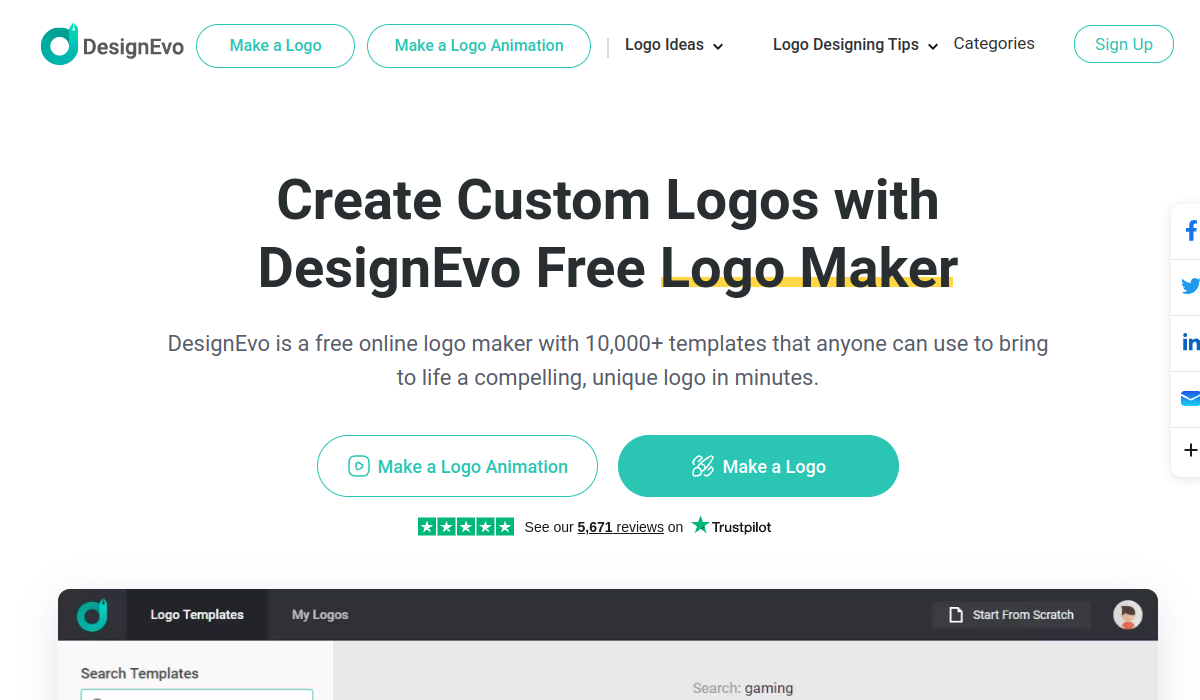
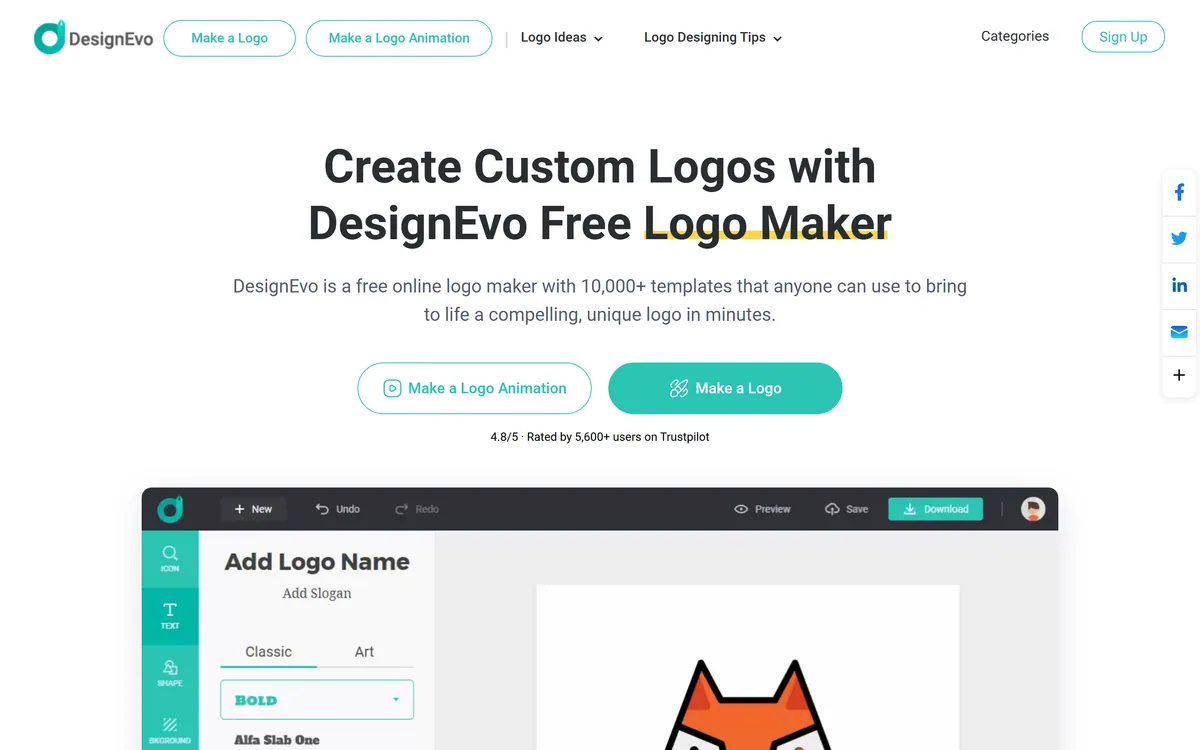
DesignEvo is a browser logo maker built on 10,000+ templates and a large vector icon library, with a four-panel editor for icon, text, shape and background. It also makes animated logos, and saved projects can be re-edited indefinitely.
Almost every logo tool launched since 2023 puts a prompt box on the homepage. DesignEvo does not. It is a template library and an editor, and in a market drifting towards generation that positioning is worth taking seriously rather than dismissing as dated.
The trade is explicit. A generated logo is unique and unpredictable; a template logo is predictable and shared. Which of those is right depends entirely on what the logo is for — and most people asking the question have a clearer answer than they realise.
This review covers what the four-panel editor actually gives you, why the animated logo mode is more useful than it first appears, the export-format trap that catches people months later, and when a template logo is genuinely the wrong choice.
This is the only question that matters here, and it is not about which technology is better.
A template logo is composed from parts that already exist. It will look competent, it will render correctly at every size, the icon will be a clean vector, and someone else somewhere is using something similar. You know exactly what you are getting before you start.
A generated logo is one of a kind and arrives with the problems of generated vector art: shapes that look right at 400px and fall apart at 40, letterforms that are almost but not quite a real typeface, and a file that may not be genuinely scalable.
For a side project, a community group, an internal team, an event, or a business testing an idea before committing — the template is the correct choice, and paying a designer would be over-investing. For a company whose brand mark will appear on packaging and be defended commercially, neither a template nor a generator is the answer; a designer is.
The uncomfortable middle is a real business that will grow. A template logo there is a decision to redo it later, and that is fine as long as it is a decision rather than a surprise.
The right question is not "is this a good logo?" It is "how long do I need this logo to last?"
The editor splits into icon, text, shape and background, and that structure tells you how the tool thinks about a logo.
The icon library is the substance of the product — a large vector set searchable by concept. Because they are vectors, they scale cleanly, which is the one technical property a logo genuinely cannot do without.
Shape covers containers and framing devices: the circle, the badge, the enclosing form. Used carefully this is what makes a logo feel deliberate rather than assembled; used carelessly it is what makes every template logo look like every other template logo.
Type selection with a wide font range. This is where most of the differentiation actually happens, and where most users spend the least effort. Two logos using the same icon and different typefaces read as different brands; the reverse is far less true.
Background covers the plate the mark sits on. The important discipline is to make sure the logo still works with no background at all, because that is how it will be used most often.
DesignEvo offers logo animation as a first-class mode alongside static design, and it is the feature least likely to be found on a competitor at this level.
The reason it matters has changed over the last few years. A logo now has to work as a video intro, a social profile motion asset, a stream overlay and a presentation opener — not just as a static mark on letterhead. Commissioning that animation separately is an expensive afterthought.
It is also the one place where a template approach has a clear advantage over generation. Animation requires knowing how the parts of a mark are structured so they can move independently, and a template built from discrete layers already has that structure. A generated flat image does not.
The caveat is restraint. An animated logo that spins, bounces and flares reads as amateur immediately. The best use is the smallest one.
This is where people get caught, usually months later and at the worst moment.
Raster files — PNG and JPG — are pixels. They have a fixed resolution and blur when enlarged. Vector files — SVG and PDF — are mathematical descriptions and scale to any size perfectly. A logo is used at 16 pixels on a browser tab and at two metres on a trade-show banner, so a logo without a vector file is a logo you cannot use properly.
DesignEvo does offer vector export, on a higher tier, along with the font files used in the design. Font files matter for a duller reason: without them, whoever next edits your logo cannot match the type, and the mark quietly drifts.
The practical rule is simple. If this logo is for anything you will print, get the vector. If it is a placeholder for a project that may not exist in a year, PNG is fine and you can revisit. Deciding that at the start is far cheaper than discovering it when a printer asks for an SVG you do not have.
The other reason to keep the project rather than just the file: DesignEvo saves designs online for unlimited re-editing, which is the thing that makes a colour tweak in eighteen months a five-minute job.
Most bad template logos come from the same three mistakes, all avoidable in the first twenty minutes.
| Category | Template-based online logo maker |
|---|---|
| Approach | Template and icon library with a manual editor — not generative |
| Templates | 10,000+ |
| Icons | Large vector icon library |
| Editor panels | Icon, Text, Shape, Background |
| Animation | Separate logo animation mode |
| Project storage | Saved online, re-editable without limit |
| Raster export | PNG and JPG |
| Vector export | PDF and SVG, on a higher tier |
| Font files | Downloadable with the higher tier |
| Runs in | The browser, plus an iOS app |
| Site sections | Make a Logo, Make a Logo Animation, Logo Ideas, Logo Designing Tips, Categories |
| Vendor-cited rating | 4.8/5 from 5,600+ Trustpilot reviews, as displayed on the homepage |
10,000+ logo templates
Large searchable vector icon library
Four-panel editor covering icon, text, shape and background
Wide font selection for type-led differentiation
Logo animation as a separate mode
Projects saved online and re-editable without limit
PNG and JPG export
Vector PDF and SVG export on a higher tier
Downloadable font files used in the design
Browser-based, with an iOS app
Three different approaches to the same square inch, with different failure modes.
| Tool | Approach | Uniqueness | Also gives you |
|---|---|---|---|
| DesignEvo | Templates and vector icons, edited by hand | Shared — templates are used by others | Logo animation, re-editable projects |
| Logomakerr.ai | AI-assisted generation | Higher, with generative quirks | Brand kit variations |
| Namelix | Name generation with logos attached | Varies | Business name ideas, which is the harder problem |
| Zoviz | Logo and brand kit generation | Moderate | Wider brand asset set |
| Canva AI | General design suite | Shared templates | Everything else you will need afterwards |
Naming, logo generation and general design are separate steps people usually take in the wrong order.
Last checked . designevo.com returns 403 to automated fetches, so the facts below were read from the site as rendered in a browser — the same capture shown above — rather than from a text scrape.
Because the site blocks automated fetching, feature detail here is thinner than we would normally verify line by line — treat the export tiers in particular as something to confirm on the pricing page before buying. The commentary on raster versus vector applies to logos generally, not to this product's quality.
DesignEvo has an AInexfinder Editor Score of 3.9/5.
AInexfinder does not list plan prices or billing details. For current pricing, plans, and trials, visit the official DesignEvo website.
Visit official website for pricingVendor pricing, credits, and billing policies change over time. Always confirm on the official site before you buy.
Log in to write a review.
No reviews yet. Be the first to share your experience with DesignEvo.
Assigned reviewer
Daniel ReedSenior AI Tools Reviewer
Daniel reviews AI tools the slow way — by actually using them on real projects. His reviews cover what works, what breaks, and who each tool is genuinely a good fit for.
Daniel and the AInexfinder editorial team research DesignEvo using public product information, listing evidence, and (when available) hands-on checks. Scores reflect listing completeness and transparency — not paid placement.
Logome review on AInexfinder — freemium AI tool for Image & Design. Features, pricing notes, and alternatives.

Pet Pic Portraits turns a pet photo into styled artwork — Royal King, Pop Art, Watercolour, Viking, Wizard and more — with an instant preview before ordering. Output is a digital download, a canvas print or framed wall art, and it includes a pet memorial option.

krea2.org is a browser image-generation workspace that runs several third-party models side by side, including Krea 2 tiers, FLUX.2, GPT Image 2, Nano Banana and Seedream 5.0, with reference uploads, six aspect ratios and live model switching.

Canva AI is the Magic Studio suite built into Canva — Magic Write for copy, Dream Lab for images, Magic Edit, Expand and Eraser for photos, Magic Switch for reformatting, Magic Charts for data, and Canva Code for interactive widgets.
Pixlr is a browser-based photo editor from Pixlr Pte Ltd with two editors and a generative AI layer — Generative Fill, Expand and Transform, background and object removal, Super Scale upscaling, face swap, plus image, video, and audio generation.
GenApe is an all-in-one AI platform covering writing, chat, image and video generation, image editing, product photography, translation, and research — with 145 free credits on signup and commercial rights granted to paid users.