What is EchoAPI?
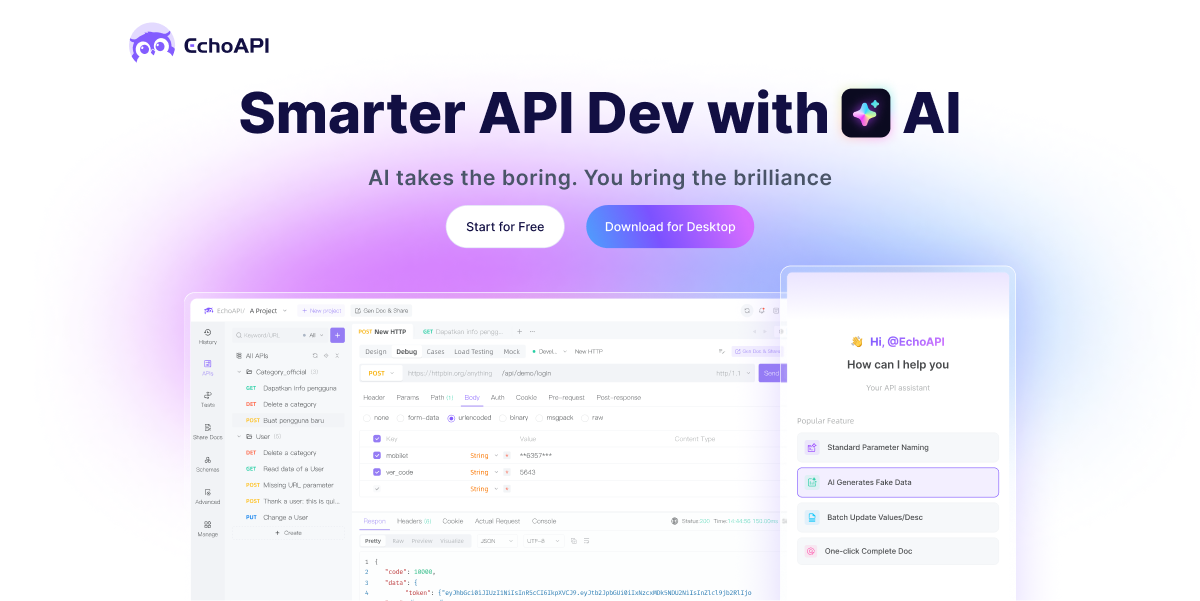
EchoAPI is a next-generation API development and collaboration platform for designing, debugging, testing and documenting APIs, positioned as a lighter, Postman-style tool that runs across multiple environments.
Developers can use it as a standalone desktop client or through plugins for VS Code and IntelliJ IDEA, a browser request interceptor, and a command-line interface, fitting it into existing workflows.
Core capabilities include visual API design and documentation, request debugging, automation testing with assertions, load and performance testing, and mock servers for simulating responses during development.
Its differentiating feature is AI-powered, zero-code assertion generation: EchoAPI can automatically analyze a response structure and generate validation assertions, removing the need to hand-write JavaScript assertions as required by some competitors. It supports environments, variables and collections for organizing and reusing requests across projects and teams.
Use cases include everyday endpoint testing, building automated regression suites, simulating dependencies with mock servers, and stress-testing APIs before release. Pros include broad environment coverage across IDEs and CLI, AI-generated assertions that lower the barrier to testing, and an all-in-one feature set spanning design through load testing.
Cons are that it is a newer entrant with a smaller ecosystem than established platforms, and some advanced capabilities sit in paid tiers. EchoAPI uses a freemium model with a free option and tiered Plus, Business and Enterprise plans.
Pricing changes often, so check the official site for current plans. EchoAPI's core capabilities include API design, debugging and documentation, AI-generated zero-code assertions, Automation, load and performance testing, Mock servers for simulated responses, Desktop app, IDE plugins and CLI and Environments, variables and collections.
API design, debugging and documentation is built in, AI-generated zero-code assertions is built in, Automation, load and performance testing is built in, Mock servers for simulated responses is built in, so you get a rounded toolkit rather than a single trick.
Each feature is designed to take the manual effort out of the task and help you reach a usable result faster, which is what makes EchoAPI worth a place on your shortlist.
On the plus side, users consistently highlight Broad coverage across IDEs and CLI, AI assertions lower the testing barrier and All-in-one from design to load testing as the reasons they keep using EchoAPI.
It isn't perfect, though — Newer entrant with a smaller ecosystem and Some advanced features require paid tiers are the trade-offs people most often mention, so weigh those against your own priorities before you commit.
As with any AI tool, the output still benefits from a quick human review, but EchoAPI gets you most of the way there with far less effort.
EchoAPI runs on a freemium pricing model, so you can start for free and only pay once you outgrow the free tier — handy for testing it on a real task before spending anything.
AI-tool pricing changes often, so always check the current plans, seats and add-ons on the official site for the latest details before you buy. Who is EchoAPI for? It's best suited for api design, testing and debugging with ai assertions.
Whether you're a beginner trying this kind of AI tool for the first time or a professional who'll use it every day, it's a credible option to consider.
If you're still deciding, compare EchoAPI against the alternatives and the head-to-head comparisons linked below — looking at features, pricing and real user ratings side by side is the fastest way to find the right fit for your workflow and budget.
Who is EchoAPI for?
EchoAPI is best suited for api design, testing and debugging with ai assertions. Whether you are trying this kind of coding & development tool for the first time or use one every day, it is a credible option to shortlist — compare it with the alternatives and head-to-head comparisons linked on this page to find the best fit for your workflow and budget.