
Descript is a video and audio editor that works by editing a transcript — delete a sentence and the footage goes with it — plus Studio Sound, Eye Contact, filler-word removal, AI voices, avatars, and the Underlord assistant.
FreemiumVideo & Audio
Eddie AI review on AInexfinder — subscription AI tool for Video & Audio. Features, pricing notes, and alternatives.
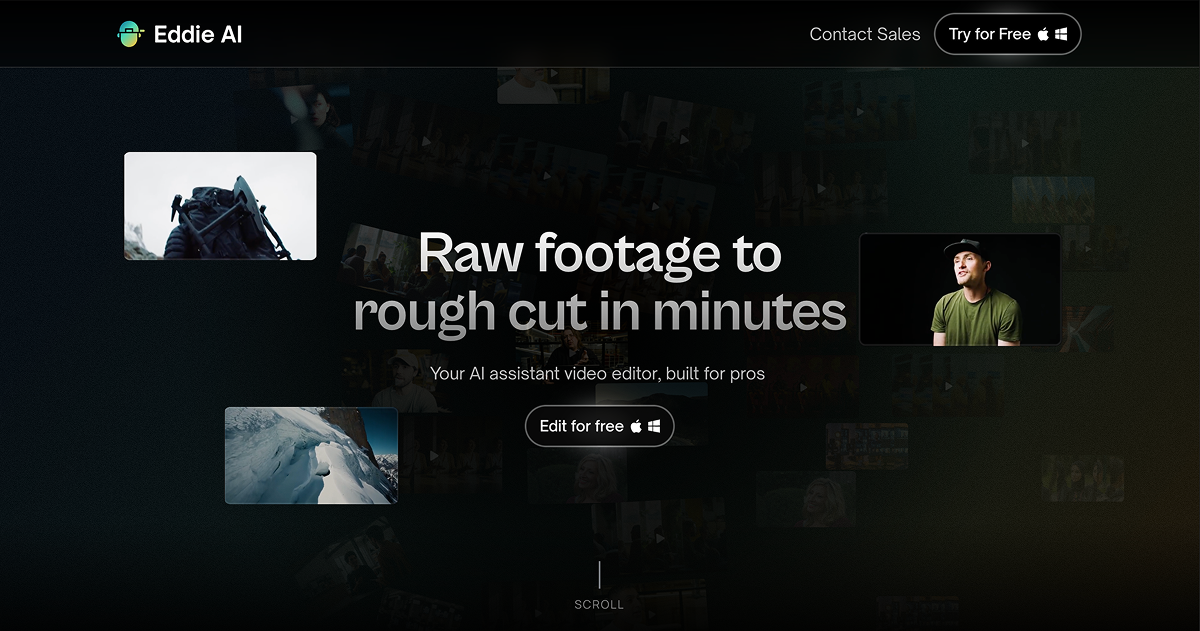
Eddie AI is an AI assistant video editor aimed at professional editors and content teams, used by tens of thousands of video professionals.
Rather than fully automating final edits, it acts like a chat-based assistant: users import interviews and footage, then describe what they want in natural language to get rough cuts, logged interviews and multi-camera edits in seconds.
Eddie syncs and aligns up to six cameras, cutting to the right camera based on who is speaking using advanced speaker-identification AI, and offers modes for scripted edits (working from a full script or outline) and rough cuts that can be fine-tuned with text-based instructions.
It exports to MP4 and into professional editing tools including Adobe Premiere, Final Cut Pro and DaVinci Resolve, and recent updates added support for network-attached storage, Blackmagic Cloud, many additional languages and broader file compatibility.
Eddie targets documentary editors, podcasters, YouTubers and post-production teams who want to accelerate the tedious early stages of editing while keeping creative control in their preferred NLE. Strengths include multi-cam speaker-based cutting, natural-language editing, professional export options, and rapid feature development.
Trade-offs include a workflow geared toward professionals rather than casual users, reliance on transcription and speaker detection accuracy, and a learning curve to use it effectively.
Eddie AI is aimed squarely at the early, time-consuming stages of professional editing, where logging hours of footage and assembling a first cut from interviews and multi-camera recordings can take days.
By letting editors describe what they want in plain language and producing a rough cut in seconds, it accelerates that work while leaving final creative decisions in the editor's hands, which is why it has gained traction with documentary editors, podcasters and post-production teams rather than casual users.
Its speaker-identification-driven multi-camera cutting is a standout for interview and panel content, automatically switching to whoever is talking. The company has shipped frequent updates expanding language support, file compatibility, storage integrations and editing modes.
The main considerations are that it assumes familiarity with professional editing workflows and depends on accurate transcription and speaker detection, but for pros it can dramatically shorten the path to a usable rough cut. Pricing changes often, so check the official site for current plans.
Eddie AI is best suited for ai assistant video editor for professionals. Whether you are trying this kind of video & audio tool for the first time or use one every day, it is a credible option to shortlist — compare it with the alternatives and head-to-head comparisons linked on this page to find the best fit for your workflow and budget.
Natural-language rough cuts and edits
Multi-camera sync and speaker-based cutting
Scripted and rough-cut modes
Export to Premiere, Final Cut and DaVinci
Interview logging and transcription
Eddie AI has an AInexfinder Editor Score of 4.3/5.
AInexfinder does not list plan prices or billing details. For current pricing, plans, and trials, visit the official Eddie AI website.
Visit official website for pricingVendor pricing, credits, and billing policies change over time. Always confirm on the official site before you buy.
Log in to write a review.
No reviews yet. Be the first to share your experience with Eddie AI.
Assigned reviewer
Daniel ReedSenior AI Tools Reviewer
Daniel reviews AI tools the slow way — by actually using them on real projects. His reviews cover what works, what breaks, and who each tool is genuinely a good fit for.
Daniel and the AInexfinder editorial team research Eddie AI using public product information, listing evidence, and (when available) hands-on checks. Scores reflect listing completeness and transparency — not paid placement.
Descript is a video and audio editor that works by editing a transcript — delete a sentence and the footage goes with it — plus Studio Sound, Eye Contact, filler-word removal, AI voices, avatars, and the Underlord assistant.
Vibrantsnap is an AI tool that turns a rough screen recording into a polished walkthrough: it rewrites your narration, reads it in a studio voice in any language, and auto-edits the video with zooms, chapters and captions.
Kapwing is a browser-based video studio combining a timeline editor, subtitler, audio editor and dubbing into 40+ languages with AI tools including Smart Cut, Trim with Transcript, B-Roll Generator, Clip Maker and Character Consistency. Made in San Francisco.
BlipCut translates and dubs video into more than 140 languages with AI lip synchronisation, so translated speech aligns with the speaker's mouth. It also clones voices in 29 languages, offers 600+ voices across 40+ languages, and generates, translates and edits subtitles from uploads or YouTube links.
VEED is an AI video-creation platform that takes an idea to a finished social video in the browser, bundling generation, AI avatars, subtitles, dubbing, clean audio and a brand kit, plus access to frontier models like Sora 2, Veo and Kling.
BIGVU is an AI personal-branding video platform with a teleprompter, AI avatars and voice cloning, auto-editing (caption, filler removal, eye-contact correction), and one-click social posting, aimed at realtors, coaches and marketers, with synthetic-media features that carry likeness and consent considerations.