What is GitMind?
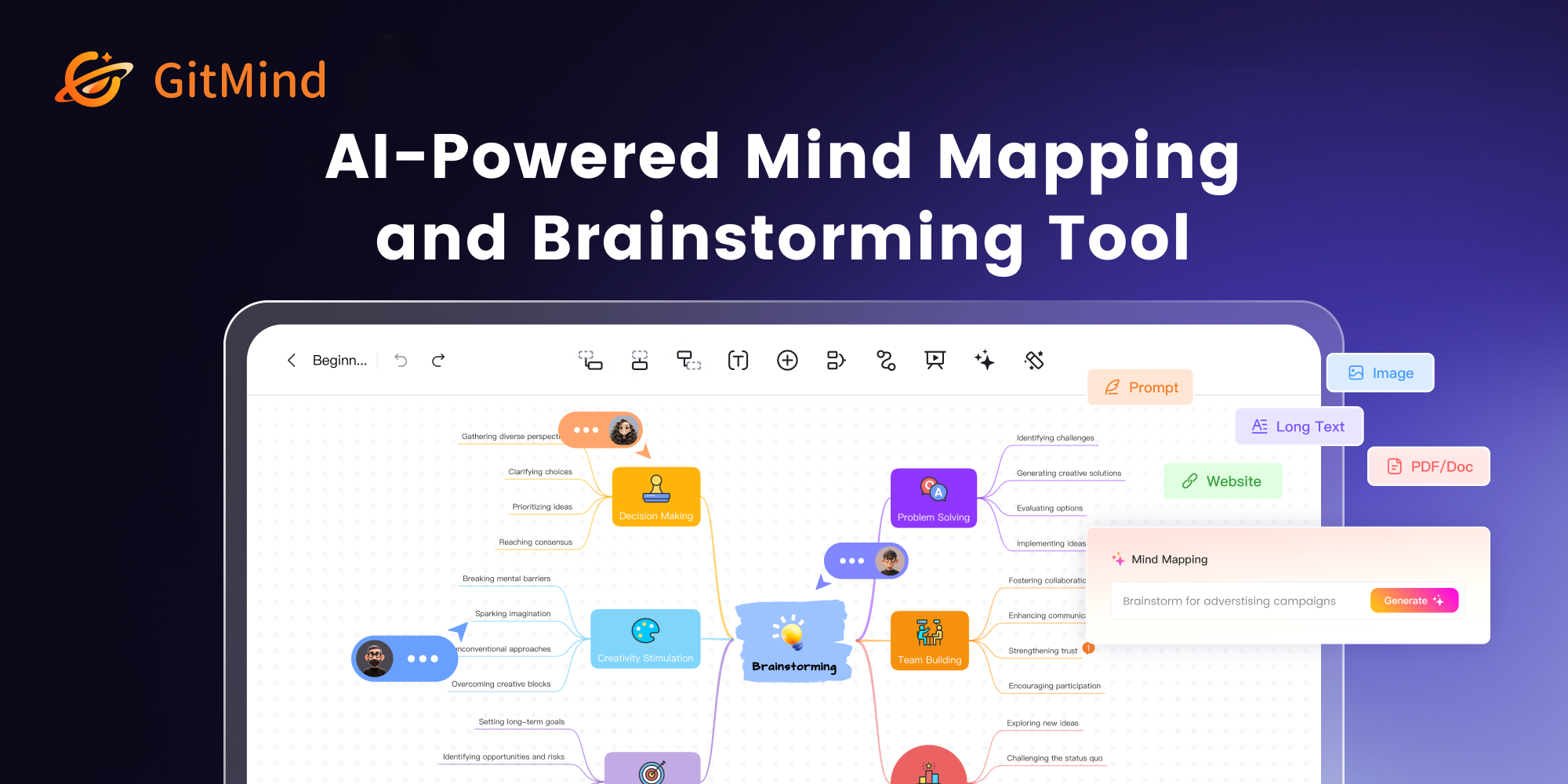
GitMind is an AI-powered mind mapping, diagramming, and knowledge management tool that positions itself as an AI second brain.
It transforms text, articles, PDFs, slides, audio, video, YouTube links, websites, and images into concise summaries and structured mind maps, drawing on leading AI models such as GPT-4, Claude, Gemini, and DeepSeek.
Beyond generating maps from almost any source, GitMind includes an AI chatbot and copilot, advanced search, and a realistic AI image generator, making it useful for brainstorming, note-taking, schedule planning, decision-making, and project management.
The platform supports a range of visual formats including mind maps, flowcharts, organizational charts, UML diagrams, and freeform whiteboards.
Real-time collaboration lets multiple team members edit the same map simultaneously, with shared workspaces and permission controls, and the product runs across web browsers, Windows and Mac desktop apps, and iOS and Android.
The audience spans students, educators, researchers, knowledge workers, and teams who want to capture and organize information visually and quickly distill long content into clear structures.
Strengths include the variety of input formats that can be turned into maps, the breadth of diagram types, multi-platform support, and a genuinely usable free plan that includes a set number of maps and AI credits.
Drawbacks are that the free tier caps maps and AI credits, so heavy users need a paid plan, and AI-generated maps may still require manual refinement for accuracy. Pricing changes often, so check the official site for current plans.
GitMind's core capabilities include Convert text, files, audio, video, and websites into mind maps, AI chatbot and copilot for ideation, Mind maps, flowcharts, org charts, UML, and whiteboards, Real-time multi-user collaboration, AI image generation and Cross-platform web, desktop, and mobile apps.
Convert text, files, audio, video, and websites into mind maps is built in, AI chatbot and copilot for ideation is built in, Mind maps, flowcharts, org charts, UML, and whiteboards is built in, Real-time multi-user collaboration is built in, so you get a rounded toolkit rather than a single trick.
Each feature is designed to take the manual effort out of the task and help you reach a usable result faster, which is what makes GitMind worth a place on your shortlist.
On the plus side, users consistently highlight Turns almost any source into a structured map, Wide range of diagram types in one tool and Usable free plan and broad platform support as the reasons they keep using GitMind.
It isn't perfect, though — Free tier limits maps and AI credits and Generated maps may need manual refinement are the trade-offs people most often mention, so weigh those against your own priorities before you commit.
As with any AI tool, the output still benefits from a quick human review, but GitMind gets you most of the way there with far less effort.
GitMind runs on a freemium pricing model, so you can start for free and only pay once you outgrow the free tier — handy for testing it on a real task before spending anything.
AI-tool pricing changes often, so always check the current plans, seats and add-ons on the official site for the latest details before you buy. Who is GitMind for? It's best suited for ai mind mapping, flowcharts, and second brain.
Whether you're a beginner trying this kind of AI tool for the first time or a professional who'll use it every day, it's a credible option to consider.
If you're still deciding, compare GitMind against the alternatives and the head-to-head comparisons linked below — looking at features, pricing and real user ratings side by side is the fastest way to find the right fit for your workflow and budget.
Who is GitMind for?
GitMind is best suited for ai mind mapping, flowcharts, and second brain. Whether you are trying this kind of productivity & automation tool for the first time or use one every day, it is a credible option to shortlist — compare it with the alternatives and head-to-head comparisons linked on this page to find the best fit for your workflow and budget.