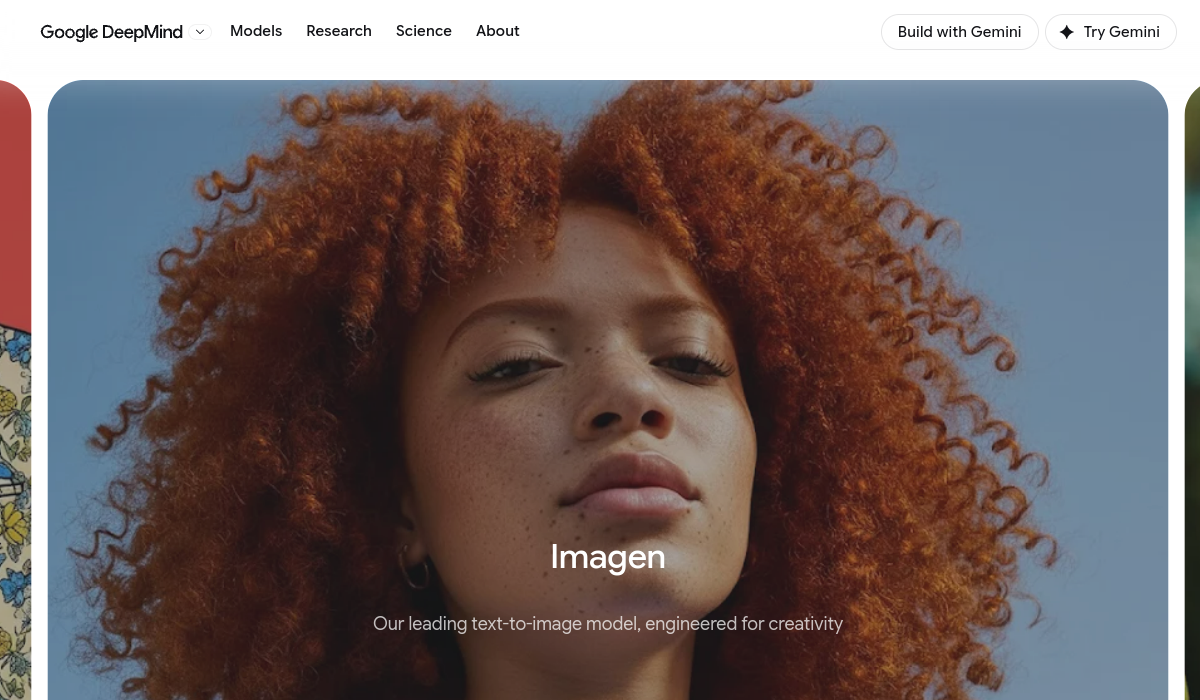
What is Imagen 4?
Imagen 4 is Google DeepMind's advanced text-to-image generation model, released in 2025, designed to convert written prompts into high-quality, photorealistic visuals.
It excels at realistic imagery of landscapes, plants, people, and animals with true-to-life detail, captures extreme close-ups with rich colors, textures, and gradients, and renders diverse artistic styles from photorealism and impressionism to abstract and illustration.
A notable improvement over earlier models is its handling of text and typography, producing legible spelling and lettering that suits comics, packaging, posters, and collectible designs.
The Imagen 4 family includes multiple variants such as a standard model, an Ultra tier for the highest quality, and a Fast mode that is substantially quicker than the previous generation, letting users balance quality, speed, and cost, with output up to 2K resolution.
It also embeds Google's SynthID invisible watermark to mark images as AI-generated, addressing provenance and safety concerns. Users can access Imagen through the Gemini chatbot app, Google AI Studio and the Gemini API for developers, and Google Labs tools like Whisk.
Strengths are photorealism, improved text rendering, multilingual prompt support, fast variants, and strong safety tooling; trade-offs are that access and quotas depend on Google's plans and developer pricing, and that, like all generators, prompt adherence on highly complex scenes is not perfect.
Imagen 4 is offered through Google's products and developer API with usage-based pricing. Pricing changes often, so check the official site for current plans.
Imagen 4's core capabilities include Photorealistic text-to-image generation, Improved text and typography rendering, Output up to 2K resolution, Standard, Ultra, and Fast variants, SynthID invisible AI watermarking and Access via Gemini, Google AI Studio, and Gemini API.
Photorealistic text-to-image generation is built in, Improved text and typography rendering is built in, Output up to 2K resolution is built in, Standard, Ultra, and Fast variants is built in, so you get a rounded toolkit rather than a single trick.
Each feature is designed to take the manual effort out of the task and help you reach a usable result faster, which is what makes Imagen 4 worth a place on your shortlist.
On the plus side, users consistently highlight Strong photorealism and detail, Better text rendering than prior models and Multiple variants balancing quality, speed, and cost as the reasons they keep using Imagen 4.
It isn't perfect, though — Access and quotas depend on Google's plans and pricing and Prompt adherence on very complex scenes is imperfect are the trade-offs people most often mention, so weigh those against your own priorities before you commit.
As with any AI tool, the output still benefits from a quick human review, but Imagen 4 gets you most of the way there with far less effort. Imagen 4 runs on a paid pricing model, aimed at users who want the full feature set without free-tier limits.
AI-tool pricing changes often, so always check the current plans, seats and add-ons on the official site for the latest details before you buy. Who is Imagen 4 for? It's best suited for google's photorealistic text-to-image model.
Whether you're a beginner trying this kind of AI tool for the first time or a professional who'll use it every day, it's a credible option to consider.
If you're still deciding, compare Imagen 4 against the alternatives and the head-to-head comparisons linked below — looking at features, pricing and real user ratings side by side is the fastest way to find the right fit for your workflow and budget.
Who is Imagen 4 for?
Imagen 4 is best suited for google's photorealistic text-to-image model. Whether you are trying this kind of image & design tool for the first time or use one every day, it is a credible option to shortlist — compare it with the alternatives and head-to-head comparisons linked on this page to find the best fit for your workflow and budget.