
The workspace at www-flux3.com generates 5–20 second AI videos with native audio from text or a starting image, routing across FLUX 3, MiniMax H3, Seedance, Wan 3.0 and Kling 3.0 Pro, at 720p or 1080p with video extension.
FreeVideo & Audio
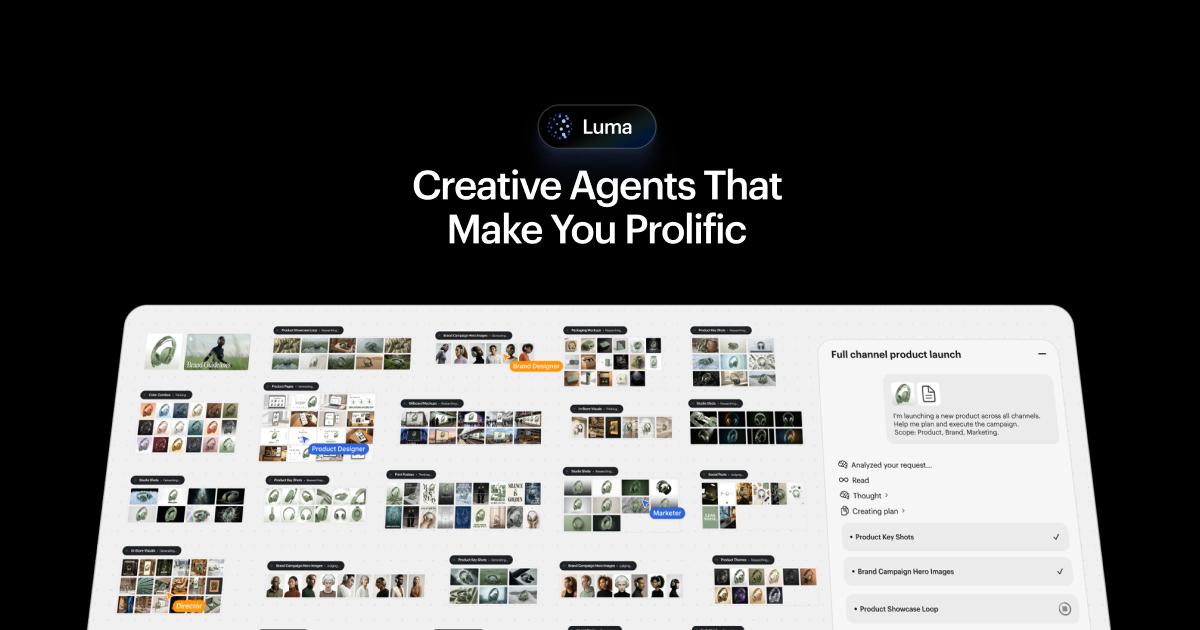
Luma Labs has moved on from the standalone Dream Machine video generator. The Dream Machine address now leads to Luma, a creative workspace where agents plan, generate and refine across images, video, audio and text using Luma's Ray models alongside third-party ones.
Luma Dream Machine was one of the first AI video generators people actually talked about. If you have come looking for it, the honest answer is that Luma Labs has built something larger around it.
The Dream Machine address now leads to Luma, headlined "creative agents for creative professionals" — an infinite-canvas workspace covering images, video, audio and text rather than a box you type a video prompt into.
This review covers what replaced the standalone generator, why running other companies' models is the interesting decision, and who the new shape actually suits.
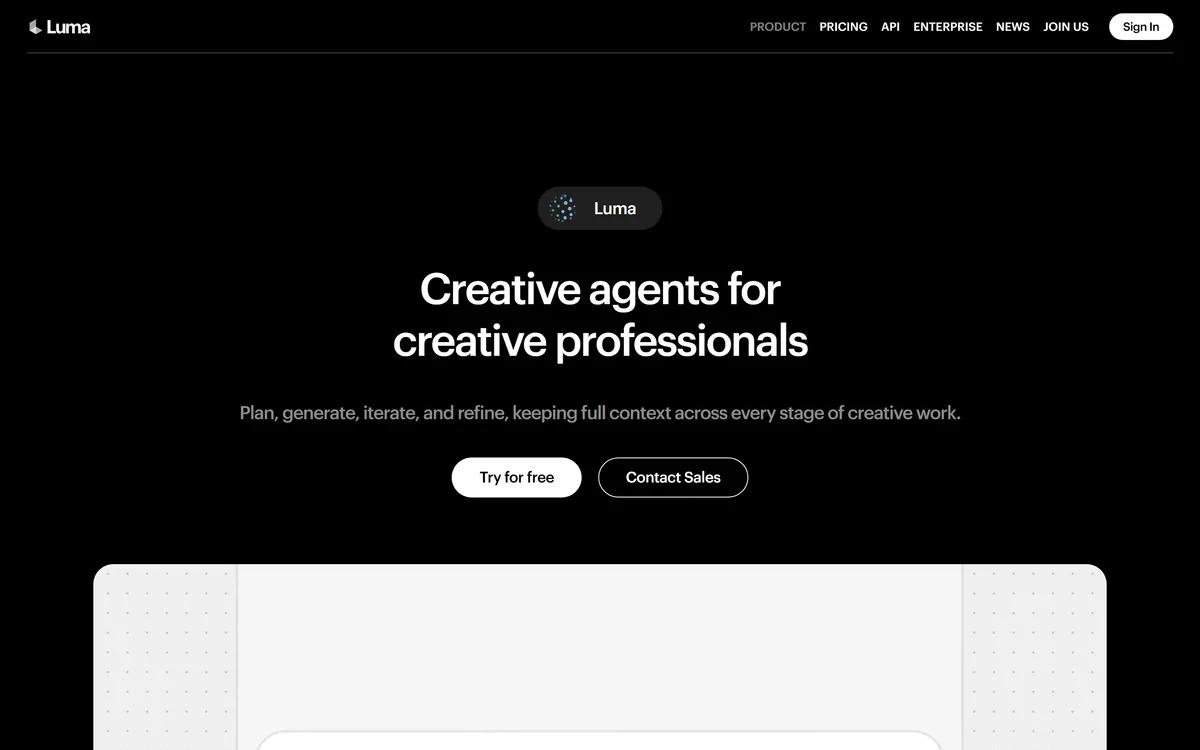
Last checked . Checked directly against the Dream Machine address, with the screenshot above captured at the same time.
This listing is kept under the Dream Machine name because that is what people still search for. The product itself is now Luma.
| Company | Luma Labs |
|---|---|
| Current product | Luma — creative agents on an infinite canvas |
| Former product | Dream Machine, the standalone video generator that made the name |
| Positioning | Plan, generate, iterate and refine, keeping full context across a project |
| Luma's own models | Ray 3.2, Ray 3.14, Uni-1 |
| Third-party models offered | Veo 3.1, Kling 3.0, Kling Omni, Seedream, Seedance 2.0, GPT Image 2, Nano Banana and Nano Banana Pro |
| Media types | Images, video, audio and text on one canvas |
| Beyond generation | Animation, style transformation, voiceover, lip sync, localisation |
| Where it runs | Web, at app.lumalabs.ai |
| Also offered | API and an enterprise track |
| Free tier | Yes, free to try; commercial use sits on a paid plan |
Dream Machine did one thing: text or image in, video out. That was remarkable in its moment and has since become table stakes — a dozen products generate competent video from a prompt.
Luma's answer was to stop competing on the generation step and compete on everything around it. The pitch now is keeping full context across a project: plan, generate, iterate, refine, without losing the thread between stages.
That is a different product for a different buyer. A generator serves someone who wants a clip; a canvas serves someone producing a body of work where shot three has to match shot one.
Generating one good clip stopped being the hard part. Producing forty that belong together never stopped being hard.
The most striking thing about the current Luma is the model list. Alongside its own Ray 3.2, Ray 3.14 and Uni-1, it offers Veo 3.1, Kling 3.0 and Kling Omni, Seedream, Seedance 2.0, GPT Image 2, and Nano Banana and Nano Banana Pro.
A model developer offering competitors' models inside its own product is a deliberate bet: that the workspace, not the model, is where the durable value sits.
For users it removes a real problem. Model quality leapfrogs every few months, and being locked to one vendor's release cycle means your output quality is hostage to their roadmap. Picking per shot is strictly better.
The infinite canvas is not decoration — it is how the context is kept.
If you specifically wanted Dream Machine's simplicity, the new shape will feel like more product than you asked for. A canvas and an agent layer are overhead when you want one clip.
If you were frustrated by that simplicity — regenerating endlessly, losing versions, stitching together output from four tools — the change is squarely in your favour.
The practical test is volume. One clip a month, and a simple generator wins. A project's worth of related material, and the workspace earns its keep quickly.
Coming from a prompt-box generator, the canvas takes some adjusting to. This order avoids the usual frustration.
Breadth carries a cost. A workspace spanning images, video, audio, text, animation, lip sync and localisation is a lot of surface, and products this wide are rarely best-in-class at any single point.
Model choice cuts both ways too. Offering eleven models is powerful and also a decision you now have to make repeatedly, with little guidance on which suits what.
Commercial use sitting on a paid tier is worth noticing before you build anything client-facing on the free trial.
And the rename leaves a trail. A large amount of writing about Dream Machine describes a product that no longer exists in that form, which makes research on it unusually confusing.
Agent workspace on an infinite canvas for images, video, audio and text
Luma's own Ray 3.2, Ray 3.14 and Uni-1 models
Third-party models including Veo 3.1, Kling 3.0, Seedream, Seedance 2.0 and GPT Image 2
Nano Banana and Nano Banana Pro image generation
Animation and style transformation applied to canvas work
Voiceover generation and lip sync
Localisation for other-language versions
API access and an enterprise track
These differ mainly in whether you are making one clip or a body of work.
| Tool | Shape | Multiple model choice | Best fit |
|---|---|---|---|
| Luma | Agent workspace on an infinite canvas | Yes — its own plus many third-party | Producing a set of related material |
| Runway ML | Production platform with its own models | No — Runway's own | Film and advertising work needing control |
| VMEG | Video translation and repurposing | No | Adapting video you already have |
| Midjourney | Image generation with short video | No | Best still-image aesthetics |
| Nano Banana Pro AI | Reseller of one Google image model | No | Trying one model cheaply |
Depending on whether you are generating, adapting, or finishing video.
Luma Dream Machine has an AInexfinder Editor Score of 4.3/5.
AInexfinder does not list plan prices or billing details. For current pricing, plans, and trials, visit the official Luma Dream Machine website.
Visit official website for pricingVendor pricing, credits, and billing policies change over time. Always confirm on the official site before you buy.
Log in to write a review.
No reviews yet. Be the first to share your experience with Luma Dream Machine.
Assigned reviewer
Daniel ReedSenior AI Tools Reviewer
Daniel reviews AI tools the slow way — by actually using them on real projects. His reviews cover what works, what breaks, and who each tool is genuinely a good fit for.
Daniel and the AInexfinder editorial team research Luma Dream Machine using public product information, listing evidence, and (when available) hands-on checks. Scores reflect listing completeness and transparency — not paid placement.
The workspace at www-flux3.com generates 5–20 second AI videos with native audio from text or a starting image, routing across FLUX 3, MiniMax H3, Seedance, Wan 3.0 and Kling 3.0 Pro, at 720p or 1080p with video extension.

Runway is an AI video platform built around generative world models — Gen-4.5, Aleph 2.0, and Act-Two for performance capture — split across Runway Creative for filmmakers, Runway Dev for builders, and Runway Robotics.

Descript is a video and audio editor that works by editing a transcript — delete a sentence and the footage goes with it — plus Studio Sound, Eye Contact, filler-word removal, AI voices, avatars, and the Underlord assistant.
Treblo generates complete songs from a text prompt in any style, with a browsable style library, an Explore feed of what others have made, iOS and Android apps, and a developer section for building on it.

kling3ai.co is an independent interface offering video generation through Kling 3.0 and Seedance models, with multi-shot storyboarding, motion control and 4K output. It is not Kuaishou's official Kling service, which runs at kling.ai.
Vibrantsnap is an AI tool that turns a rough screen recording into a polished walkthrough: it rewrites your narration, reads it in a studio voice in any language, and auto-edits the video with zooms, chapters and captions.