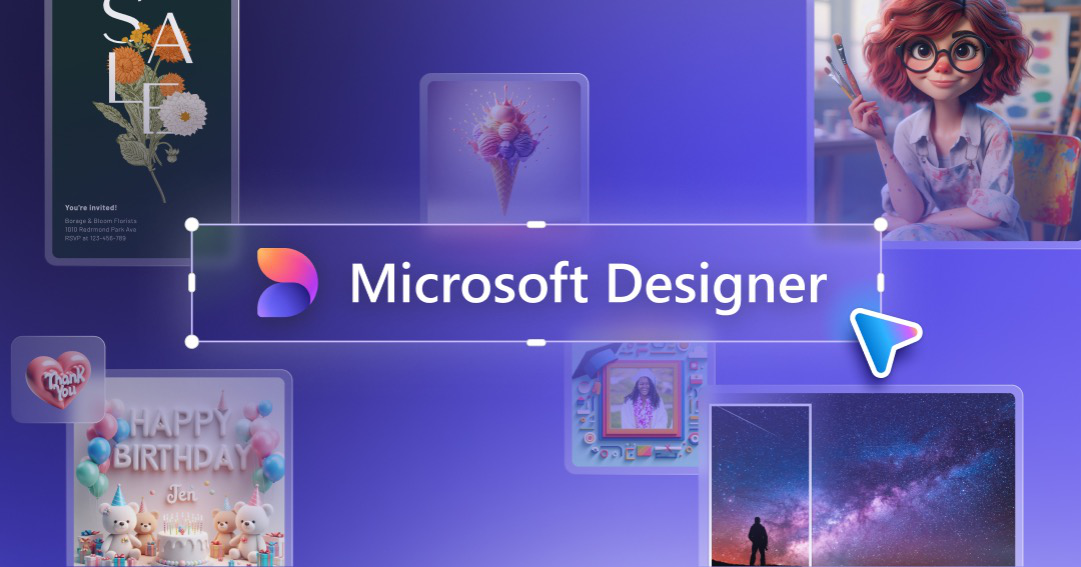
What is Microsoft Designer?
Microsoft Designer is a graphic design application that uses AI to help users create professional-quality visuals, including generating images from text prompts.
Built around an advanced image generation model, it lets people produce social media posts, flyers, invitations, greeting cards, and other graphics quickly, combining AI image creation with templates, layouts, and editing so the output is a finished design rather than just a raw image.
The image generation feature, also surfaced through Microsoft Copilot and Bing, turns plain-language prompts into pictures that can be dropped directly into designs, and the app assists with brand kits, resizing, and copy as well.
Microsoft Designer is integrated across the Microsoft ecosystem, available on the web, in the Microsoft 365 Copilot app, and through Windows and Edge, making it convenient for users already in that environment.
It targets students, small business owners, social media managers, and everyday users who want to create polished visuals without professional design tools or experience. The product is broadly free to use, with deeper capabilities and higher limits tied to Microsoft 365 subscriptions.
Pros include the combination of AI image generation with a full design toolkit, tight Microsoft ecosystem integration, and free access for core features. Cons are that the most advanced capacity is linked to Microsoft 365 plans and that generation limits and availability can vary by region and demand.
Pricing changes often, so check the official site for current plans. Microsoft Designer's core capabilities include AI text-to-image generation, Templates for social posts and flyers, Design editing and layouts, Brand kit support, Microsoft 365 and Copilot integration and Web, app, and Windows access.
AI text-to-image generation is built in, Templates for social posts and flyers is built in, Design editing and layouts is built in, Brand kit support is built in, so you get a rounded toolkit rather than a single trick.
Each feature is designed to take the manual effort out of the task and help you reach a usable result faster, which is what makes Microsoft Designer worth a place on your shortlist.
On the plus side, users consistently highlight Combines image generation with full design tools, Tight Microsoft ecosystem integration and Free access for core features as the reasons they keep using Microsoft Designer.
It isn't perfect, though — Advanced capacity tied to Microsoft 365 and Limits vary by region and demand are the trade-offs people most often mention, so weigh those against your own priorities before you commit.
As with any AI tool, the output still benefits from a quick human review, but Microsoft Designer gets you most of the way there with far less effort.
Microsoft Designer runs on a freemium pricing model, so you can start for free and only pay once you outgrow the free tier — handy for testing it on a real task before spending anything.
AI-tool pricing changes often, so always check the current plans, seats and add-ons on the official site for the latest details before you buy. Who is Microsoft Designer for? It's best suited for ai design app with built-in image generation.
Whether you're a beginner trying this kind of AI tool for the first time or a professional who'll use it every day, it's a credible option to consider.
If you're still deciding, compare Microsoft Designer against the alternatives and the head-to-head comparisons linked below — looking at features, pricing and real user ratings side by side is the fastest way to find the right fit for your workflow and budget.
Who is Microsoft Designer for?
Microsoft Designer is best suited for ai design app with built-in image generation. Whether you are trying this kind of image & design tool for the first time or use one every day, it is a credible option to shortlist — compare it with the alternatives and head-to-head comparisons linked on this page to find the best fit for your workflow and budget.